
Samsung Galaxy Tab A11
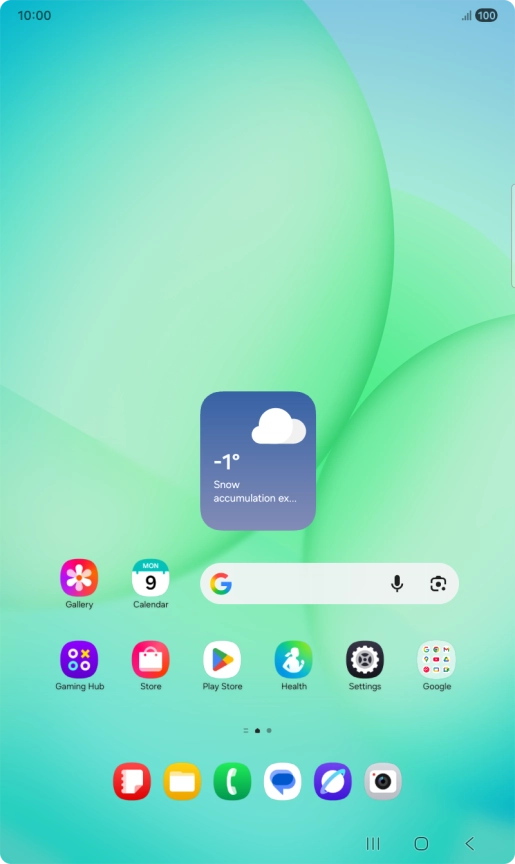
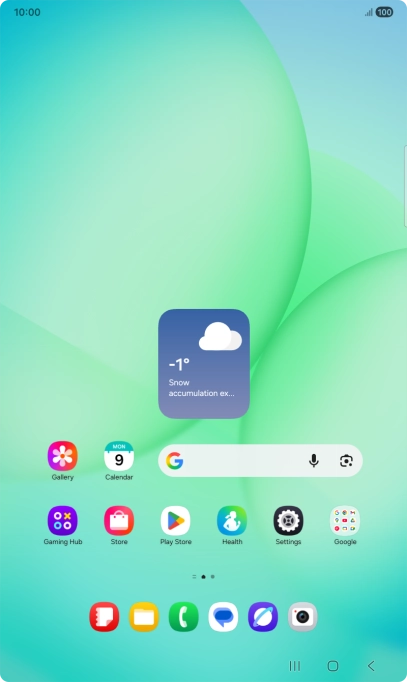
1. Find "Google Assistant"
Slide your finger upwards on the screen.


1. Find "Google Assistant"
Press Google.


1. Find "Google Assistant"
Press Google.


1. Find "Google Assistant"
Press the profile icon.


1. Find "Google Assistant"
Press Settings.


1. Find "Google Assistant"
Press Google Assistant.


2. Select Google Assistant settings
Press Voice Match and follow the instructions on the screen to turn automatic activation of Google Assistant on or off.
2. Select Google Assistant settings
Press Languages and follow the instructions on the screen to select the required language.
2. Select Google Assistant settings
Press You and follow the instructions on the screen to add tablet owner information.
2. Select Google Assistant settings
Follow the instructions on the screen to select more settings for Google Assistant.
3. Return to the home screen
Press the Home key to return to the home screen.
1. Find "Google Assistant"


2. Select Google Assistant settings

3. Return to the home screen