Choose a help topic
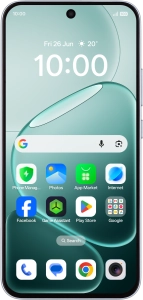
Restore factory default settings on your OPPO A6 Pro 5G Android 16
If your phone gets slow or doesn't work as it usually does, it may help to restore the factory default settings. All settings and configurations you've made on your phone are deleted.