Doro Leva L30

Doro Leva L30

Select ring volume on your Doro Leva L30 Proprietary OS

Read help info

You can select the ring tone volume when you get a call.

Press Disconnect.
Step 1 of 8

1. Find "Ring volume"

Press Disconnect.
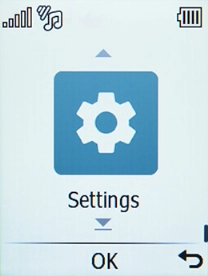
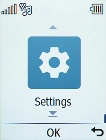
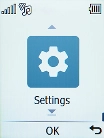
Select Settings.
Step 2 of 8

1. Find "Ring volume"

Select Settings.

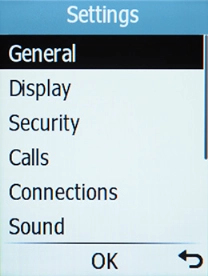
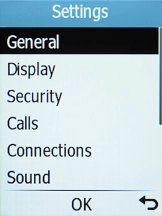
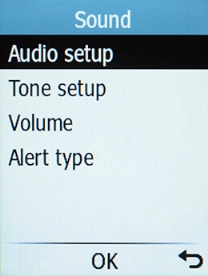
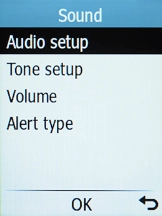
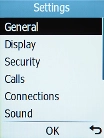
Select Sound.
Step 3 of 8

1. Find "Ring volume"

Select Sound.

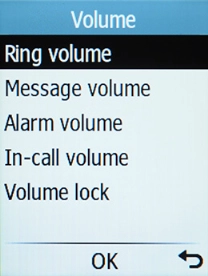
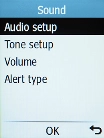
Select Volume.
Step 4 of 8

1. Find "Ring volume"

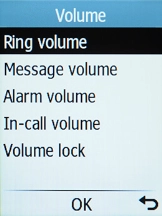
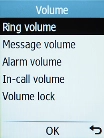
Select Volume.

Select Ring volume.
Step 5 of 8

1. Find "Ring volume"

Select Ring volume.

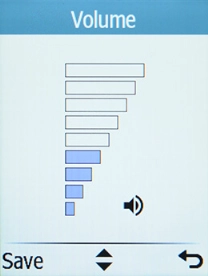
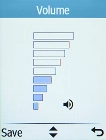
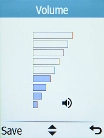
Use Navigation key up and Navigation key down to adjust the ring volume.
Step 6 of 8

2. Select ring volume

Use Navigation key up and Navigation key down to adjust the ring volume.

Once you've found a level you like, press the Left selection key.
Step 7 of 8

2. Select ring volume

Once you've found a level you like, press the Left selection key.

Press Disconnect to return to the home screen.
Step 8 of 8

3. Return to the home screen

Press Disconnect to return to the home screen.

1. Find "Ring volume"

Press Disconnect.
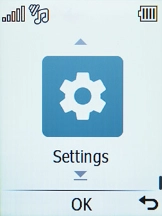
Select Settings.
Select Sound.
Select Volume.
Select Ring volume.

2. Select ring volume

Use Navigation key up and Navigation key down to adjust the ring volume.
Once you've found a level you like, press the Left selection key.

3. Return to the home screen

Press Disconnect to return to the home screen.

Get information on...

Or choose...

Another device