Doro Leva L30

Doro Leva L30

Turn use of phone lock code on your Doro Leva L30 Proprietary OS on or off

Read help info

The phone lock code prevents others from accessing the contents of your phone (such as pictures and messages). When the phone lock code is turned on, it needs to be used every time you turn on your phone and when it has been in sleep mode.

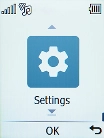
Press the OK key.
Step 1 of 10

1. Find "Security"

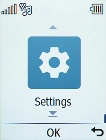
Press the OK key.
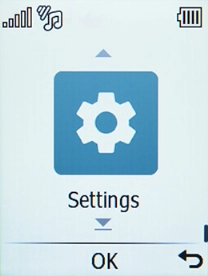
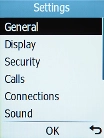
Select Settings.
Step 2 of 10

1. Find "Security"

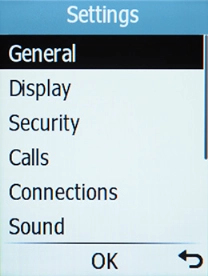
Select Settings.

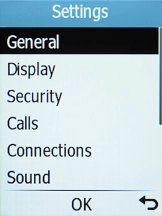
Select Security.
Step 3 of 10

1. Find "Security"

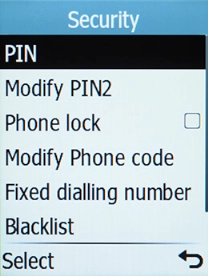
Select Security.

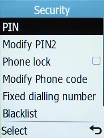
Select Modify Phone code.
Step 4 of 10

2. Set up phone lock code

Select Modify Phone code.

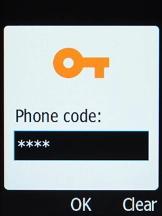
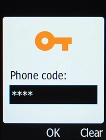
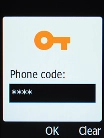
Key in the current phone lock code and press the OK key.
Step 5 of 10

2. Set up phone lock code

Key in the current phone lock code and press the OK key.

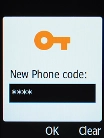
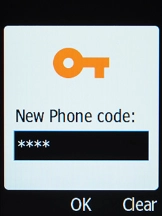
Key in the required phone lock code and press the OK key.
Step 6 of 10

2. Set up phone lock code

Key in the required phone lock code and press the OK key.

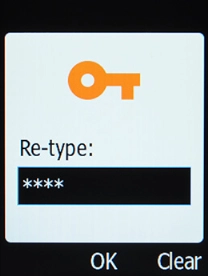
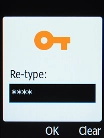
Repeat the phone lock code and press the OK key.
Step 7 of 10

2. Set up phone lock code

Repeat the phone lock code and press the OK key.

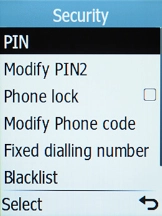
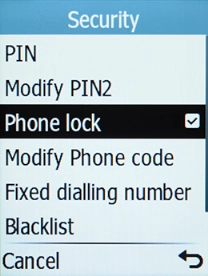
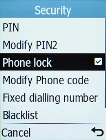
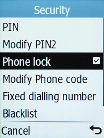
Select Phone lock.
Step 8 of 10

3. Turn use of phone lock code on or off

Select Phone lock.

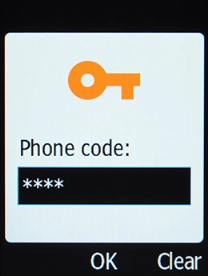
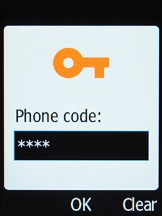
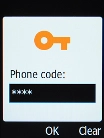
Key in the phone lock code and press the OK key.
Step 9 of 10

3. Turn use of phone lock code on or off

Key in the phone lock code and press the OK key.

Press Disconnect to return to the home screen.
Step 10 of 10

4. Return to the home screen

Press Disconnect to return to the home screen.

1. Find "Security"

Press the OK key.
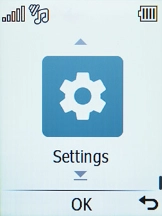
Select Settings.
Select Security.

2. Set up phone lock code

Select Modify Phone code.
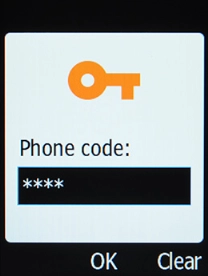
Key in the current phone lock code and press the OK key.
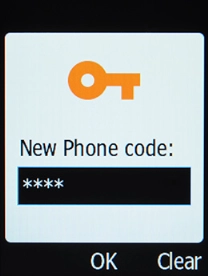
Key in the required phone lock code and press the OK key.
Repeat the phone lock code and press the OK key.
3. Turn use of phone lock code on or off

Select Phone lock.
Key in the phone lock code and press the OK key.
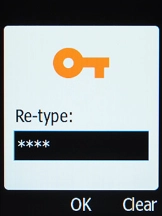
4. Return to the home screen

Press Disconnect to return to the home screen.

Get information on...

Or choose...

Another device