Doro Leva L30



1. Find "Copy contacts"
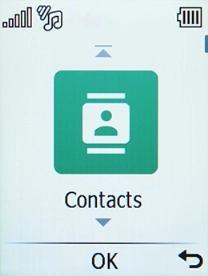
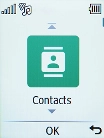
Press the OK key.
1. Find "Copy contacts"
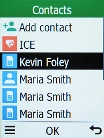
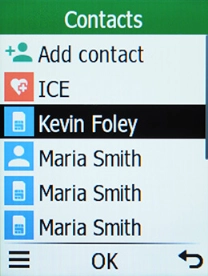
Select Contacts.
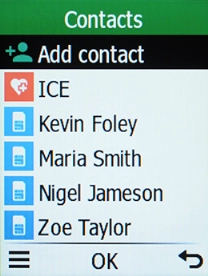
1. Find "Copy contacts"
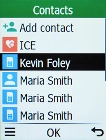
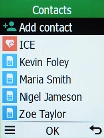
Press the Left selection key.
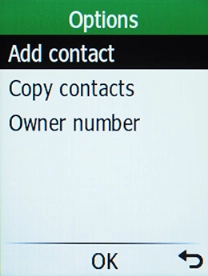
1. Find "Copy contacts"
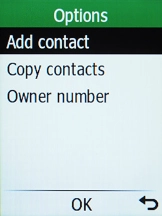
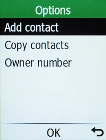
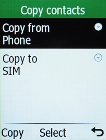
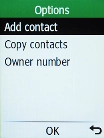
Select Copy contacts.
2. Import contacts from your SIM to your phone
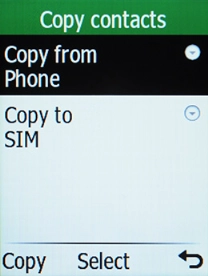
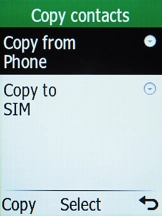
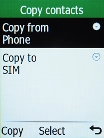
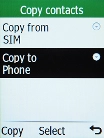
Select Copy from.
2. Import contacts from your SIM to your phone
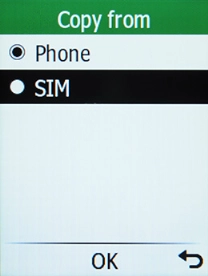
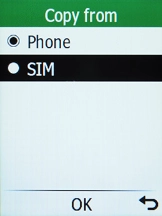
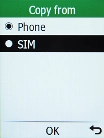
Select SIM.
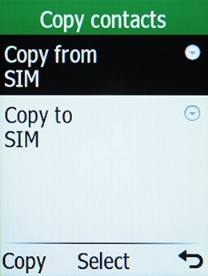
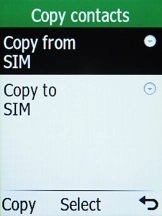
2. Import contacts from your SIM to your phone
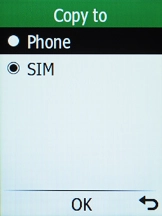
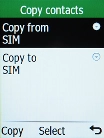
Select Copy to.
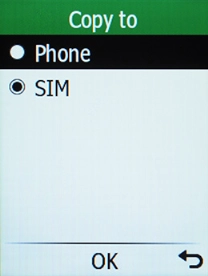
2. Import contacts from your SIM to your phone
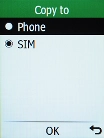
Select Phone.
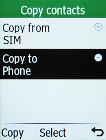
2. Import contacts from your SIM to your phone
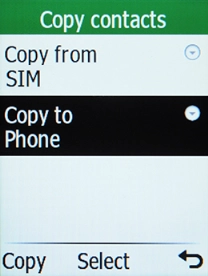
Press the Left selection key.
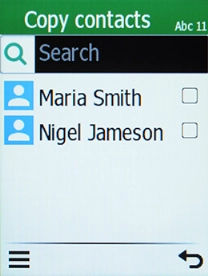
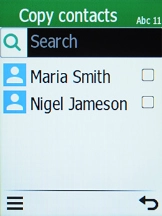
2. Import contacts from your SIM to your phone
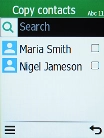
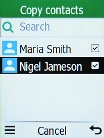
Select the required contacts.
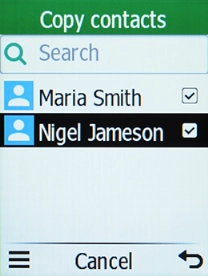
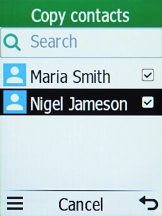
2. Import contacts from your SIM to your phone
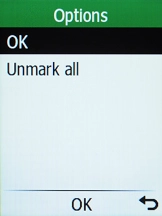
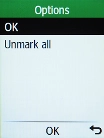
Press the Left selection key.
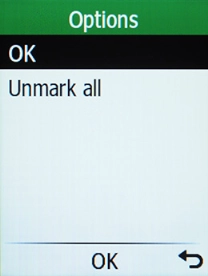
2. Import contacts from your SIM to your phone
Press the OK key.
3. Export contacts from your phone to your SIM
Select Copy from.
3. Export contacts from your phone to your SIM
Select Phone.
3. Export contacts from your phone to your SIM
Select Copy to.
3. Export contacts from your phone to your SIM
Select SIM.
3. Export contacts from your phone to your SIM
Press the Left selection key.
3. Export contacts from your phone to your SIM
Select the required contacts.
3. Export contacts from your phone to your SIM
Press the Left selection key.
3. Export contacts from your phone to your SIM
Press the OK key.
4. Return to the home screen
Press Disconnect to return to the home screen.
1. Find "Copy contacts"

2. Import contacts from your SIM to your phone
3. Export contacts from your phone to your SIM
4. Return to the home screen