Doro Leva L30



1. Find "Contacts"
Press the OK key.
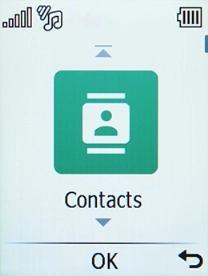
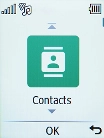
1. Find "Contacts"
Select Contacts.
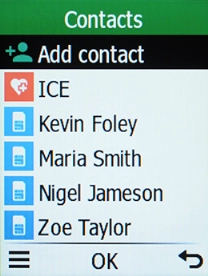
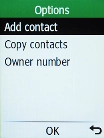
2. Create contact
Press the Left selection key.
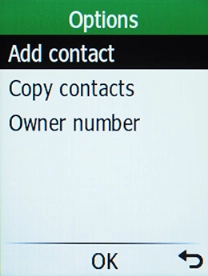
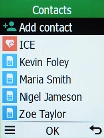
2. Create contact
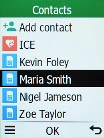
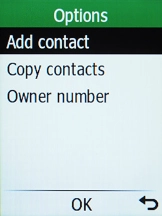
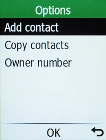
Select Add contact.
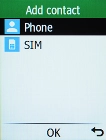
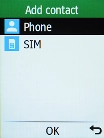
3. Select address book
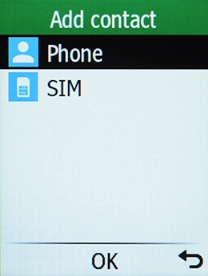
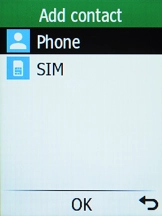
Select Phone.
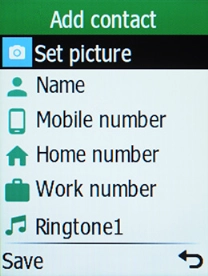
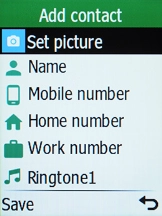
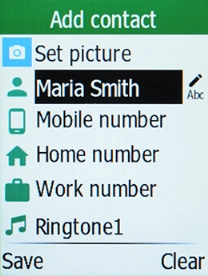
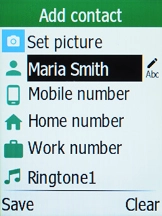
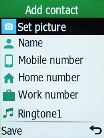
4. Enter name
Highlight Name and key in the required name.
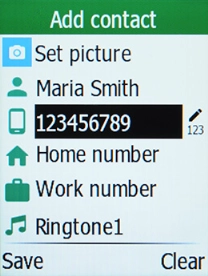
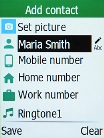
5. Enter phone number
Highlight Mobile number and key in the required phone number.
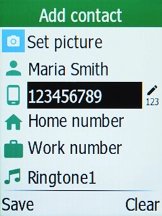
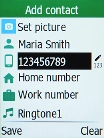
6. Save contact
Press the Left selection key.
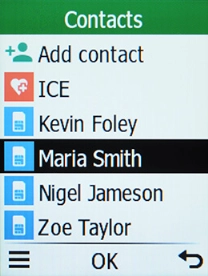
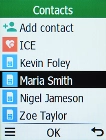
7. Return to the home screen
Press Disconnect to return to the home screen.
1. Find "Contacts"

2. Create contact
3. Select address book
4. Enter name
5. Enter phone number
6. Save contact
7. Return to the home screen