
Doro Leva L30



1. Find "Caller ID"
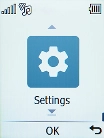
Press the OK key.
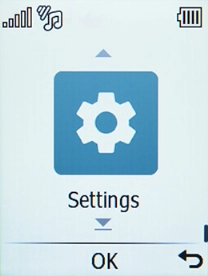
1. Find "Caller ID"
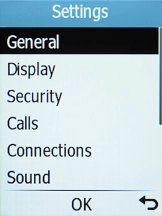
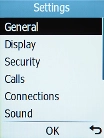
Select Settings.
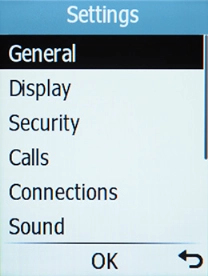
1. Find "Caller ID"
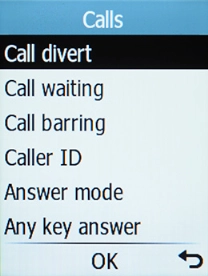
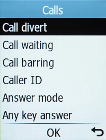
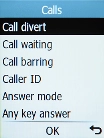
Select Calls.
1. Find "Caller ID"
Select Caller ID.
2. Turn your own caller identification on or off
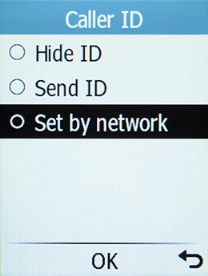
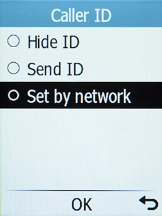
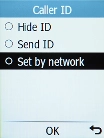
Select Send ID to turn on the function.
2. Turn your own caller identification on or off
Select Hide ID to turn off the function.
3. Return to the home screen
Press Disconnect to return to the home screen.
1. Find "Caller ID"

2. Turn your own caller identification on or off
3. Return to the home screen