Doro Leva L30

Doro Leva L30

Extend the battery life on your Doro Leva L30 Proprietary OS

Read help info

Some functions on your phone use a lot of power and therefore significantly reduce the battery life. You can reduce the power consumption by turning on low power mode.

Press the OK key.
Step 1 of 6

1. Find "Battery care"

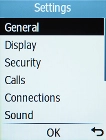
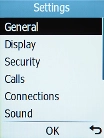
Press the OK key.
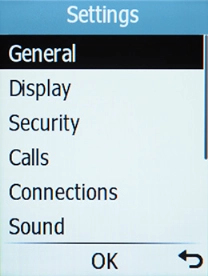
Select General.
Step 2 of 6

1. Find "Battery care"

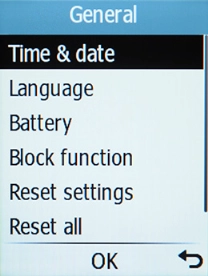
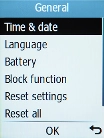
Select General.

Select Battery.
Step 3 of 6

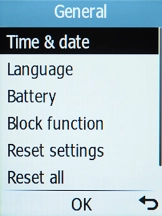
1. Find "Battery care"

Select Battery.

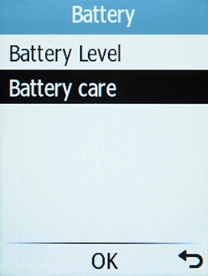
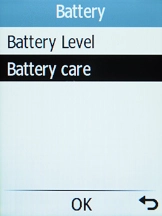
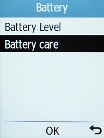
Select Battery care.
Step 4 of 6

1. Find "Battery care"

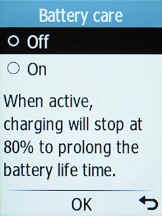
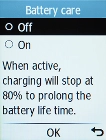
Select Battery care.

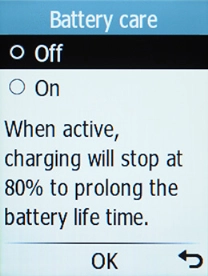
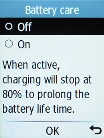
Select On to turn on the function.
Step 5 of 6

2. Extend the battery life

Select On to turn on the function.

Press Disconnect to return to the home screen.
Step 6 of 6

3. Return to the home screen

Press Disconnect to return to the home screen.

1. Find "Battery care"

Press the OK key.
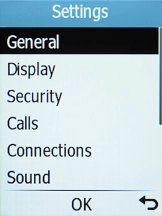
Select General.
Select Battery.
Select Battery care.

2. Extend the battery life

Select On to turn on the function.

3. Return to the home screen

Press Disconnect to return to the home screen.

Get information on...

Or choose...

Another device