Doro Leva L30

Doro Leva L30

I can't make voice calls on my Doro Leva L30 Proprietary OS

Cause 2 of 4: Divert of all calls is turned on

If divert of all calls is turned on, you can't receive any calls on your phone.

Solution: Cancel all diverts.

Step 1 of 6

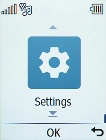
Find "Call divert"

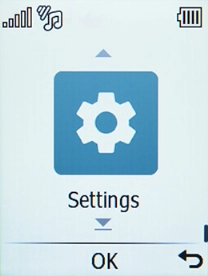
Press the OK key.
Step 2 of 6

Find "Call divert"

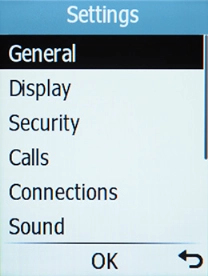
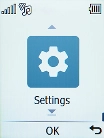
Select Settings.

Step 3 of 6

Find "Call divert"

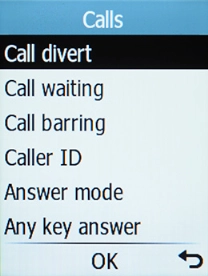
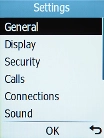
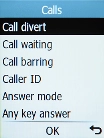
Select Calls.

Step 4 of 6

Find "Call divert"

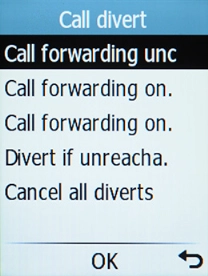
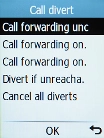
Select Call divert.

Step 5 of 6

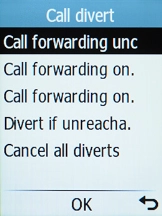
Cancel all diverts

Select Cancel all diverts.

Step 6 of 6

Return to the home screen

Press Disconnect to return to the home screen.

1 Find "Call divert"

Press the OK key.
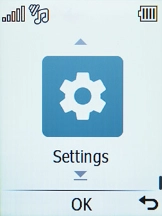
Select Settings.
Select Calls.
Select Call divert.

2 Cancel all diverts

Select Cancel all diverts.

3 Return to the home screen

Press Disconnect to return to the home screen.

Get information on...

Or choose...

Another device