Doro Leva L30

Doro Leva L30

I can't send and receive text messages on my Doro Leva L30 Proprietary OS

Cause 1 of 2: The message centre number is incorrect

The message centre ensures that your text message is sent to the recipient. Consequently, the correct message centre number needs to be saved in the phone.

Solution: Enter the message centre number.

Step 1 of 9

Find "Message center"

Press Disconnect.
Step 2 of 9

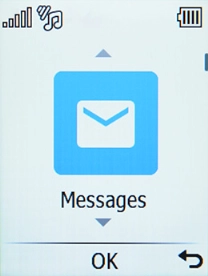
Find "Message center"

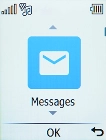
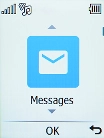
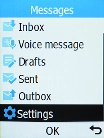
Select Messages.

Step 3 of 9

Find "Message center"

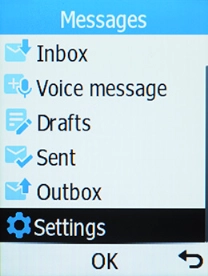
Select Settings.

Step 4 of 9

Find "Message center"

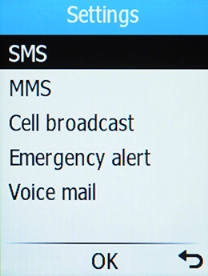
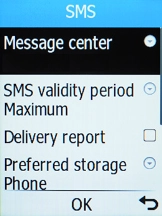
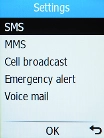
Select SMS.

Step 5 of 9

Find "Message center"

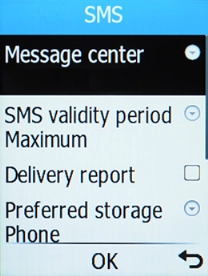
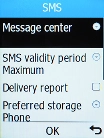
Select Message center.

Step 6 of 9

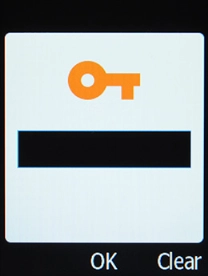
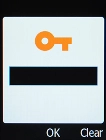
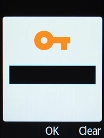
Enter the message centre number

Key in +447785016005 and press the OK key.

Step 7 of 9

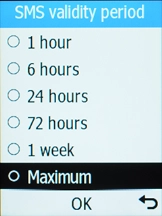
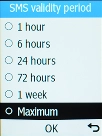
Select validity period

Select SMS validity period.

Step 8 of 9

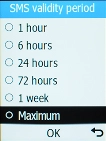
Select validity period

Select Maximum.

Step 9 of 9

Return to the home screen

Press Disconnect to return to the home screen.

1 Find "Message center"

Press Disconnect.
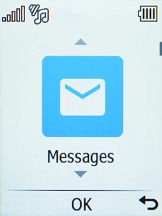
Select Messages.
Select Settings.
Select SMS.
Select Message center.

2 Enter the message centre number

Key in +447785016005 and press the OK key.

3 Select validity period

Select SMS validity period.
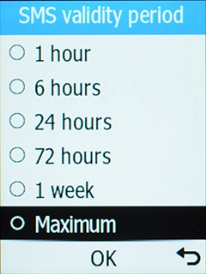
Select Maximum.

4 Return to the home screen

Press Disconnect to return to the home screen.

Get information on...

Or choose...

Another device