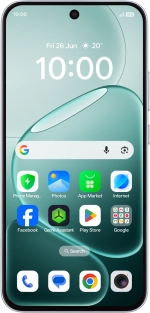
OPPO A6 Pro 5G
1. Find "Data saving"
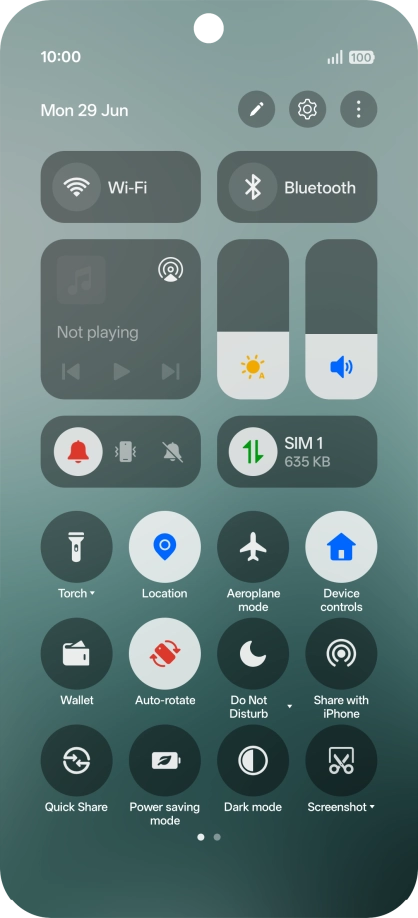
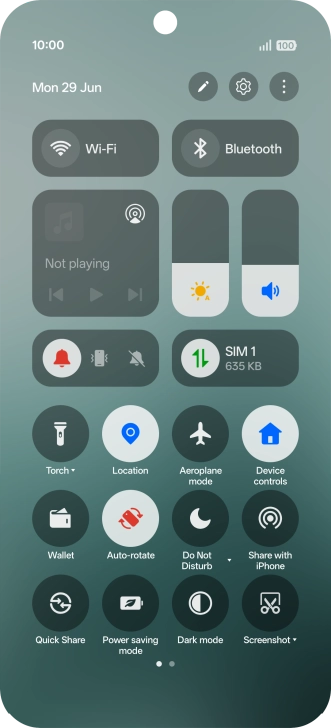
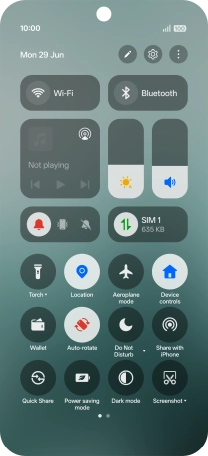
Slide your finger downwards starting from the top right side of the screen.
1. Find "Data saving"
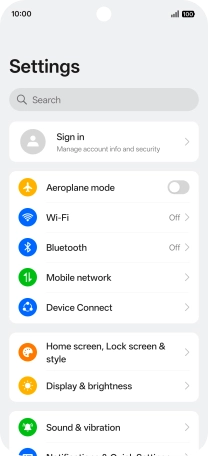
Press the settings icon.
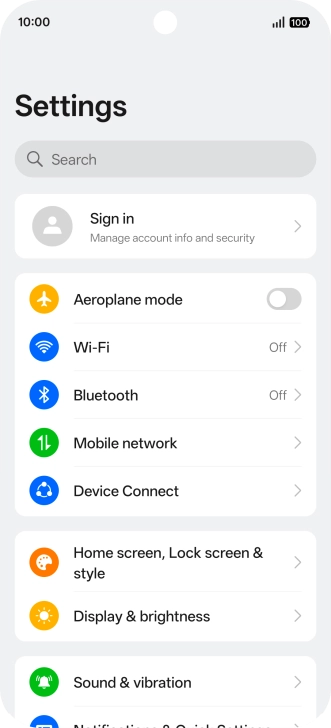
1. Find "Data saving"
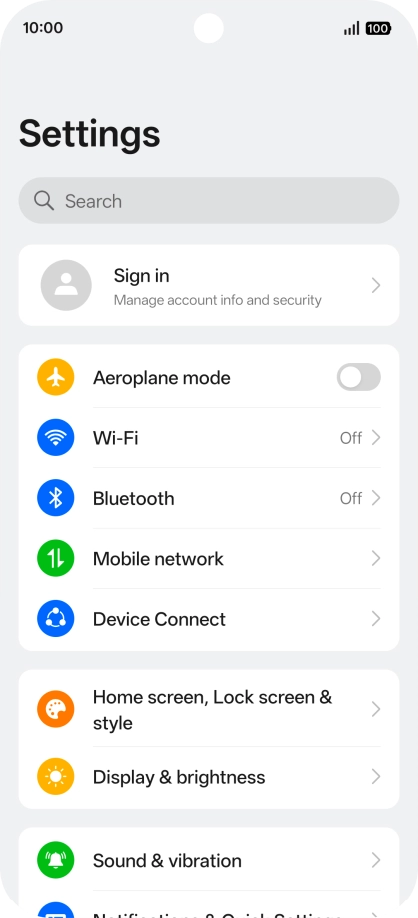
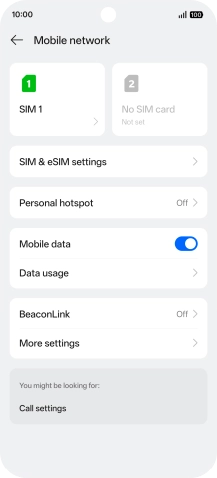
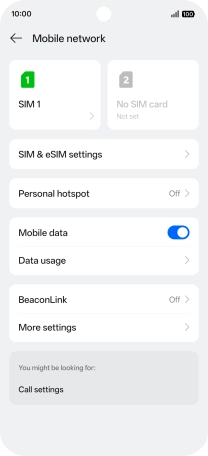
Press Mobile network.
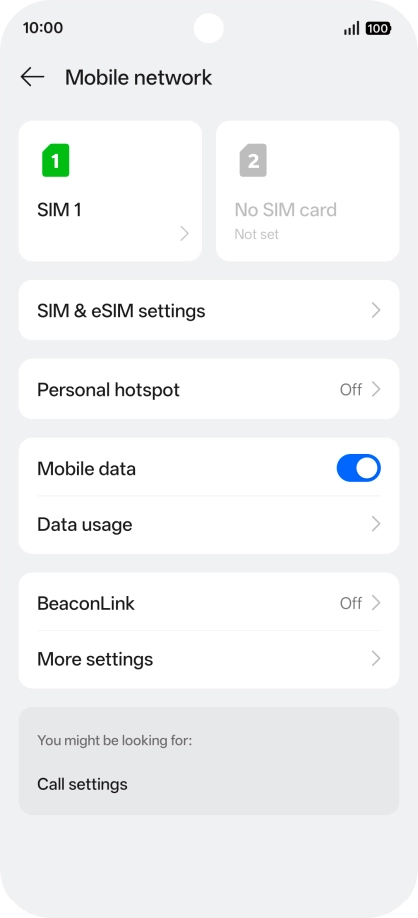
1. Find "Data saving"
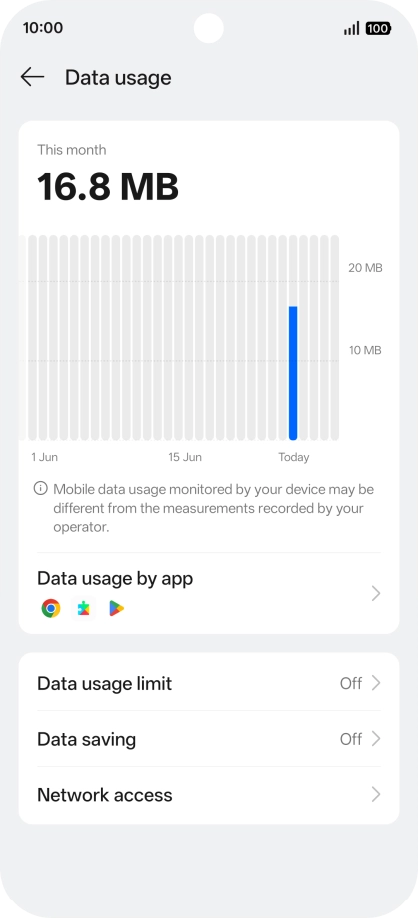
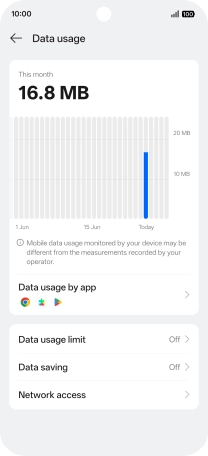
Press Data usage.
1. Find "Data saving"
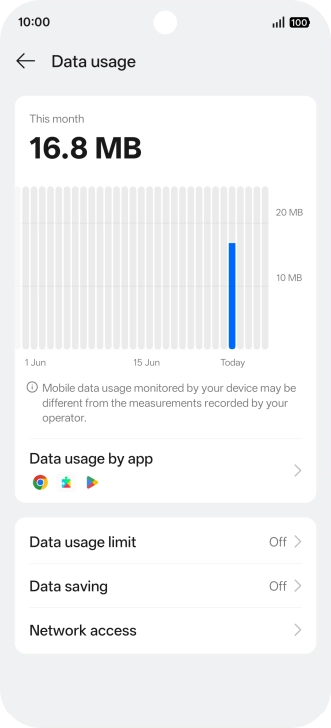
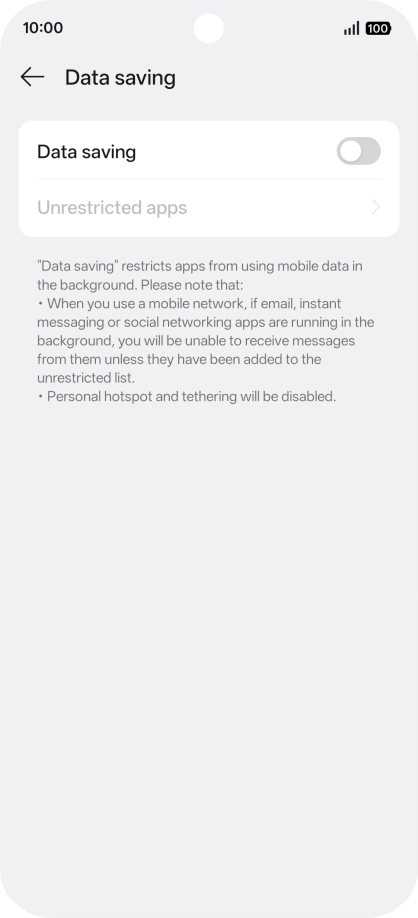
Press Data saving.
2. Turn restriction for background refresh of apps on or off
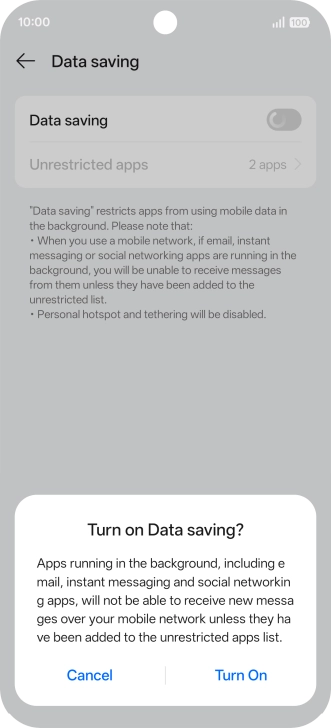
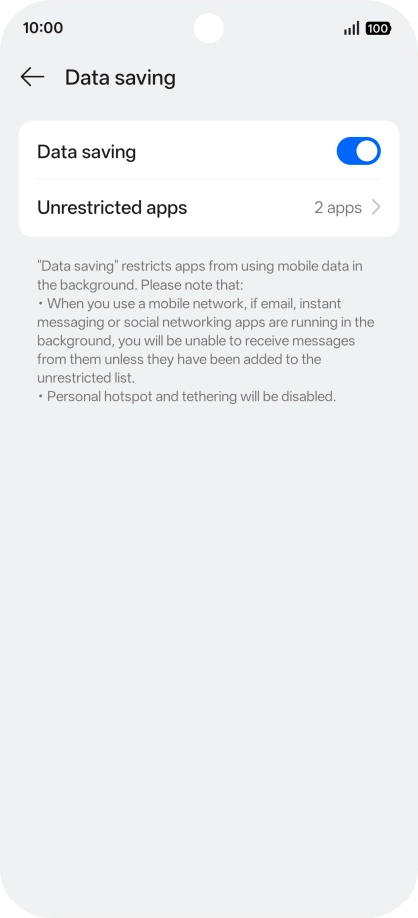
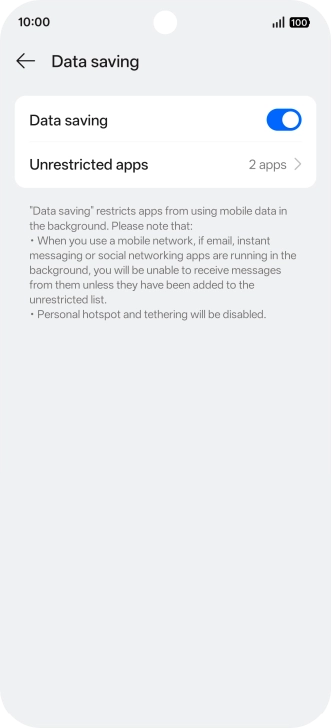
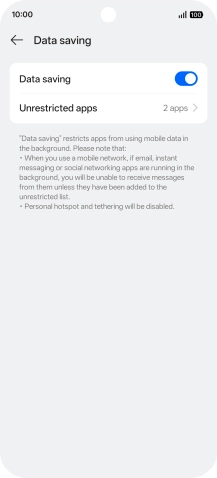
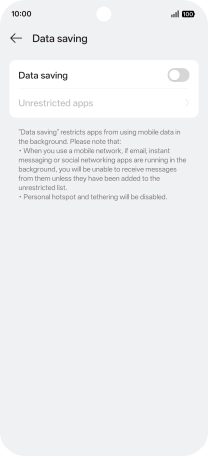
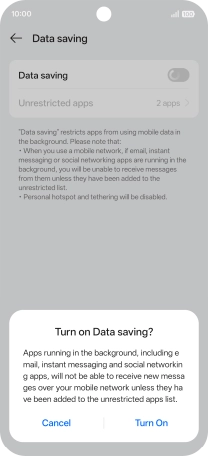
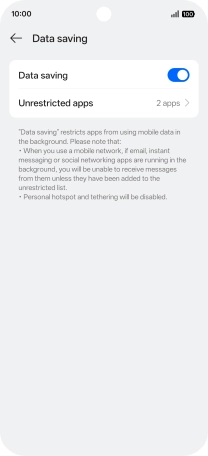
Press the indicator next to "Data saving" to turn the function on or off.
2. Turn restriction for background refresh of apps on or off
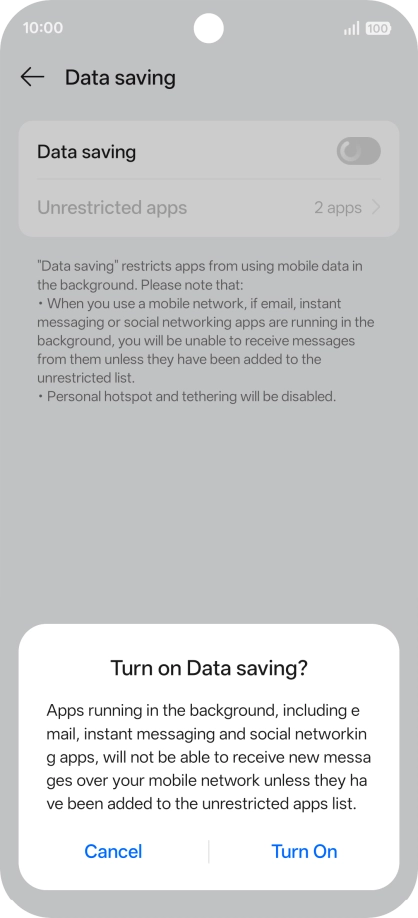
If you turn on the function, press Turn On.
3. Turn background refresh of specific apps on or off
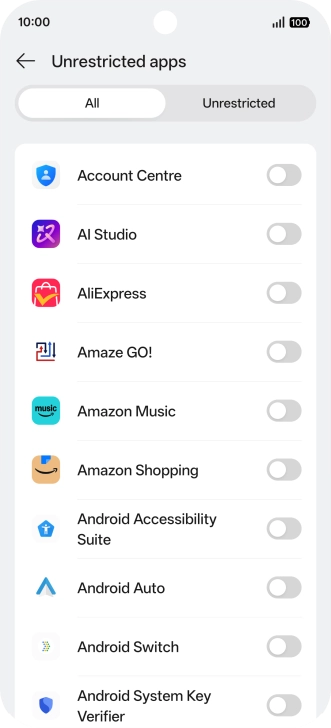
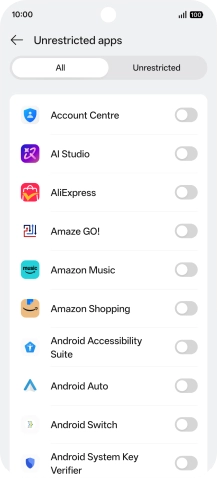
Press Unrestricted apps.

3. Turn background refresh of specific apps on or off
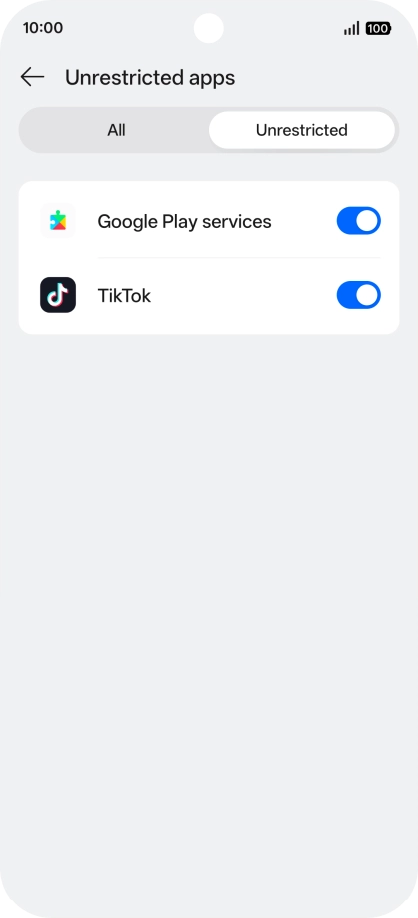
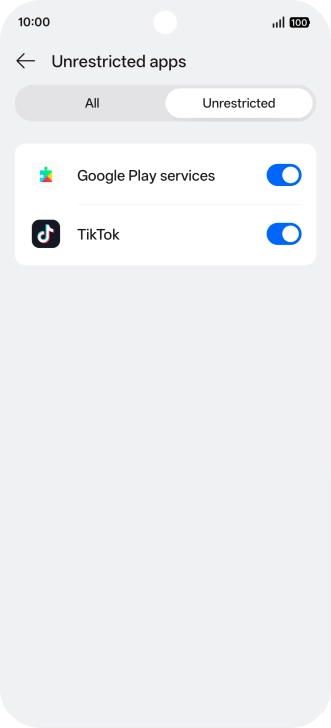
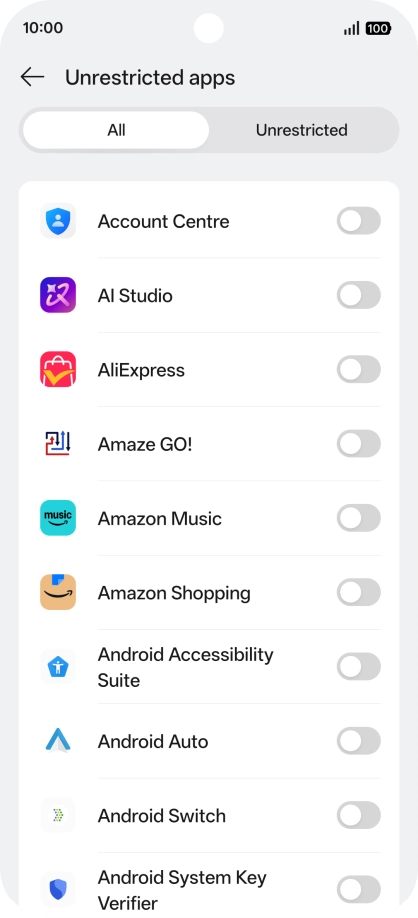
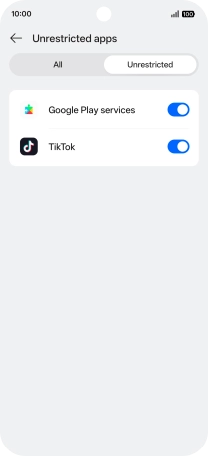
Press All.
3. Turn background refresh of specific apps on or off
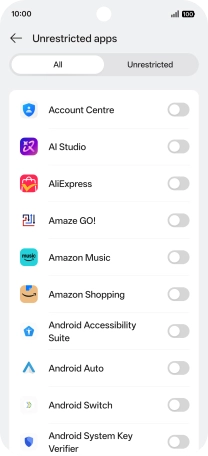
Press the indicators next to the required apps to turn the function on or off.
4. Return to the home screen
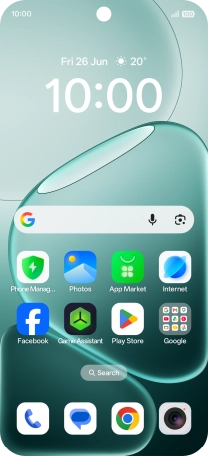
Slide your finger upwards starting from the bottom of the screen to return to the home screen.
1. Find "Data saving"
2. Turn restriction for background refresh of apps on or off
3. Turn background refresh of specific apps on or off
4. Return to the home screen