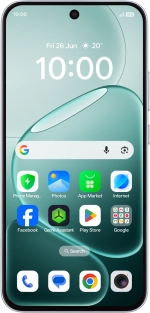
OPPO A6 Pro 5G
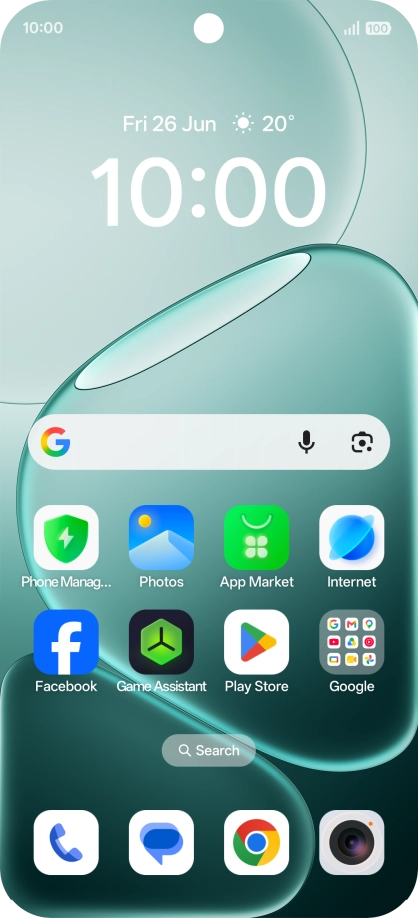
1. Find "Sound & vibration"
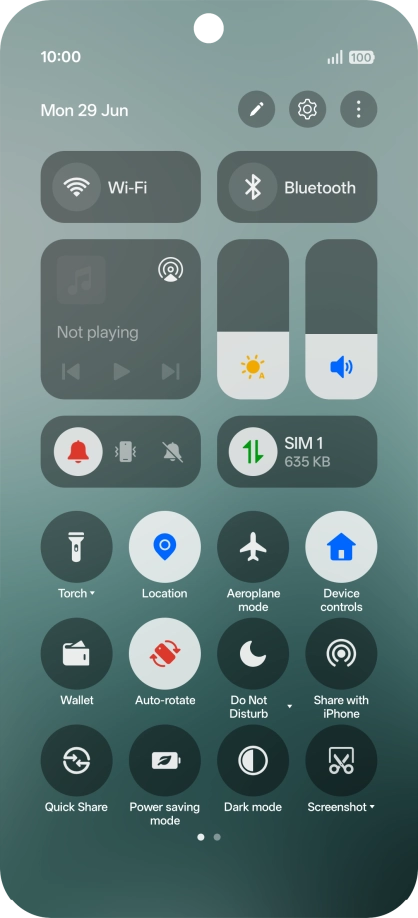
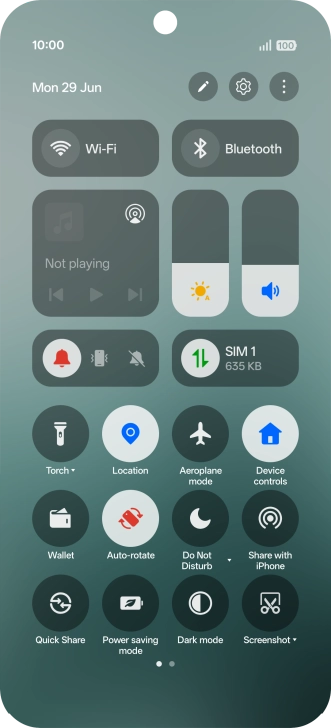
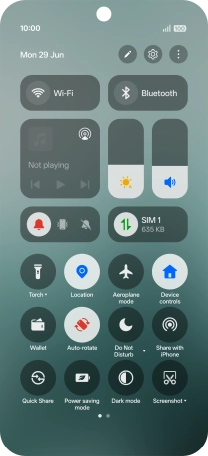
Slide your finger downwards starting from the top right side of the screen.
1. Find "Sound & vibration"
Press the settings icon.
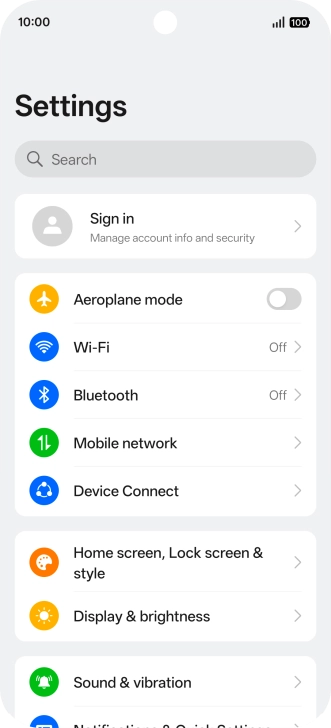
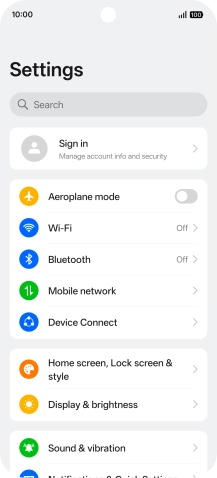
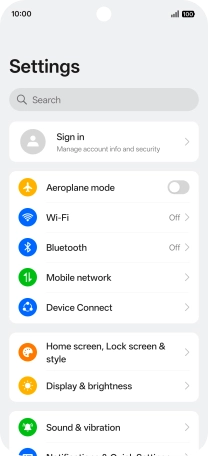
1. Find "Sound & vibration"
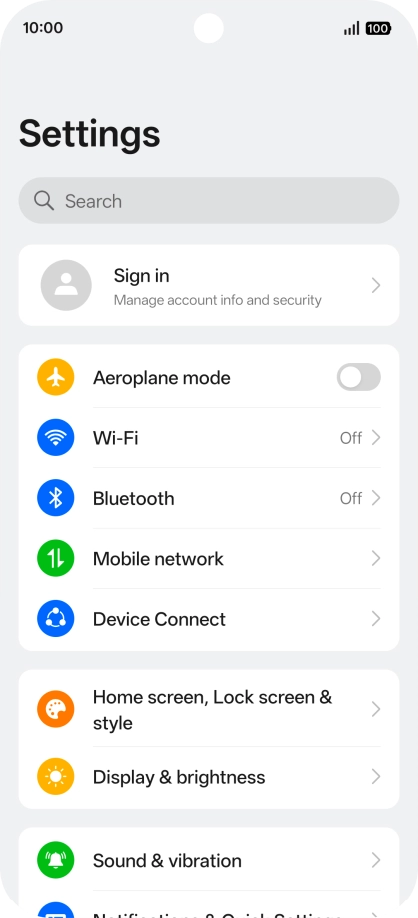
Press Sound & vibration.
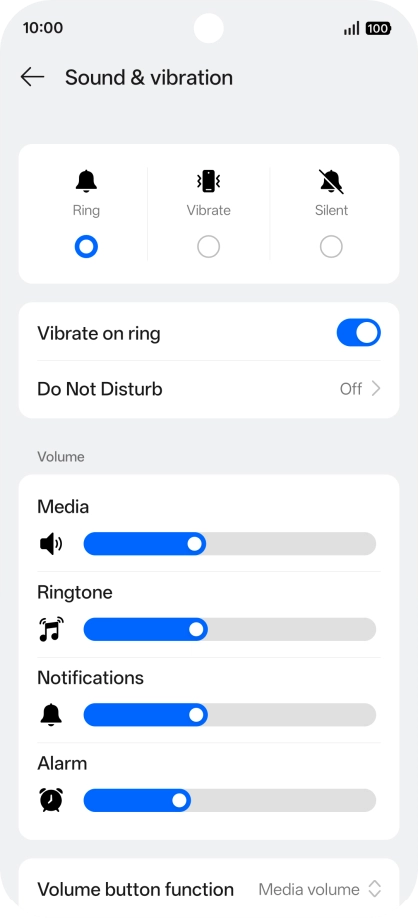
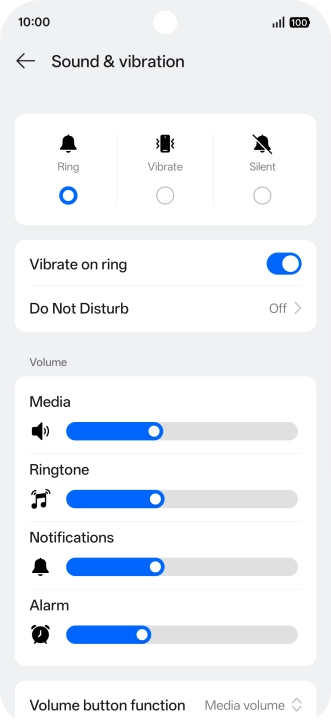
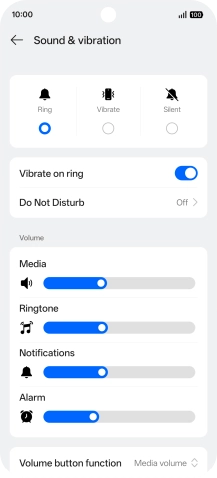
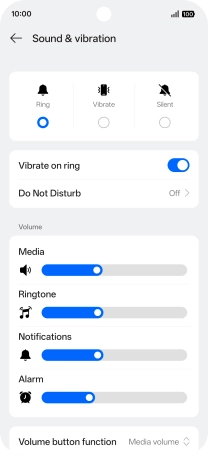
2. Turn vibration on or off
Press the indicator next to "Vibrate on ring" to turn the function on or off.
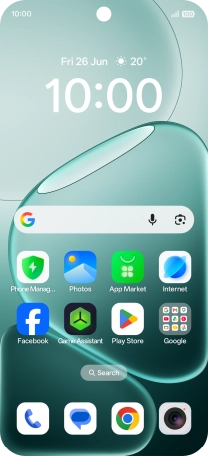
3. Return to the home screen
Slide your finger upwards starting from the bottom of the screen to return to the home screen.
1. Find "Sound & vibration"
2. Turn vibration on or off
3. Return to the home screen