
OPPO A6 Pro 5G



1. Find "FDN list"
Press the call icon.



1. Find "FDN list"
Press the menu icon.



1. Find "FDN list"
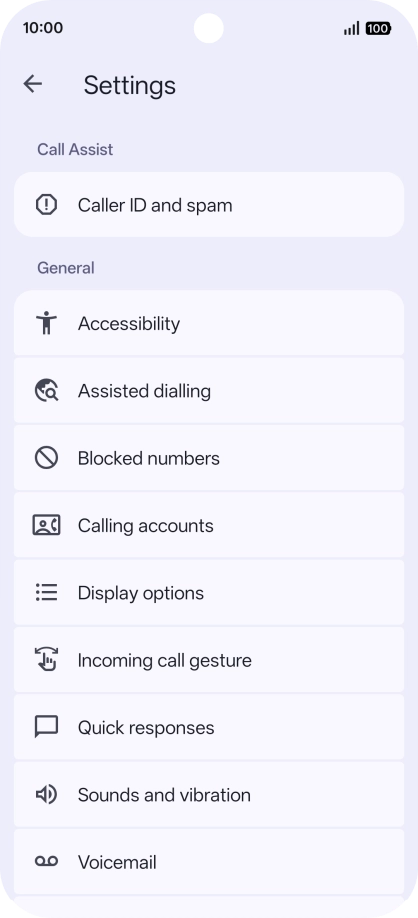
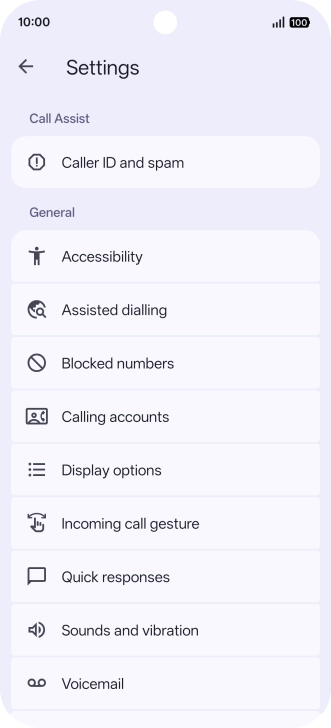
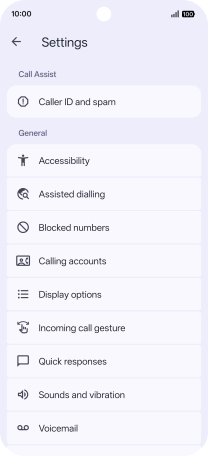
Press Settings.
1. Find "FDN list"
Press Calling accounts.
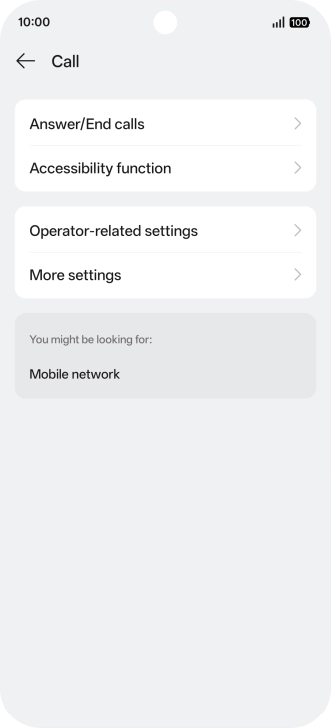
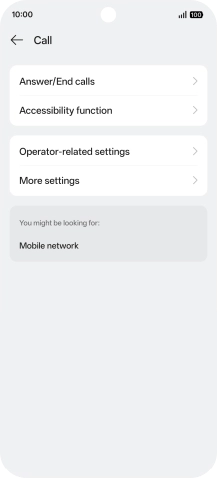
1. Find "FDN list"
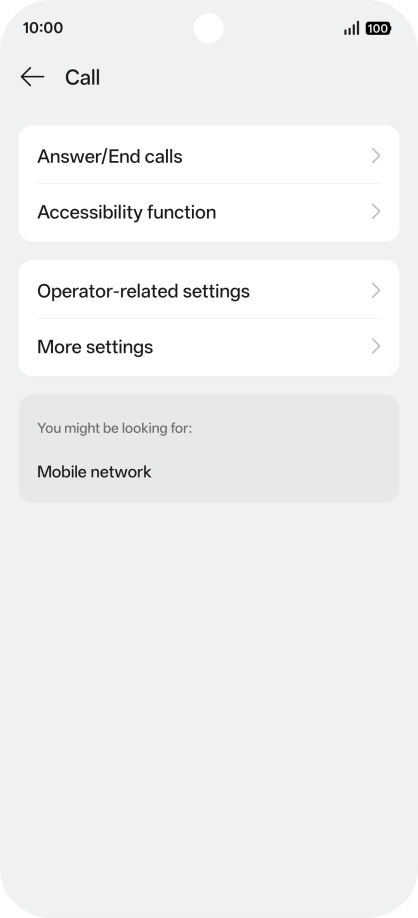
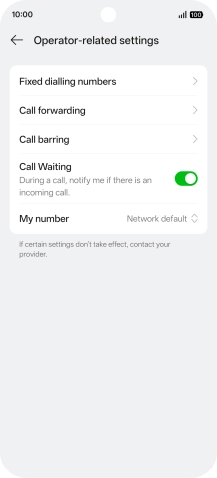
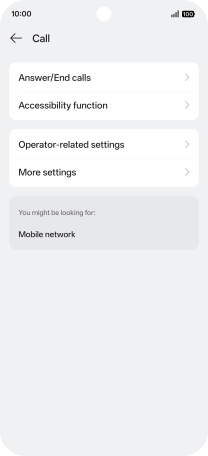
Press Operator-related settings.
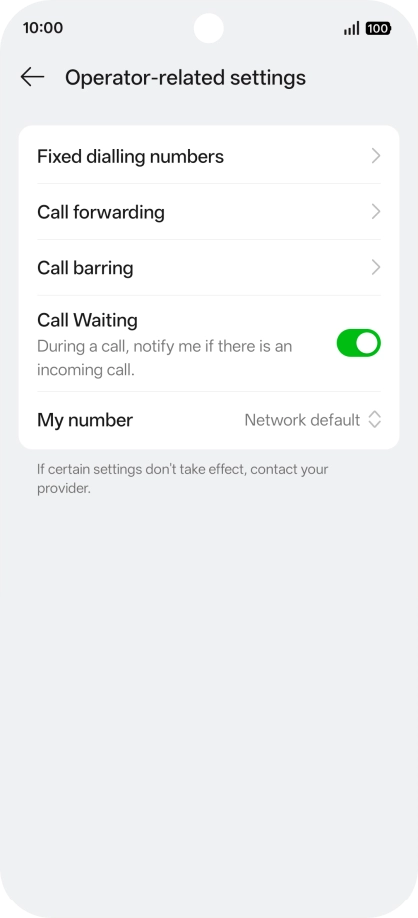
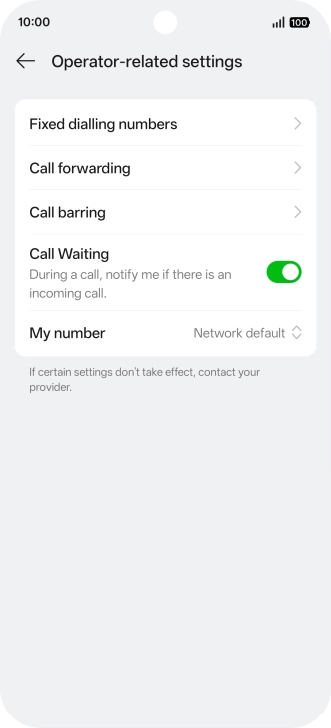
1. Find "FDN list"
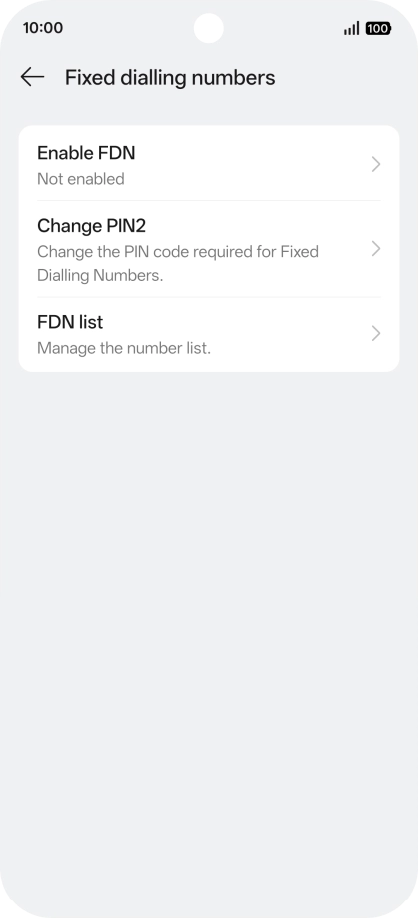
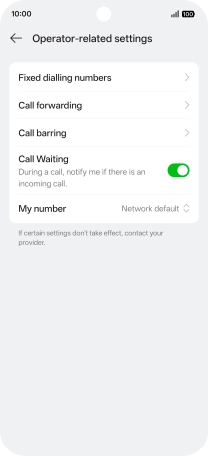
Press Fixed dialling numbers.
1. Find "FDN list"
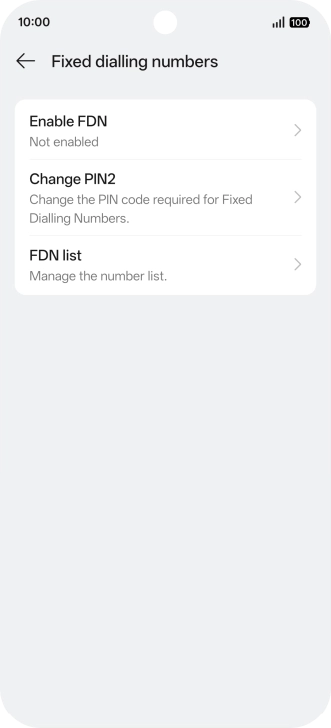
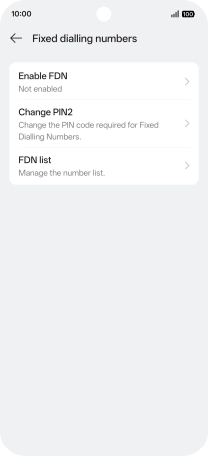
Press FDN list.
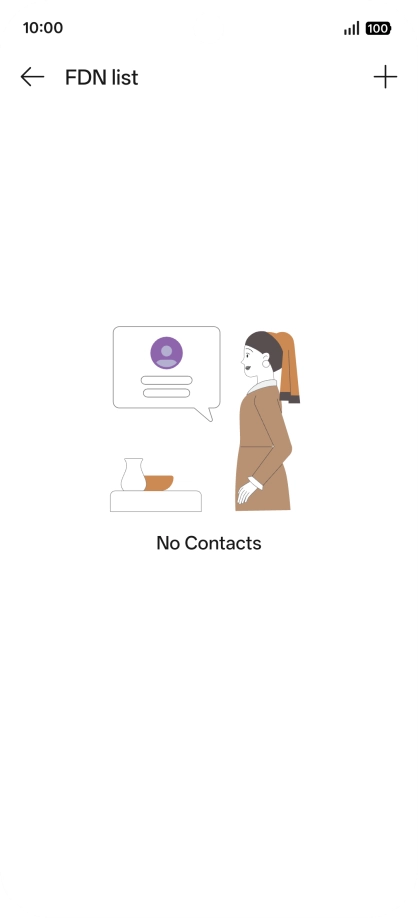

2. Add fixed numbers
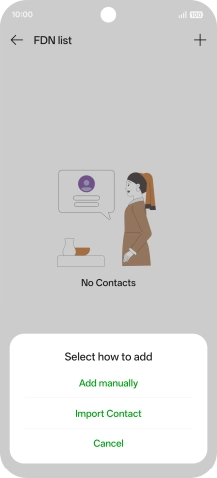
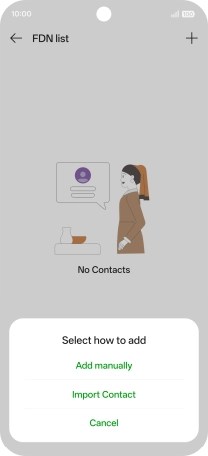
Press the add icon.
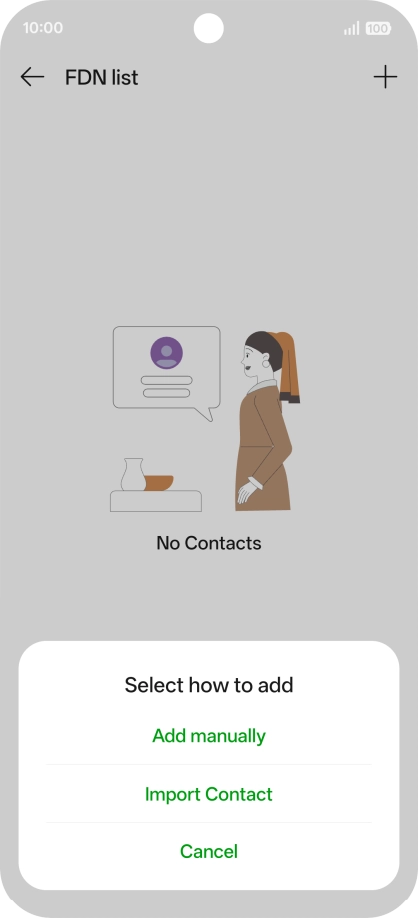
2. Add fixed numbers
Press Add manually.



2. Add fixed numbers
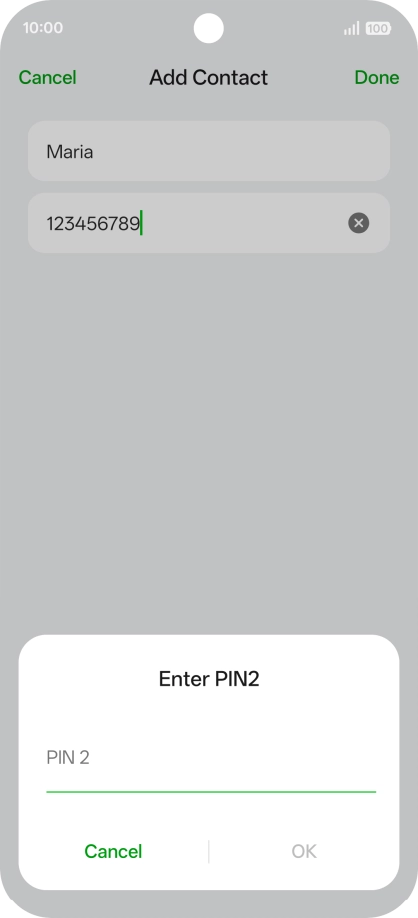
Press Name and key in the required name.



2. Add fixed numbers
Press Number and key in the required phone number.



2. Add fixed numbers
Press Done.
2. Add fixed numbers
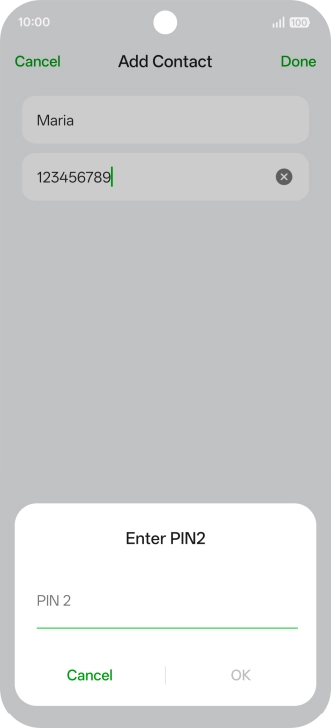
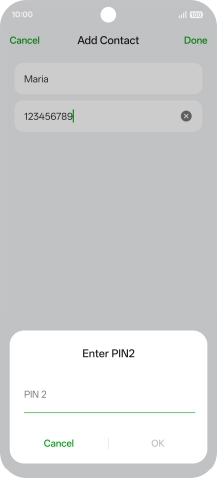
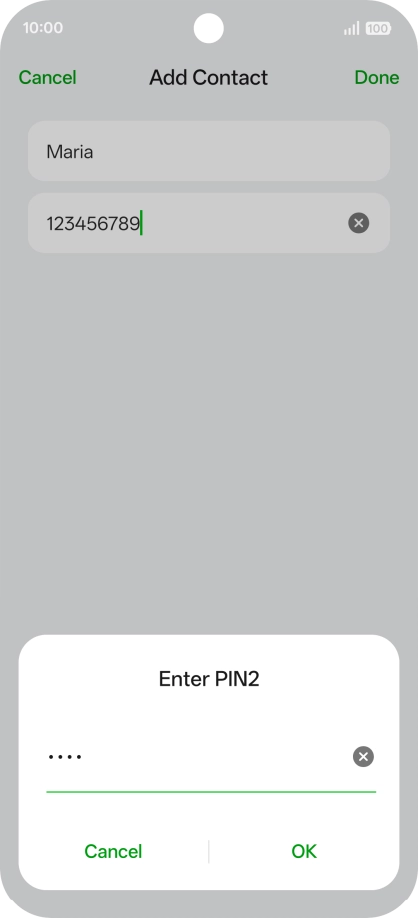
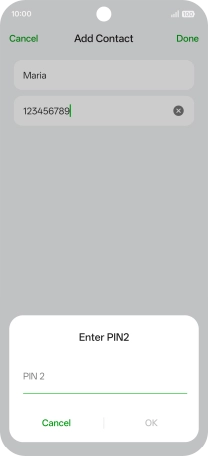
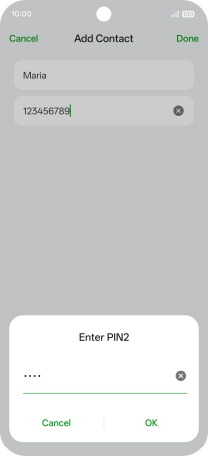
Press PIN2 and key in your PIN2. The default PIN2 is 1111.
2. Add fixed numbers
Press OK.



3. Return to the home screen
Slide your finger upwards starting from the bottom of the screen to return to the home screen.
1. Find "FDN list"



2. Add fixed numbers




3. Return to the home screen