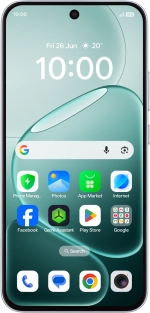
OPPO A6 Pro 5G
1. Find "Manage SIM"
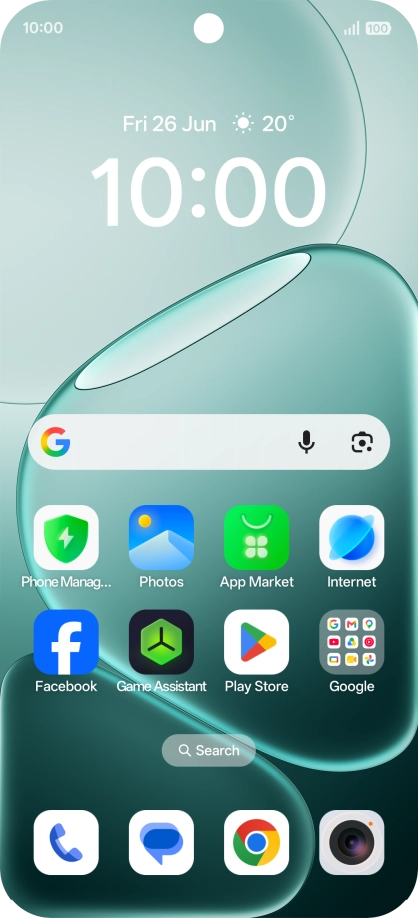
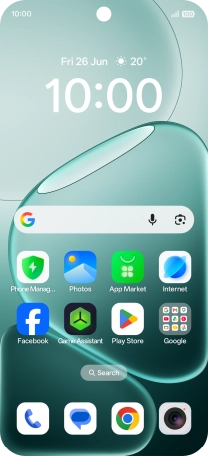
Slide your finger upwards on the screen.
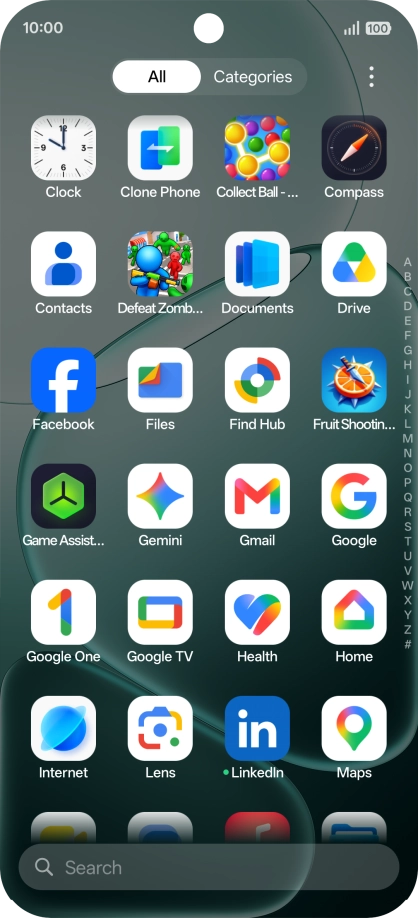
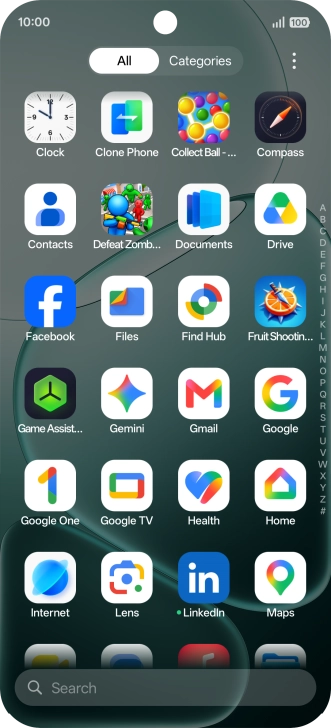
1. Find "Manage SIM"
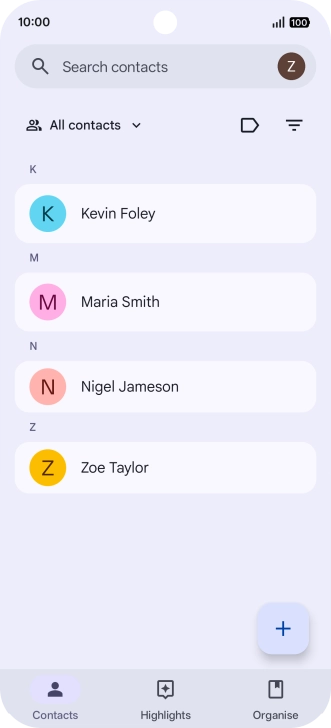
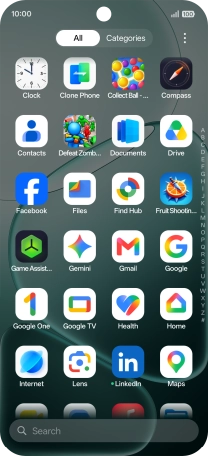
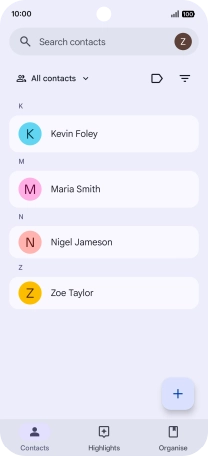
Press Contacts.
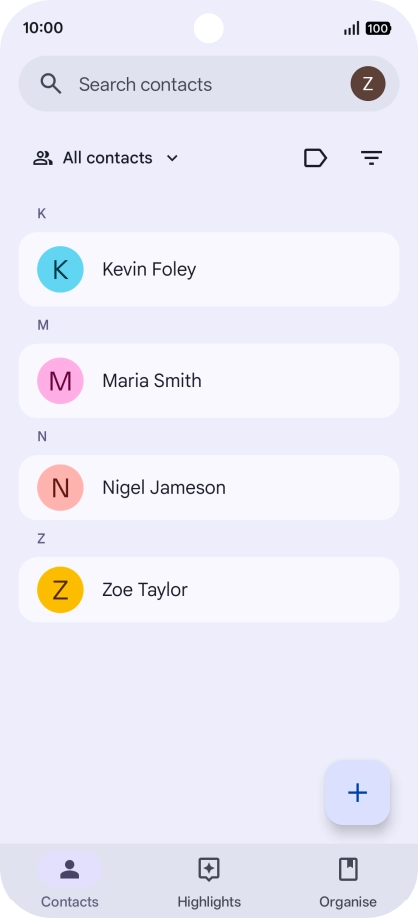
1. Find "Manage SIM"
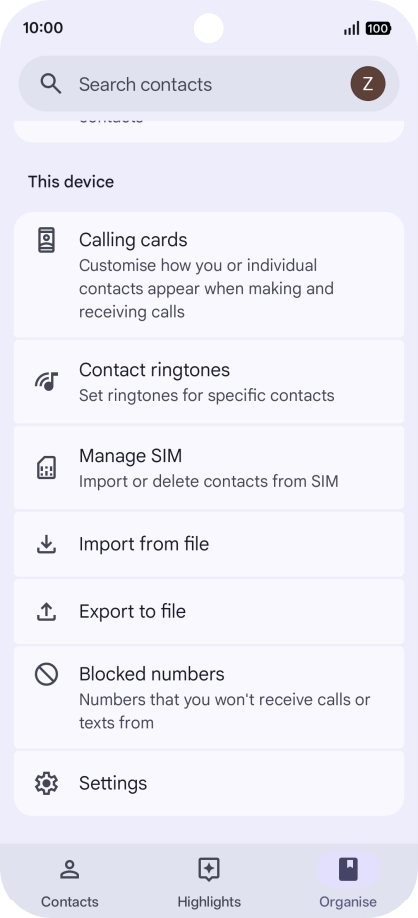
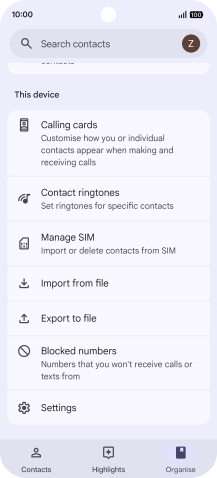
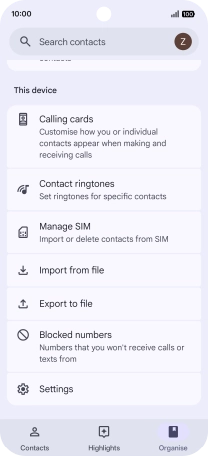
Press Organise.
1. Find "Manage SIM"
Press Manage SIM.
2. Import contacts from your SIM to your Google account
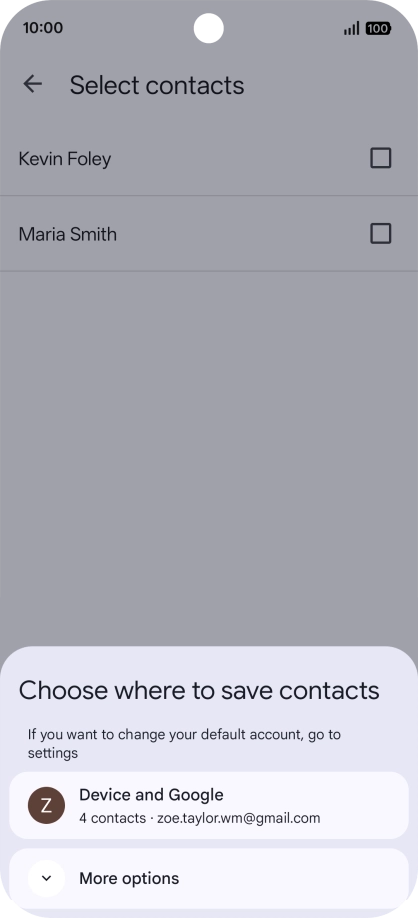
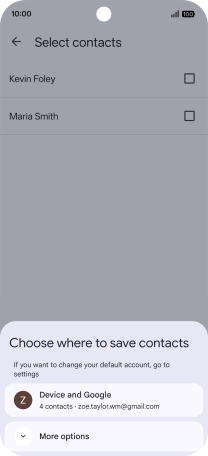
Press Device and Google.
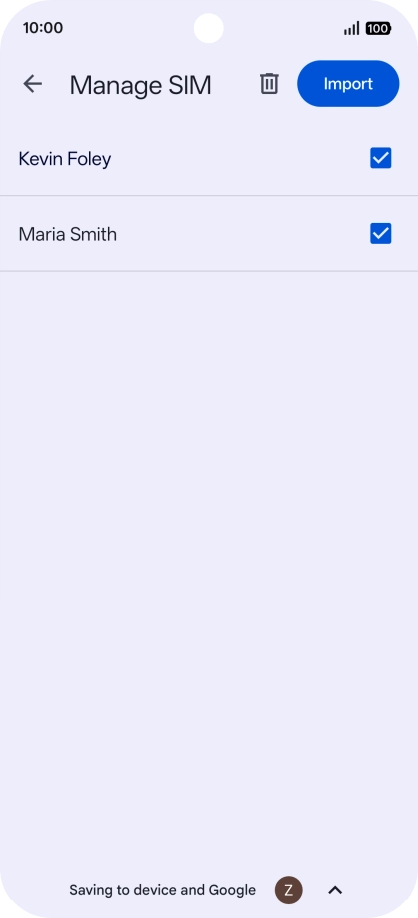
2. Import contacts from your SIM to your Google account
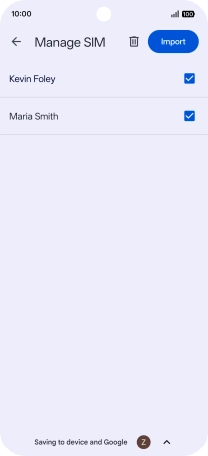
Press the fields next to the required contacts to select them.
2. Import contacts from your SIM to your Google account
Press Import.
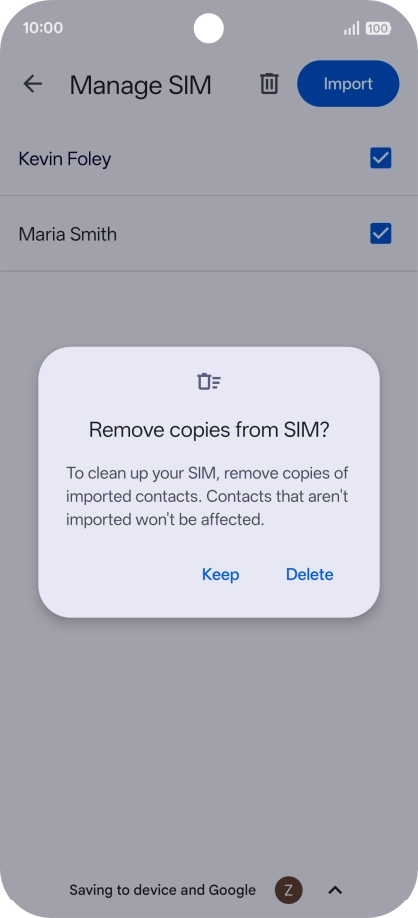
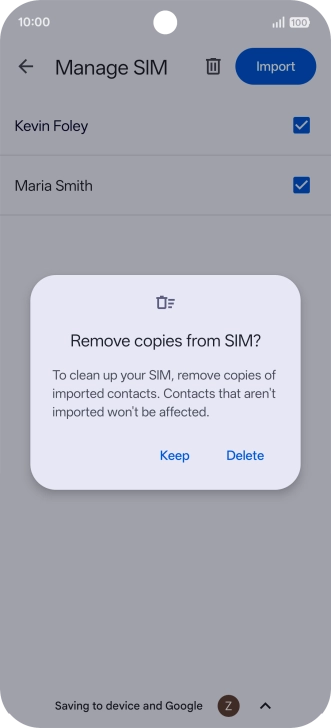
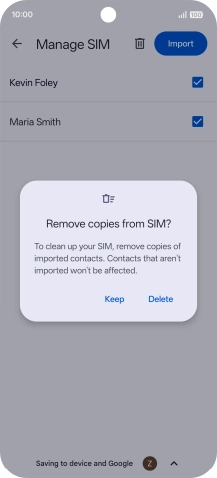
2. Import contacts from your SIM to your Google account
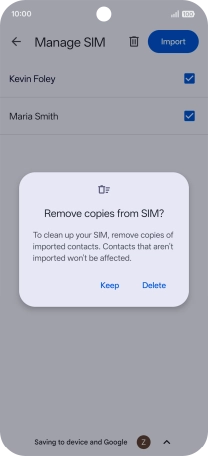
If you want to keep the copied contacts on your SIM, press Keep.
2. Import contacts from your SIM to your Google account
If you want to delete the copied contacts from your SIM, press Delete.
3. Return to the home screen
Slide your finger upwards starting from the bottom of the screen to return to the home screen.
1. Find "Manage SIM"
2. Import contacts from your SIM to your Google account
3. Return to the home screen