OPPO A6 Pro 5G

OPPO A6 Pro 5G

Android 16

Turn NFC on your OPPO A6 Pro 5G Android 16 on or off

Read help info

NFC (Near Field Communication) is a wireless connection which can be used to transfer information to and from your phone. By holding your phone close to an NFC tag or NFC reader you can pay for groceries, connect to web pages or call a phone number and more.

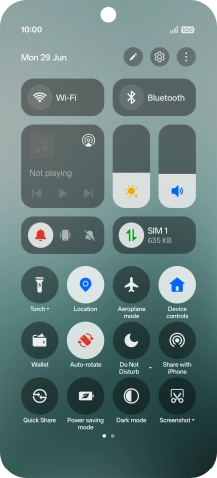
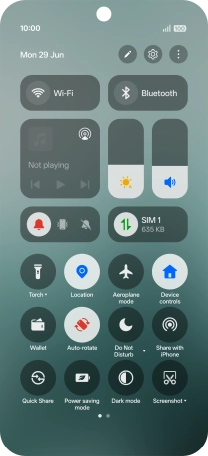
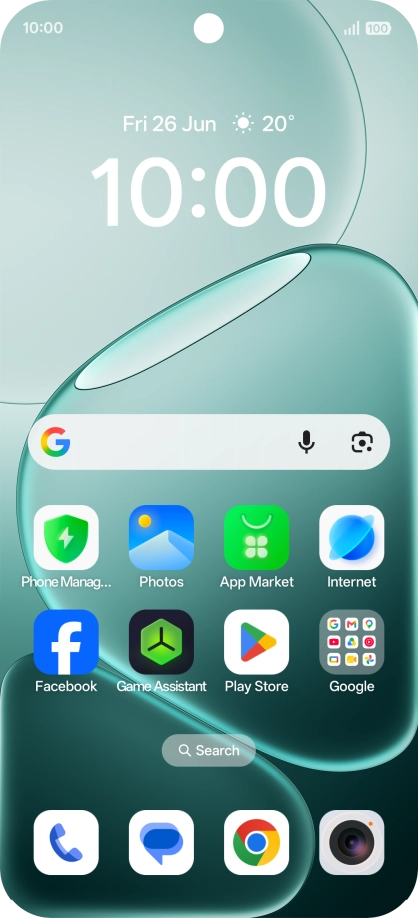
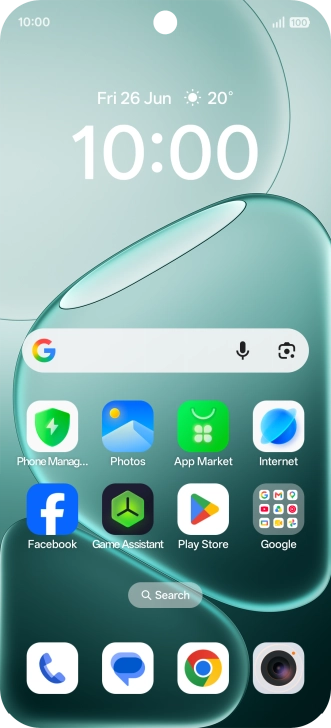
Slide your finger downwards starting from the top right side of the screen.
Step 1 of 5

1. Find "Device Connect"

Slide your finger downwards starting from the top right side of the screen.
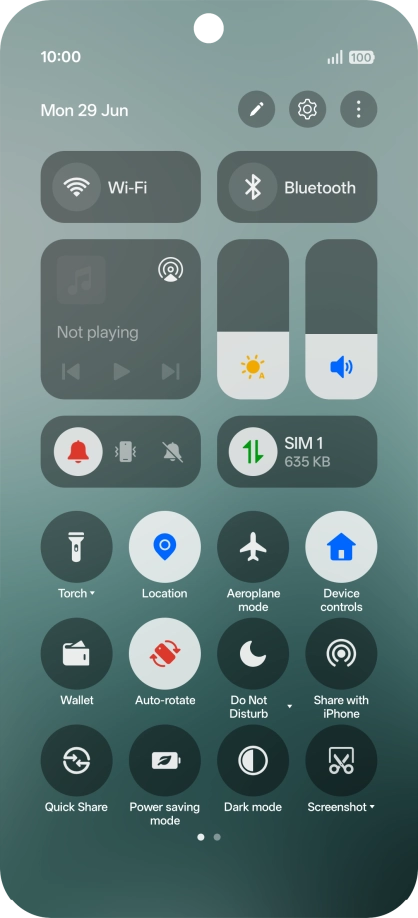
Press the settings icon.
Step 2 of 5

1. Find "Device Connect"

Press the settings icon.

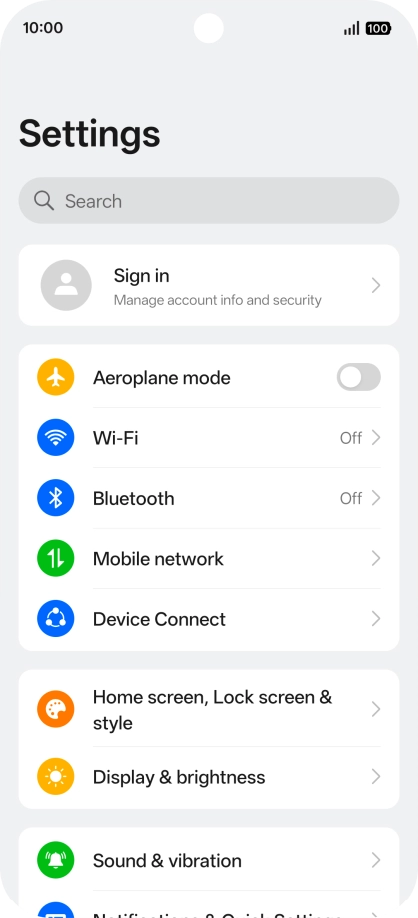
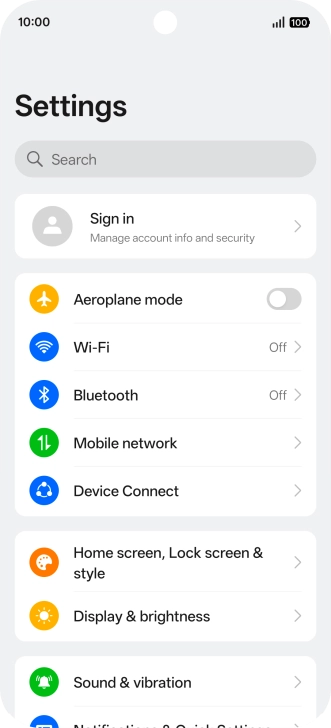
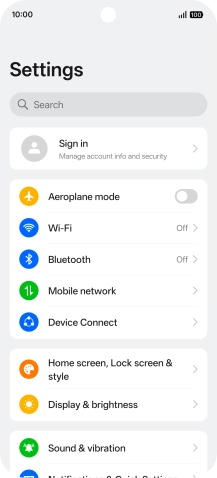
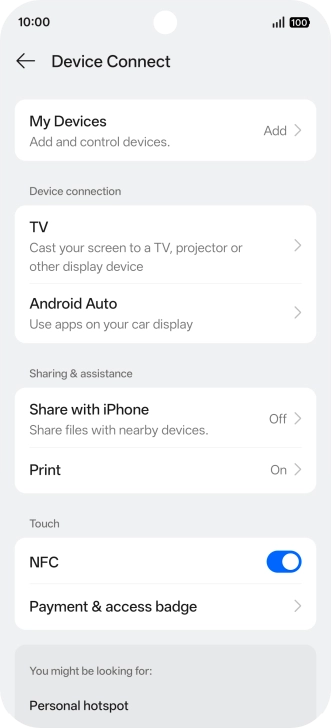
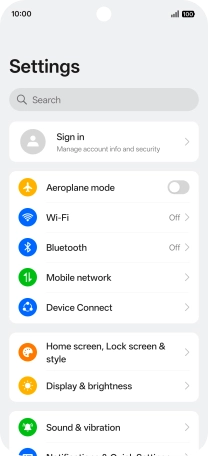
Press Device Connect.
Step 3 of 5

1. Find "Device Connect"

Press Device Connect.

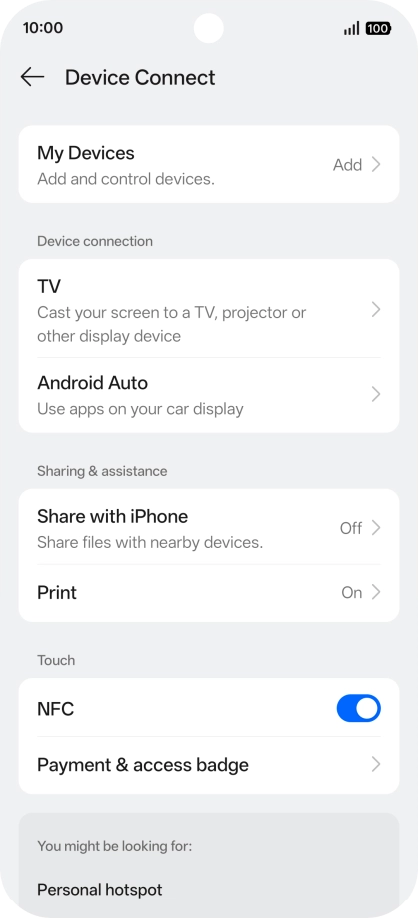
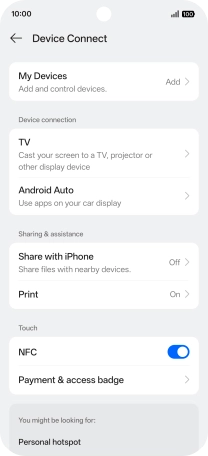
Press the indicator next to
Step 4 of 5

2. Turn NFC on or off

Press the indicator next to "NFC" to turn the function on or off.

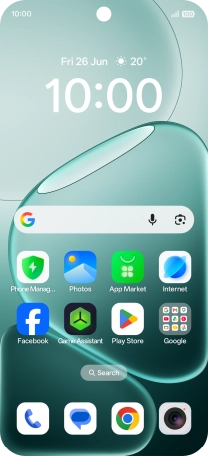
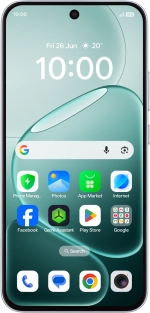
Slide your finger upwards starting from the bottom of the screen to return to the home screen.
Step 5 of 5

3. Return to the home screen

Slide your finger upwards starting from the bottom of the screen to return to the home screen.

1. Find "Device Connect"

Slide your finger downwards starting from the top right side of the screen.
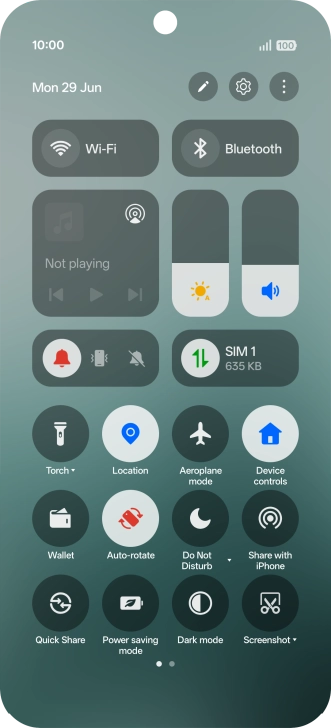
Press the settings icon.
Press Device Connect.

2. Turn NFC on or off

Press the indicator next to "NFC" to turn the function on or off.

3. Return to the home screen

Slide your finger upwards starting from the bottom of the screen to return to the home screen.

Get information on...

Or choose...

Another device