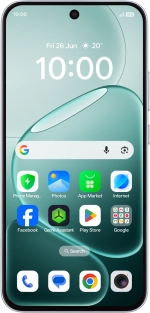
OPPO A6 Pro 5G
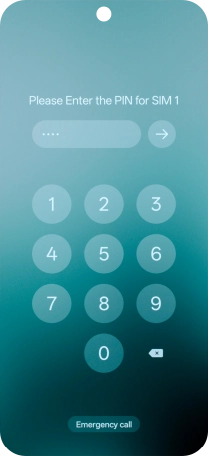
1. Enter your PIN
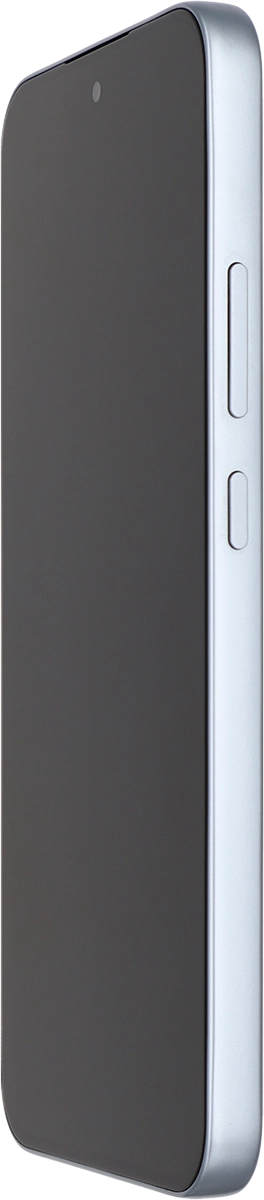
Press the Side key.
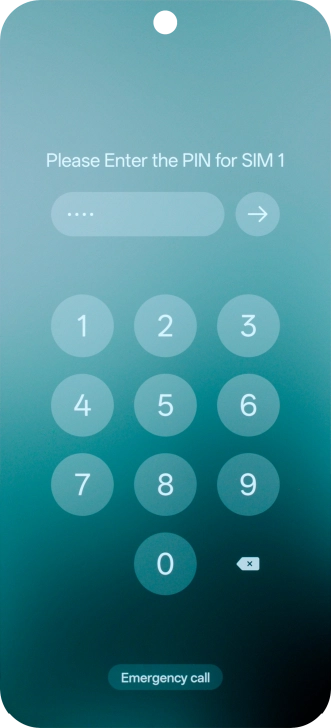
1. Enter your PIN
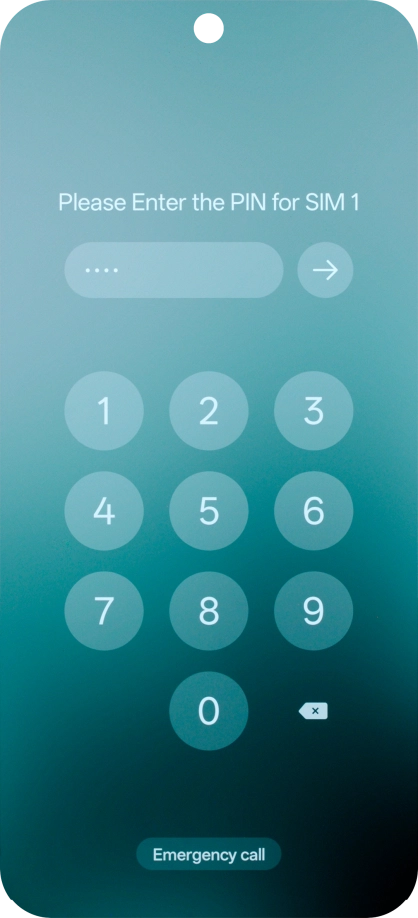
If your SIM is locked, key in your PIN and press arrow right.



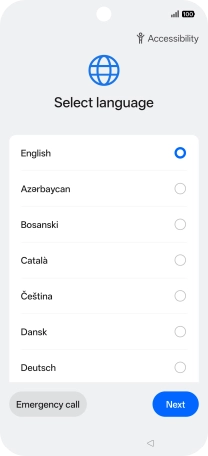
2. Select language
Press arrow right.
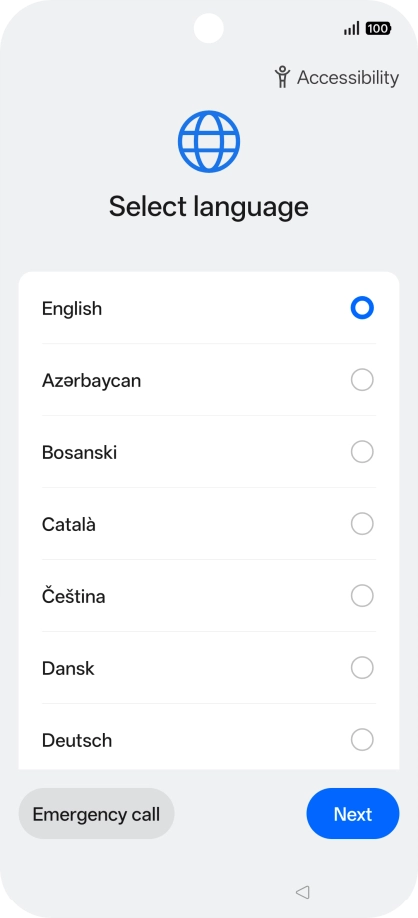
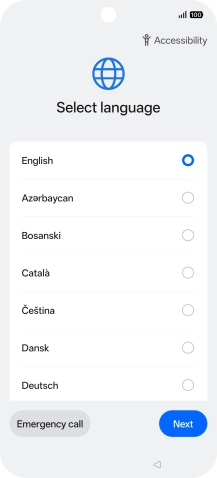
2. Select language
Press the required language.
2. Select language
Press Next.
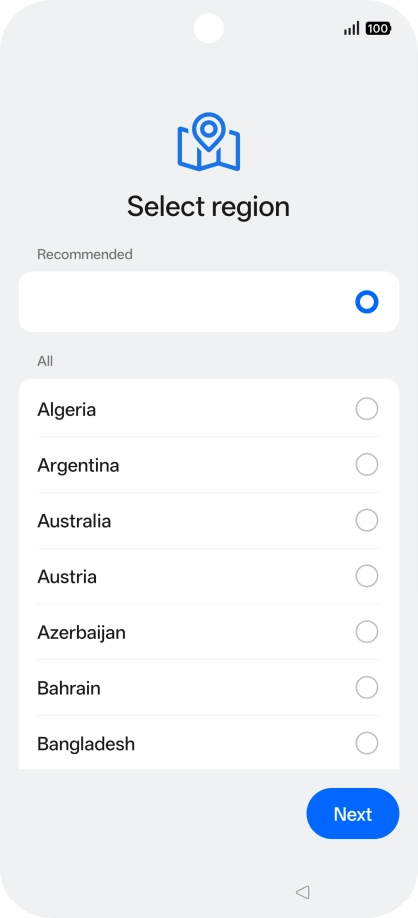
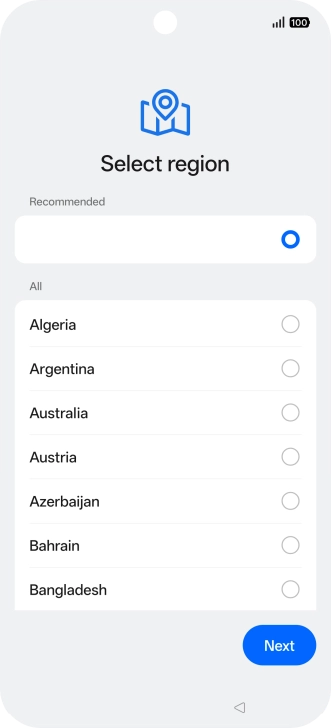
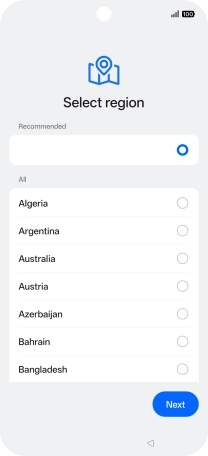
3. Choose country
Press the required country or area.
3. Choose country
Press Next.
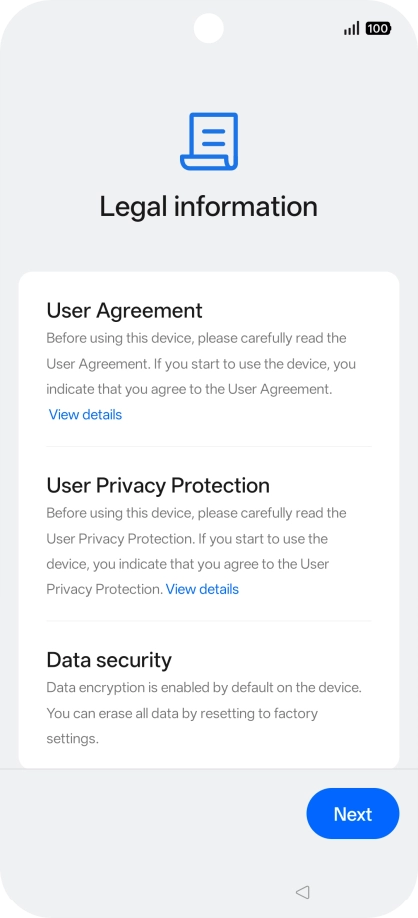
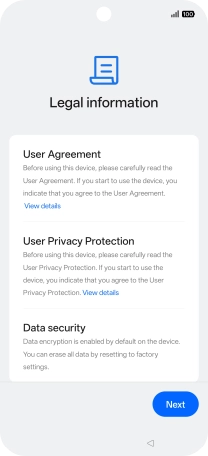
4. Accept the terms and conditions
Press Next.
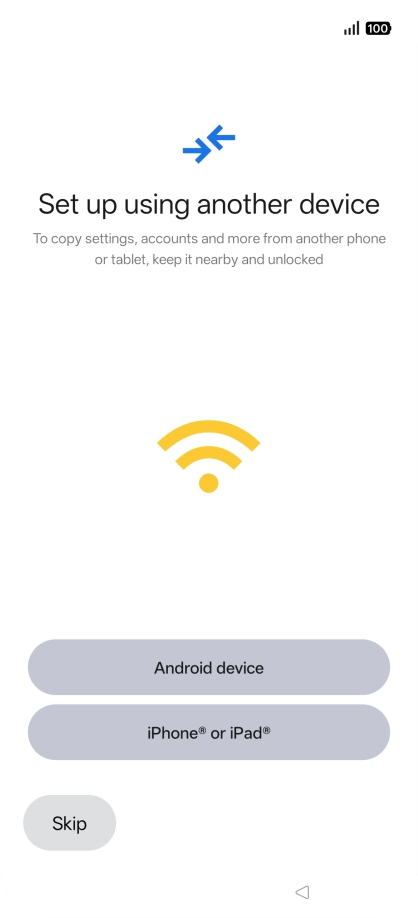
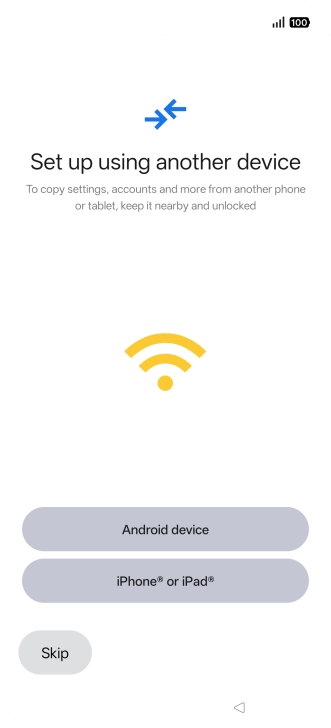
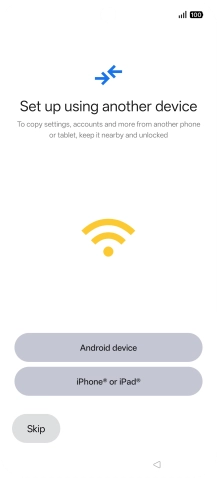
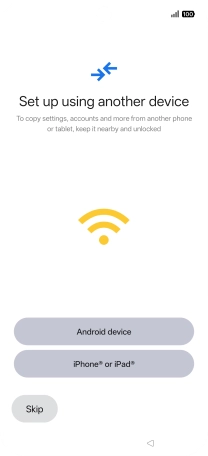
5. Set up your phone as a new phone
Press Skip.
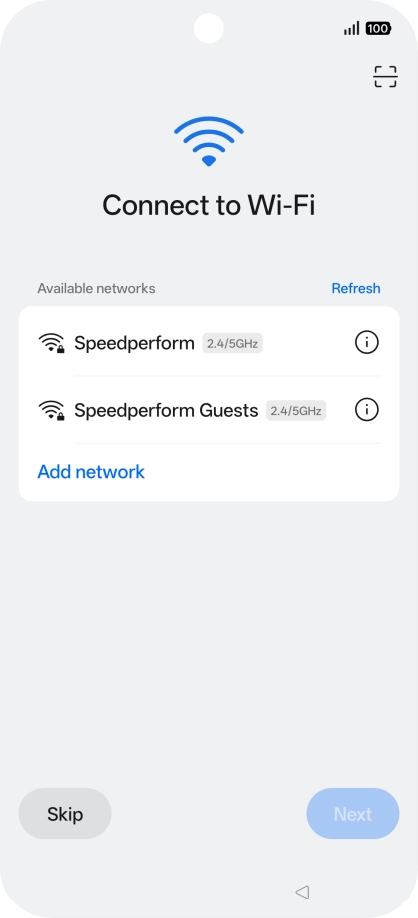
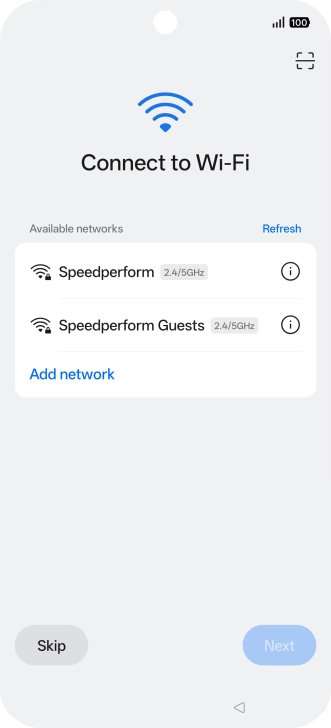
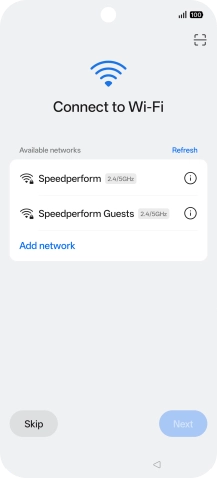
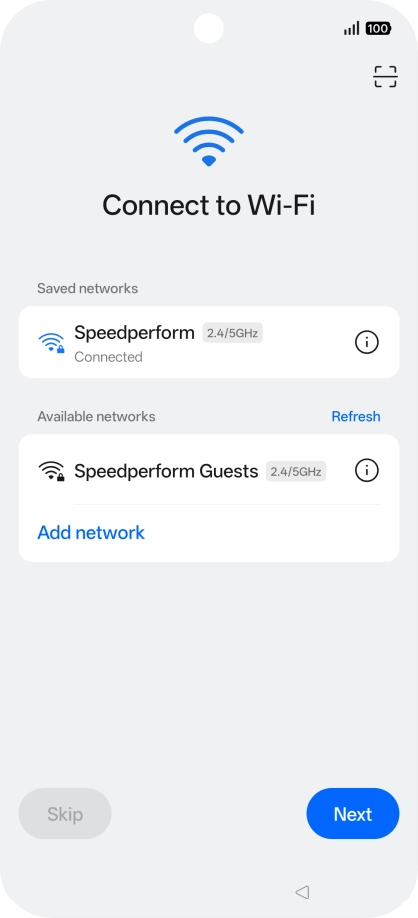
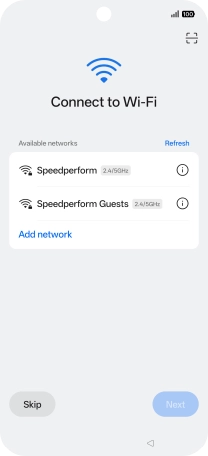
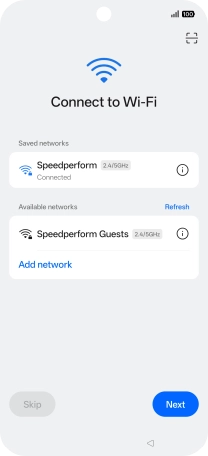
6. Select Wi-Fi network
Press the required Wi-Fi network.
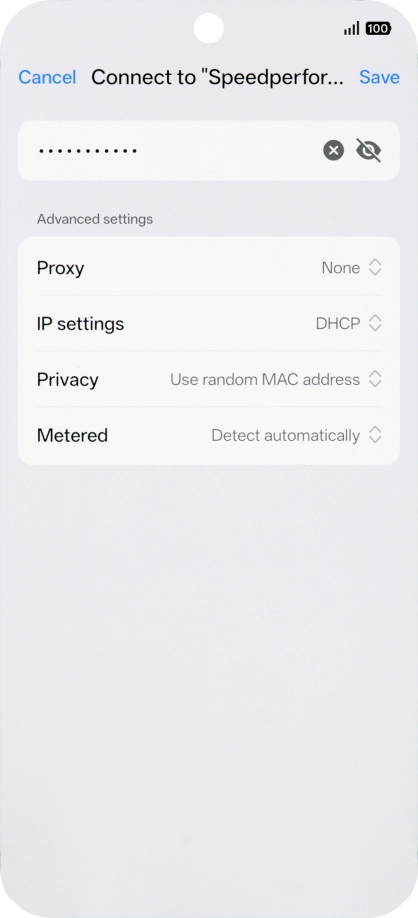
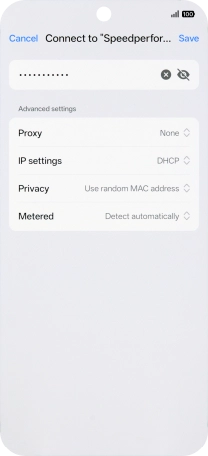
6. Select Wi-Fi network
Key in the password for the Wi-Fi network and press Save.
6. Select Wi-Fi network
Press Next.
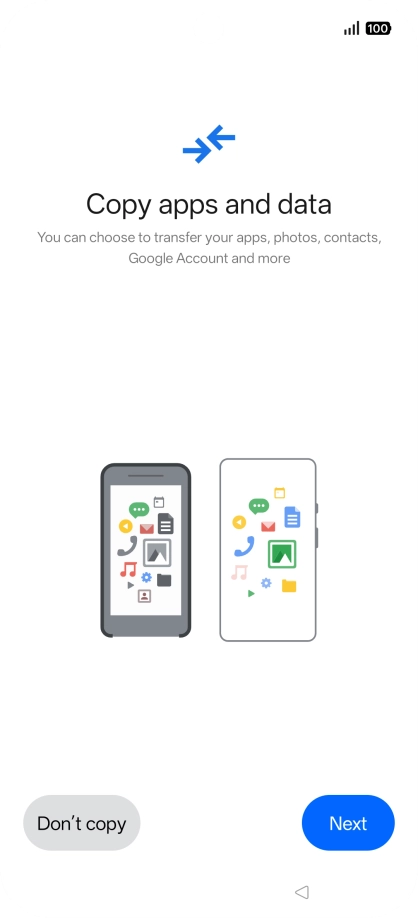
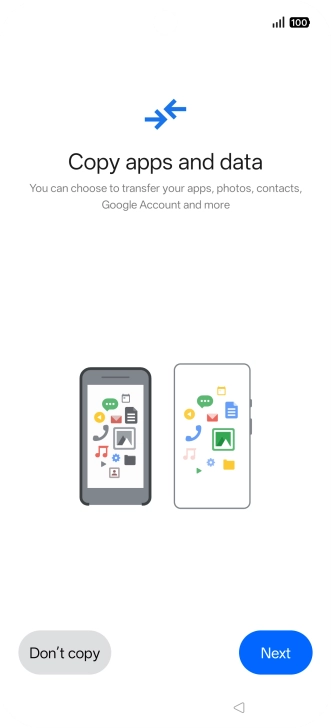
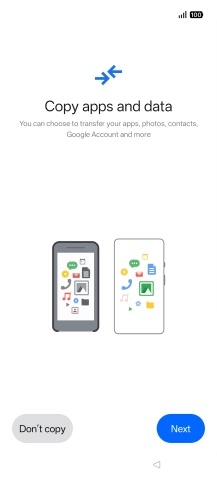
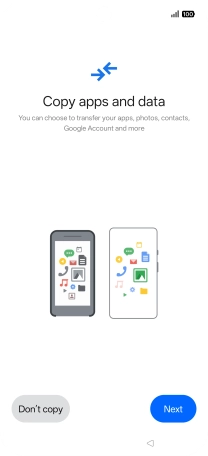
7. Set up your phone as a new phone
Press Don't copy and follow the instructions on the screen to finish the activation.
1. Enter your PIN
2. Select language

3. Choose country
4. Accept the terms and conditions
5. Set up your phone as a new phone
6. Select Wi-Fi network
7. Set up your phone as a new phone