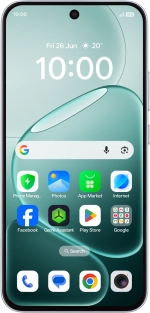
OPPO A6 Pro 5G
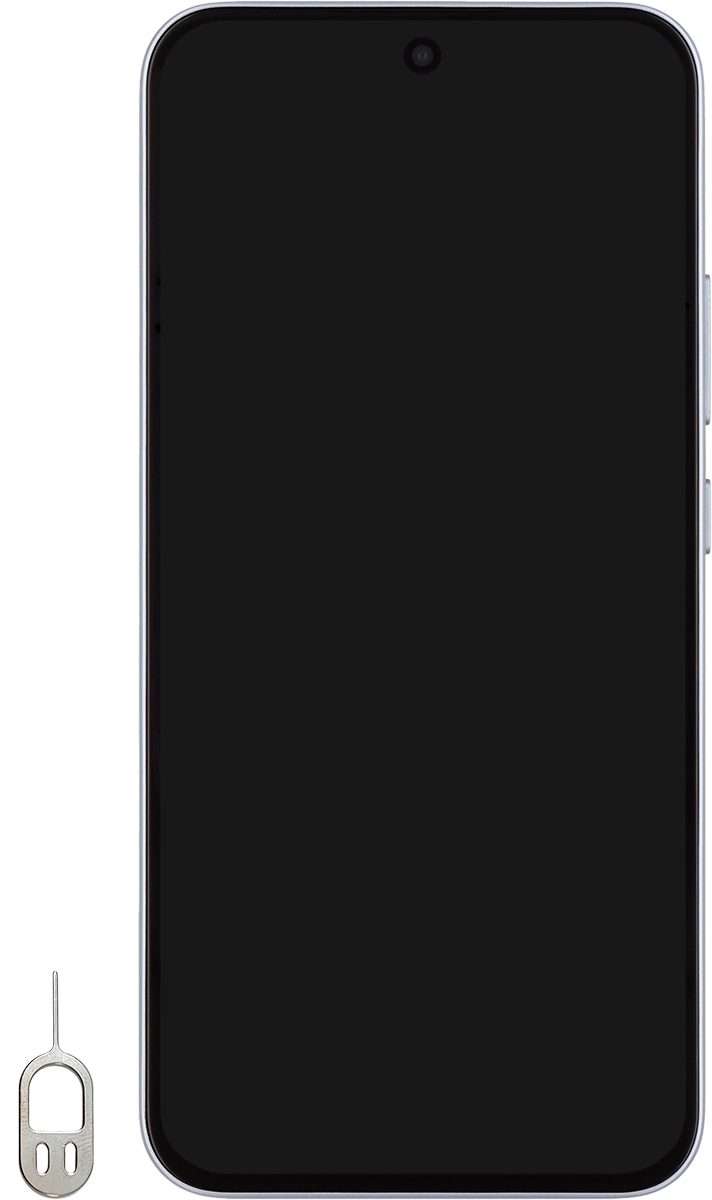
1. Remove the card holder
Find the opener for the card holder.
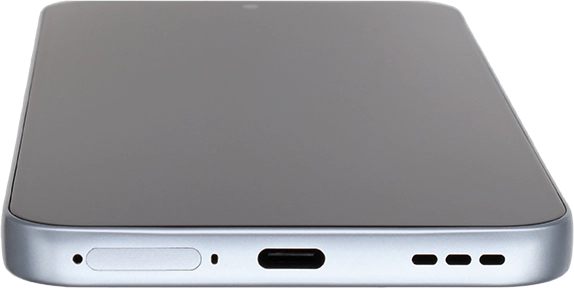
1. Remove the card holder
Insert the opener into the small hole next to the card holder.
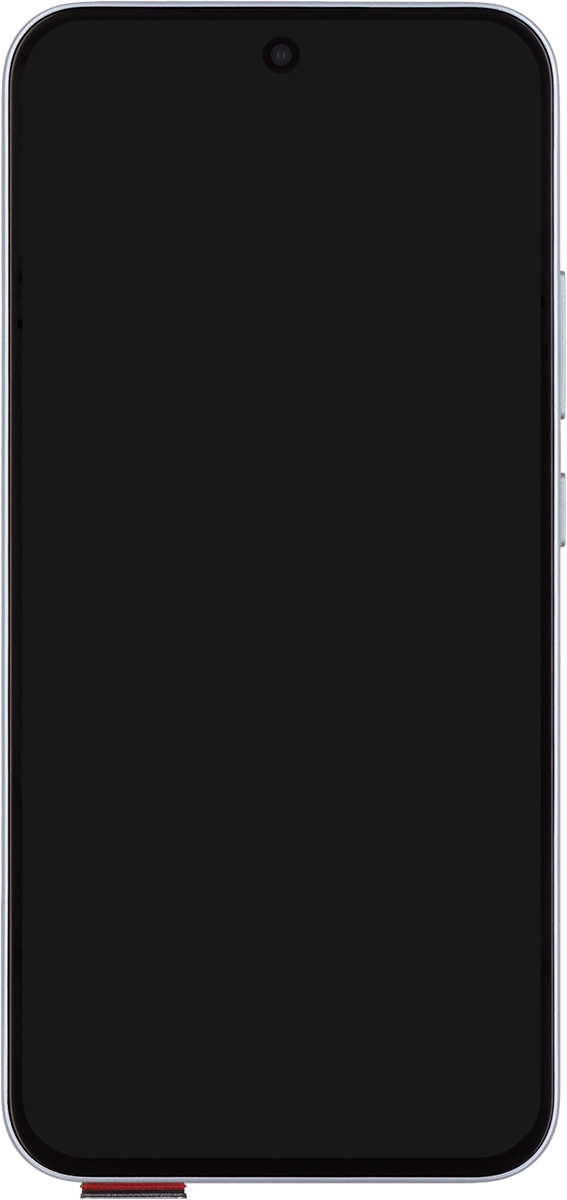
1. Remove the card holder
Remove the card holder from your phone.
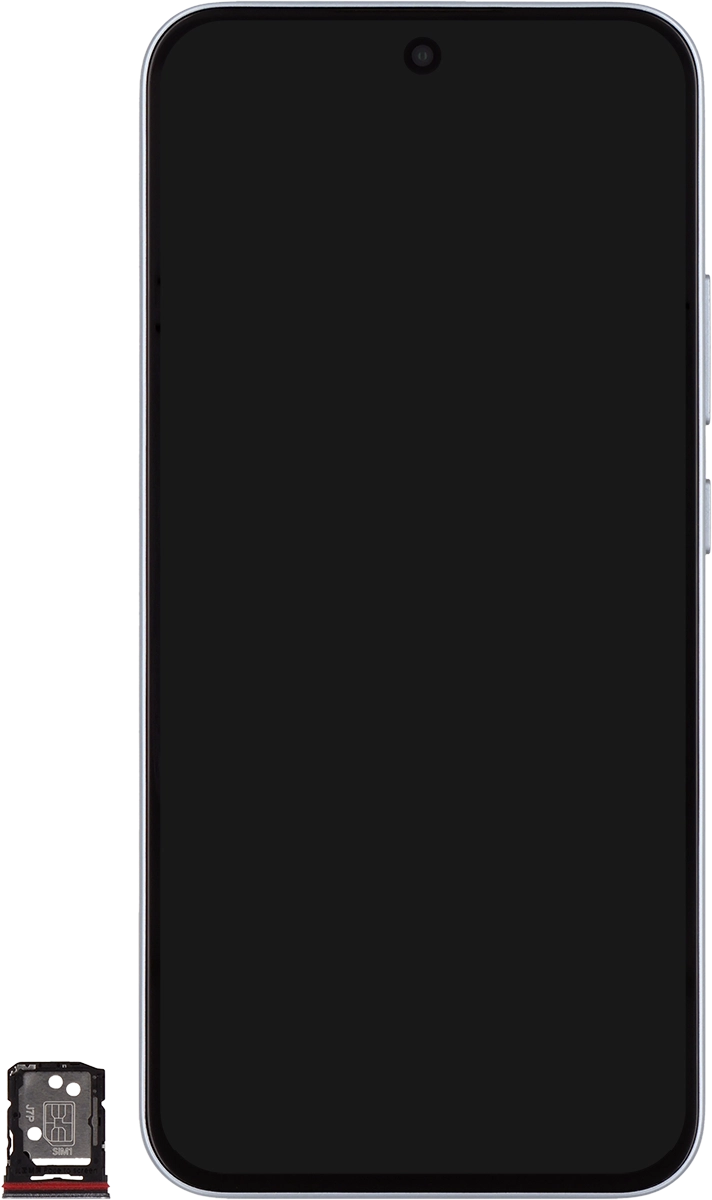
2. Insert first SIM
Turn your SIM as illustrated in the SIM holder and place it in the SIM holder.
2. Insert first SIM
Slide the card holder into your phone.
1. Remove the card holder
2. Insert first SIM