OPPO A6 Pro 5G

OPPO A6 Pro 5G

Android 16

Turn optimised battery charging on your OPPO A6 Pro 5G Android 16 on or off

Read help info

Using optimised battery charging, your phone reduces the time it spends fully charged which prolongs the overall battery life.

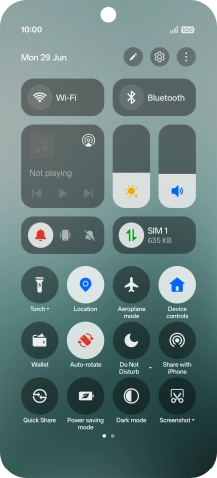
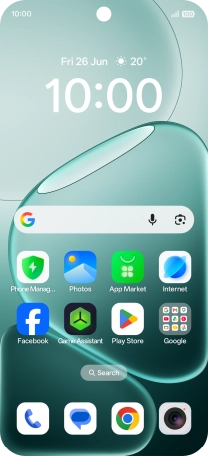
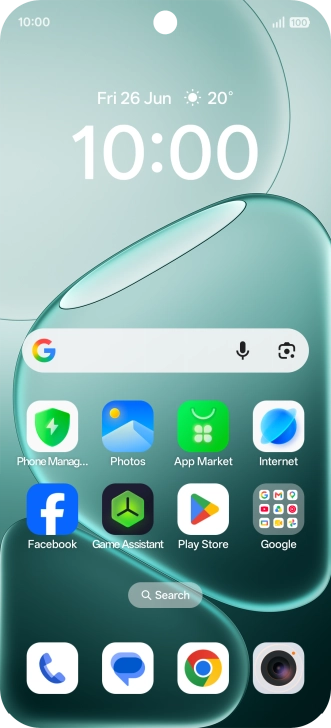
Slide your finger downwards starting from the top right side of the screen.
Step 1 of 6

1. Find "Battery health"

Slide your finger downwards starting from the top right side of the screen.
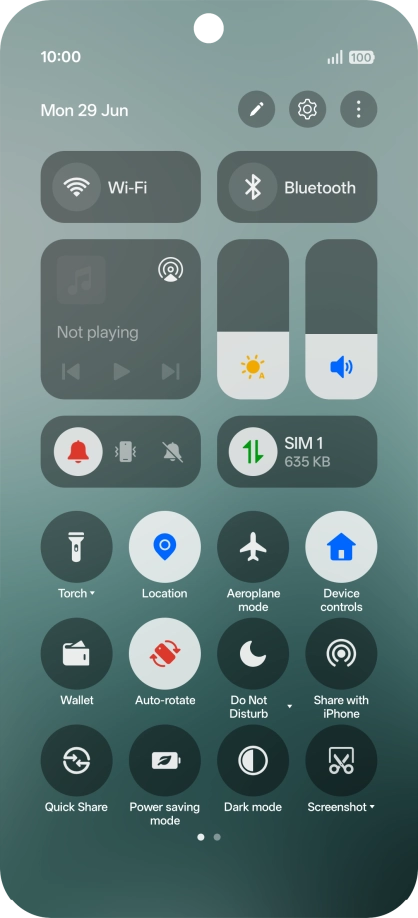
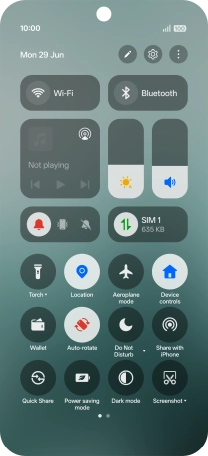
Press the settings icon.
Step 2 of 6

1. Find "Battery health"

Press the settings icon.

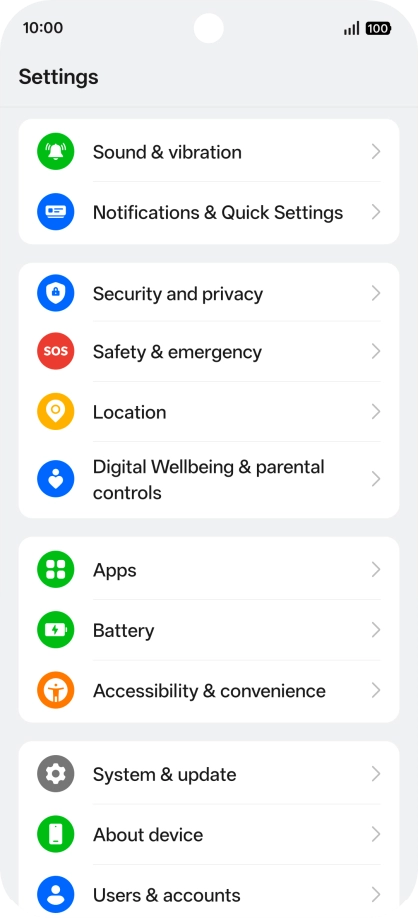
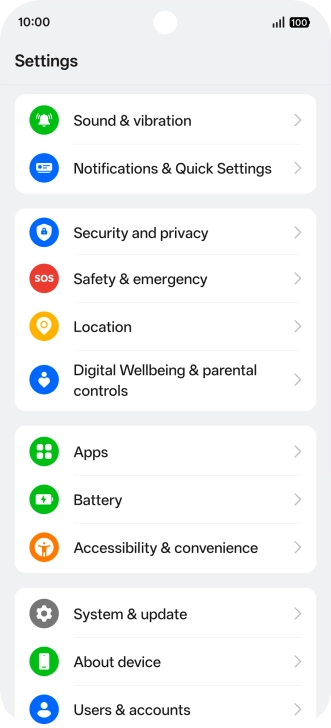
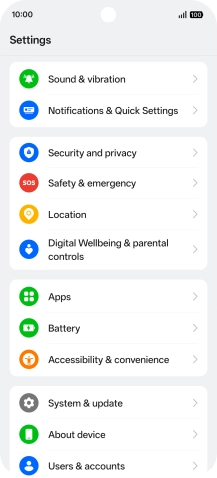
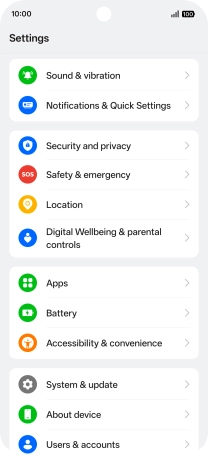
Press Battery.
Step 3 of 6

1. Find "Battery health"

Press Battery.

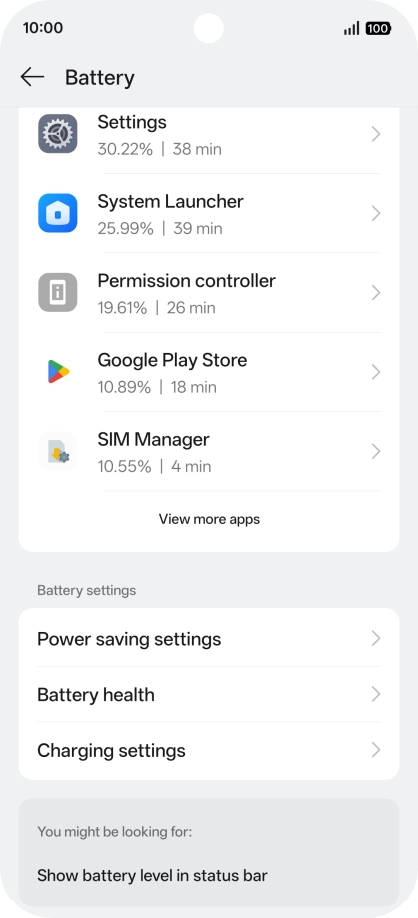
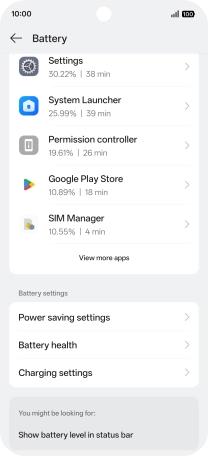
Press Battery health.
Step 4 of 6

1. Find "Battery health"

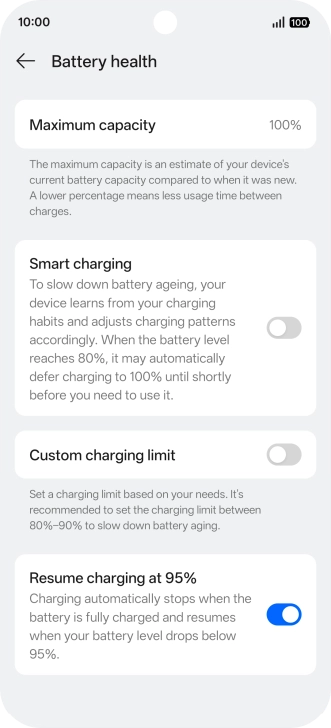
Press Battery health.

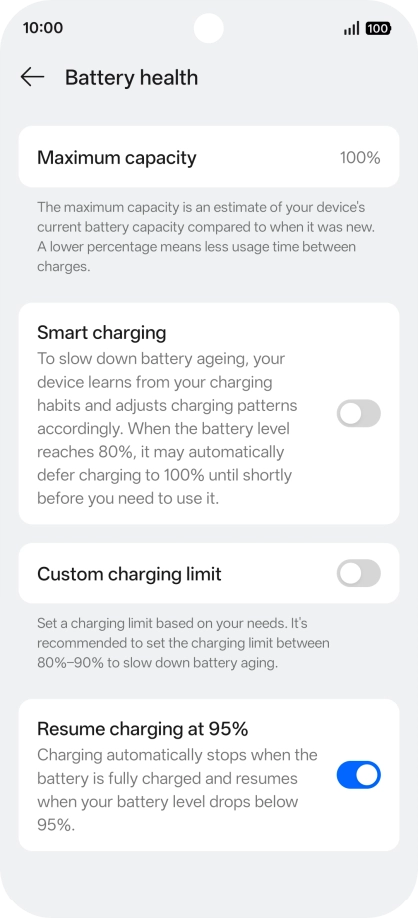
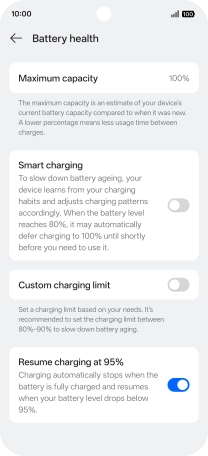
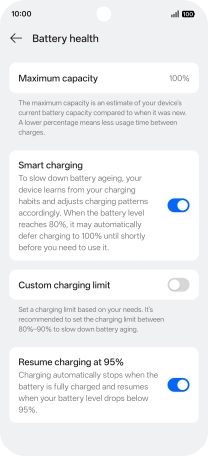
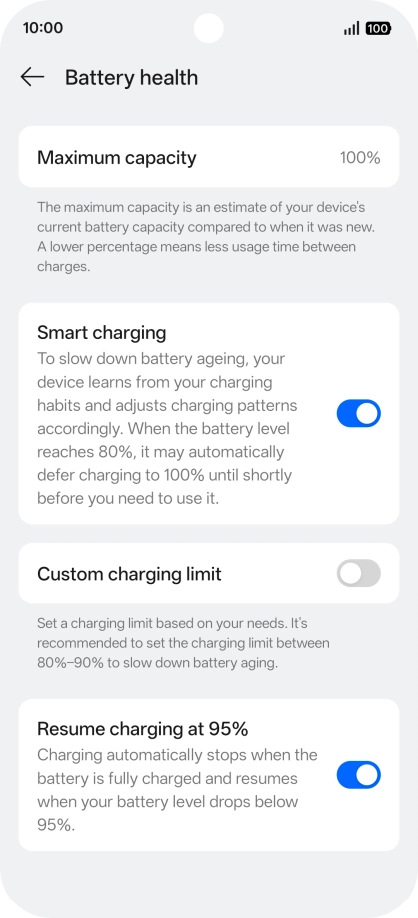
Press the indicator next to
Step 5 of 6

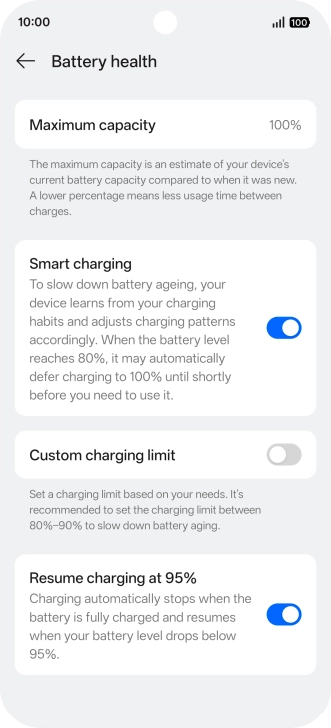
2. Turn optimised battery charging on or off

Press the indicator next to "Smart charging" to turn the function on or off.

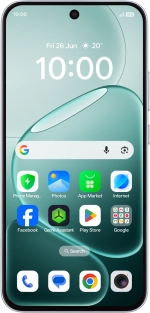
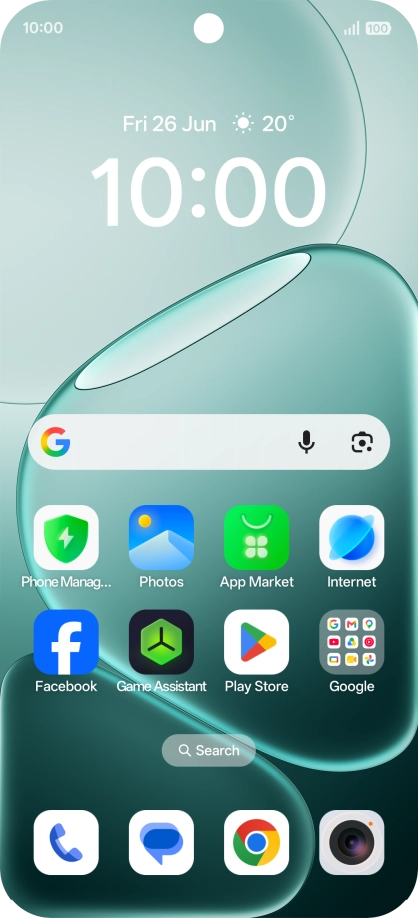
Slide your finger upwards starting from the bottom of the screen to return to the home screen.
Step 6 of 6

3. Return to the home screen

Slide your finger upwards starting from the bottom of the screen to return to the home screen.

1. Find "Battery health"

Slide your finger downwards starting from the top right side of the screen.
Press the settings icon.
Press Battery.
Press Battery health.

2. Turn optimised battery charging on or off

Press the indicator next to "Smart charging" to turn the function on or off.
3. Return to the home screen

Slide your finger upwards starting from the bottom of the screen to return to the home screen.

Get information on...

Or choose...

Another device