OPPO A6 Pro 5G

OPPO A6 Pro 5G

Android 16

No message tone is heard on incoming messages on your OPPO A6 Pro 5G Android 16

Cause 1 of 1: The message tone has been turned off

For you to hear the message tone when you get a message, the message tone needs to be turned on.

Solution: Turn on the message tone.

Step 1 of 11

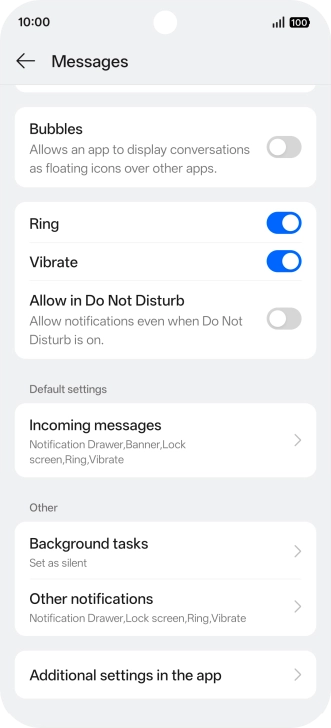
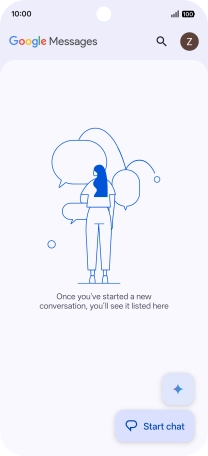
Find "Incoming messages"

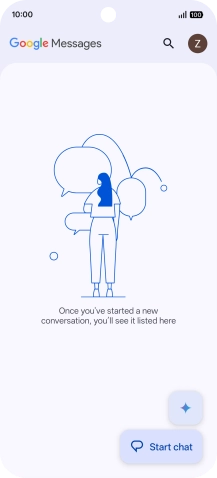
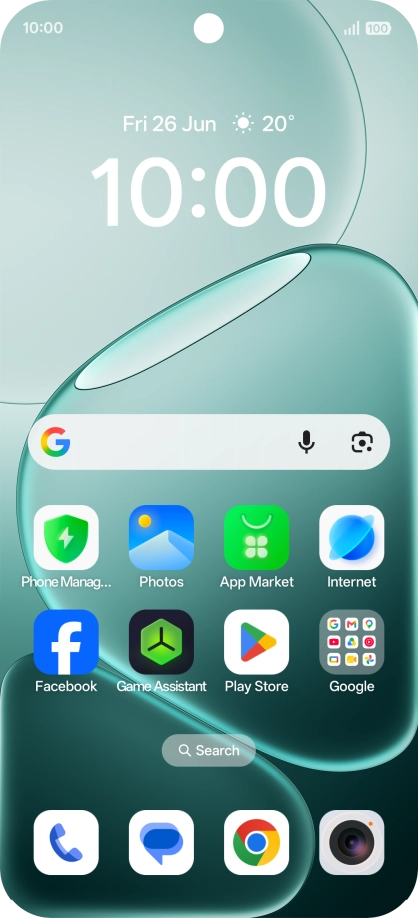
Press the message icon.
Step 2 of 11

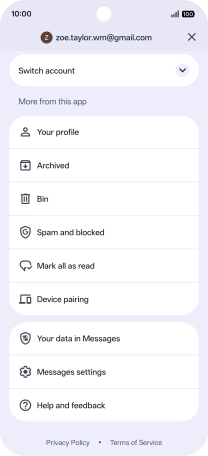
Find "Incoming messages"

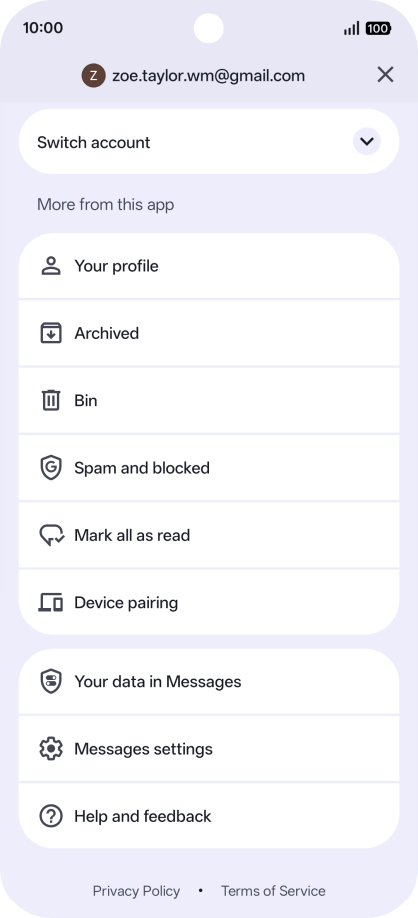
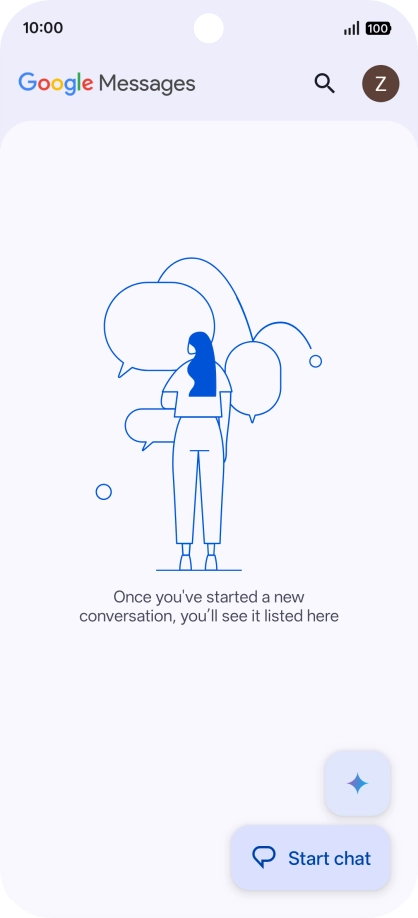
Press the profile icon.

Step 3 of 11

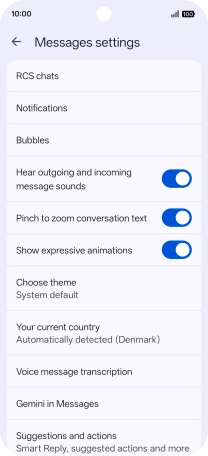
Find "Incoming messages"

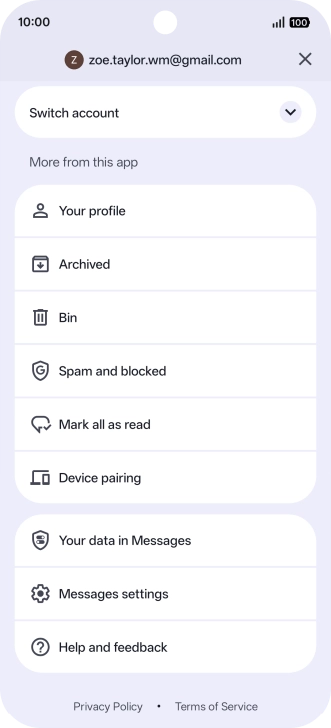
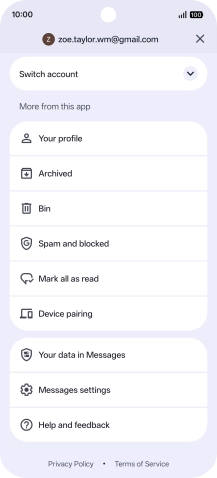
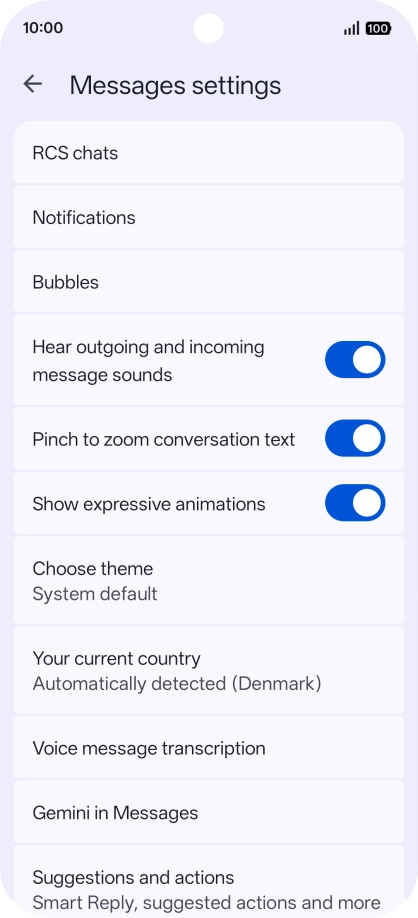
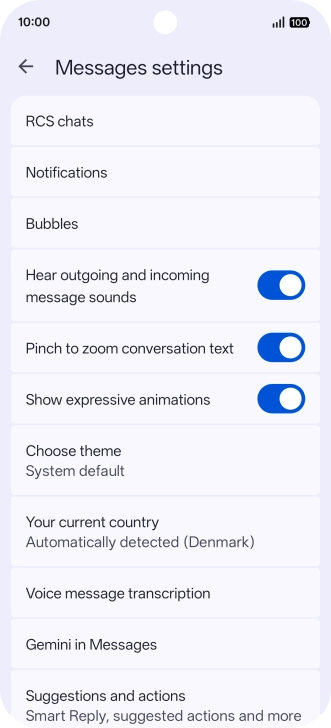
Press Messages settings.

Step 4 of 11

Find "Incoming messages"

Press Notifications.

Step 5 of 11

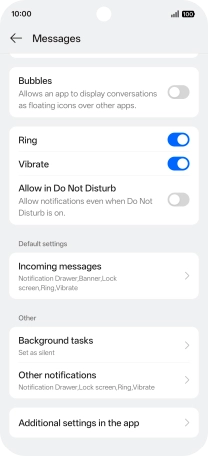
Find "Incoming messages"

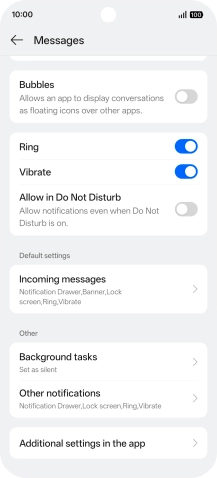
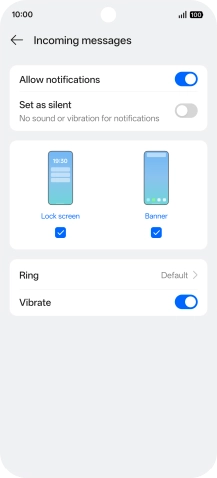
Press Incoming messages.

Step 6 of 11

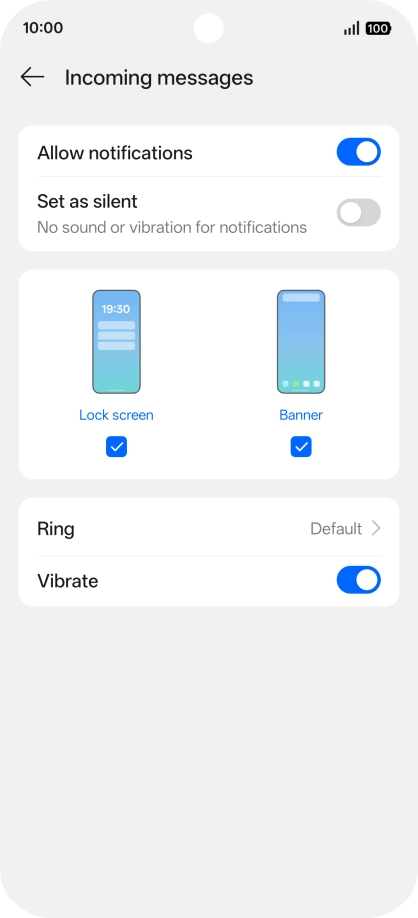
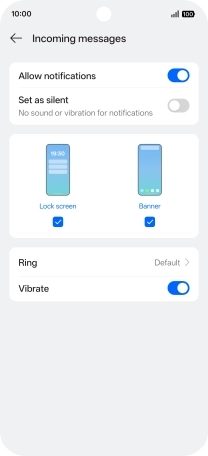
Turn on message notifications

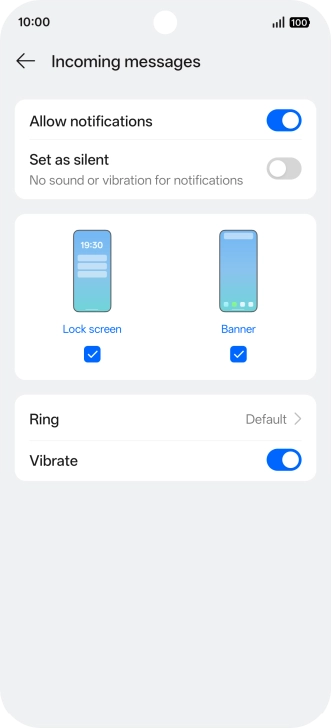
Press the indicator next to "Allow notifications" to turn on the function.

Step 7 of 11

Select message tone

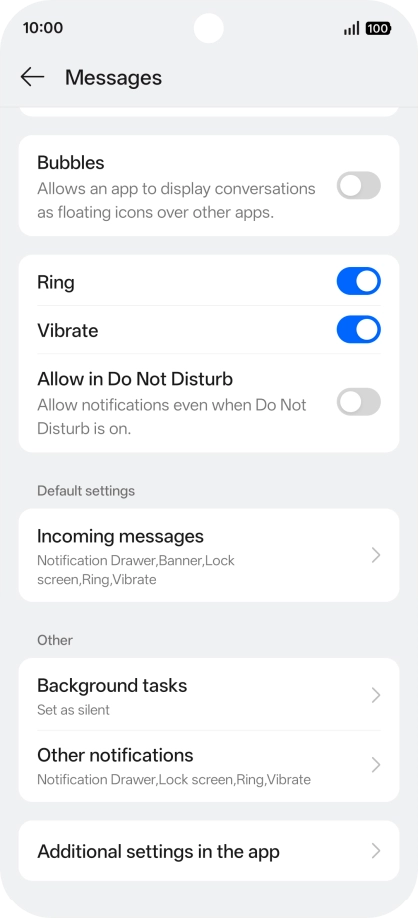
Press Ring.

Step 8 of 11

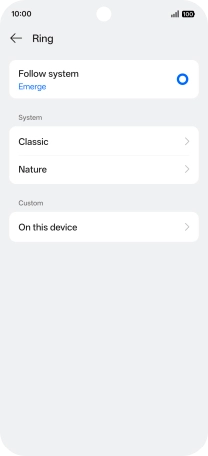
Select message tone

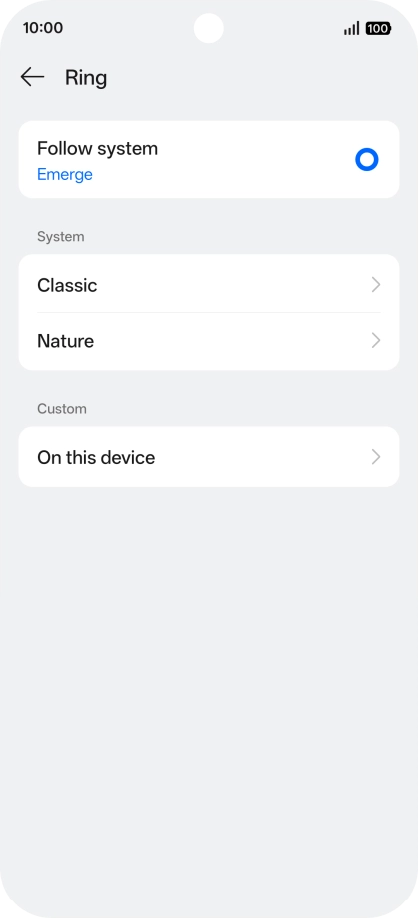
Press the required category.

Step 9 of 11

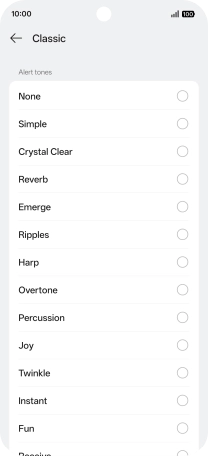
Select message tone

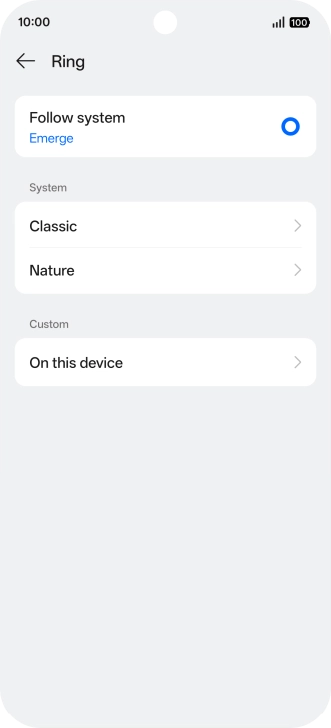
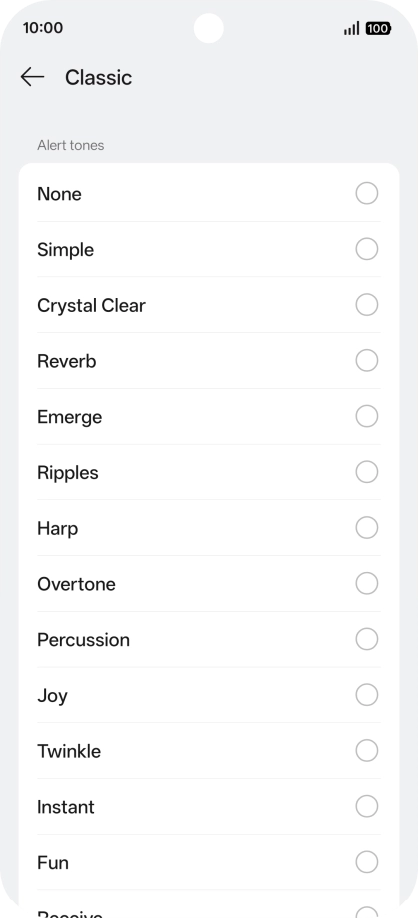
Press the required message tones to hear them.

Step 10 of 11

Select message tone

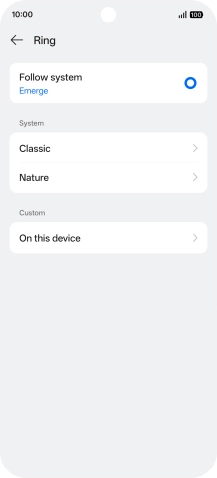
Once you've found a message tone you like, press arrow left.

Step 11 of 11

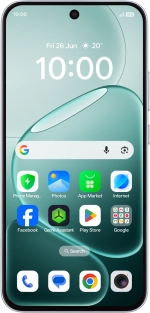
Return to the home screen

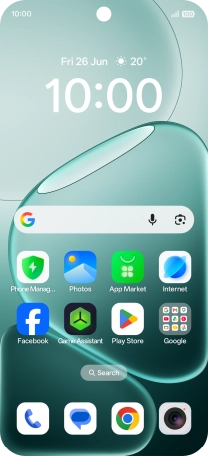
Slide your finger upwards starting from the bottom of the screen to return to the home screen.

1 Find "Incoming messages"

Press the message icon.
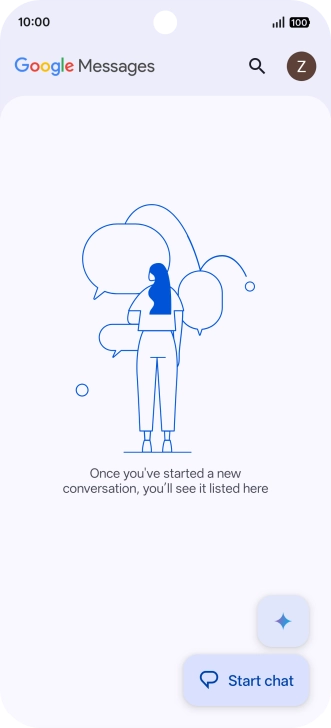
Press the profile icon.
Press Messages settings.
Press Notifications.
Press Incoming messages.

2 Turn on message notifications

Press the indicator next to "Allow notifications" to turn on the function.

3 Select message tone

Press Ring.
Press the required category.
Press the required message tones to hear them.
Once you've found a message tone you like, press arrow left.

4 Return to the home screen

Slide your finger upwards starting from the bottom of the screen to return to the home screen.

Get information on...

Or choose...

Another device