
OPPO A6 Pro 5G
Android 16
Step 1 of 1
Restart your phone
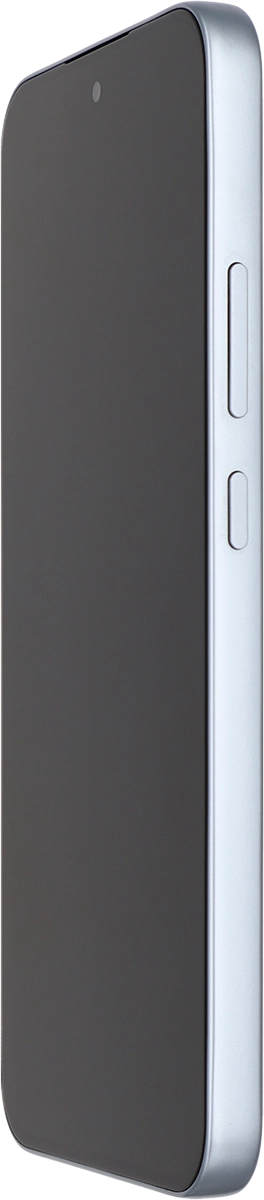
Simultaneously, press the Side key and the upper part of the Volume key and keep them both pressed until your phone restarts.
1 Restart your phone
Simultaneously, press the Side key and the upper part of the Volume key and keep them both pressed until your phone restarts.