OPPO A6 Pro 5G
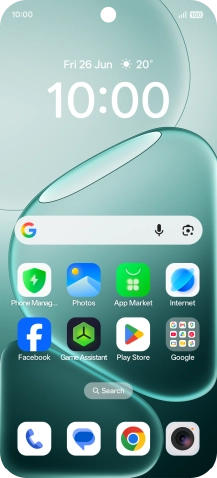
Find "Access point names"
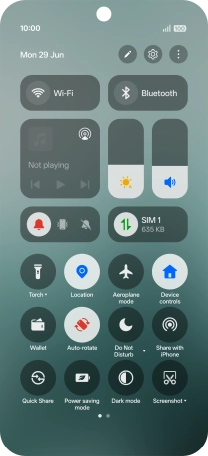
Slide your finger downwards starting from the top right side of the screen.
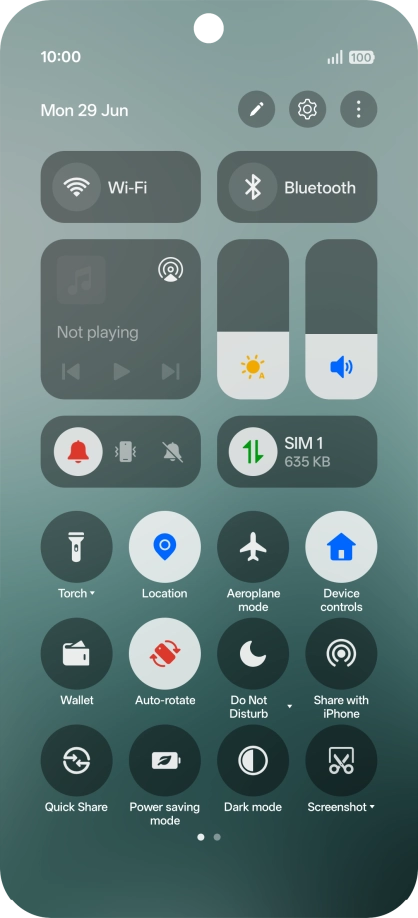
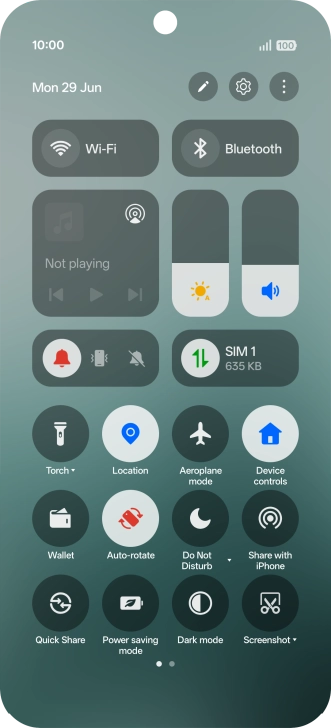
Find "Access point names"
Press the settings icon.
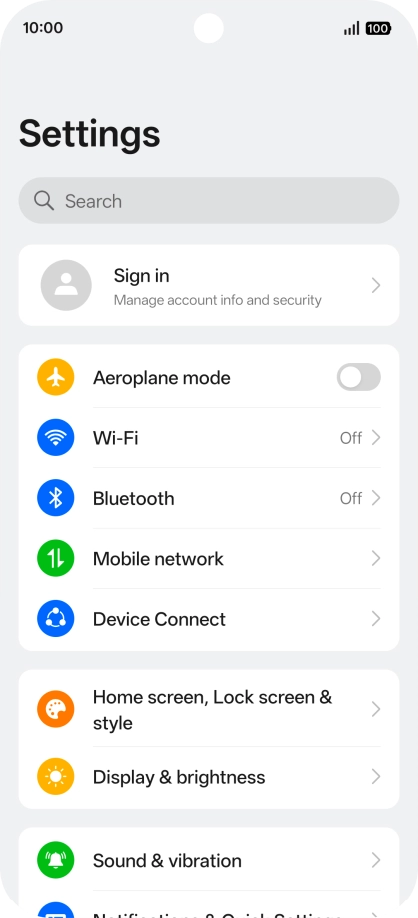
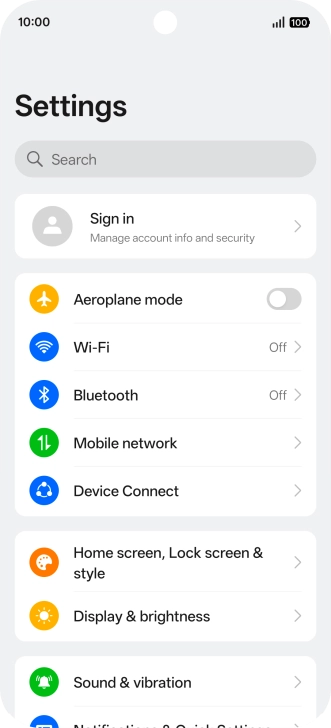
Find "Access point names"
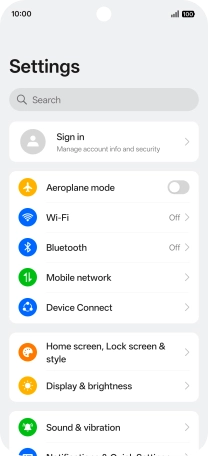
Press Mobile network.
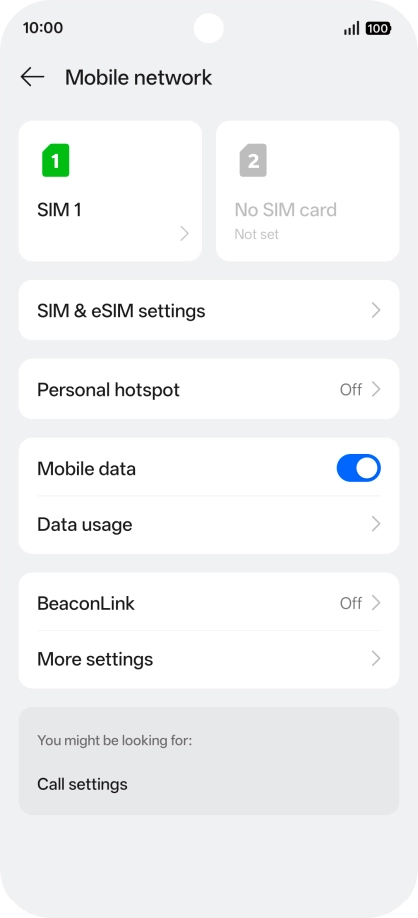
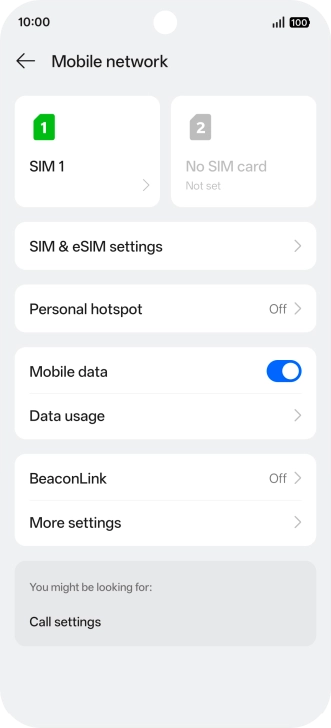
Find "Access point names"
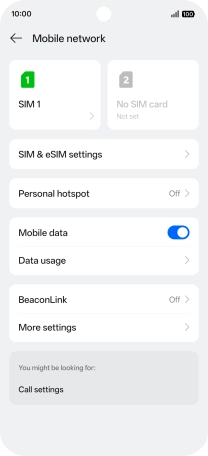
Press the name of the SIM.
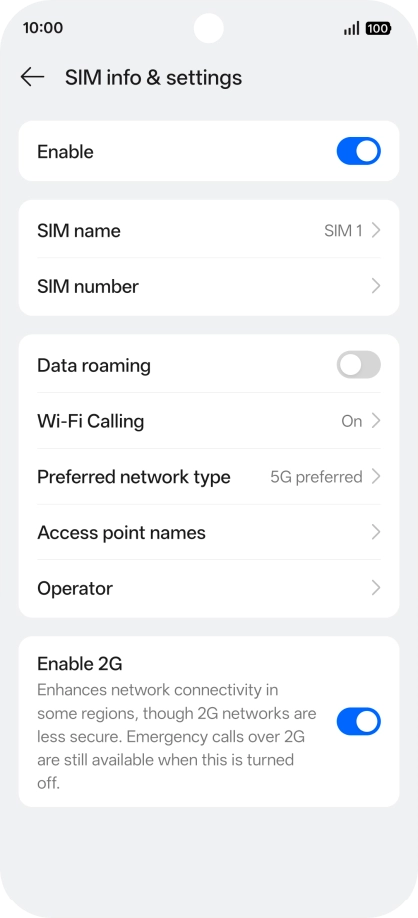
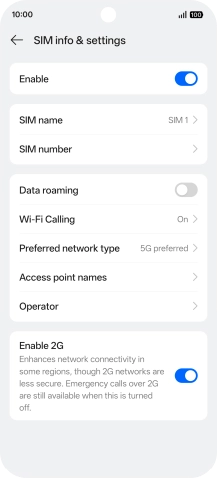
Find "Access point names"
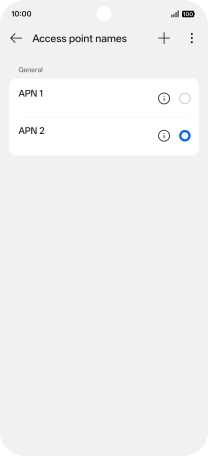
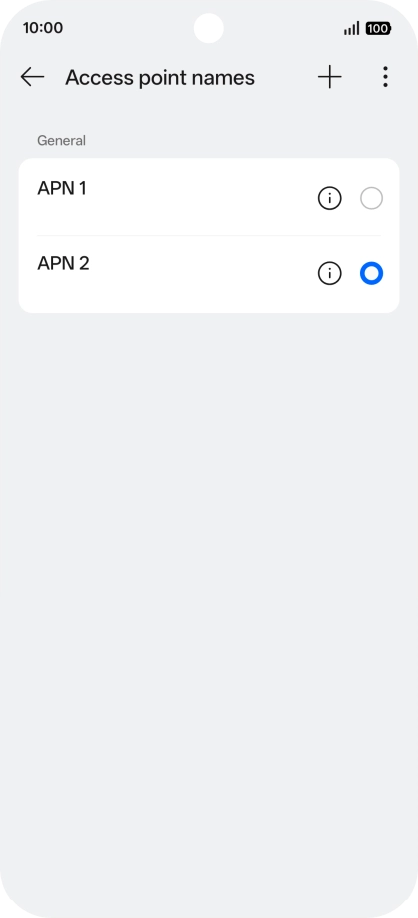
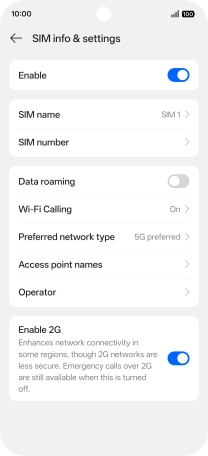
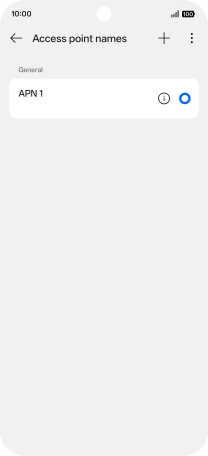
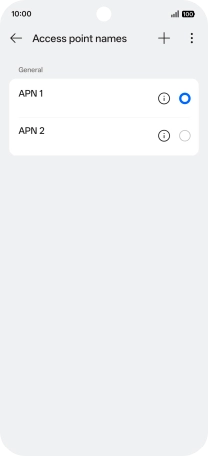
Press Access point names.
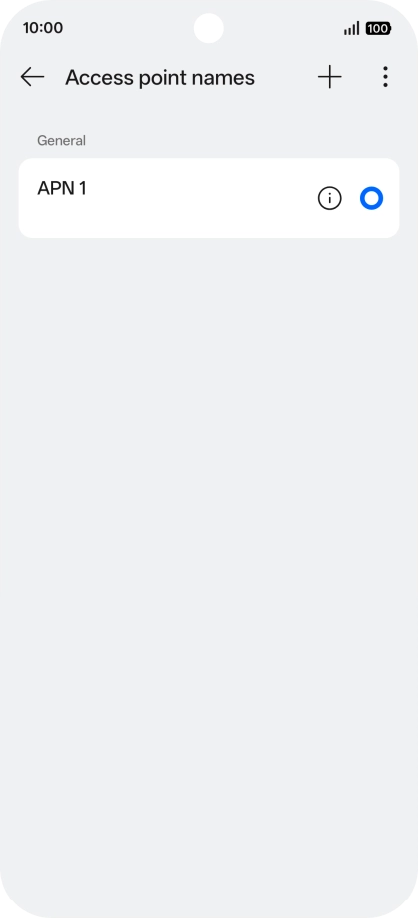
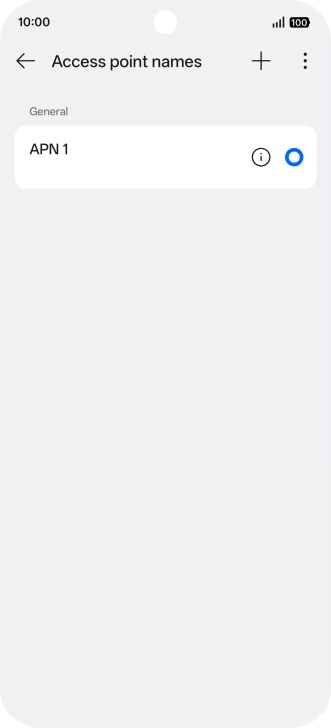
Create new data connection
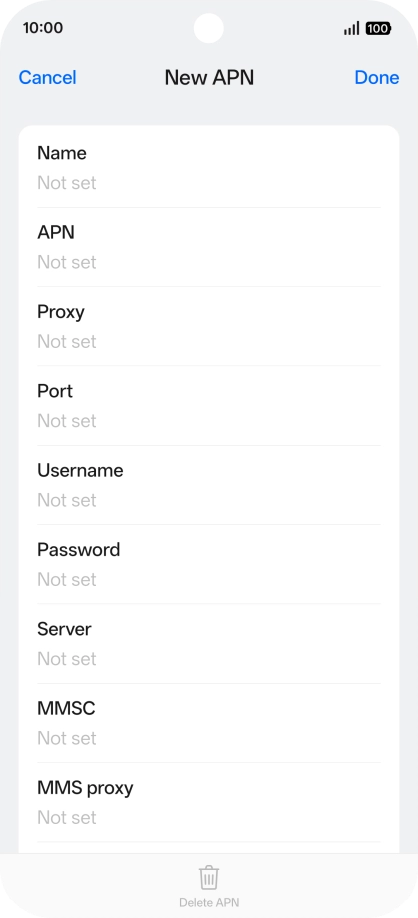
Press the new data connection icon.
Create new data connection
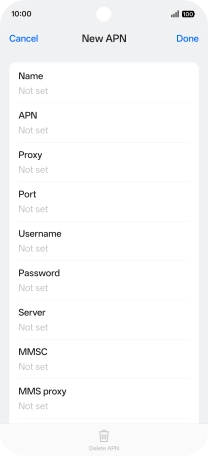
Press the field below "Name" and key in Vodafone Internet.
Enter APN
Press the field below "APN" and key in wap.vodafone.co.uk.
Enter username
Press the field below "Username" and key in wap.
Enter password
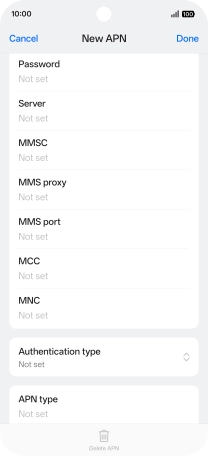
Press the field below "Password" and key in wap.
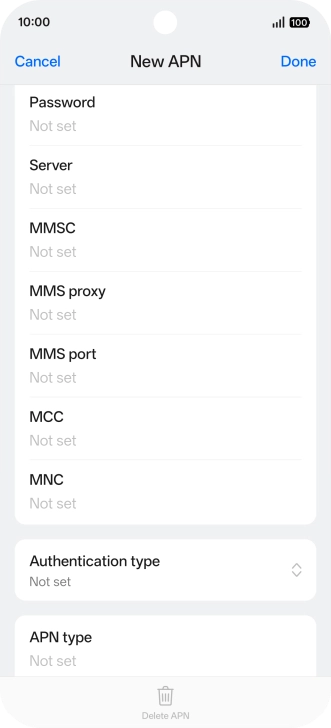
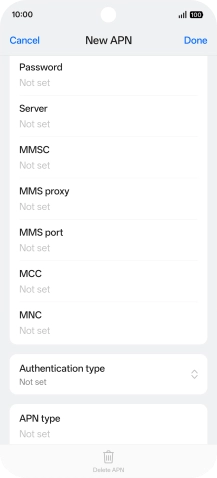
Enter country code
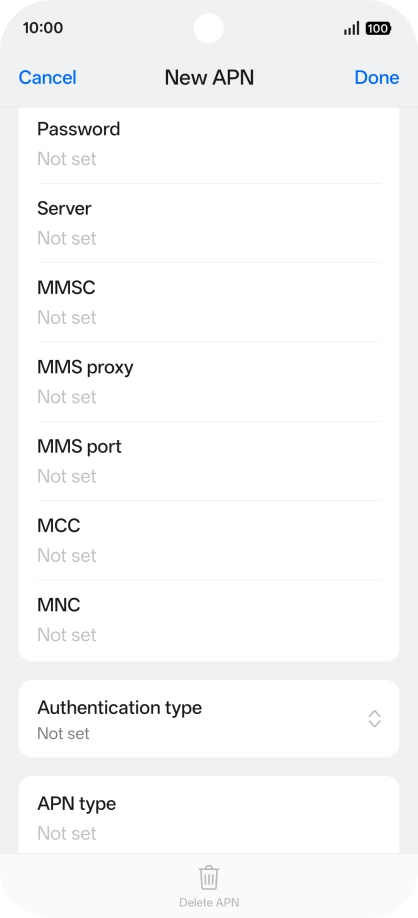
Press the field below "MCC" and key in 234.
Enter network code
Press the field below "MNC" and key in 15.
Select authentication type
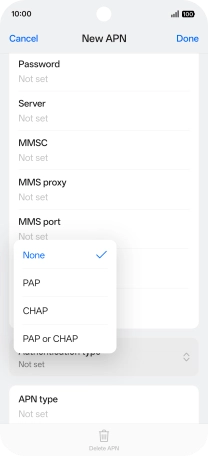
Press Authentication type.
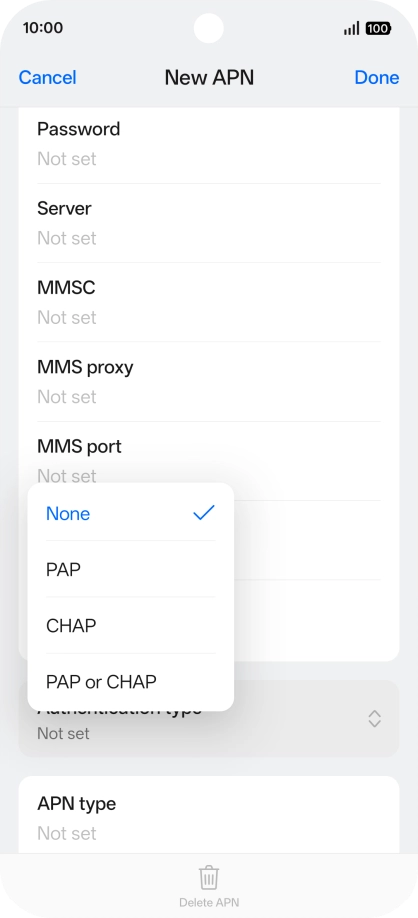
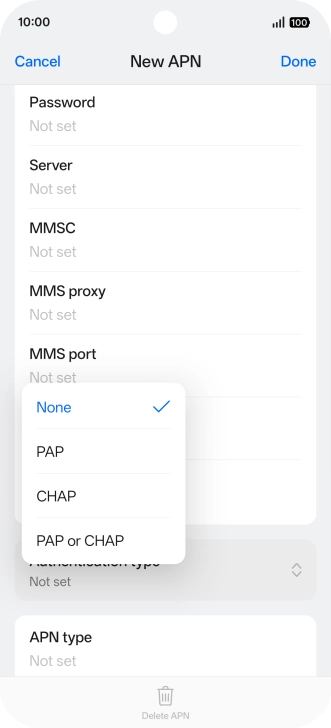
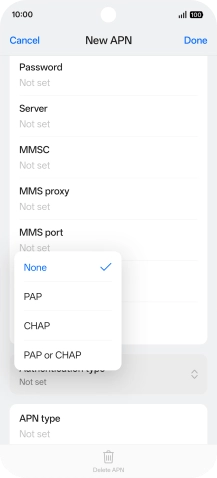
Select authentication type
Press None.
Enter APN type
Press the field below "APN type" and key in default.
Save data connection
Press Done.
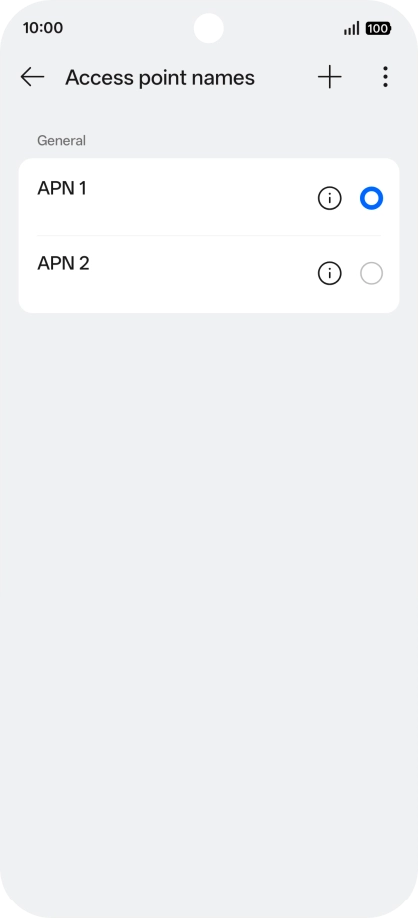
Save data connection
Press the field next to the data connection to activate it.
Return to the home screen
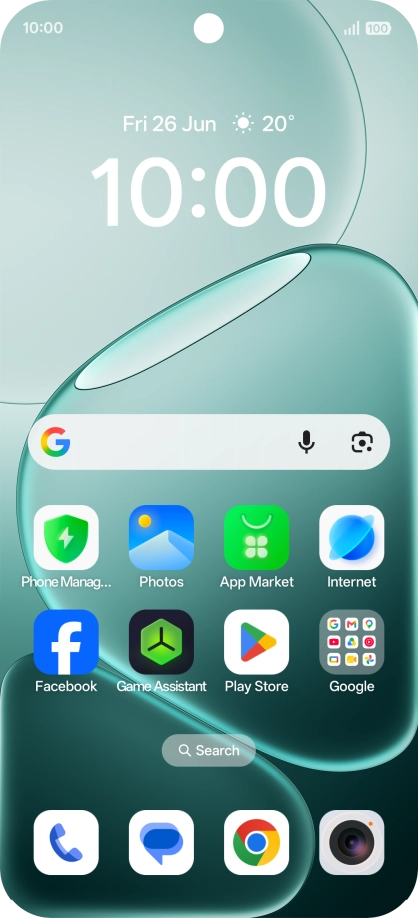
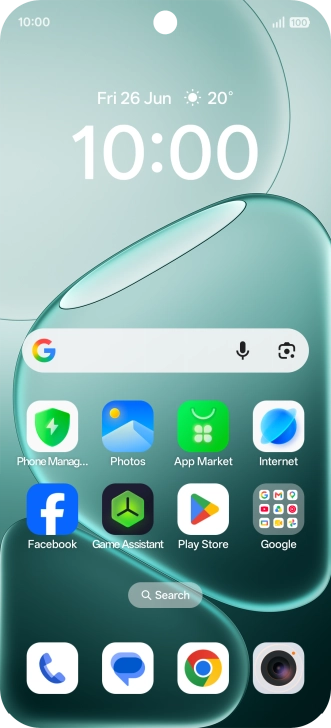
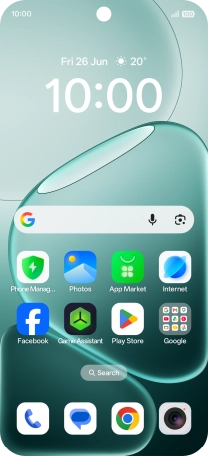
Slide your finger upwards starting from the bottom of the screen to return to the home screen.
1 Find "Access point names"
2 Create new data connection
3 Enter APN
4 Enter username
5 Enter password
6 Enter country code
7 Enter network code
8 Select authentication type
9 Enter APN type
10 Save data connection
11 Return to the home screen