Xiaomi Mi Mix 3 5G

Xiaomi Mi Mix 3 5G

Android 9.0

View pictures and videos on your Xiaomi Mi Mix 3 5G Android 9.0

Read help info

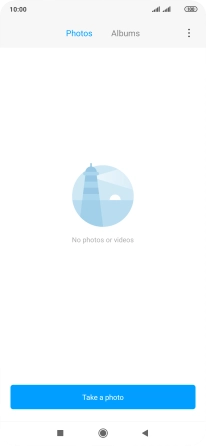
In your phone's gallery you can see pictures and videos taken with the phone camera or video recorder.

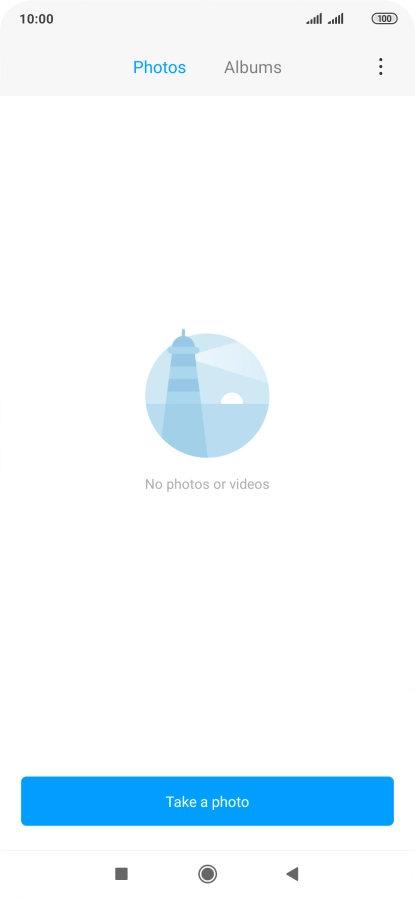
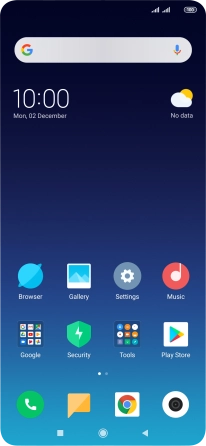
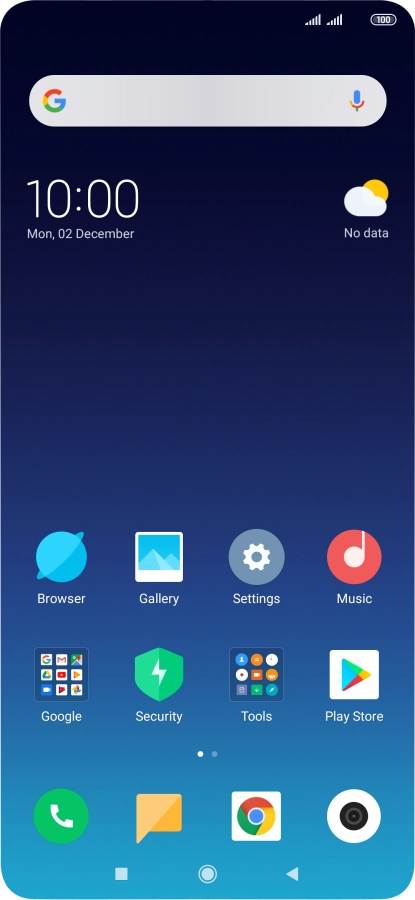
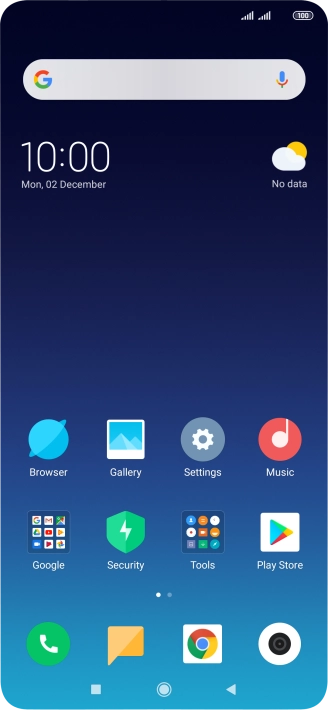
Press Gallery.
Step 1 of 4

1. Find "Albums"

Press Gallery.

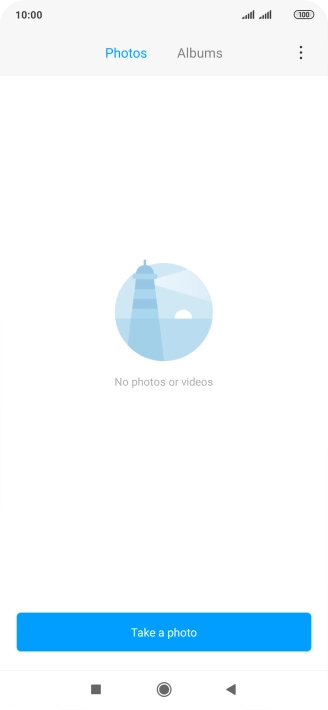
Press Albums.
Step 2 of 4

1. Find "Albums"

Press Albums.

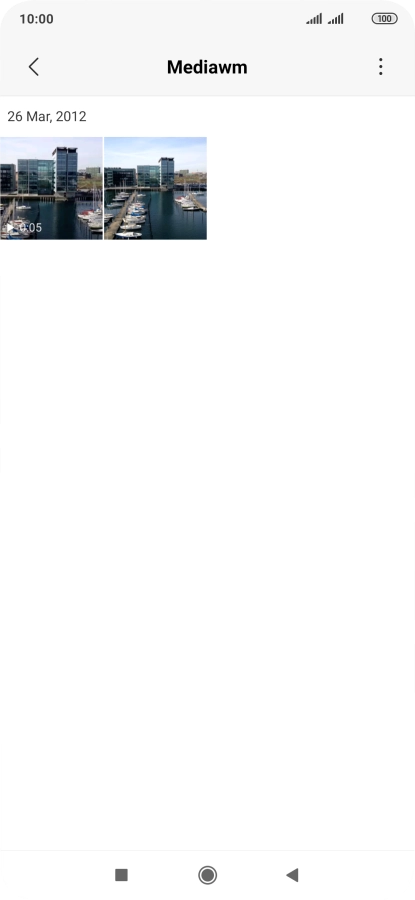
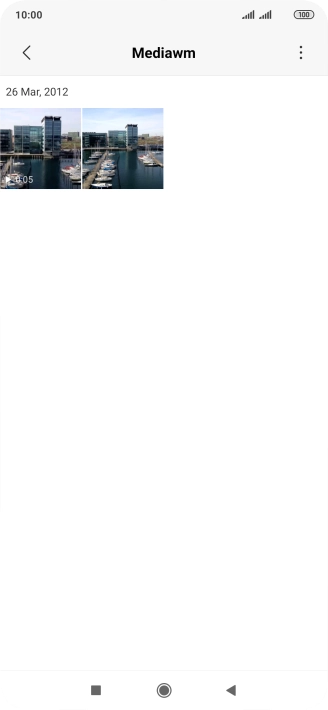
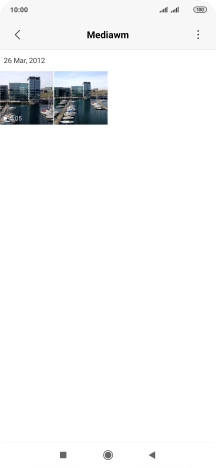
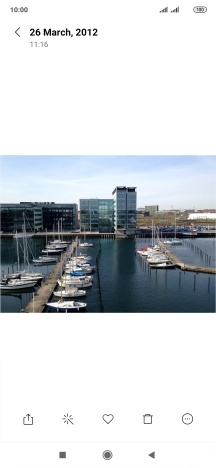
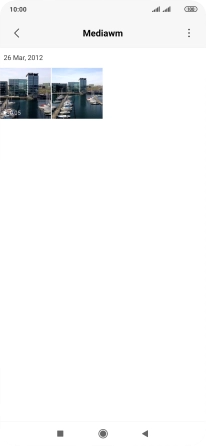
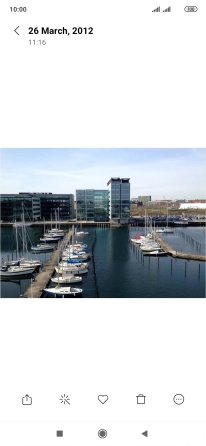
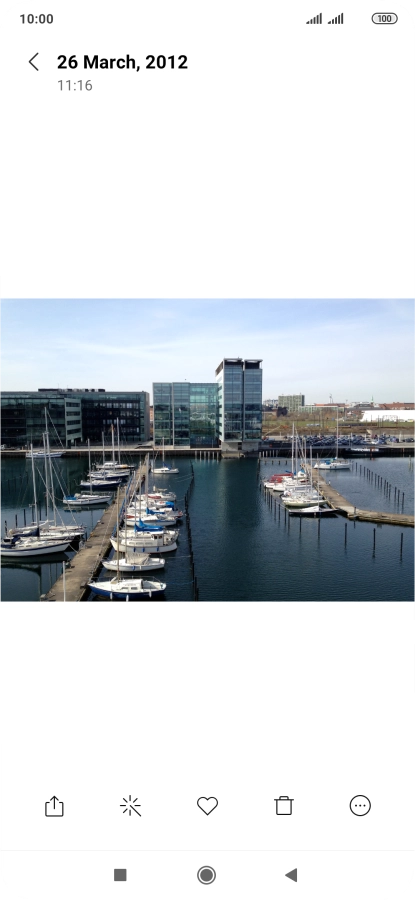
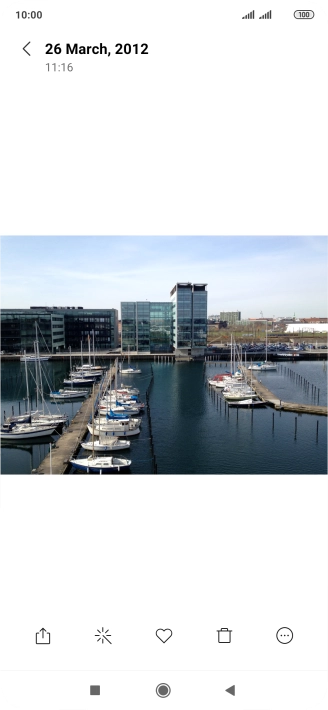
Go to the required folder and press the required picture or video clip.
Step 3 of 4

2. View picture or video clip

Go to the required folder and press the required picture or video clip.
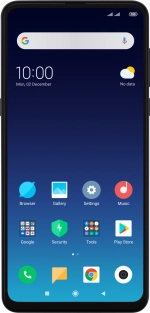
Press the Home key to return to the home screen.
Step 4 of 4

3. Return to the home screen

Press the Home key to return to the home screen.

1. Find "Albums"

Press Gallery.
Press Albums.

2. View picture or video clip

Go to the required folder and press the required picture or video clip.
3. Return to the home screen

Press the Home key to return to the home screen.

Get information on...

Or choose...

Another device