Xiaomi Mi Mix 3 5G

Xiaomi Mi Mix 3 5G

Android 9.0

Turn screen lock on your Xiaomi Mi Mix 3 5G Android 9.0 on or off

Read help info

You can lock the phone screen and keys to avoid activating your phone by mistake.

Press On/Off.
Step 1 of 7

1. Turn on the screen lock

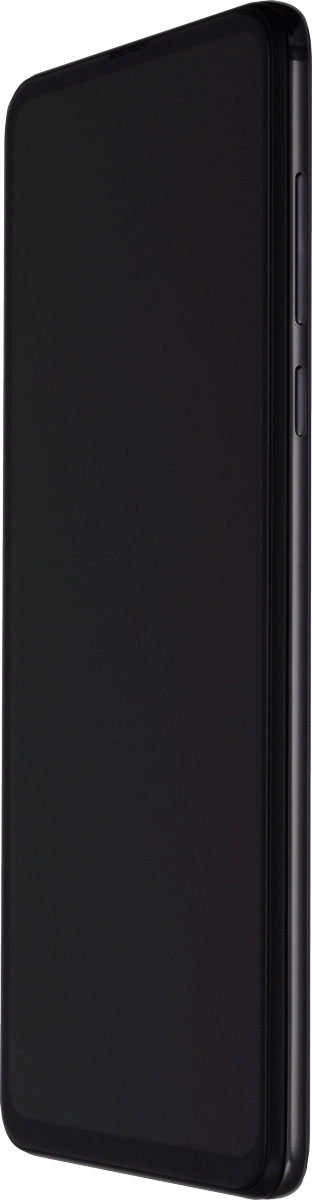
Press On/Off.

Press On/Off and slide you finger across the screen.
Step 2 of 7

2. Turn off the screen lock

Press On/Off and slide you finger across the screen.

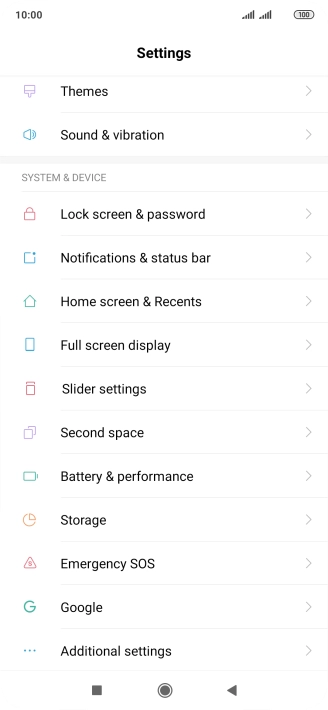
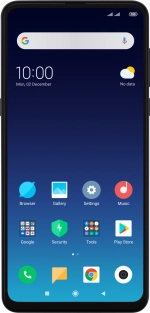
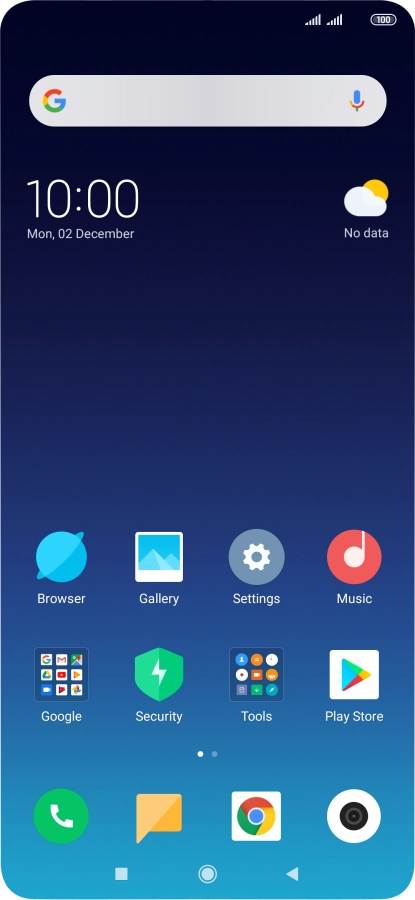
Press Settings.
Step 3 of 7

3. Set automatic screen lock

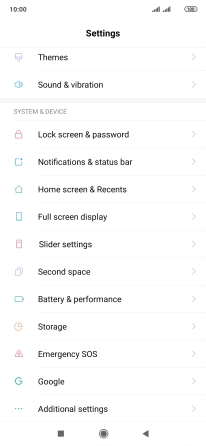
Press Settings.

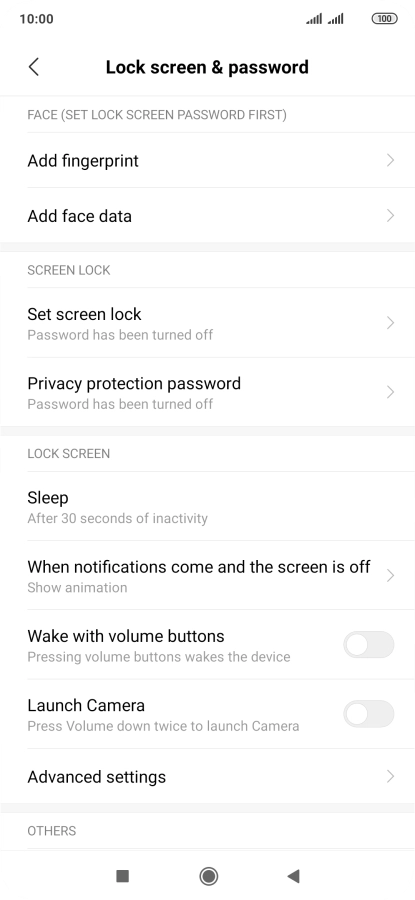
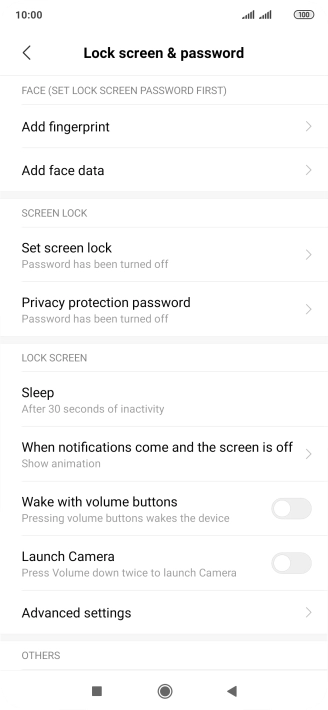
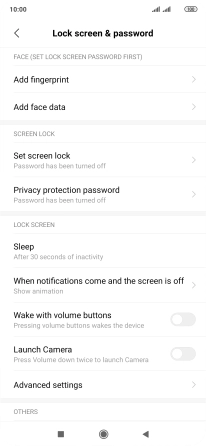
Press Lock screen & password.
Step 4 of 7

3. Set automatic screen lock

Press Lock screen & password.

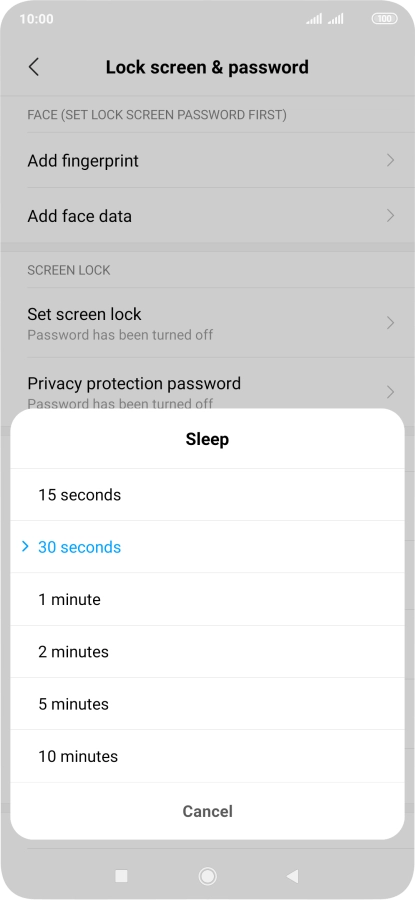
Press Sleep.
Step 5 of 7

3. Set automatic screen lock

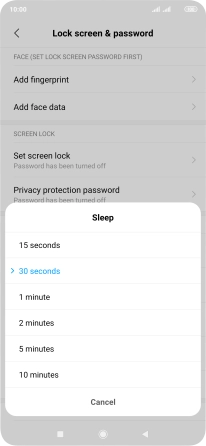
Press Sleep.

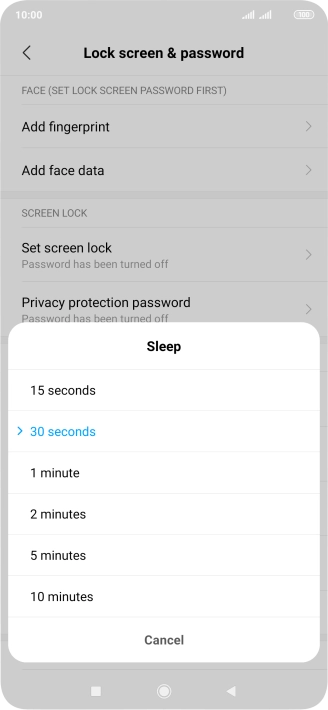
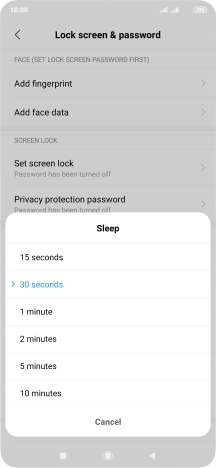
Press the required setting.
Step 6 of 7

3. Set automatic screen lock

Press the required setting.

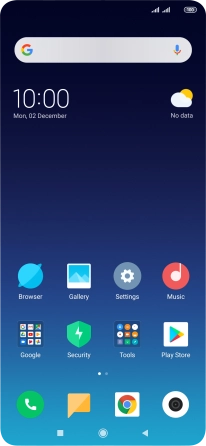
Press the Home key to return to the home screen.
Step 7 of 7

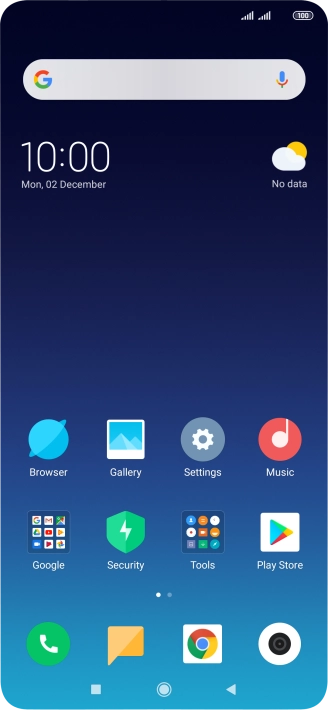
4. Return to the home screen

Press the Home key to return to the home screen.

1. Turn on the screen lock

Press On/Off.

2. Turn off the screen lock

Press On/Off and slide you finger across the screen.
3. Set automatic screen lock

Press Settings.
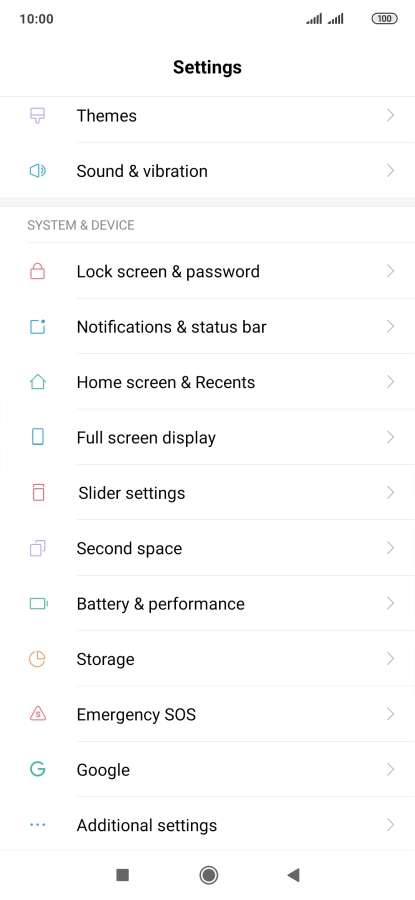
Press Lock screen & password.
Press Sleep.
Press the required setting.

4. Return to the home screen

Press the Home key to return to the home screen.

Get information on...

Or choose...

Another device