Xiaomi Mi Mix 3 5G

Xiaomi Mi Mix 3 5G

Android 9.0

Set up your Xiaomi Mi Mix 3 5G Android 9.0 for text messaging

Read help info

A text message is a message that can be sent to other mobile phones. Your phone can send and receive text messages as soon as you've inserted your SIM. If this isn't the case, you can set up your phone for text messaging manually.

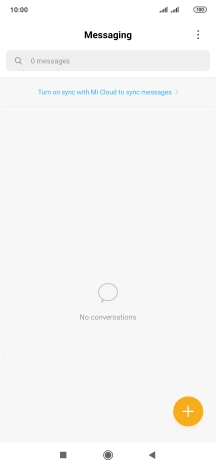
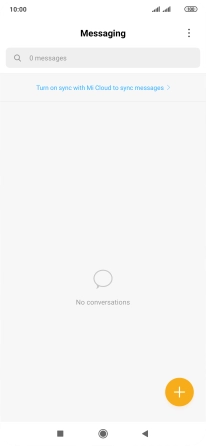
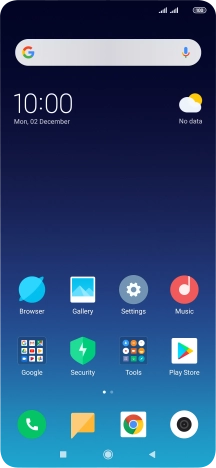
Press the message icon.
Step 1 of 8

1. Find "Short Message service center (SMSC)"

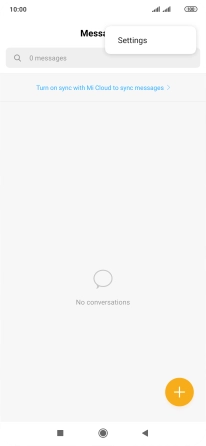
Press the message icon.
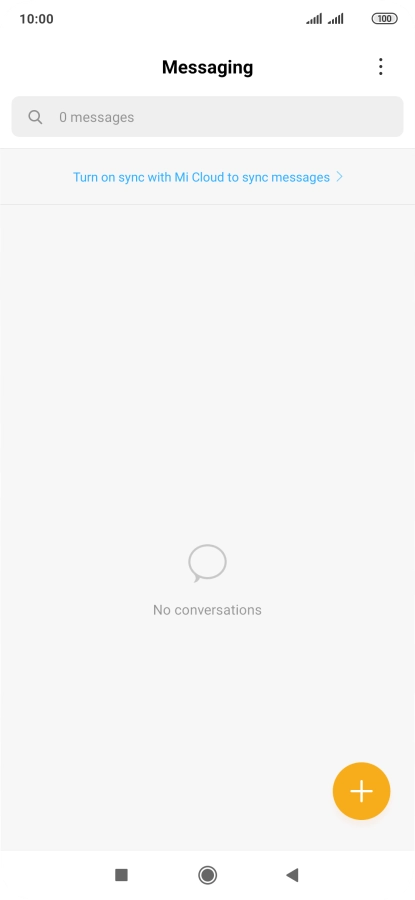
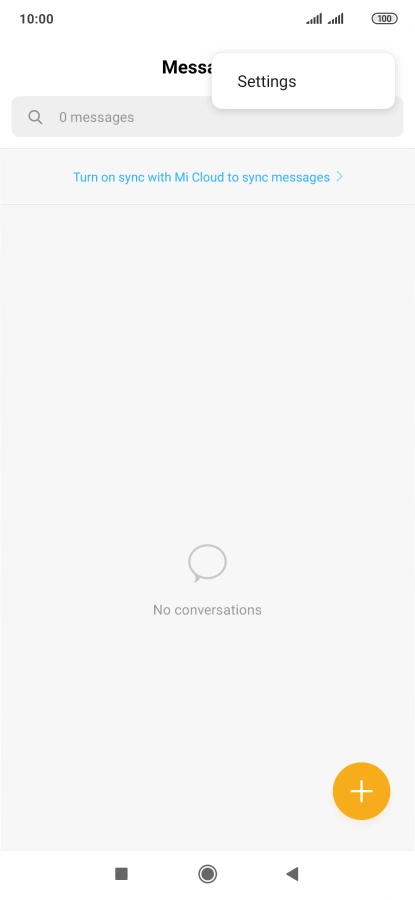
Press the menu icon.
Step 2 of 8

1. Find "Short Message service center (SMSC)"

Press the menu icon.

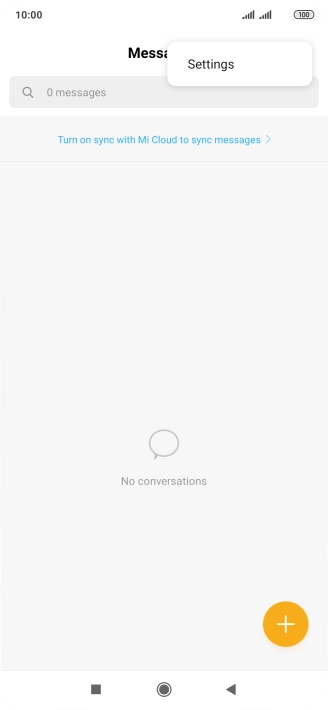
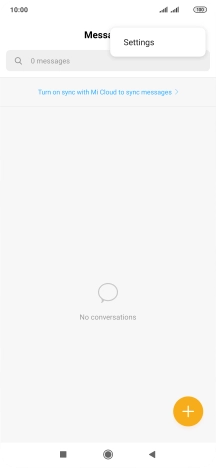
Press Settings.
Step 3 of 8

1. Find "Short Message service center (SMSC)"

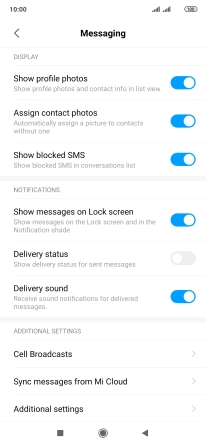
Press Settings.

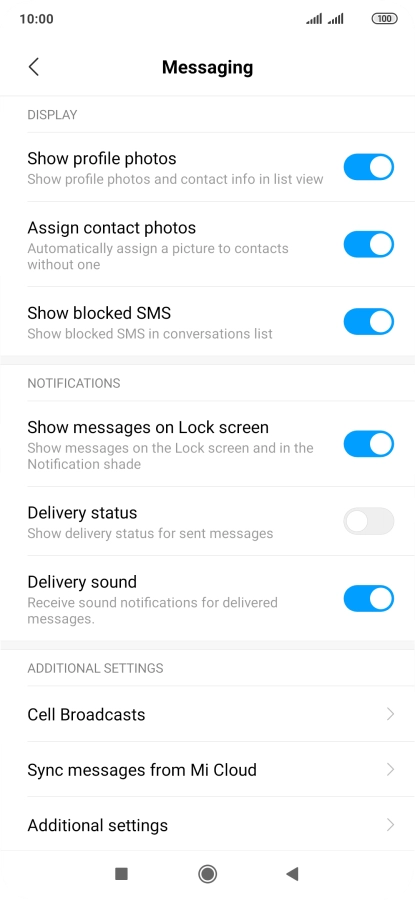
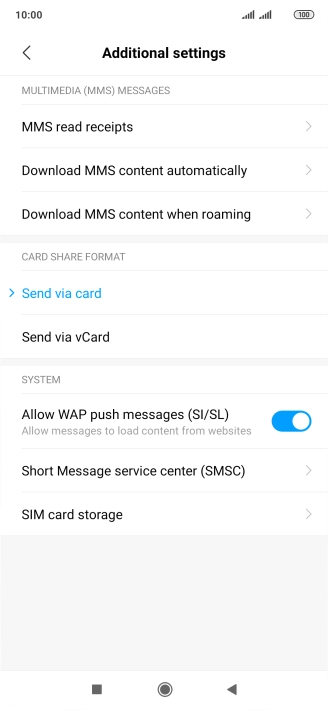
Press Additional settings.
Step 4 of 8

1. Find "Short Message service center (SMSC)"

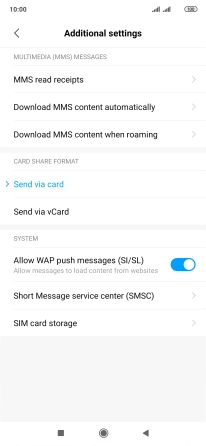
Press Additional settings.

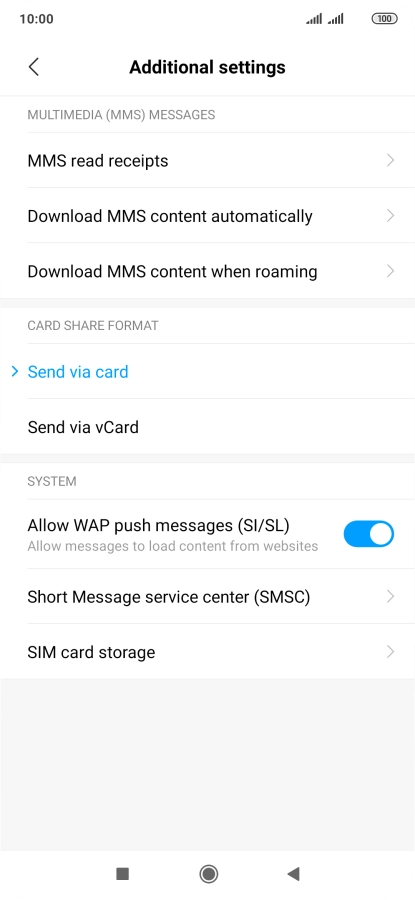
Press Short Message service center (SMSC).
Step 5 of 8

1. Find "Short Message service center (SMSC)"

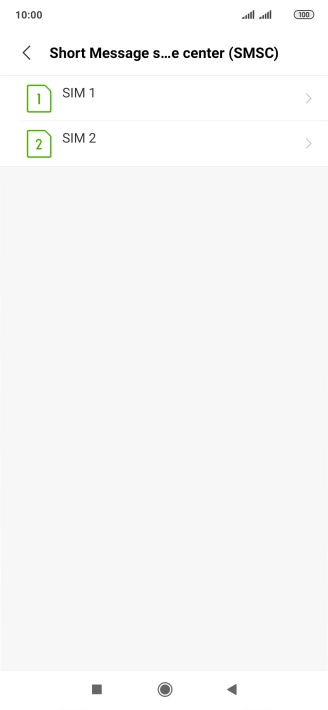
Press Short Message service center (SMSC).

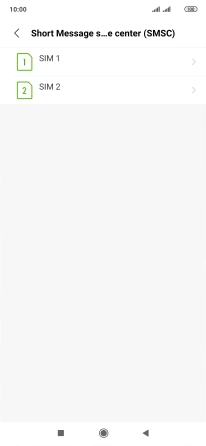
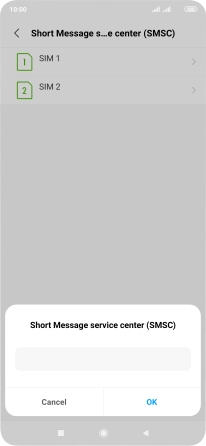
Press the required SIM.
Step 6 of 8

2. Set the message centre number

Press the required SIM.

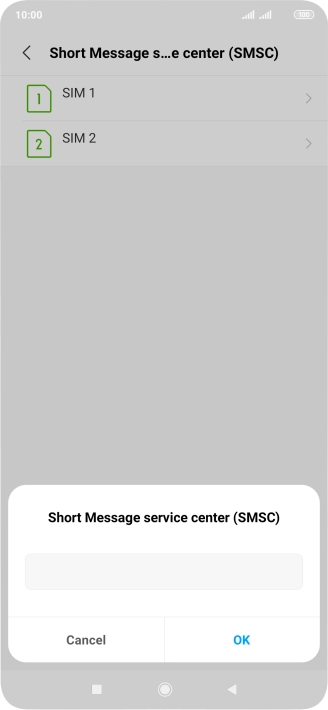
Key in +447785016005 and press OK.
+447785016005
Step 7 of 8

2. Set the message centre number

Key in +447785016005 and press OK.

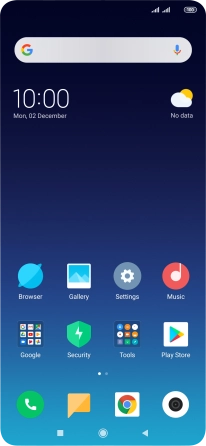
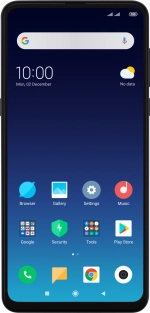
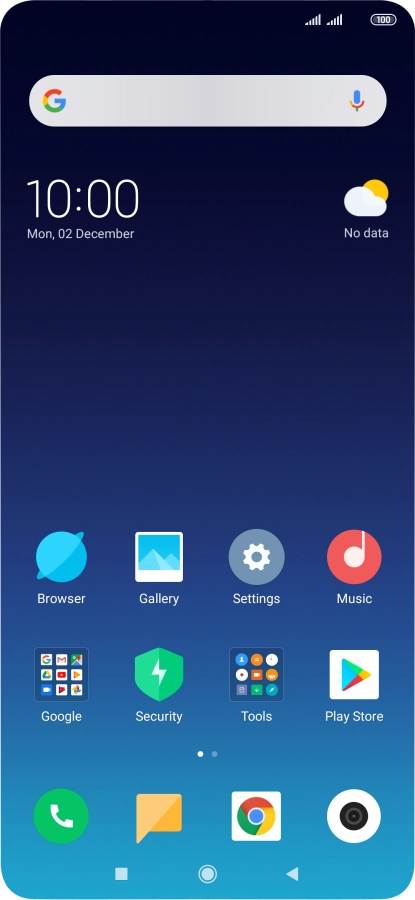
Press the Home key to return to the home screen.
Step 8 of 8

3. Return to the home screen

Press the Home key to return to the home screen.

1. Find "Short Message service center (SMSC)"

Press the message icon.
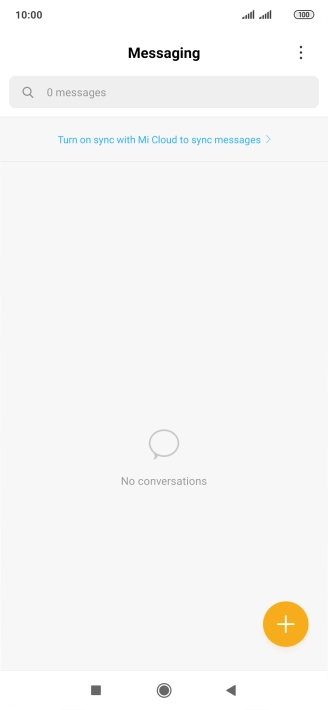
Press the menu icon.
Press Settings.
Press Additional settings.
Press Short Message service center (SMSC).
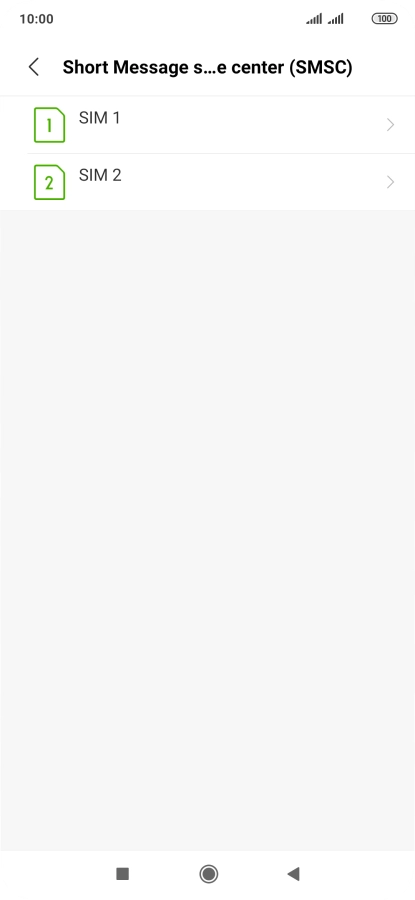
2. Set the message centre number

Press the required SIM.
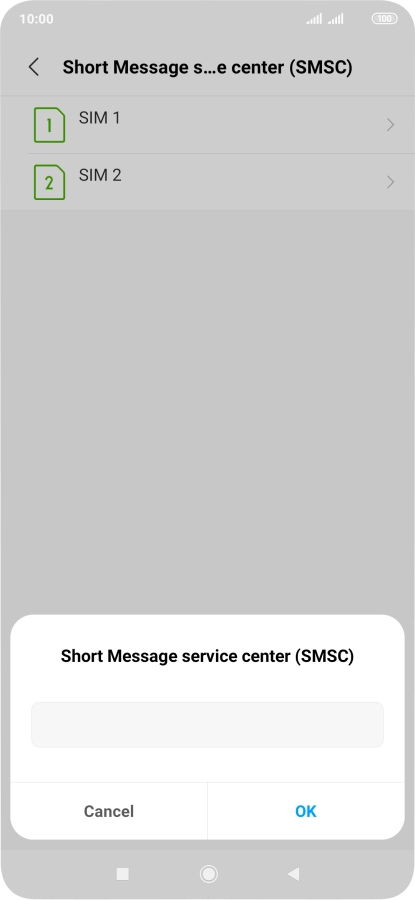
Key in +447785016005 and press OK.
+447785016005

3. Return to the home screen

Press the Home key to return to the home screen.

Get information on...

Or choose...

Another device