Xiaomi Mi Mix 3 5G

Xiaomi Mi Mix 3 5G

Android 9.0

I can't make voice calls on my Xiaomi Mi Mix 3 5G Android 9.0

Cause 5 of 12: Barring of outgoing calls is turned on

If barring of outgoing calls is turned on, you can't make any calls on your phone.

Solution: Turn off call barring.

Step 1 of 8

Find "Call barring"

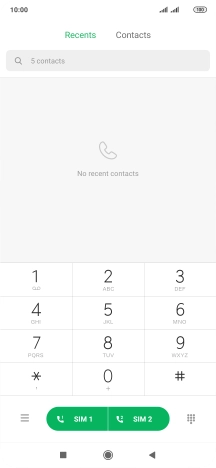
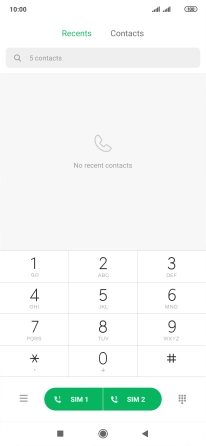
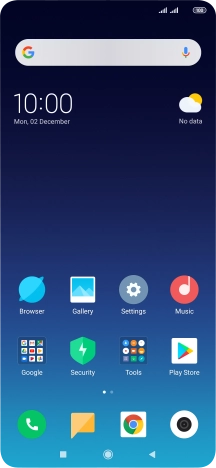
Press the phone icon.
Step 2 of 8

Find "Call barring"

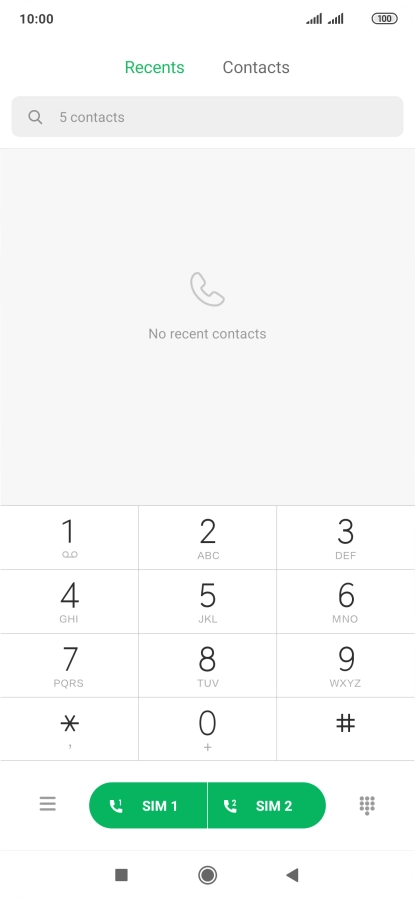
Press the menu icon.

Step 3 of 8

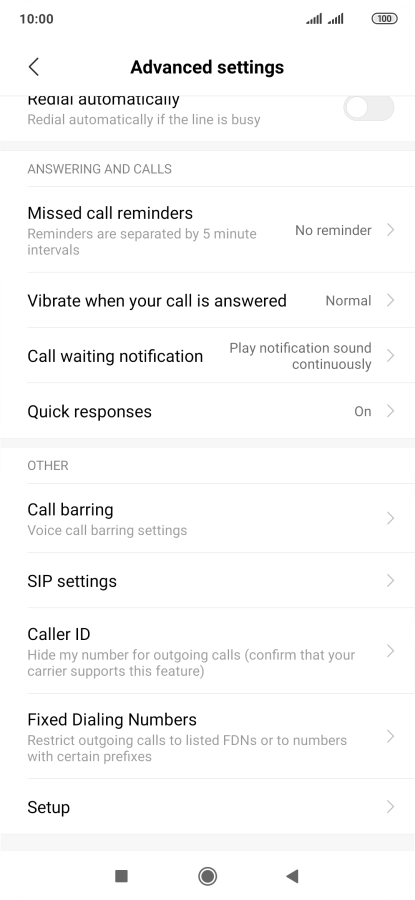
Find "Call barring"

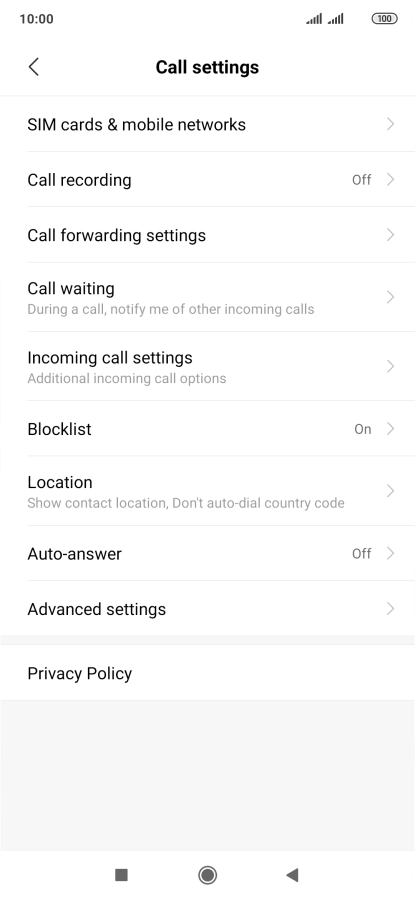
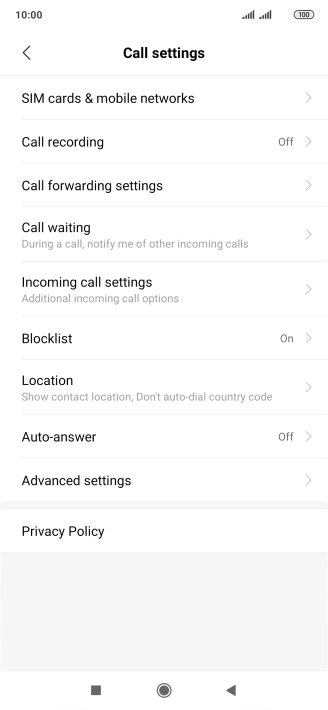
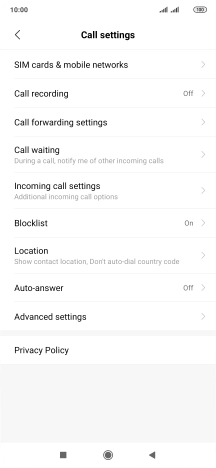
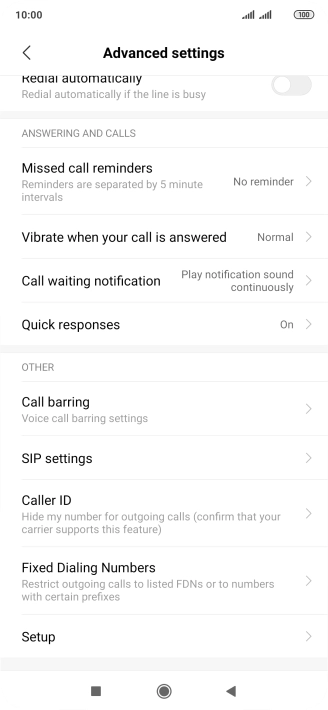
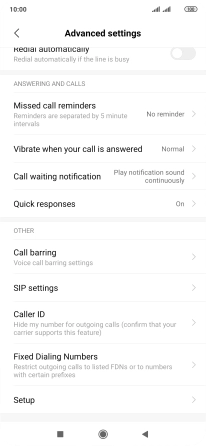
Press Advanced settings.

Step 4 of 8

Find "Call barring"

Press Call barring.

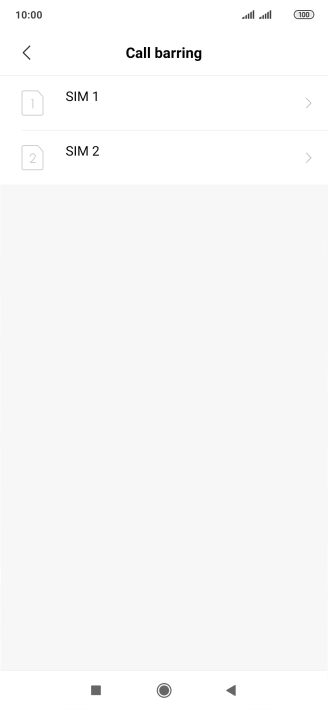
Step 5 of 8

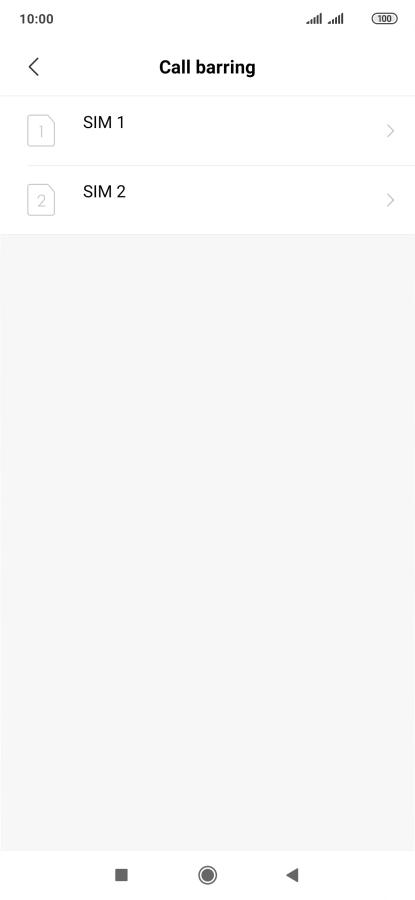
Turn call barring on or off

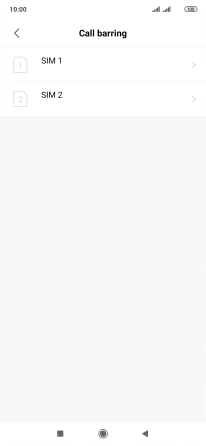
Press the required SIM.

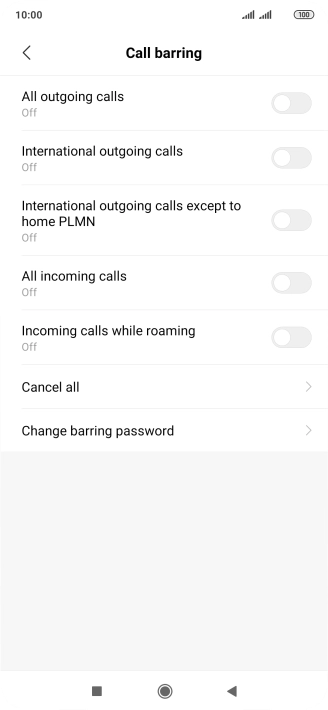
Step 6 of 8

Turn call barring on or off

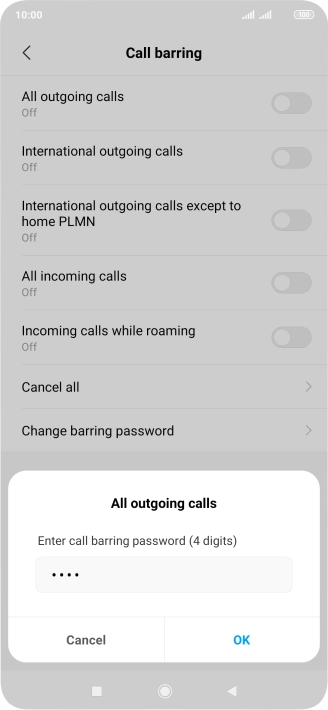
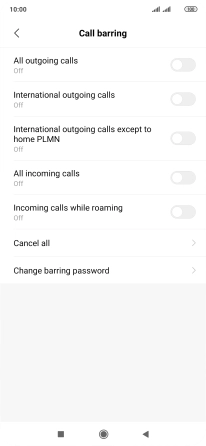
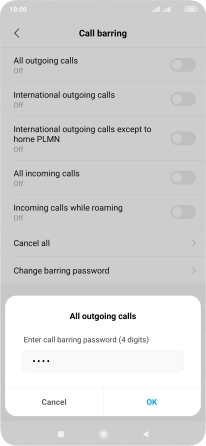
Press the indicator next to the required barring type.

1919
Step 7 of 8

Turn call barring on or off

Key in your barring password and press OK. The default barring password is 1919.

Step 8 of 8

Return to the home screen

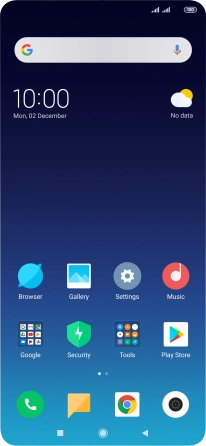
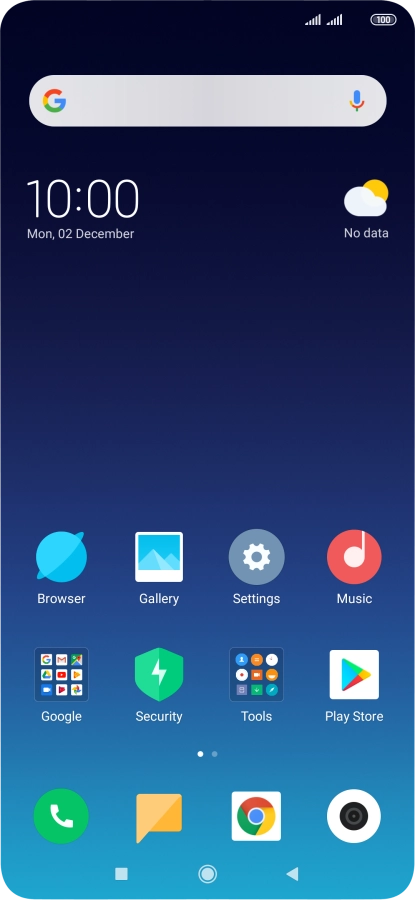
Press the Home key to return to the home screen.

1 Find "Call barring"

Press the phone icon.
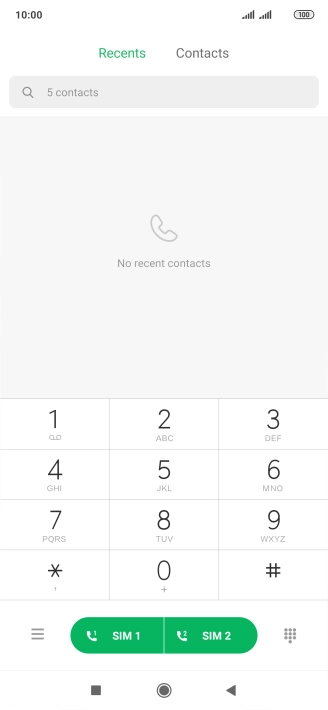
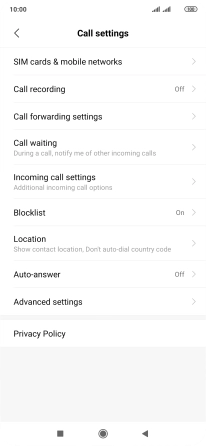
Press the menu icon.
Press Advanced settings.
Press Call barring.

2 Turn call barring on or off

Press the required SIM.
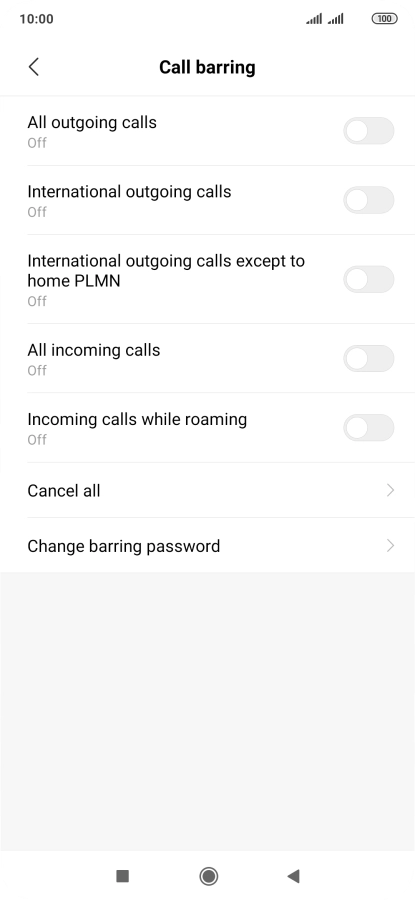
Press the indicator next to the required barring type.
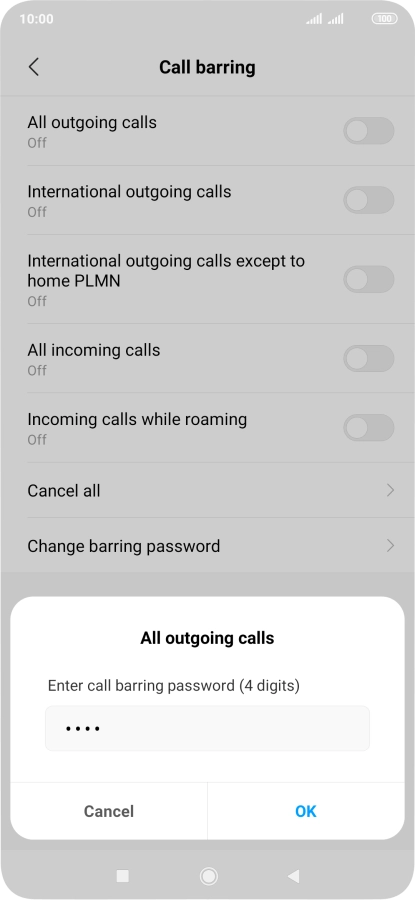
Key in your barring password and press OK. The default barring password is 1919.
1919

3 Return to the home screen

Press the Home key to return to the home screen.

Get information on...

Or choose...

Another device