Xiaomi Mi Mix 3 5G

Xiaomi Mi Mix 3 5G

Android 9.0

I can't send and receive email messages on my Xiaomi Mi Mix 3 5G Android 9.0

Cause 3 of 5: The email message isn't written correctly

To send an email message, it needs to be written and sent correctly.

Solution: See how to write and send an email message.

Step 1 of 17

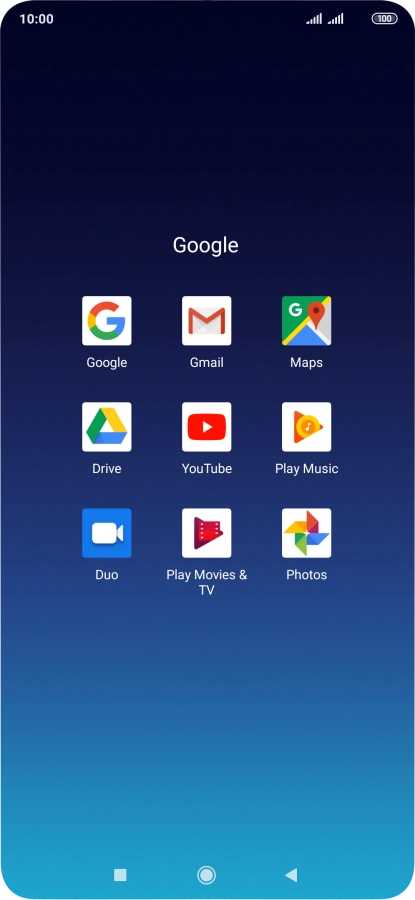
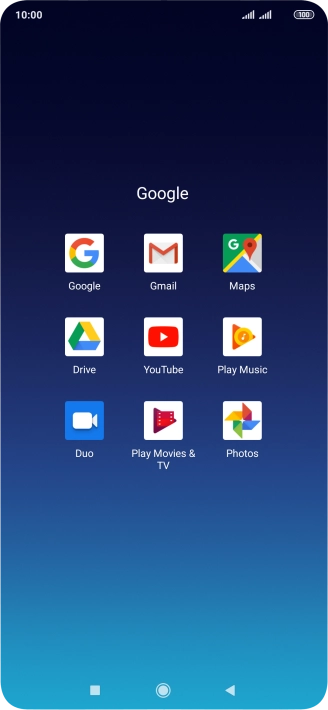
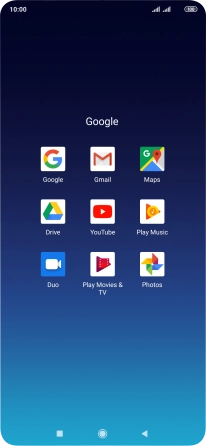
Find "Gmail"

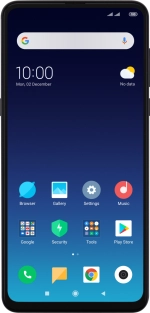
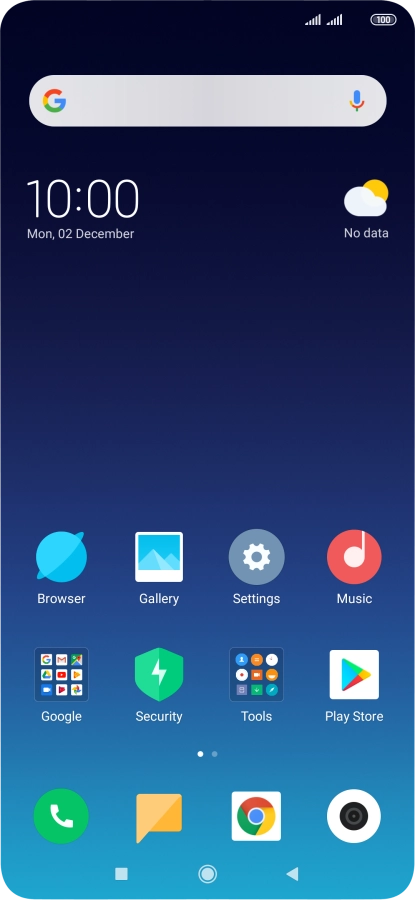
Press Google.

Step 2 of 17

Find "Gmail"

Press Gmail.

Step 3 of 17

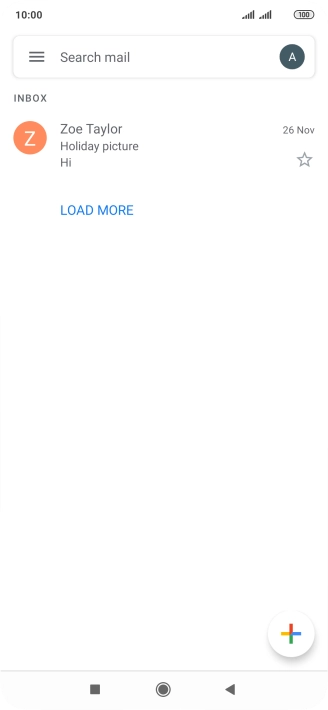
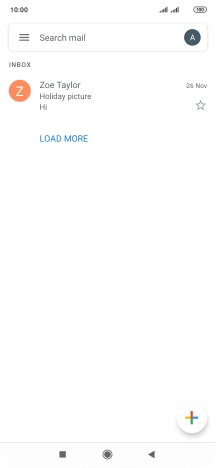
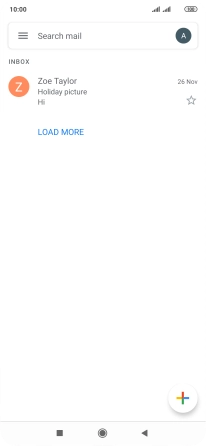
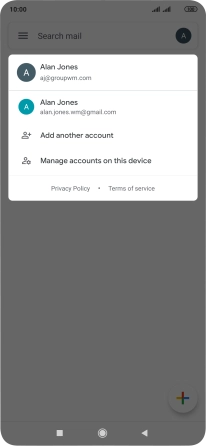
Select email account

Press the profile icon.
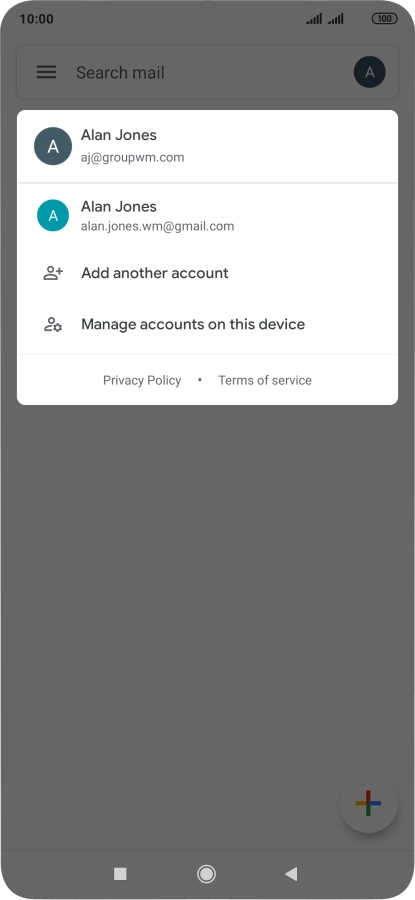
Step 4 of 17

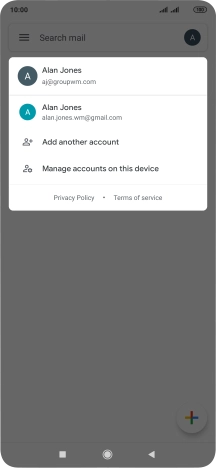
Select email account

Press the required email account.

Step 5 of 17

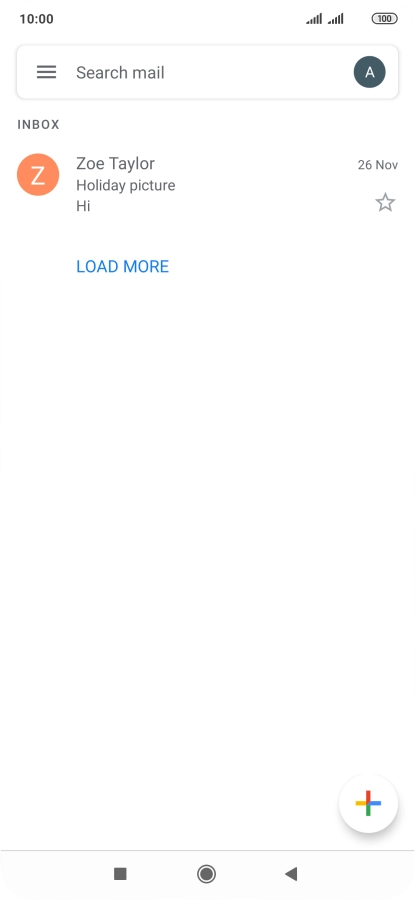
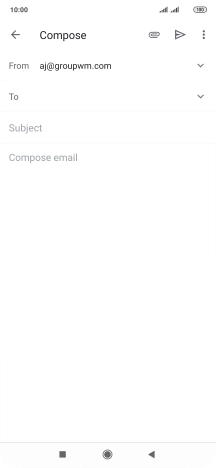
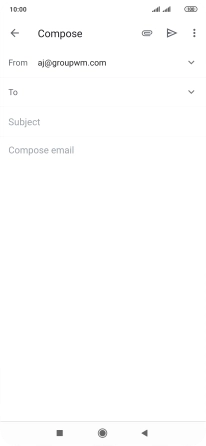
Create new email message

Press the new email message icon.

Step 6 of 17

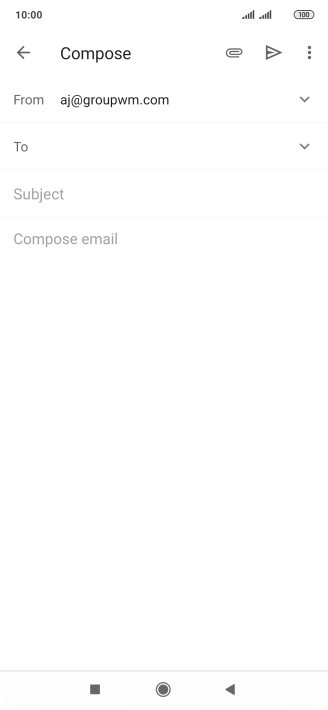
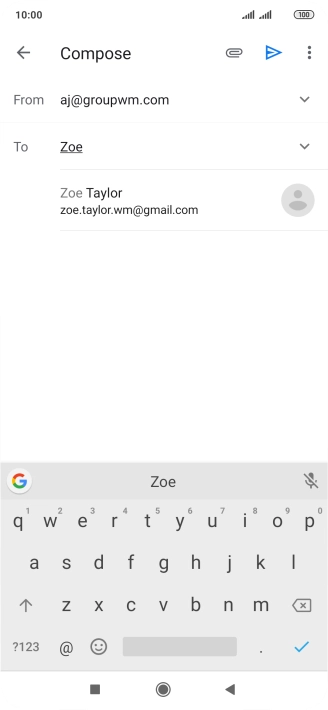
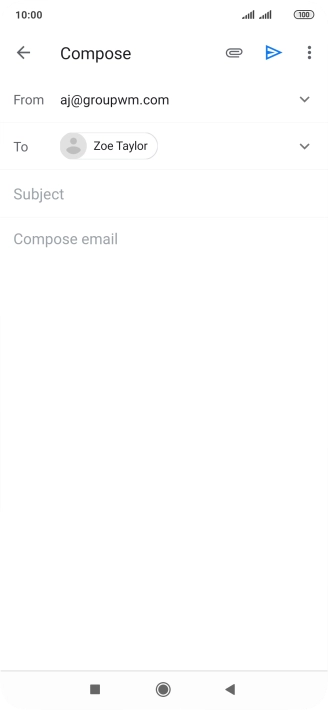
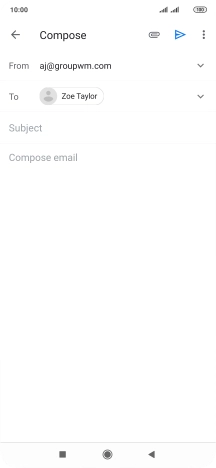
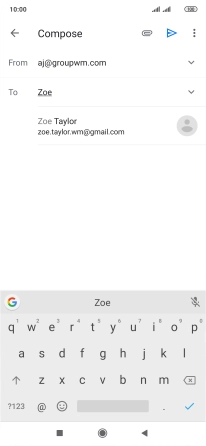
Select recipient

Press the field next to "To" and key in the first letters of the recipient's name.

Step 7 of 17

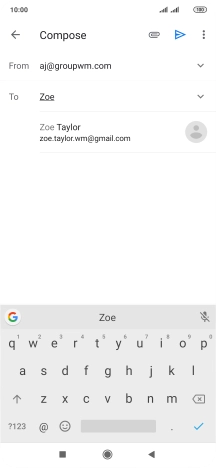
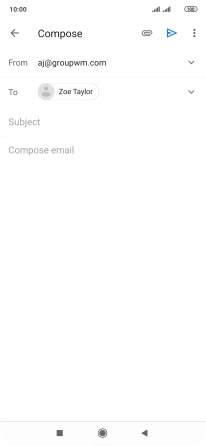
Select recipient

Press the required contact.

Step 8 of 17

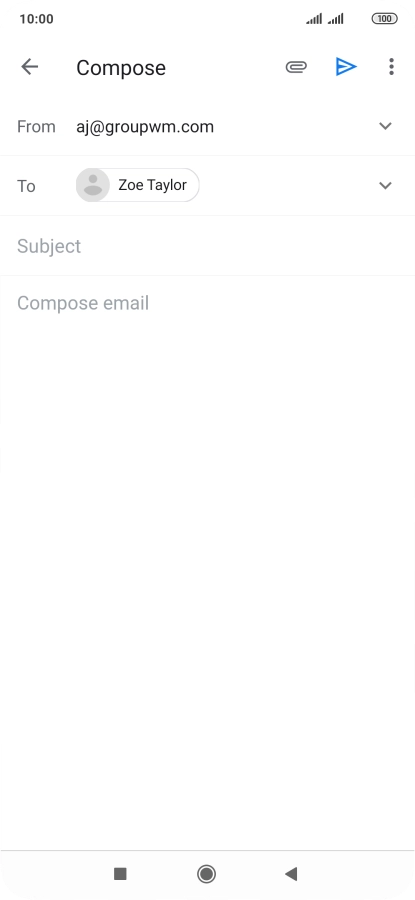
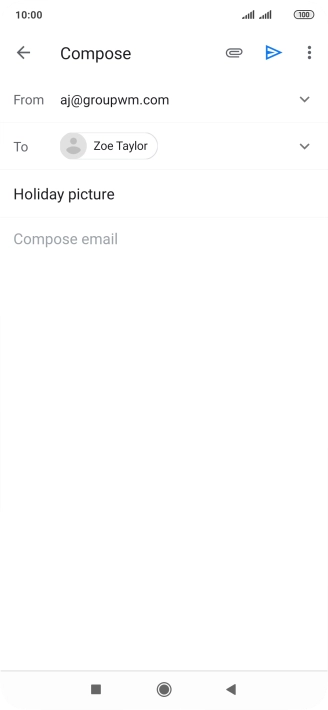
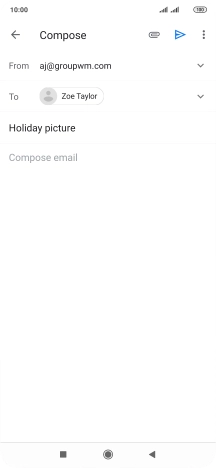
Enter subject

Press Subject and key in the required subject.

Step 9 of 17

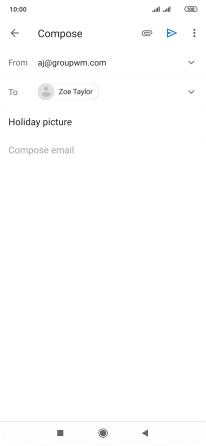
Write text

Press the text input field and write the text for your email message.

Step 10 of 17

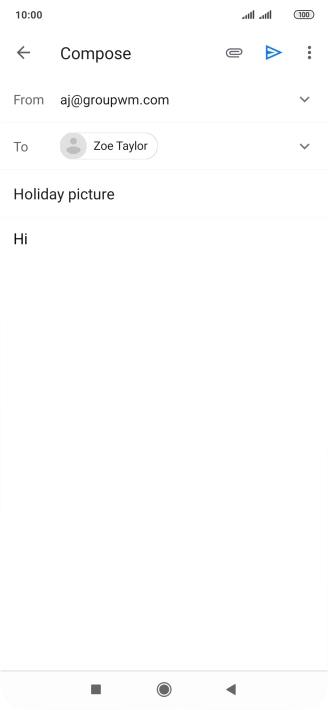
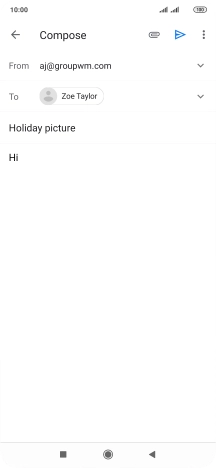
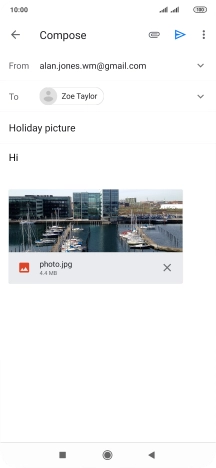
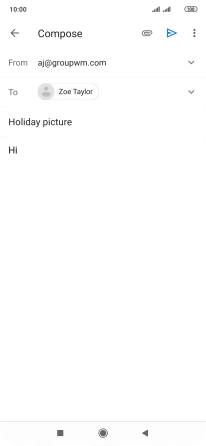
Attach file

Press the attachment icon.

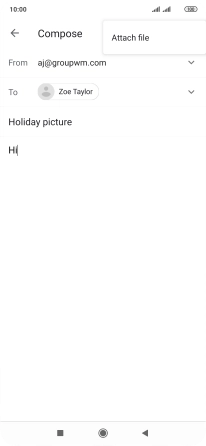
Step 11 of 17

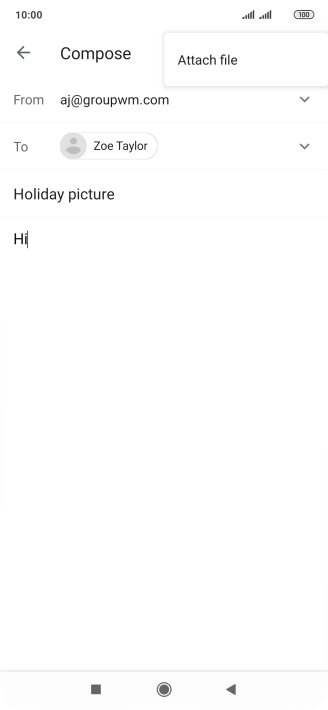
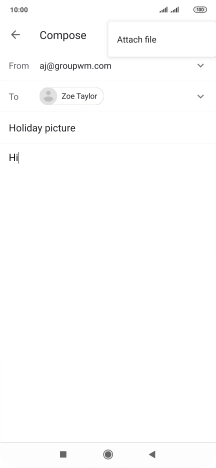
Attach file

Press Attach file.

Step 12 of 17

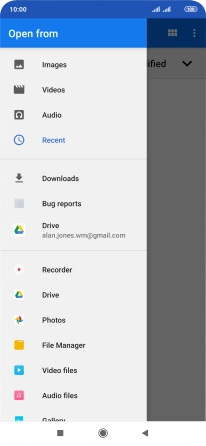
Attach file

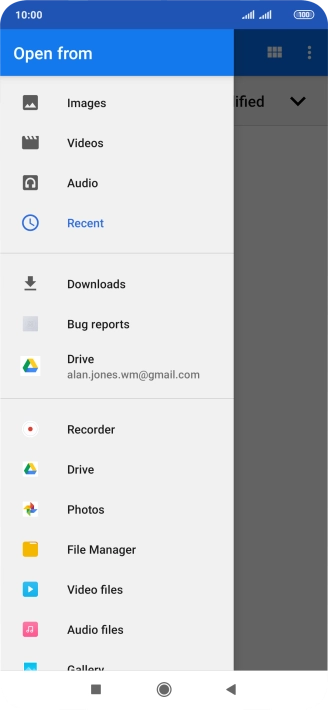
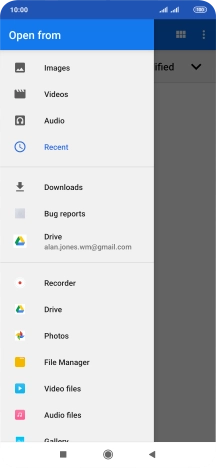
Slide your finger right starting from the left side of the screen.

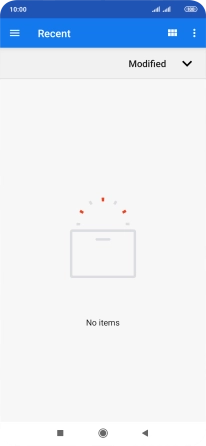
Step 13 of 17

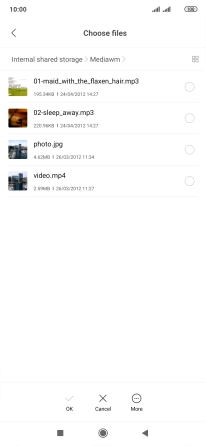
Attach file

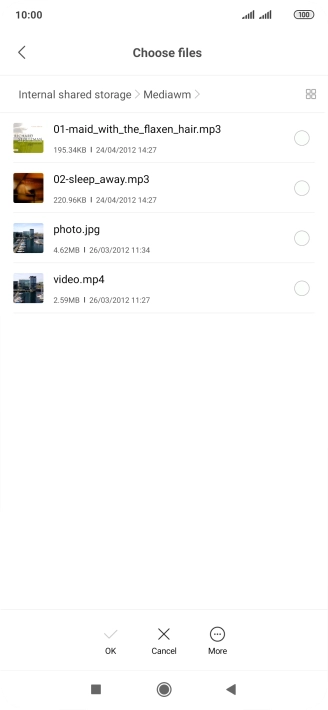
Press File Manager and go to the required folder.

Step 14 of 17

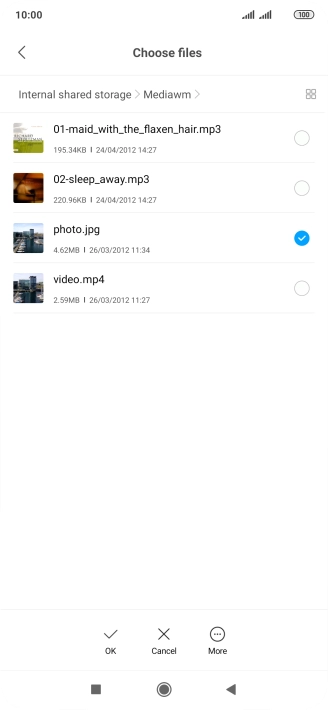
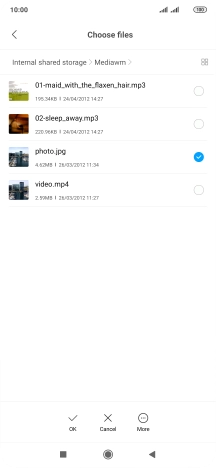
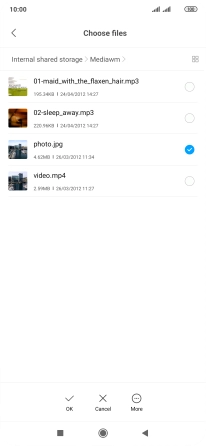
Attach file

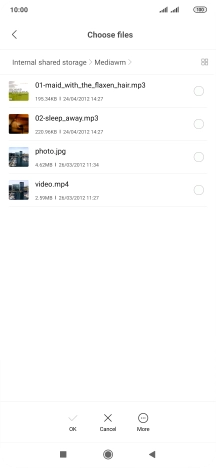
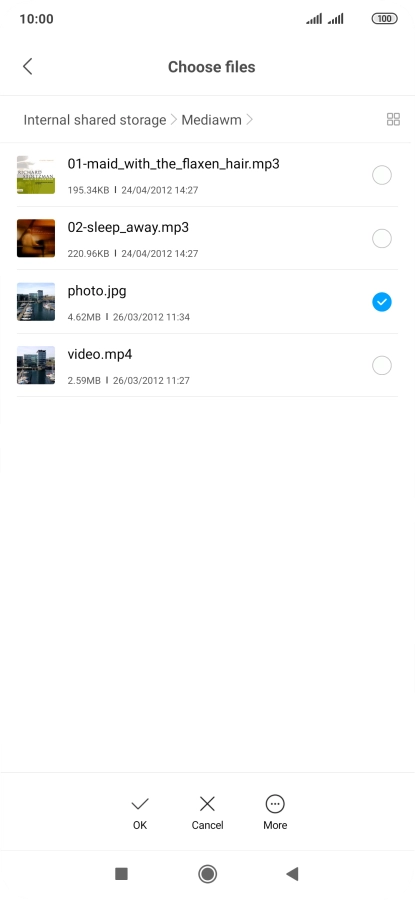
Press the required file.

Step 15 of 17

Attach file

Press OK.

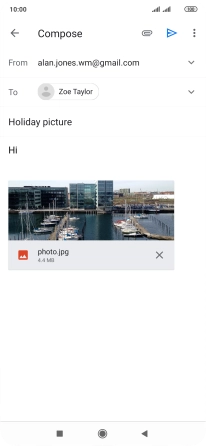
Step 16 of 17

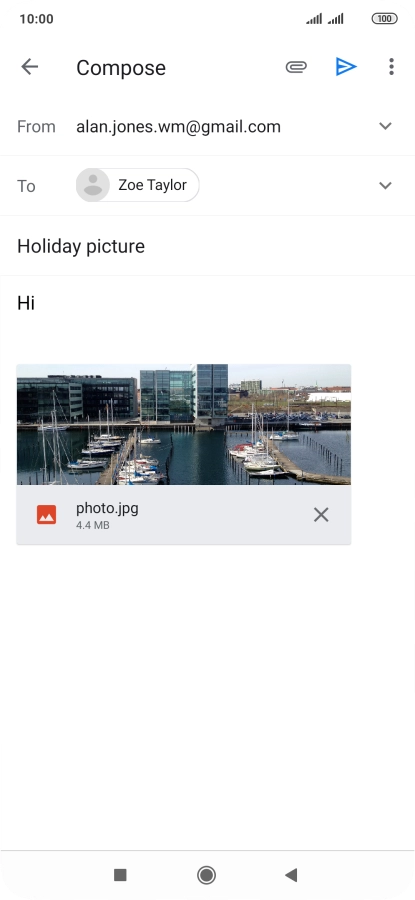
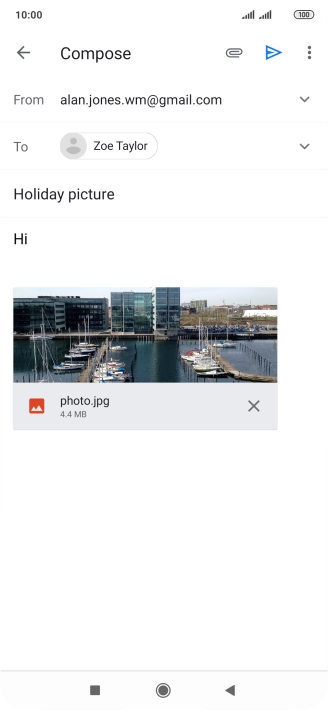
Send the email message

Press the send icon when you've finished your email message.

Step 17 of 17

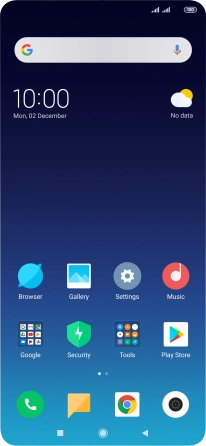
Return to the home screen

Press the Home key to return to the home screen.

1 Find "Gmail"

Press Google.
Press Gmail.

2 Select email account

Press the profile icon.
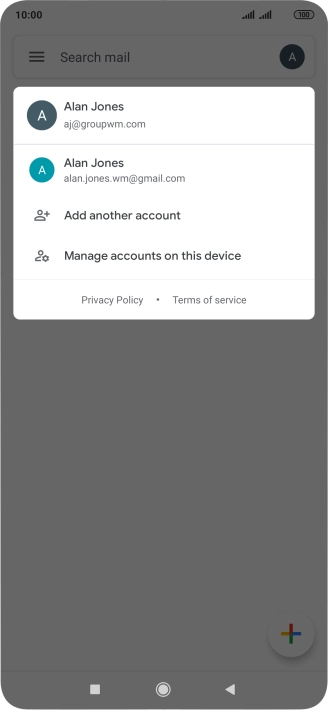
Press the required email account.

3 Create new email message

Press the new email message icon.
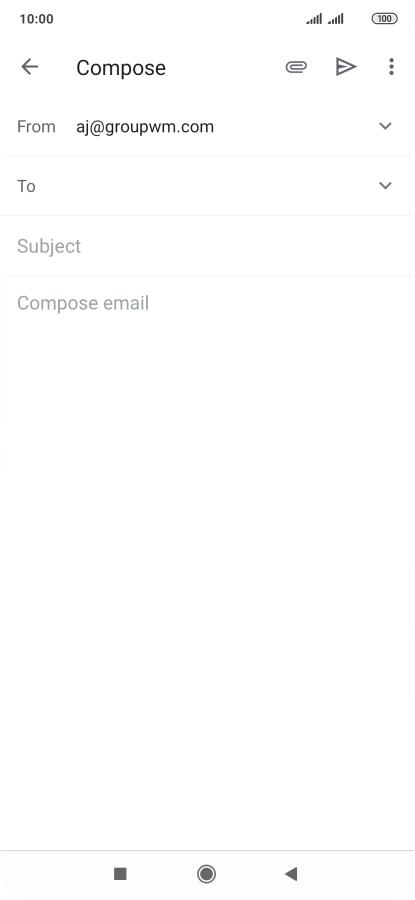
4 Select recipient

Press the field next to "To" and key in the first letters of the recipient's name.
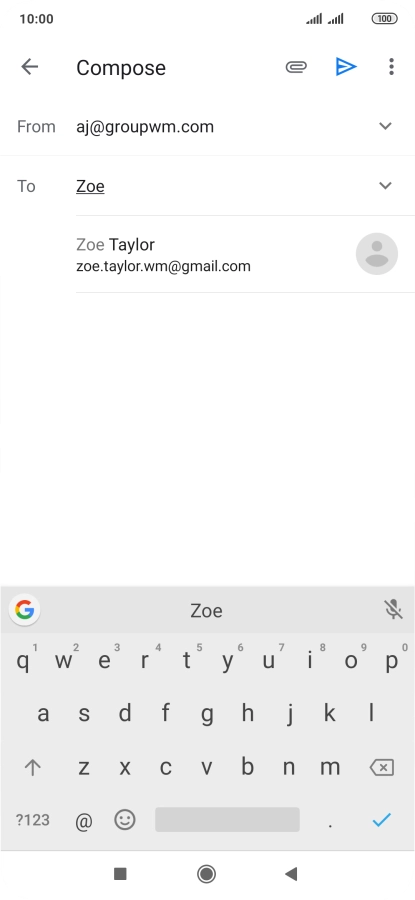
Press the required contact.

5 Enter subject

Press Subject and key in the required subject.
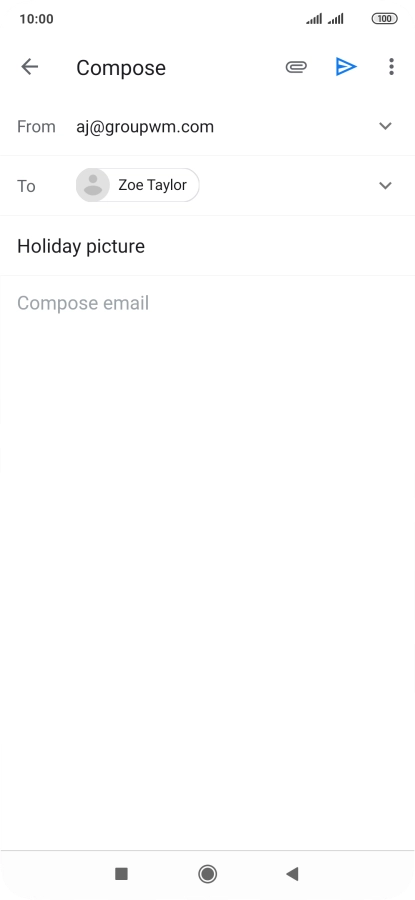
6 Write text

Press the text input field and write the text for your email message.
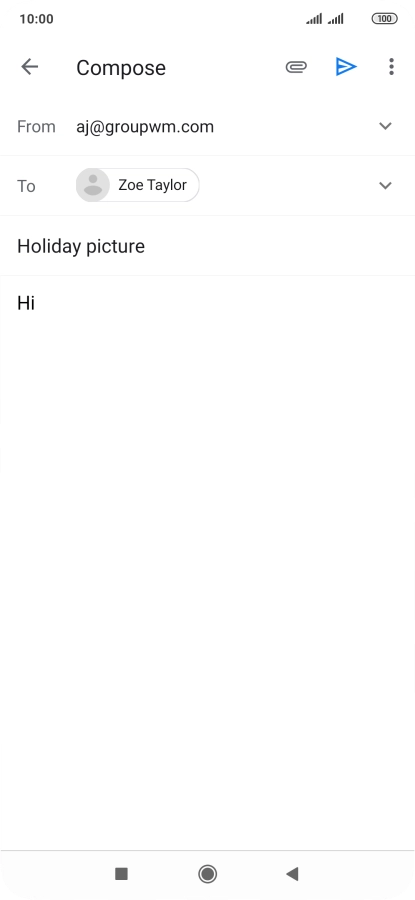
7 Attach file

Press the attachment icon.
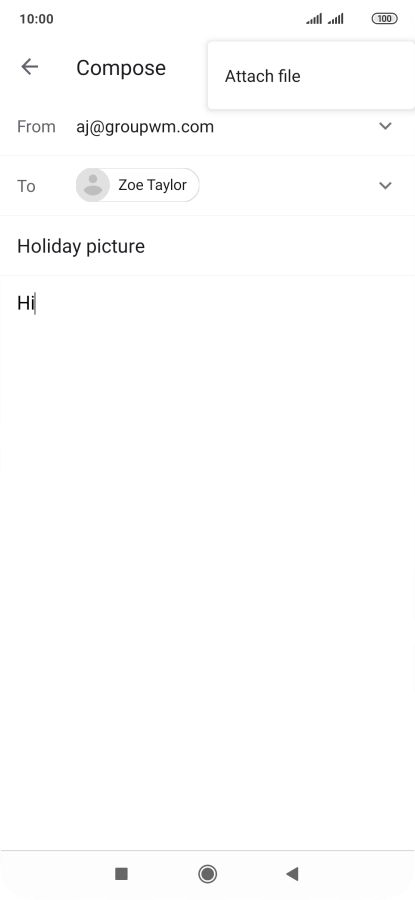
Press Attach file.
Slide your finger right starting from the left side of the screen.
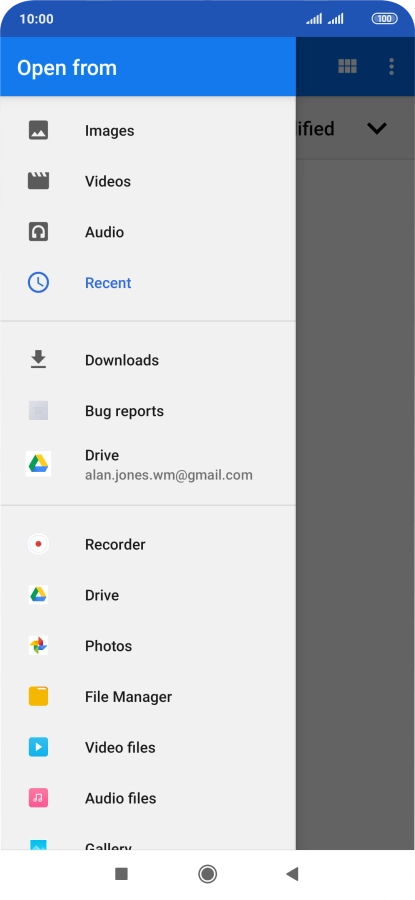
Press File Manager and go to the required folder.
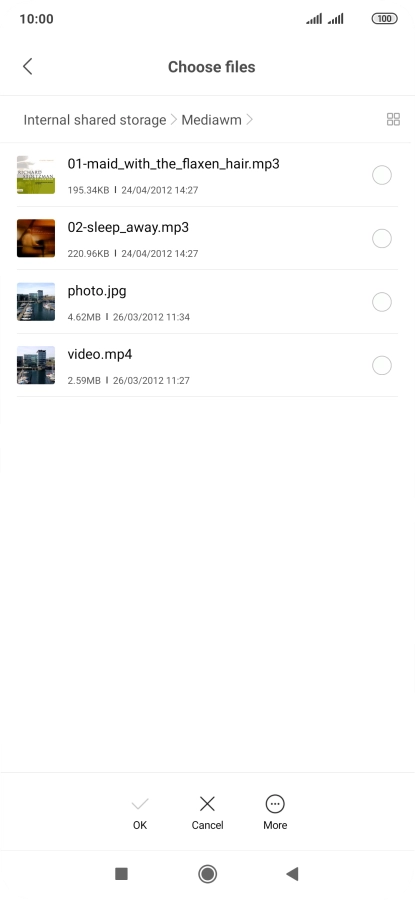
Press the required file.
Press OK.

8 Send the email message

Press the send icon when you've finished your email message.

9 Return to the home screen

Press the Home key to return to the home screen.

Get information on...

Or choose...

Another device