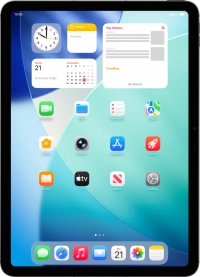
1. Find "Home Screen & App Library"
Press Settings.

Press Home Screen & App Library.

2. Turn display of App Library in Dock on or off
Press the indicator next to "Show App Library in Dock" to turn the function on or off.

3. Turn display of suggested and recent applications in Dock on or off
Press the indicator next to "Show Suggested and Recent Apps in Dock" to turn the function on or off.

4. Select settings for multitasking with Windowed Apps
Press Multitasking & Gestures.

Press Windowed Apps.

Press the indicators next to the required settings to turn them on or off.

5. Select settings for multitasking with Stage Manager
Press Stage Manager.

Press the indicators next to the required settings to turn them on or off.

6. Return to the home screen
Slide your finger upwards starting from the bottom of the screen to return to the home screen.


