Apple iPad Air 13 (M3) (2025)

Apple iPad Air 13 (M3) (2025)

iPadOS 26

Update the software on your Apple iPad Air 13 (M3) (2025) iPadOS 26

Read help info

It's recommended that you update your tablet with the newest software, as the manufacturer continuously corrects errors. It's a good idea to back up the memory first. To update your tablet's software, you need to establish a connection to a Wi-Fi network.

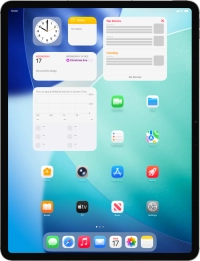
Press Settings.
Step 1 of 3

1. Update tablet software

Press Settings.

Press General.
Step 2 of 3

1. Update tablet software

Press General.

Press Software Update. If a new software version is available, it's displayed. Follow the instructions on the screen to update the tablet software.
Step 3 of 3

1. Update tablet software

Press Software Update. If a new software version is available, it's displayed. Follow the instructions on the screen to update the tablet software.

1. Update tablet software

Press Settings.
Press General.
Press Software Update. If a new software version is available, it's displayed. Follow the instructions on the screen to update the tablet software.

Get information on...

Or choose...

Another device