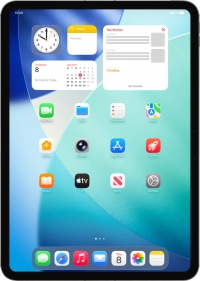
Apple iPad Pro (M5) 11-inch

Apple iPad Pro (M5) 11-inch

iPadOS 26

Update software on your Apple iPad Pro (M5) 11-inch iPadOS 26

Read help info

It's recommended that you update your tablet with the newest software, as the manufacturer continuously corrects errors. It's a good idea to back up the memory first. Before you can update your tablet's software, you need to set up your tablet for internet.

Press Settings.
Step 1 of 3

1. Update tablet software

Press Settings.

Press General.
Step 2 of 3

1. Update tablet software

Press General.

Press Software Update. If a new software version is available, it's displayed. Follow the instructions on the screen to update the tablet software.
Step 3 of 3

1. Update tablet software

Press Software Update. If a new software version is available, it's displayed. Follow the instructions on the screen to update the tablet software.

1. Update tablet software

Press Settings.
Press General.
Press Software Update. If a new software version is available, it's displayed. Follow the instructions on the screen to update the tablet software.

Get information on...

Or choose...

Another device