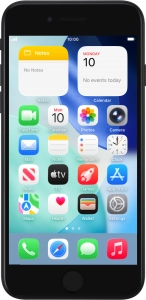
Help and Support for
Apple iPhone SE (2020)
Choose a help topic
My Apple iPhone SE (2020) iOS 26 doesn't respond
Cause 1 of 2: The screen lock is turned on
If the screen lock is turned on, you can't use your phone's screen and keys.
Solution: Turn off the screen lock.