Doro Leva L30

Doro Leva L30

View software version on your Doro Leva L30 Proprietary OS

Read help info

You can see which software version is installed on your phone. If you don't have the newest software version, it's recommended that you update the phone software.

Press the OK key.
Step 1 of 6

1. Find "About"

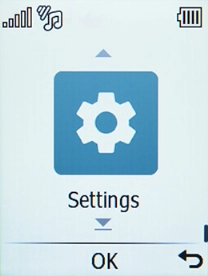
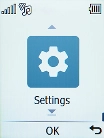
Press the OK key.
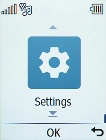
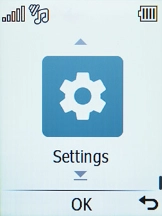
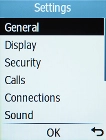
Select Settings.
Step 2 of 6

1. Find "About"

Select Settings.

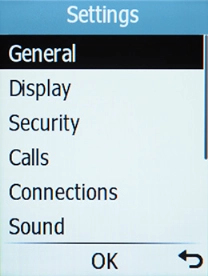
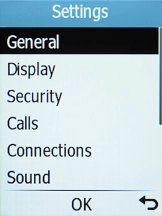
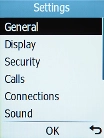
Select General.
Step 3 of 6

1. Find "About"

Select General.

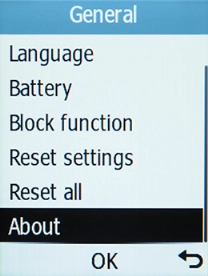
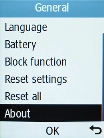
Select About.
Step 4 of 6

1. Find "About"

Select About.

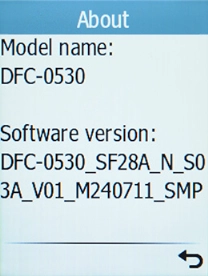
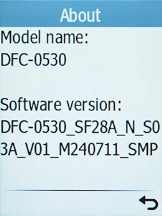
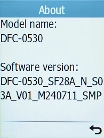
Your phone's software version is displayed below Software version.
Step 5 of 6

2. View software version

Your phone's software version is displayed below Software version.

Press Disconnect to return to the home screen.
Step 6 of 6

3. Return to the home screen

Press Disconnect to return to the home screen.

1. Find "About"

Press the OK key.
Select Settings.
Select General.
Select About.

2. View software version

Your phone's software version is displayed below Software version.

3. Return to the home screen

Press Disconnect to return to the home screen.

Get information on...

Or choose...

Another device