Doro Leva L30



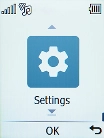
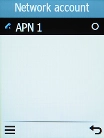
1. Find "Network account"
Press the OK key.
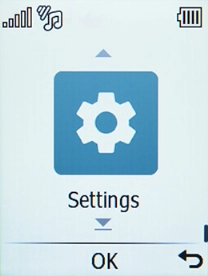
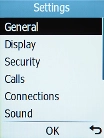
1. Find "Network account"
Select Settings.
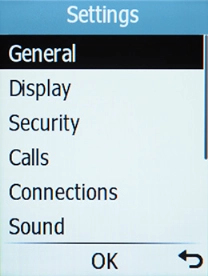
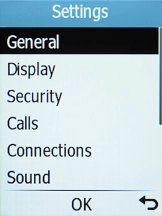
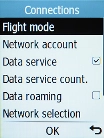
1. Find "Network account"
Select Connections.
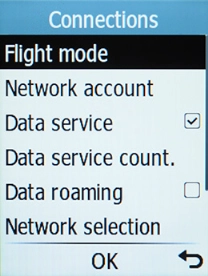
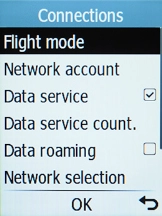
1. Find "Network account"
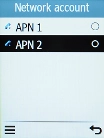
Select Network account.
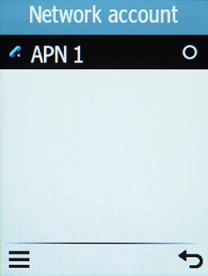
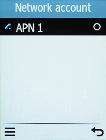
2. Create new data connection
Press the Left selection key.
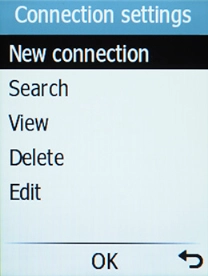
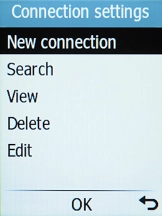
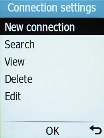
2. Create new data connection
Select New connection.
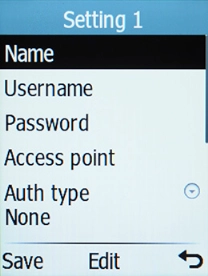
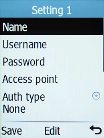
3. Enter a name for the connection
Select Name.
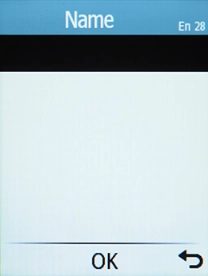
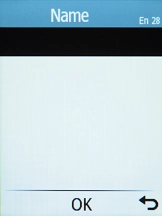
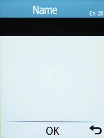
3. Enter a name for the connection
Key in Vodafone Internet and press the OK key.
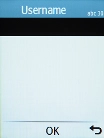
4. Enter username
Select Username.
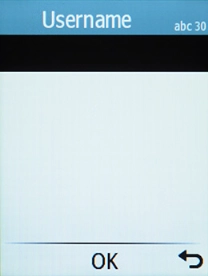
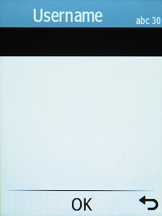
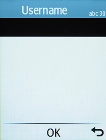
4. Enter username
Key in wap and press the OK key.
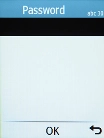
5. Enter password
Select Password.
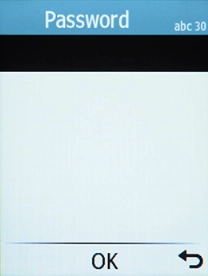
5. Enter password
Key in wap and press the OK key.
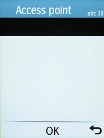
6. Enter APN
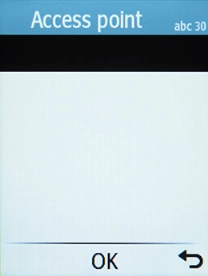
Select Access point.
6. Enter APN
Key in wap.vodafone.co.uk and press the OK key.
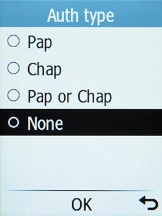
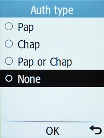
7. Select authentication type
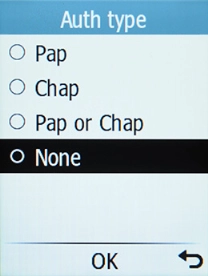
Select Auth type.
7. Select authentication type
Select None.
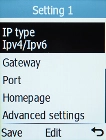
8. Select connection type
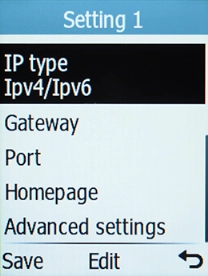
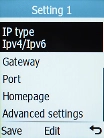
Select Advanced settings.
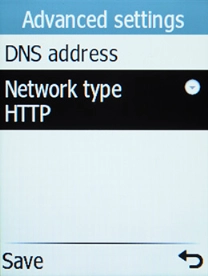
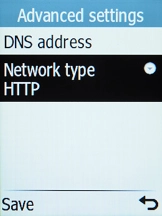
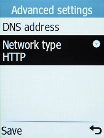
8. Select connection type
Select Network type.
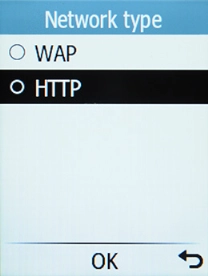
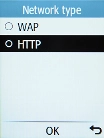
8. Select connection type
Select HTTP.
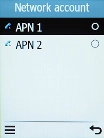
9. Save data connection
Press the Left selection key.
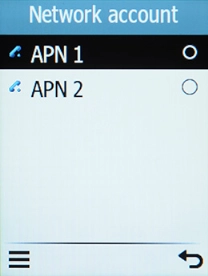
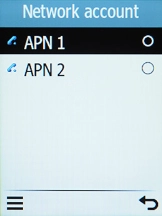
9. Save data connection
Select the data connection to activate it.
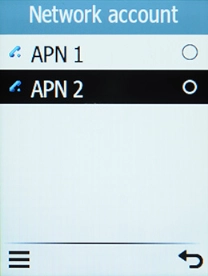
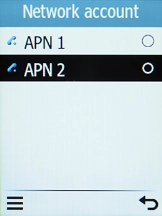
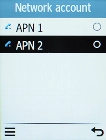
10. Return to the home screen
Press Disconnect to return to the home screen.
1. Find "Network account"

2. Create new data connection
3. Enter a name for the connection
4. Enter username
5. Enter password
6. Enter APN
7. Select authentication type
8. Select connection type
9. Save data connection
10. Return to the home screen