Doro Leva L30

Doro Leva L30

Turn flight mode on your Doro Leva L30 Proprietary OS on or off

Read help info

You can turn off all wireless connections so your phone can’t cause any interference with sensitive equipment in a plane or a hospital. You can use many phone functions when flight mode is turned on, but you can't send messages or make calls.

Press the OK key.
Step 1 of 5

1. Find "Flight mode"

Press the OK key.
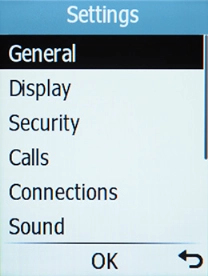
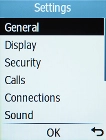
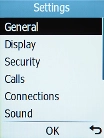
Select Connections.
Step 2 of 5

1. Find "Flight mode"

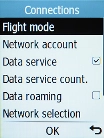
Select Connections.

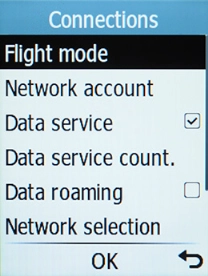
Select Flight mode.
Step 3 of 5

1. Find "Flight mode"

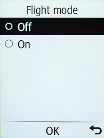
Select Flight mode.

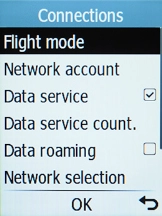
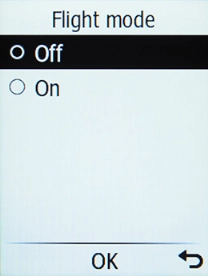
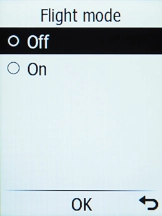
Select the required setting to turn the function on or off.
Step 4 of 5

2. Turn flight mode on or off

Select the required setting to turn the function on or off.

Press Disconnect to return to the home screen.
Step 5 of 5

3. Return to the home screen

Press Disconnect to return to the home screen.

1. Find "Flight mode"

Press the OK key.
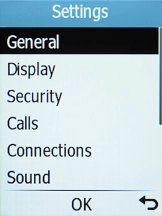
Select Connections.
Select Flight mode.

2. Turn flight mode on or off

Select the required setting to turn the function on or off.

3. Return to the home screen

Press Disconnect to return to the home screen.

Get information on...

Or choose...

Another device