Doro Leva L30

Doro Leva L30

Short battery life on my Doro Leva L30 Proprietary OS

Cause 2 of 7: Mobile data is turned on

If mobile data is turned, the power consumption may increase because various applications on the phone keep sending and receiving data.

Solution: Turn off mobile data.

Step 1 of 5

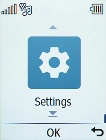
Find "Connections"

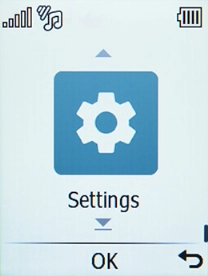
Press the OK key.
Step 2 of 5

Find "Connections"

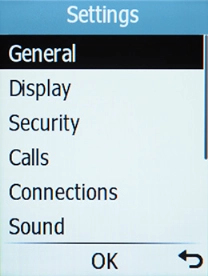
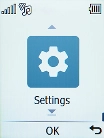
Select Settings.

Step 3 of 5

Find "Connections"

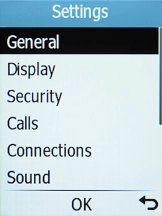
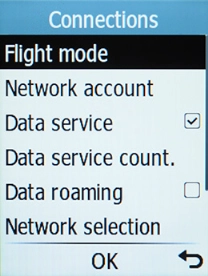
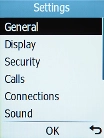
Select Connections.

Step 4 of 5

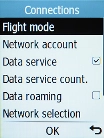
Turn mobile data on or off

Select Data service to turn mobile data on or off.

Step 5 of 5

Return to the home screen

Press Disconnect to return to the home screen.

1 Find "Connections"

Press the OK key.
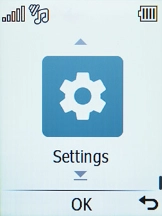
Select Settings.
Select Connections.

2 Turn mobile data on or off

Select Data service to turn mobile data on or off.

3 Return to the home screen

Press Disconnect to return to the home screen.

Get information on...

Or choose...

Another device