Doro Leva L30

Doro Leva L30

Short battery life on my Doro Leva L30 Proprietary OS

Cause 4 of 7: Automatic screen lock is turned off

When the screen lock is turned on, the phone's screen light is turned off. If the phone's screen lock is turned off or is set set to turn on after a long period of time, the power consumption may increase.

Solution: Turn on automatic screen lock.

Step 1 of 6

Set automatic screen lock

Press the OK key.
Step 2 of 6

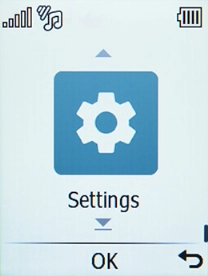
Set automatic screen lock

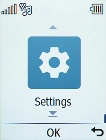
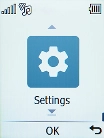
Select Settings.

Step 3 of 6

Set automatic screen lock

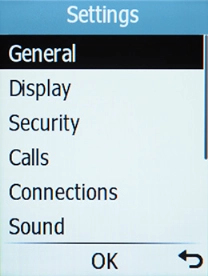
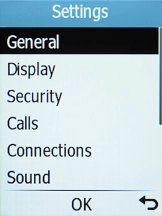
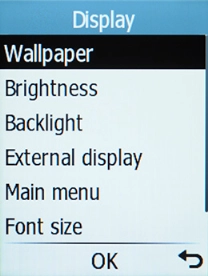
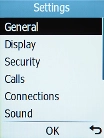
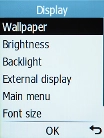
Select Display.

Step 4 of 6

Set automatic screen lock

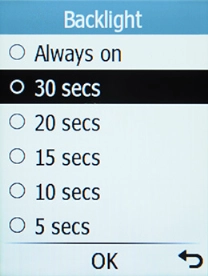
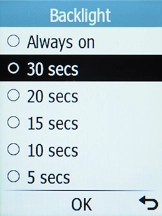
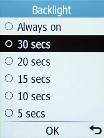
Select Backlight.

Step 5 of 6

Set automatic screen lock

Select the required setting.

Step 6 of 6

Return to the home screen

Press Disconnect to return to the home screen.

1 Set automatic screen lock

Press the OK key.
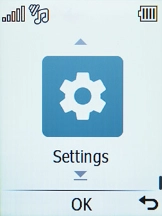
Select Settings.
Select Display.
Select Backlight.
Select the required setting.

2 Return to the home screen

Press Disconnect to return to the home screen.

Get information on...

Or choose...

Another device