Doro Leva L30

Doro Leva L30

No ring tone tone is heard on incoming calls on your Doro Leva L30 Proprietary OS

Cause 2 of 2: The ring volume is too low

For you to hear the ring tone when you get a call, the ring volume needs to be set at an audible level.

Solution: Select ring volume

Step 1 of 8

Find "Ring volume"

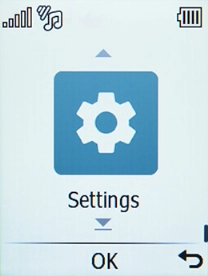
Press Disconnect.
Step 2 of 8

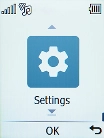
Find "Ring volume"

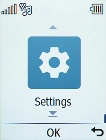
Select Settings.

Step 3 of 8

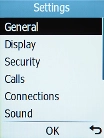
Find "Ring volume"

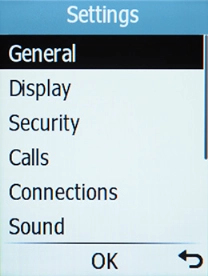
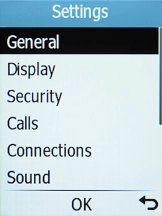
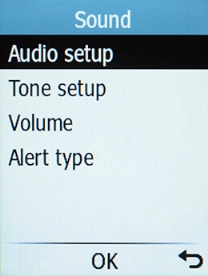
Select Sound.

Step 4 of 8

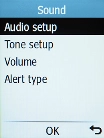
Find "Ring volume"

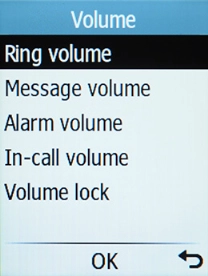
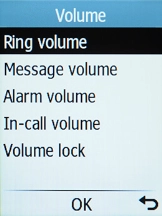
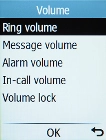
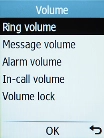
Select Volume.

Step 5 of 8

Find "Ring volume"

Select Ring volume.

Step 6 of 8

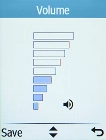
Select ring volume

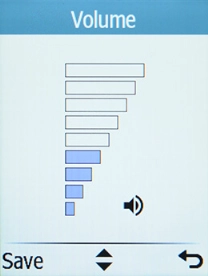
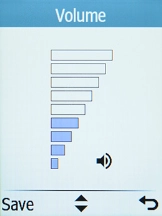
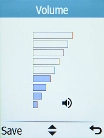
Use Navigation key up and Navigation key down to adjust the ring volume.

Step 7 of 8

Select ring volume

Once you've found a level you like, press the Left selection key.

Step 8 of 8

Return to the home screen

Press Disconnect to return to the home screen.

1 Find "Ring volume"

Press Disconnect.
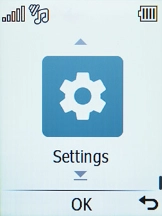
Select Settings.
Select Sound.
Select Volume.
Select Ring volume.

2 Select ring volume

Use Navigation key up and Navigation key down to adjust the ring volume.
Once you've found a level you like, press the Left selection key.

3 Return to the home screen

Press Disconnect to return to the home screen.

Get information on...

Or choose...

Another device