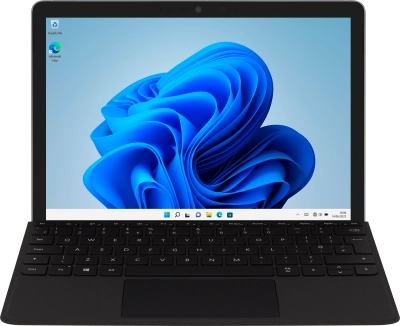
Help and Support for
Microsoft Surface Go 3
Windows 11
Choose a help topic
I can't use the fingerprint sensor on my Microsoft Surface Go 3 Windows 11
Cause 1 of 2: There is dust or dirt on the fingerprint sensor
If there's dust or dirt on the fingerprint sensor, it may prevent it from registering fingerprints.
Solution: Clean the fingerprint sensor using a wet wipe or a damp cloth and finish using a dry cloth. Remember to turn off your laptop and remove the charger from the charging port before you start cleaning the fingerprint sensor.