OPPO A6 Pro 5G

OPPO A6 Pro 5G

Android 16

Short battery life on my OPPO A6 Pro 5G Android 16

Cause 15 of 15: Low Power Mode has been turned off

You can reduce the power consumption by turning on Low Power Mode.

Solution: Turn on Low Power Mode.

Step 1 of 5

Find "Battery"

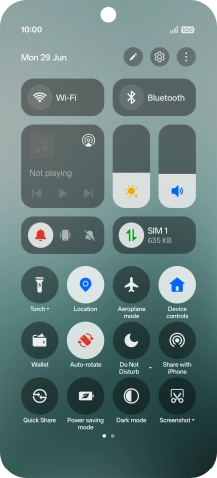
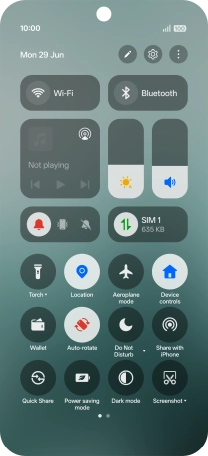
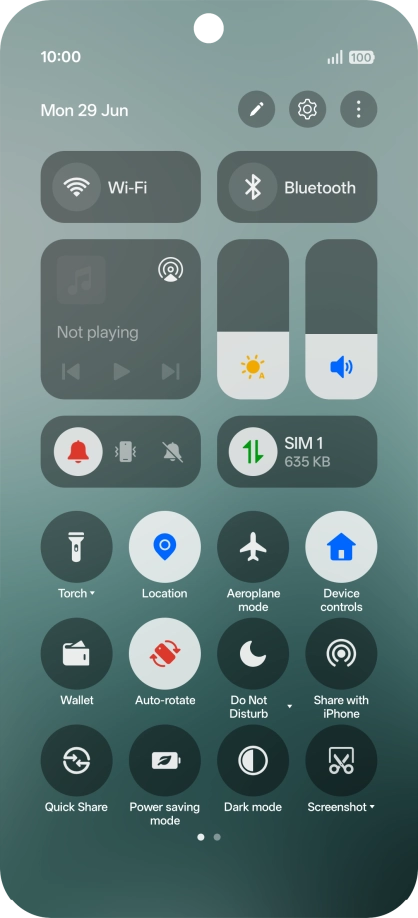
Slide your finger downwards starting from the top right side of the screen.
Step 2 of 5

Find "Battery"

Press the settings icon.

Step 3 of 5

Find "Battery"

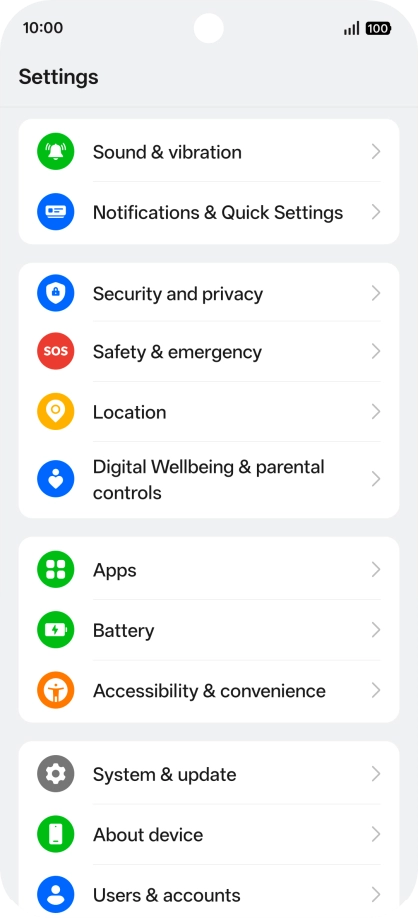
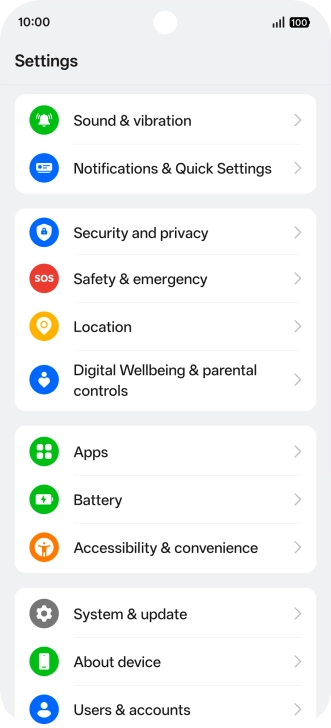
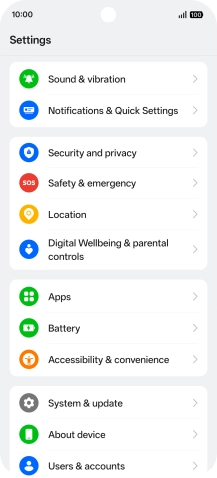
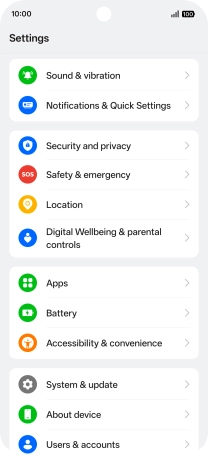
Press Battery.

Step 4 of 5

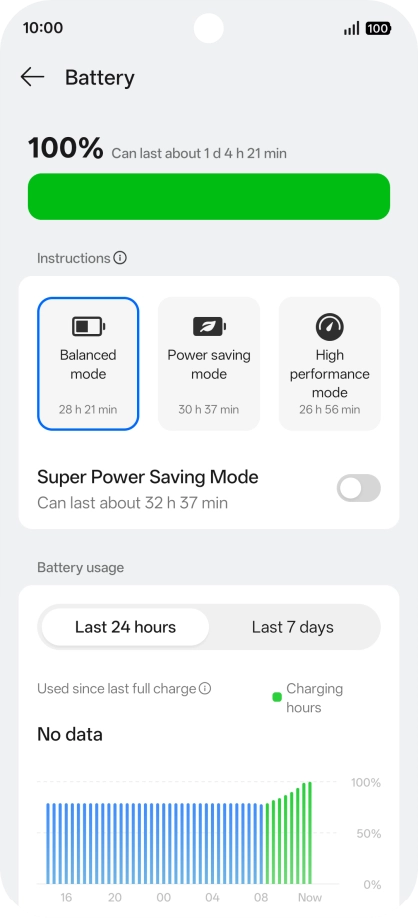
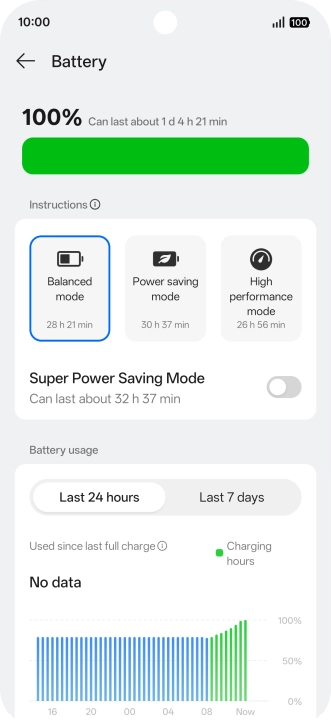
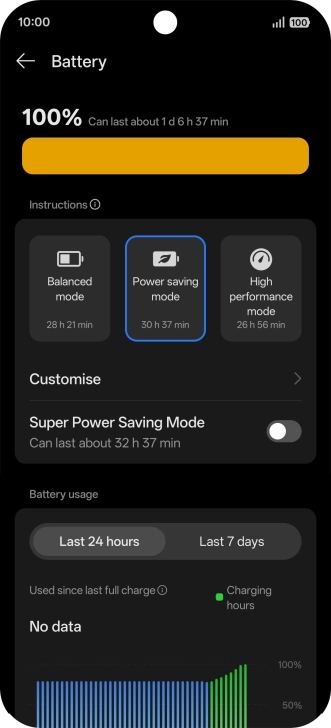
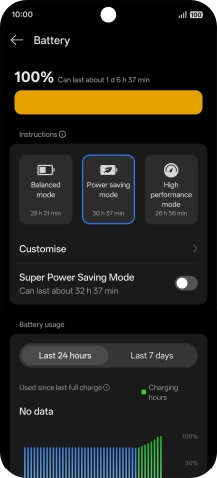
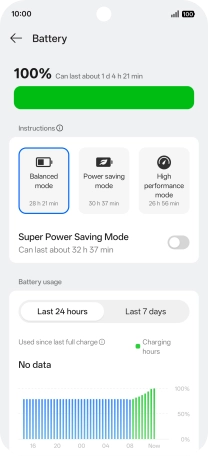
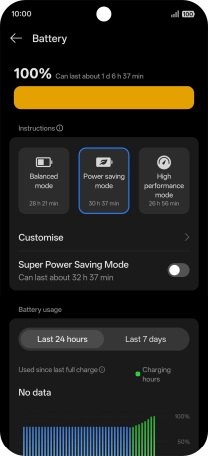
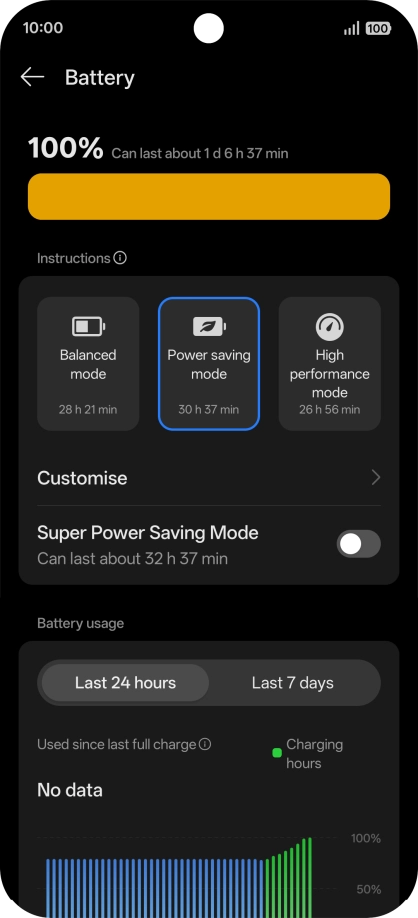
Extend the battery life

Press the required low power mode to turn on the function.

Step 5 of 5

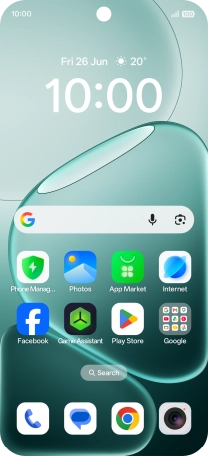
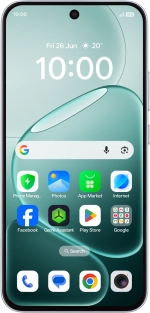
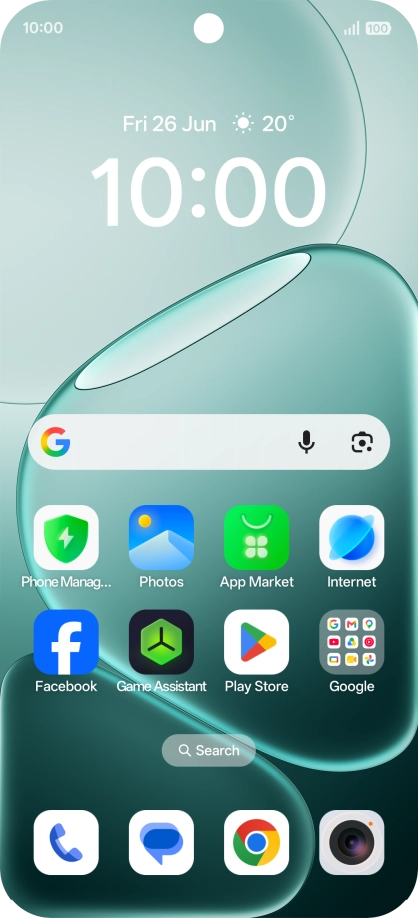
Return to the home screen

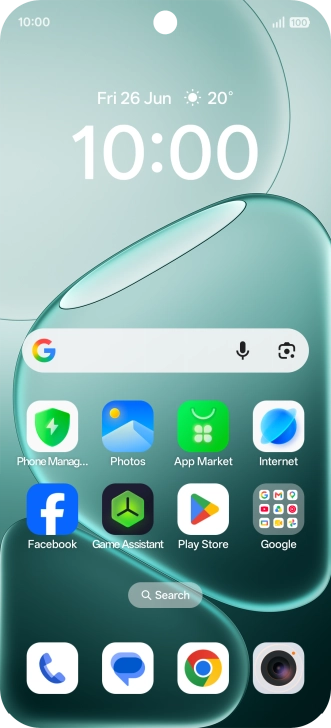
Slide your finger upwards starting from the bottom of the screen to return to the home screen.

1 Find "Battery"

Slide your finger downwards starting from the top right side of the screen.
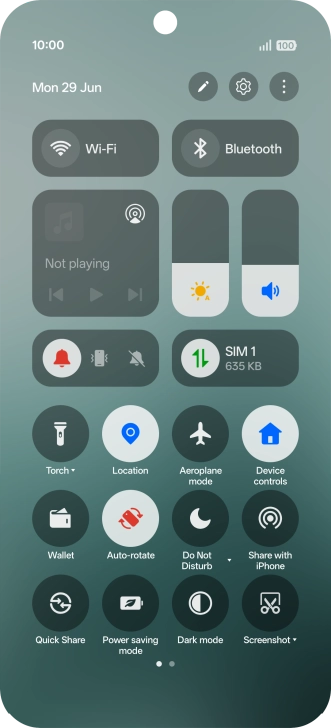
Press the settings icon.
Press Battery.

2 Extend the battery life

Press the required low power mode to turn on the function.
3 Return to the home screen

Slide your finger upwards starting from the bottom of the screen to return to the home screen.

Get information on...

Or choose...

Another device