OPPO A6 Pro 5G

OPPO A6 Pro 5G

Android 16

No ring tone tone is heard on incoming calls on your OPPO A6 Pro 5G Android 16

Cause 1 of 2: Silent mode is turned on

When you turn on silent mode, all phone sounds are turned off.

Solution: Turn off silent mode.

Step 1 of 4

Turn silent mode on or off

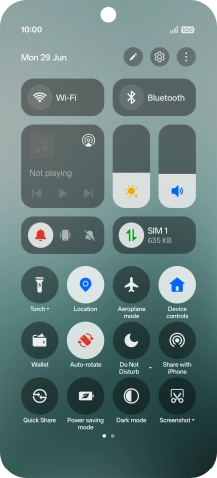
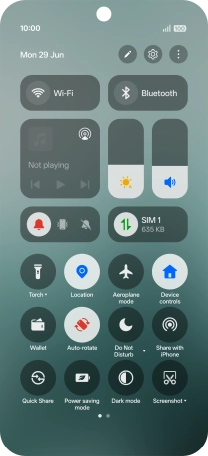
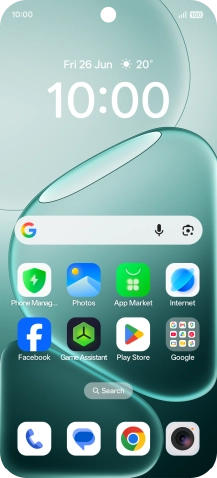
Slide your finger downwards starting from the top right side of the screen.
Step 2 of 4

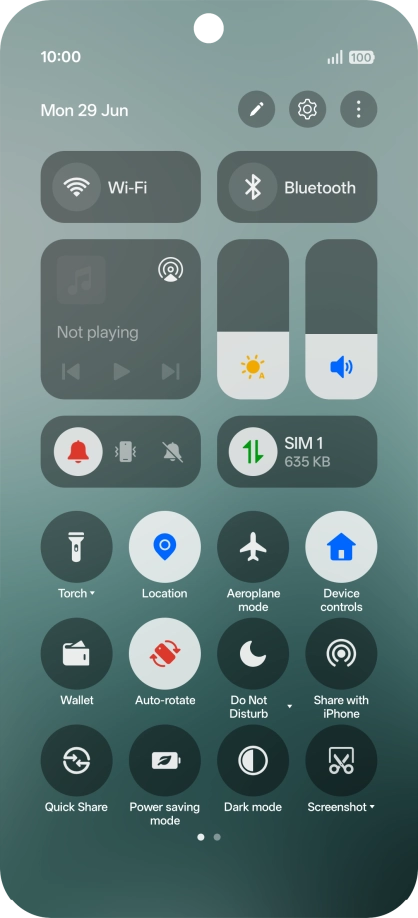
Turn silent mode on or off

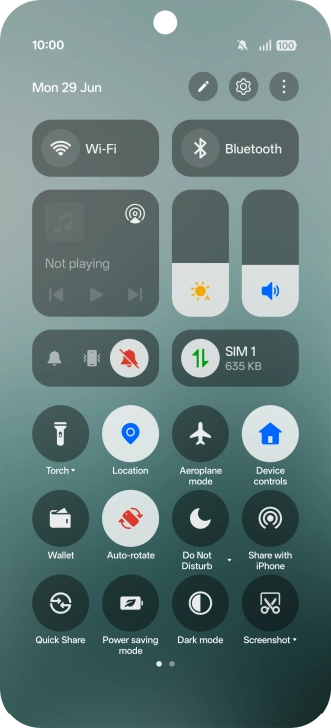
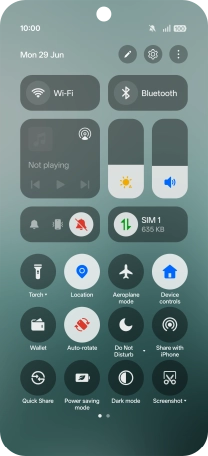
Press the silent mode icon to turn on silent mode.

Step 3 of 4

Turn silent mode on or off

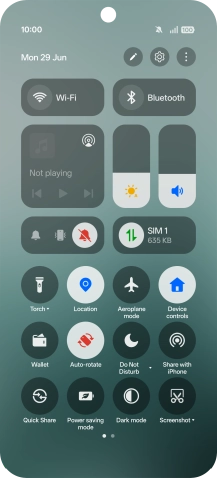
Press the required sound mode to turn off silent mode.

Step 4 of 4

Return to the home screen

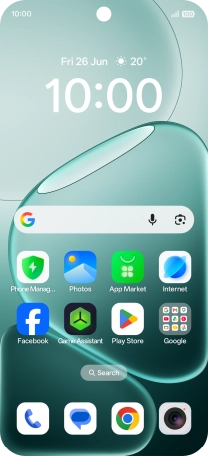
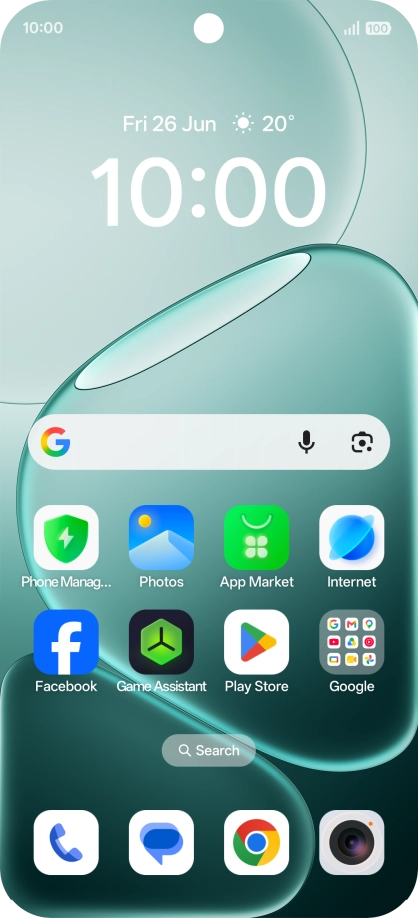
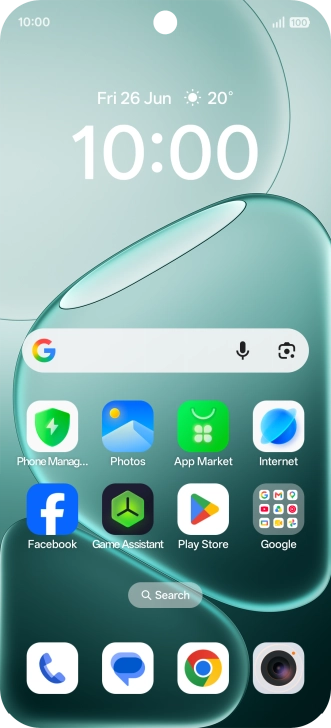
Slide your finger upwards starting from the bottom of the screen to return to the home screen.

1 Turn silent mode on or off

Slide your finger downwards starting from the top right side of the screen.
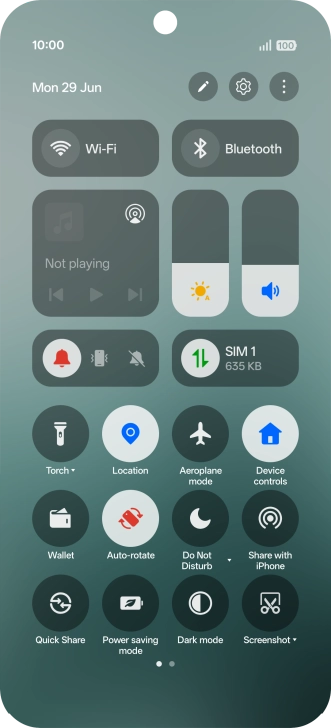
Press the silent mode icon to turn on silent mode.
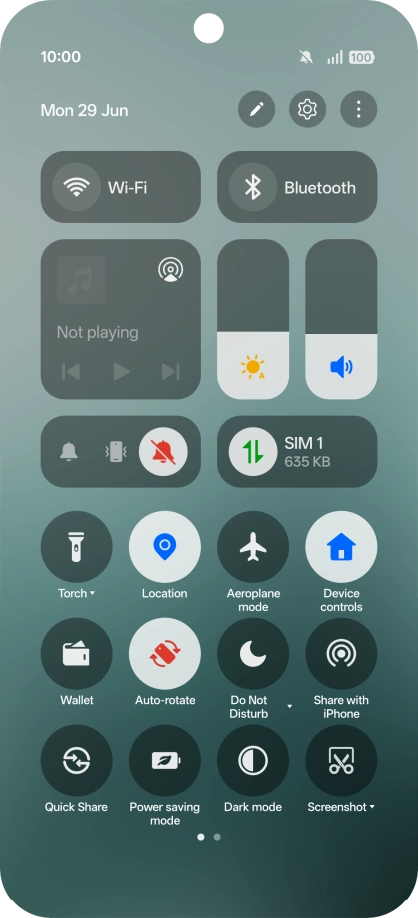
Press the required sound mode to turn off silent mode.

2 Return to the home screen

Slide your finger upwards starting from the bottom of the screen to return to the home screen.

Get information on...

Or choose...

Another device