OPPO A6 Pro 5G
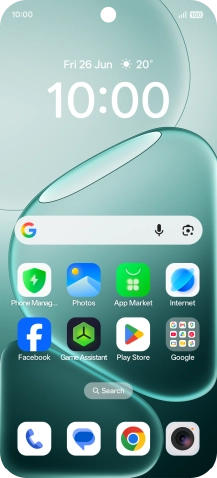
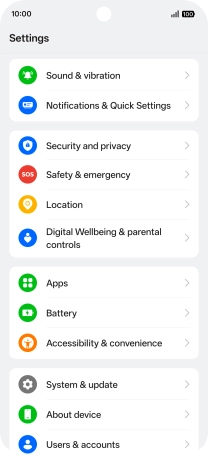
Find "Apps"
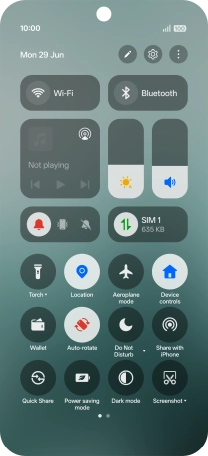
Slide your finger downwards starting from the top right side of the screen.
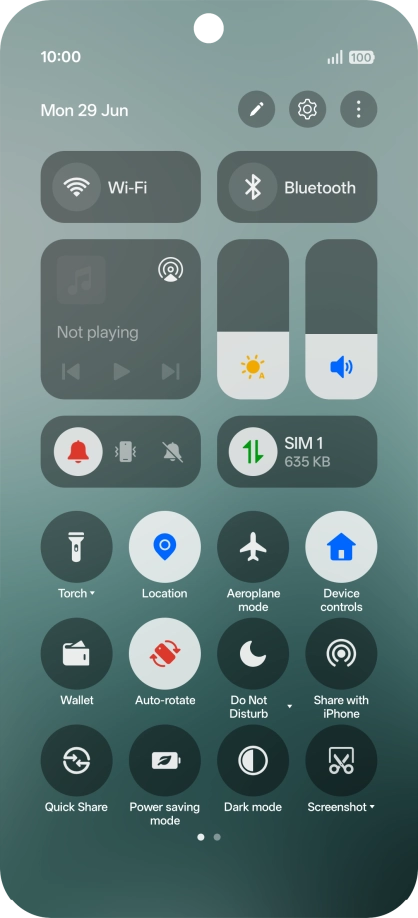
Find "Apps"
Press the settings icon.
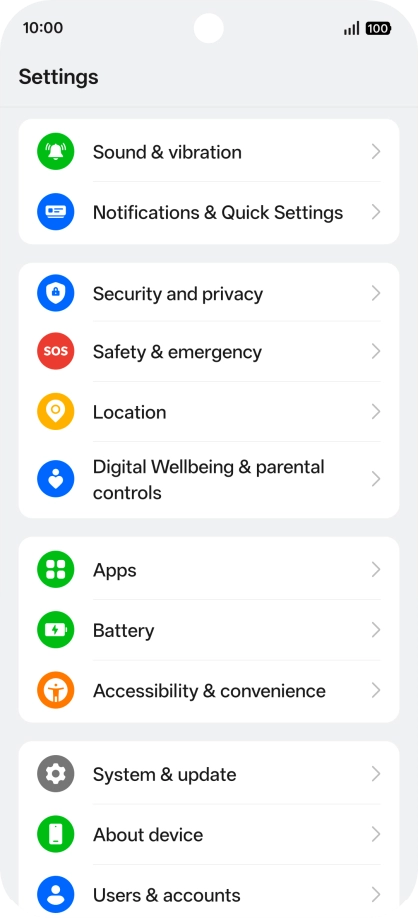
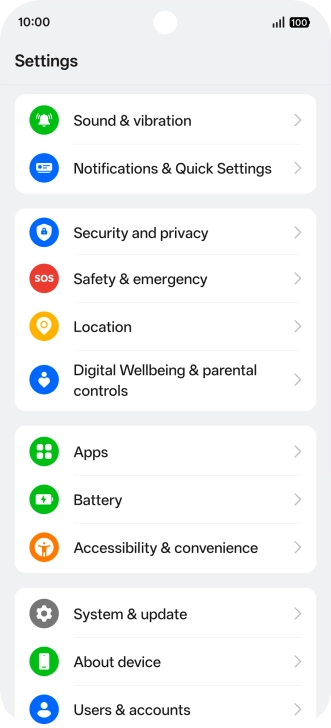
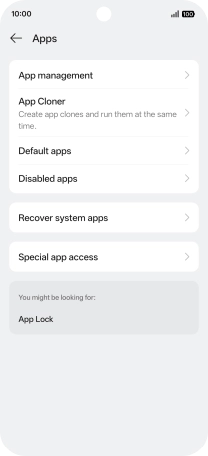
Find "Apps"
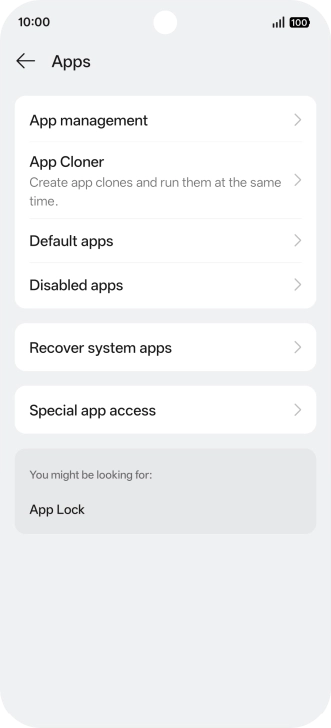
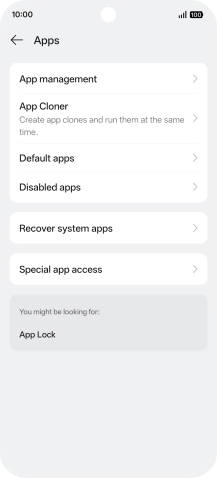
Press Apps.
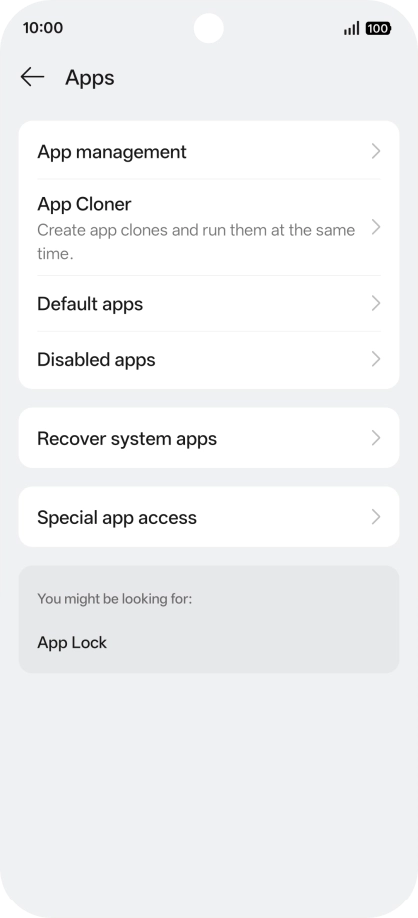
Delete temporary data
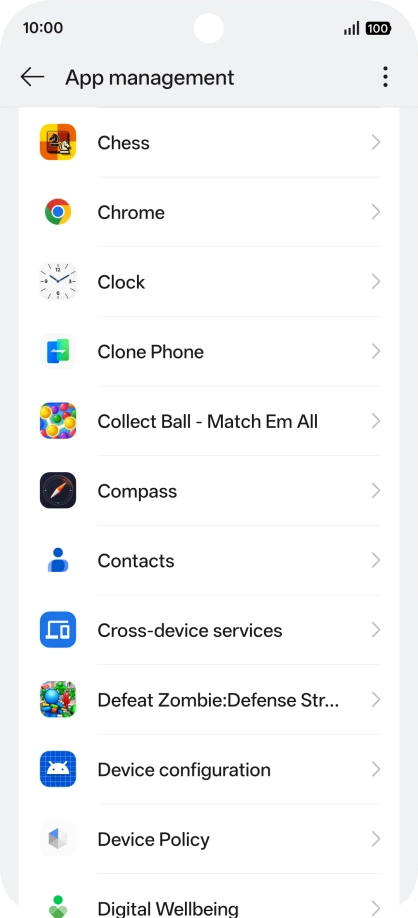
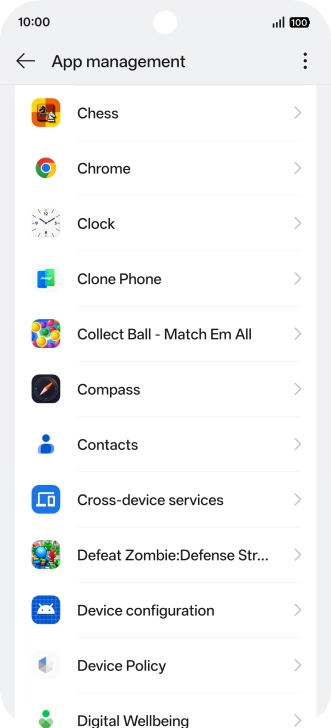
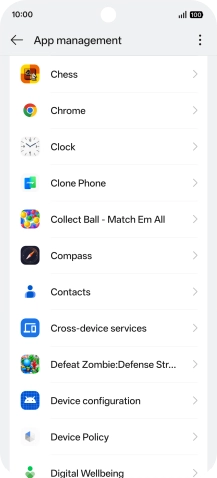
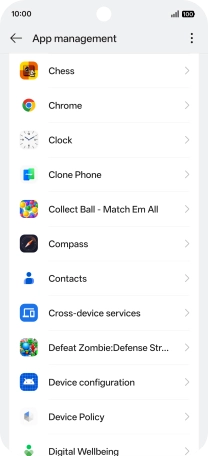
Press App management.
Delete temporary data
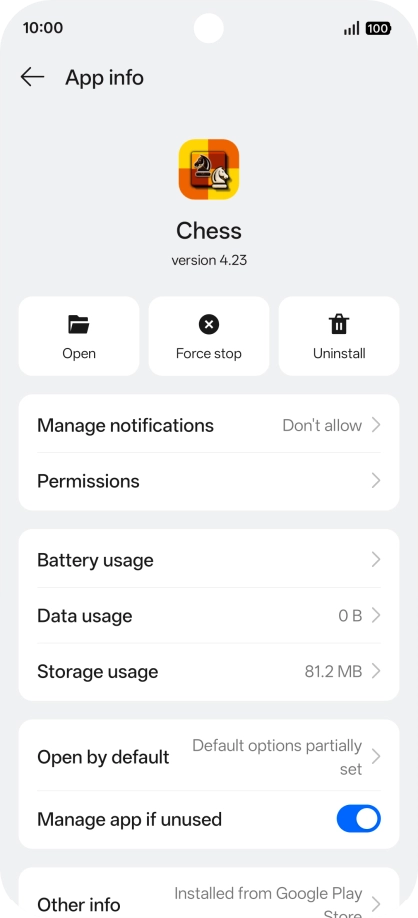
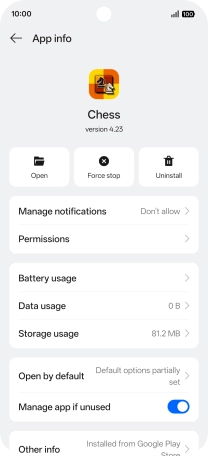
Press the required app.
Delete temporary data
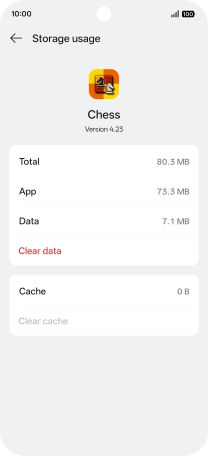
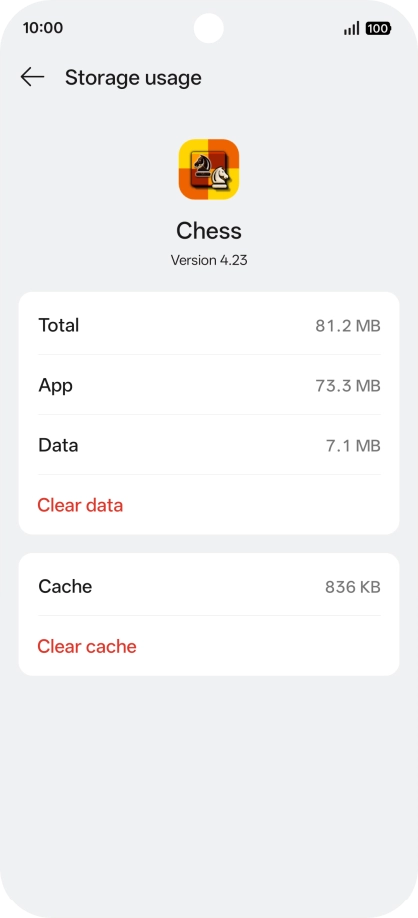
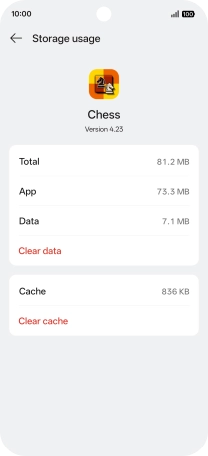
Press Storage usage.
Delete temporary data
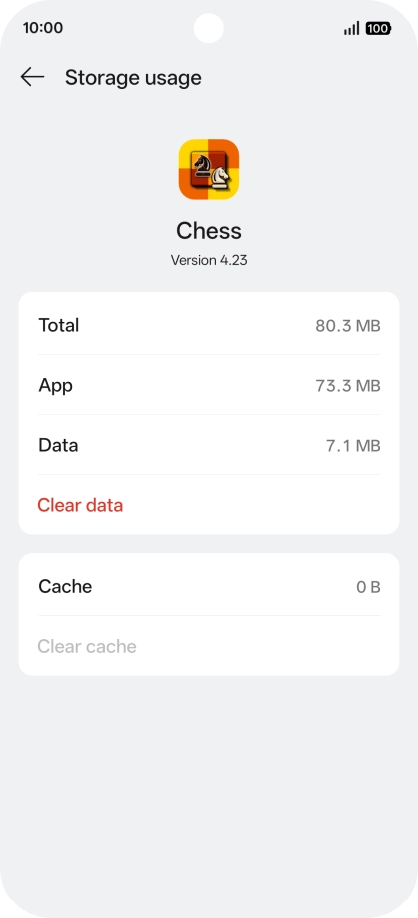
Press Clear cache.
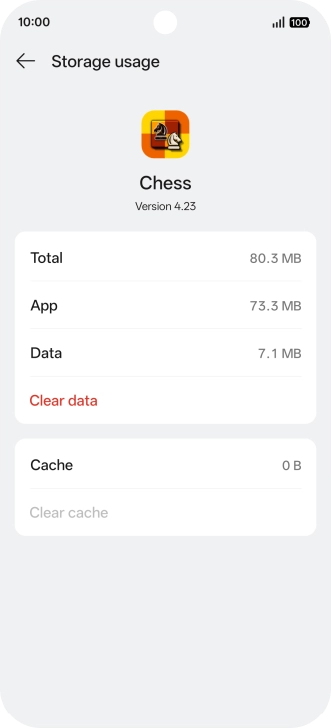
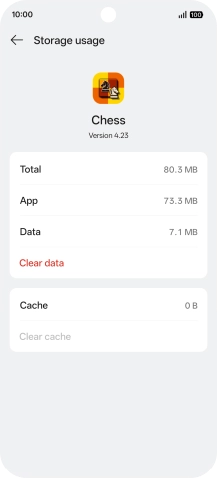
Return to the home screen
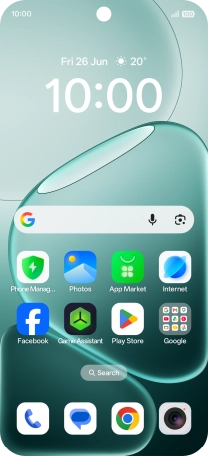
Slide your finger upwards starting from the bottom of the screen to return to the home screen.
1 Find "Apps"
2 Delete temporary data
3 Return to the home screen