OPPO A6 Pro 5G

OPPO A6 Pro 5G

Android 16

I can't receive voice messages on my OPPO A6 Pro 5G Android 16

Cause 2 of 3: Incoming calls aren't diverted to your voicemail

To receive voice messages, you need to divert calls you can't answer to your voicemail.

Solution: Divert calls to your voicemail.

Step 1 of 9

Find "Call forwarding"

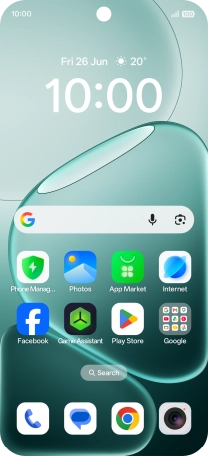
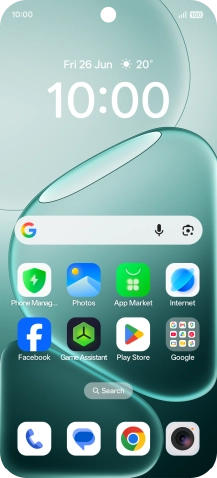
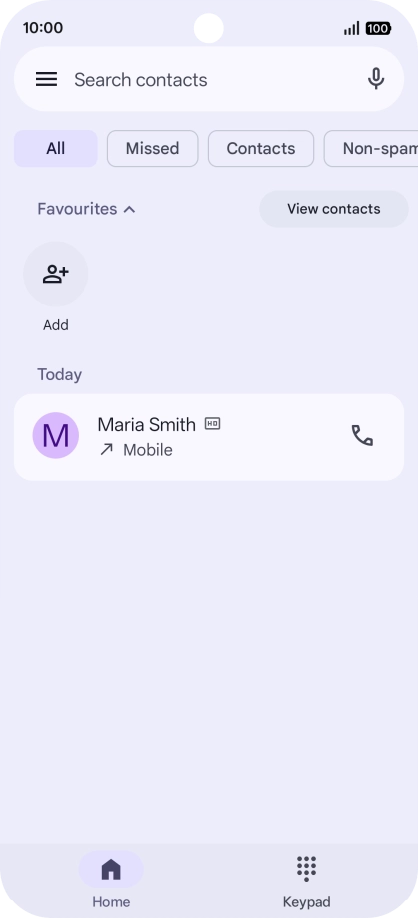
Press the call icon.
Step 2 of 9

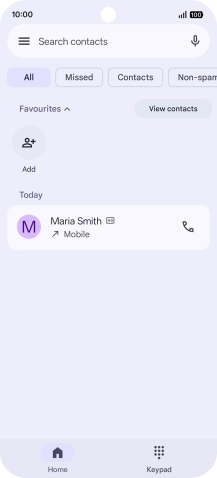
Find "Call forwarding"

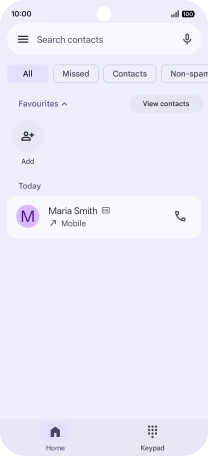
Press the menu icon.

Step 3 of 9

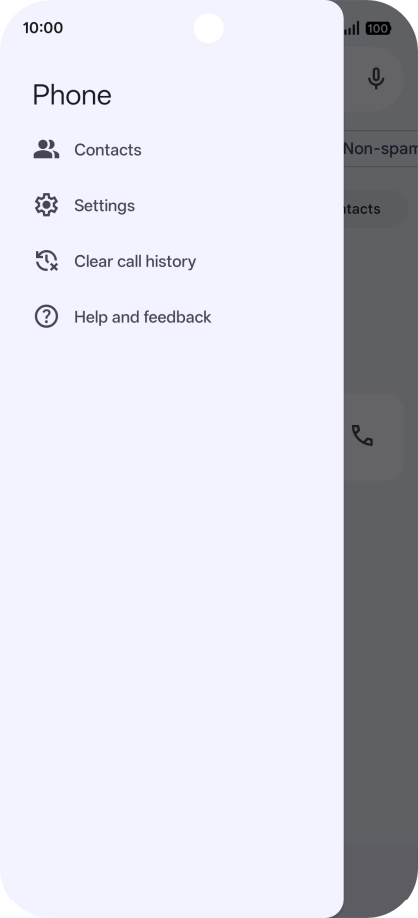
Find "Call forwarding"

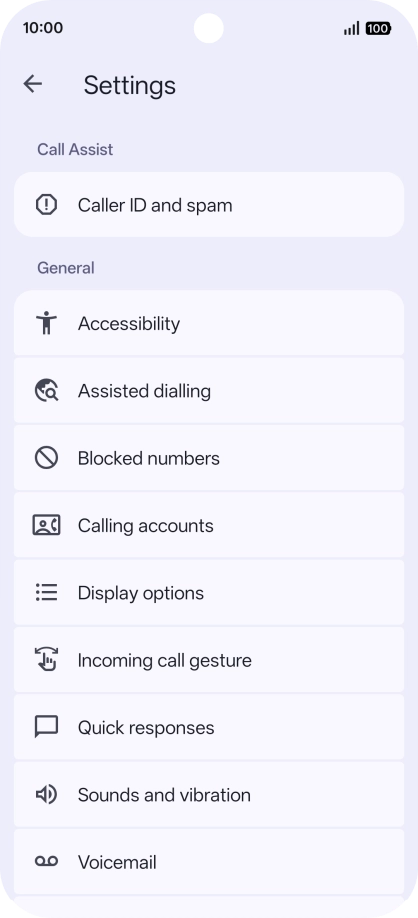
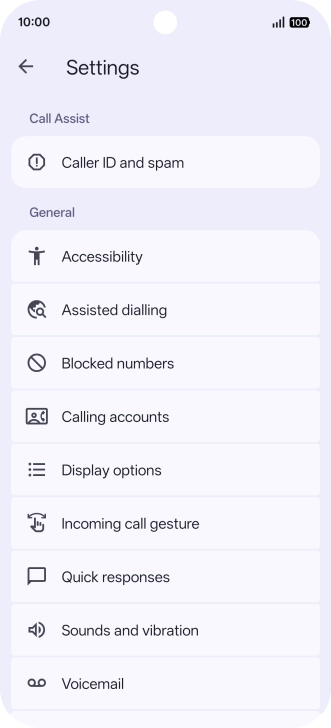
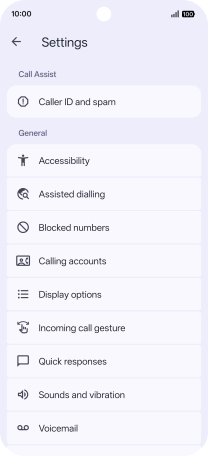
Press Settings.

Step 4 of 9

Find "Call forwarding"

Press Calling accounts.

Step 5 of 9

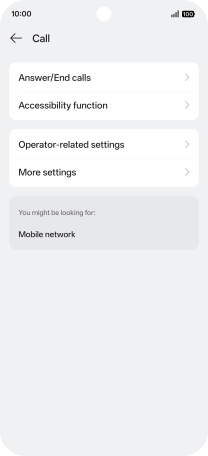
Find "Call forwarding"

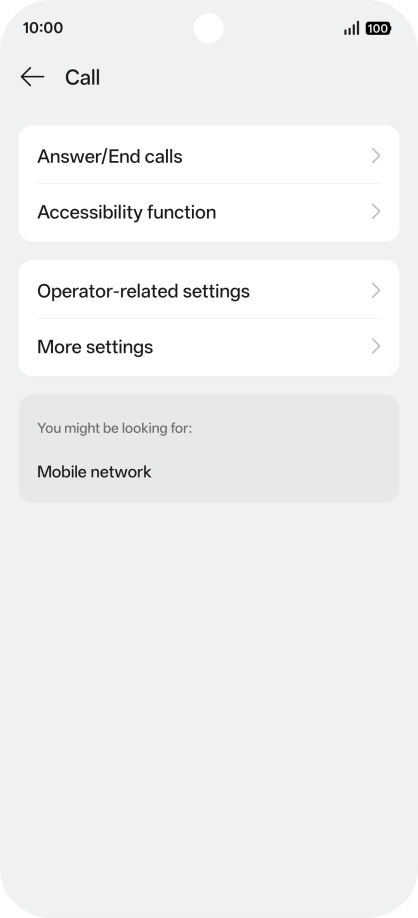
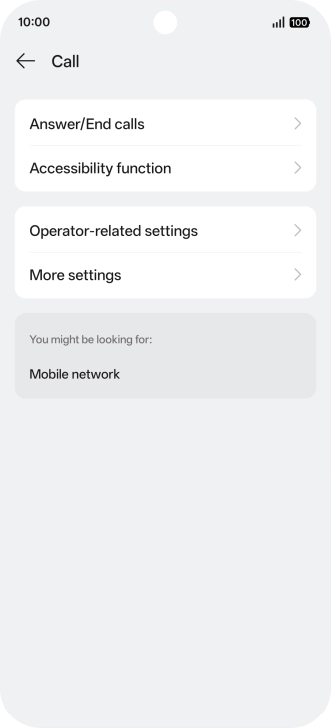
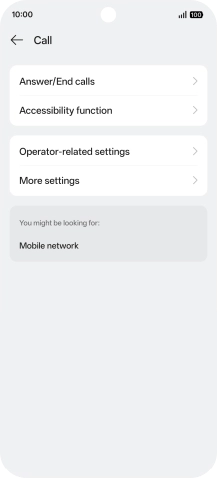
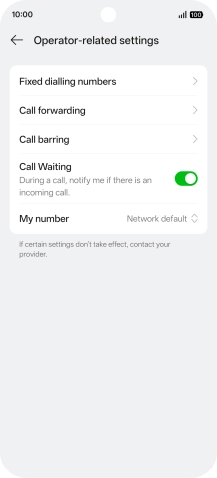
Press Operator-related settings.

Step 6 of 9

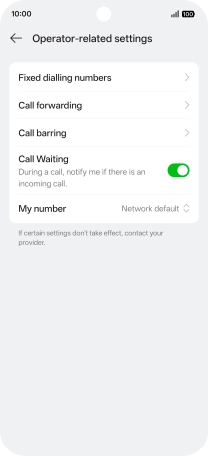
Find "Call forwarding"

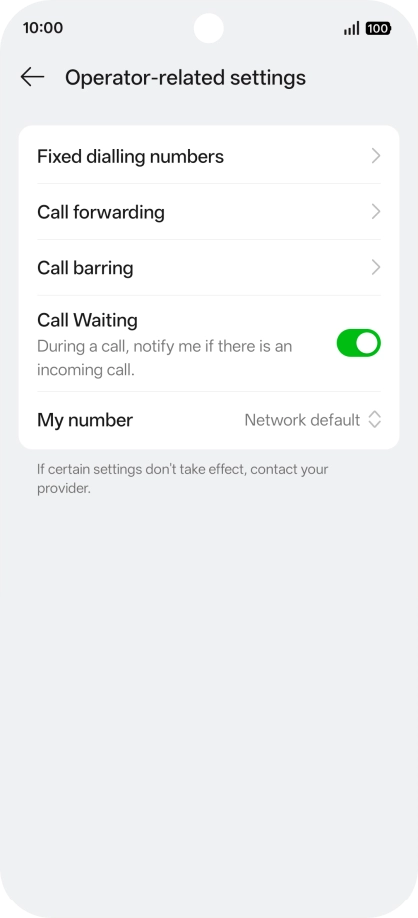
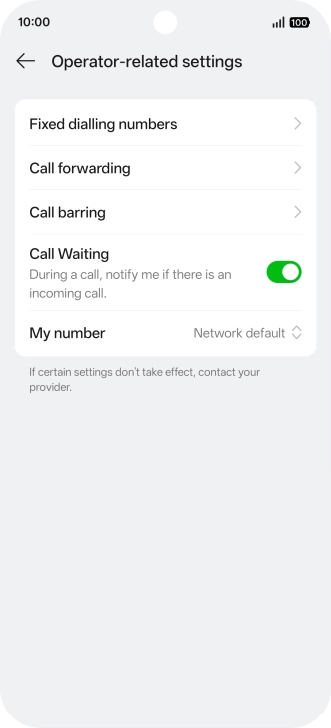
Press Call forwarding.

Step 7 of 9

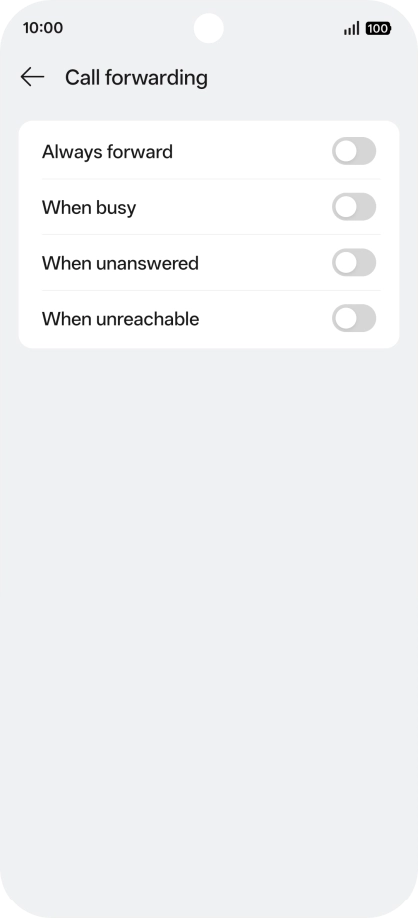
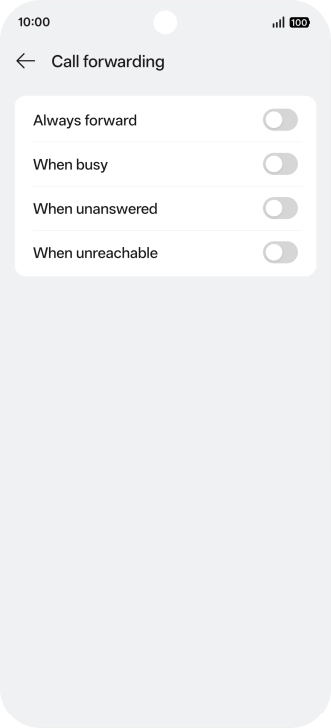
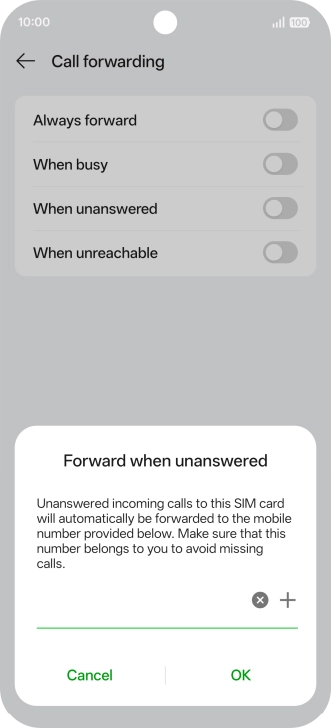
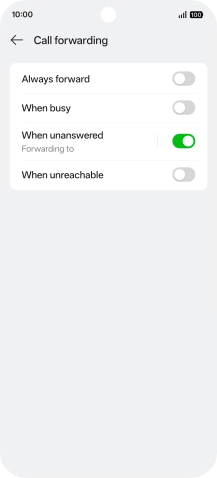
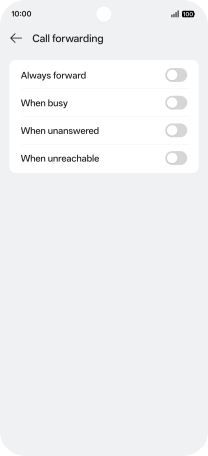
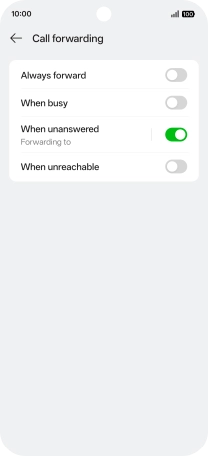
Divert calls to voicemail

Press the indicator next to the required divert type.

+447836121121
Step 8 of 9

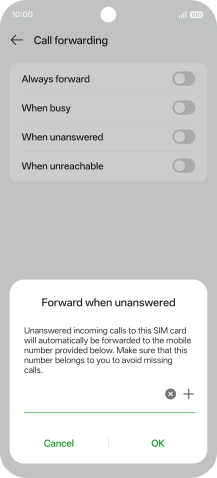
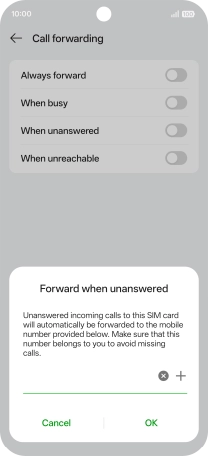
Divert calls to voicemail

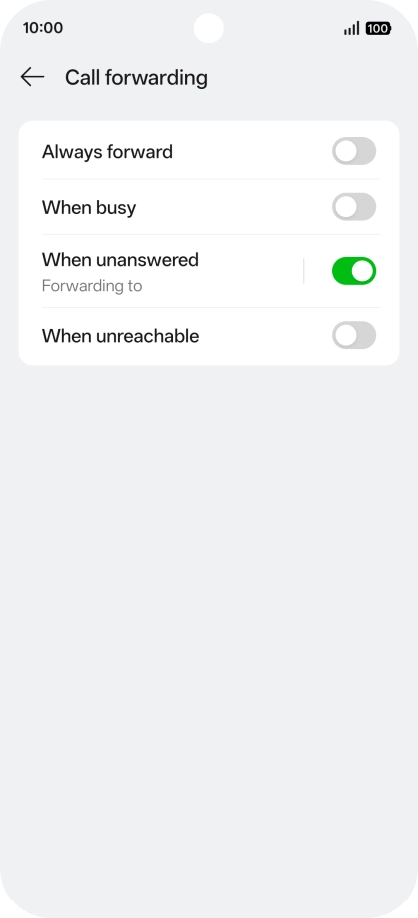
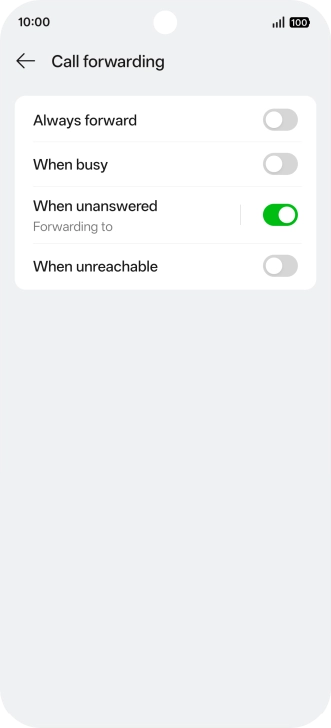
Key in +447836121121 and press OK.

Step 9 of 9

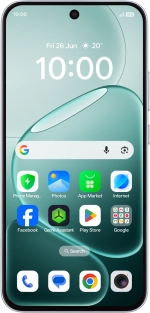
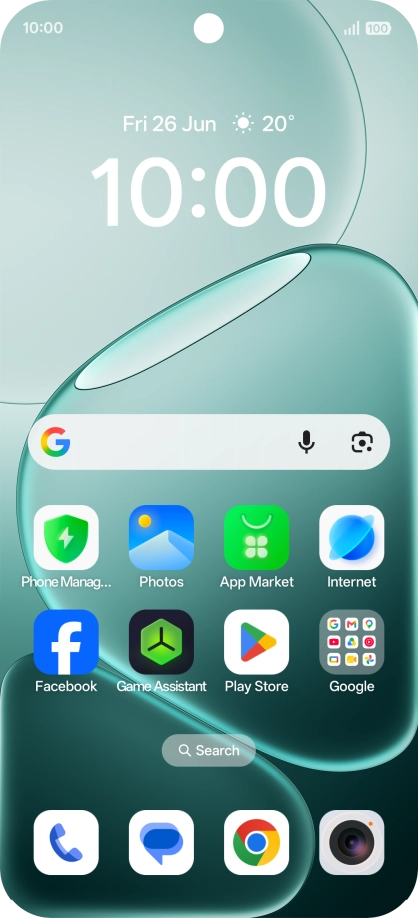
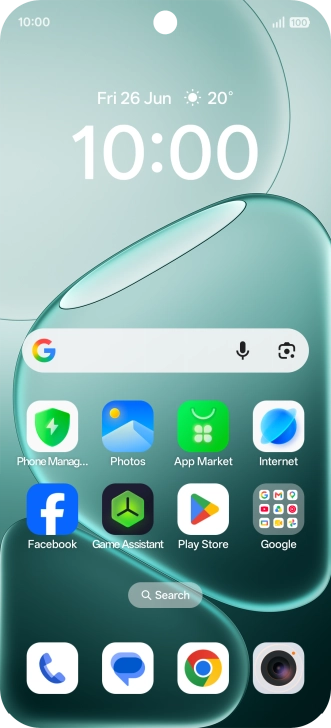
Return to the home screen

Slide your finger upwards starting from the bottom of the screen to return to the home screen.

1 Find "Call forwarding"

Press the call icon.
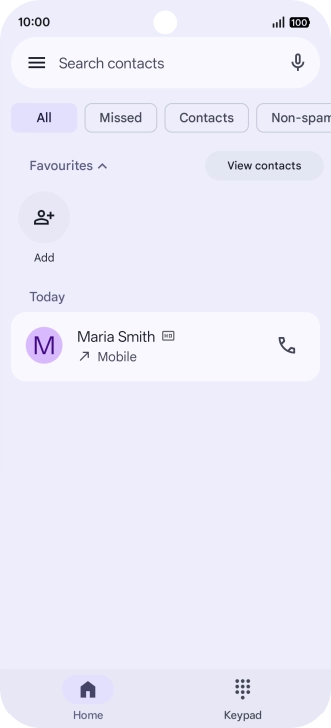
Press the menu icon.
Press Settings.
Press Calling accounts.
Press Operator-related settings.
Press Call forwarding.

2 Divert calls to voicemail

Press the indicator next to the required divert type.
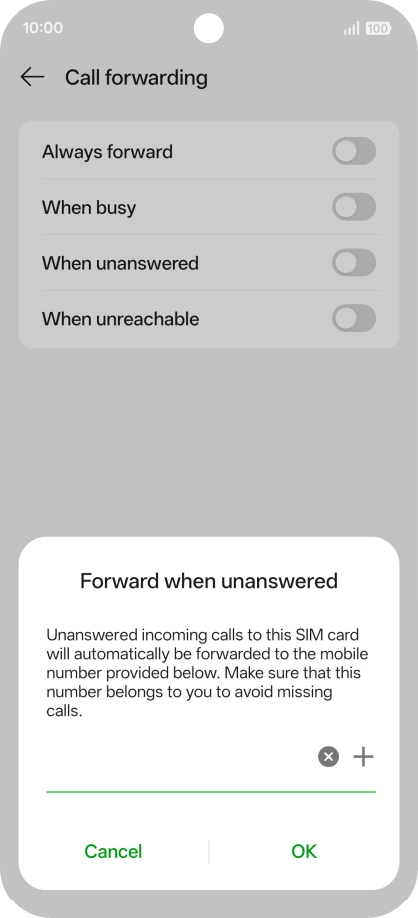
Key in +447836121121 and press OK.
+447836121121

3 Return to the home screen

Slide your finger upwards starting from the bottom of the screen to return to the home screen.

Get information on...

Or choose...

Another device