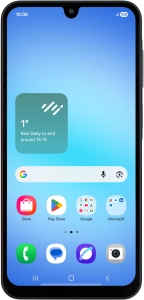
Help and Support for
Samsung Galaxy A17 4G
Android 16
Choose a help topic
Back up the memory on your Samsung Galaxy A17 4G Android 16 to Google One
You can back up the phone memory to Google One to ensure that no data is lost when you update your phone's software or if you lose your phone. To back up the phone memory to Google One, you need to activate your Google account on your phone and establish a connection to a Wi-Fi network.