Help and Support for
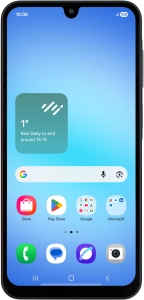
Samsung Galaxy A17 4G
Android 16
Choose a help topic
Cancel all diverts on your Samsung Galaxy A17 4G Android 16
If you no longer wish to divert your calls, you need to cancel the diverts.
Registered in England and Wales. Company No 01471587. Registered Office: Vodafone House, The Connection, Newbury, Berkshire, RG14 2FN.
*Annual Price Increase: The monthly cost will increase each year on 1 April by £2.50 for Pay monthly plans with Airtime/Data, and £3.50 for Home Broadband plans. This doesn't affect Device Plans. More information: vodafone.co.uk/pricechanges
© 2026 Vodafone Limited is authorised and regulated by the Financial Conduct Authority for consumer credit lending and insurance distribution activity (Financial Services Register No. 712210)