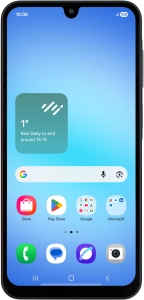
Help and Support for
Samsung Galaxy A17 4G
Android 16
Registered in England and Wales. Company No 01471587. Registered Office: Vodafone House, The Connection, Newbury, Berkshire, RG14 2FN.
*Annual Price Increase: The monthly cost will increase each year on 1 April by £2.50 for Pay monthly plans with Airtime/Data, and £3.50 for Home Broadband plans. This doesn't affect Device Plans. More information: vodafone.co.uk/pricechanges
© 2026 Vodafone Limited is authorised and regulated by the Financial Conduct Authority for consumer credit lending and insurance distribution activity (Financial Services Register No. 712210)