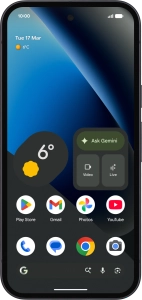
Google Pixel 10a
Android 16
1. Find "Back up data"
Slide two fingers downwards starting from the top of the screen.

Press the settings icon.

Press Back up or copy data.

Press Back up data.

2. Select data types for backup
Press Photos and Videos.

Press the fields next to the required data types to select them.

Press Confirm.

3. Turn automatic back up using mobile network on or off
Press Other device data.

Press the indicator next to "Use mobile or metered Wi-Fi data" to turn the function on or off.
The phone memory will be backed up automatically using the mobile network when no Wi-Fi networks are within range.

4. Back up phone memory to Google One
Press Back up now and wait while the phone memory is backed up.

5. Return to the home screen
Slide your finger upwards starting from the bottom of the screen to return to the home screen.


