Xiaomi Mi Mix 3 5G

Xiaomi Mi Mix 3 5G

Android 9.0

Copy contacts between your SIM and your Xiaomi Mi Mix 3 5G Android 9.0

Read help info

You can copy contacts between your SIM and phone. This way, you won't lose your contacts if you change your SIM or phone.

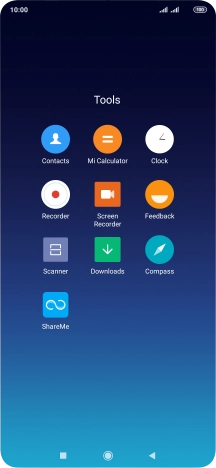
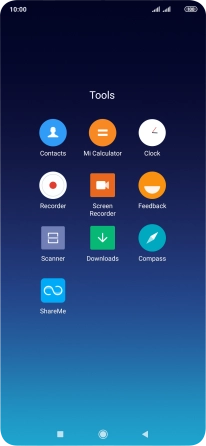
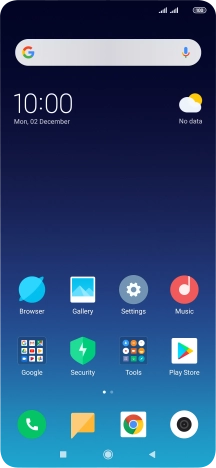
Press Tools.
Step 1 of 14

1. Find "Import/Export contacts"

Press Tools.
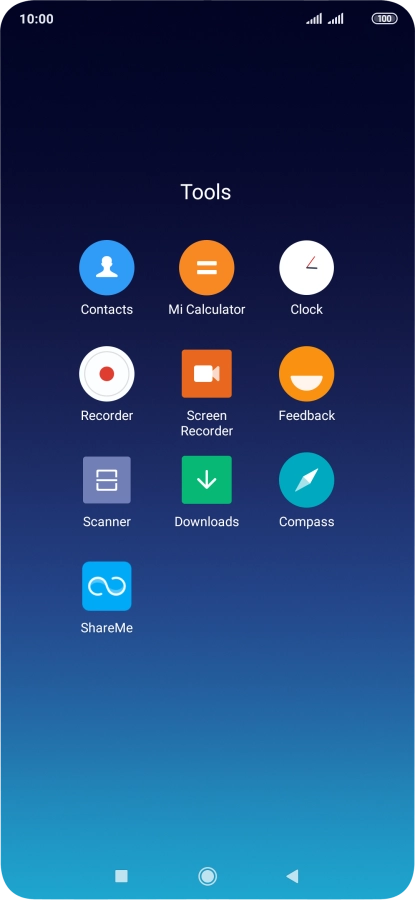
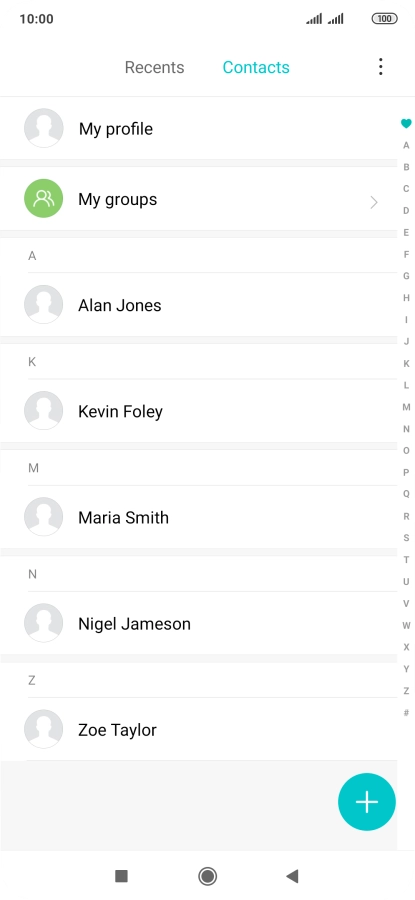
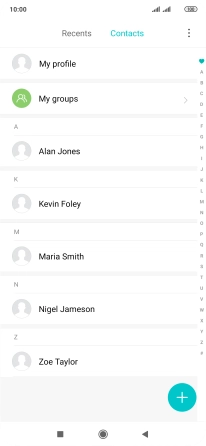
Press Contacts.
Step 2 of 14

1. Find "Import/Export contacts"

Press Contacts.

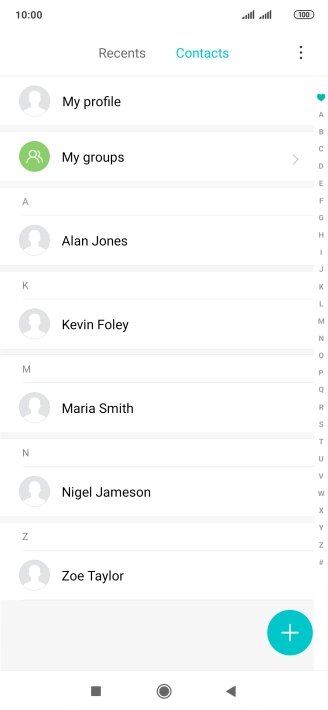
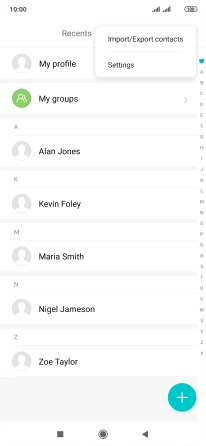
Press the menu icon.
Step 3 of 14

1. Find "Import/Export contacts"

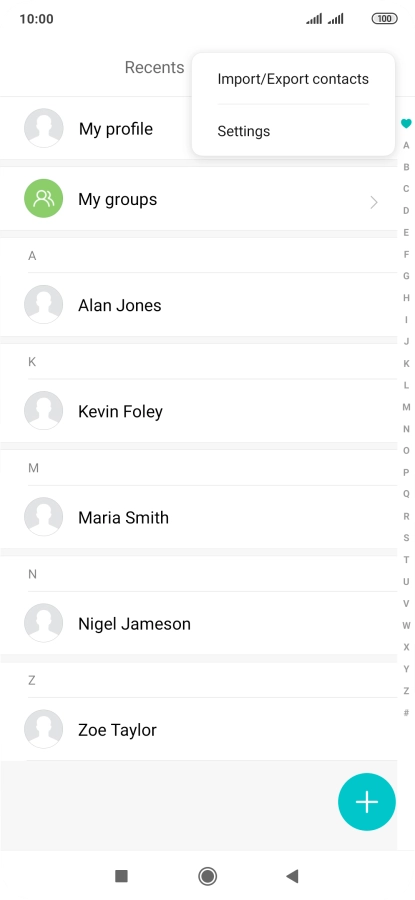
Press the menu icon.

Press Import/Export contacts.
Step 4 of 14

1. Find "Import/Export contacts"

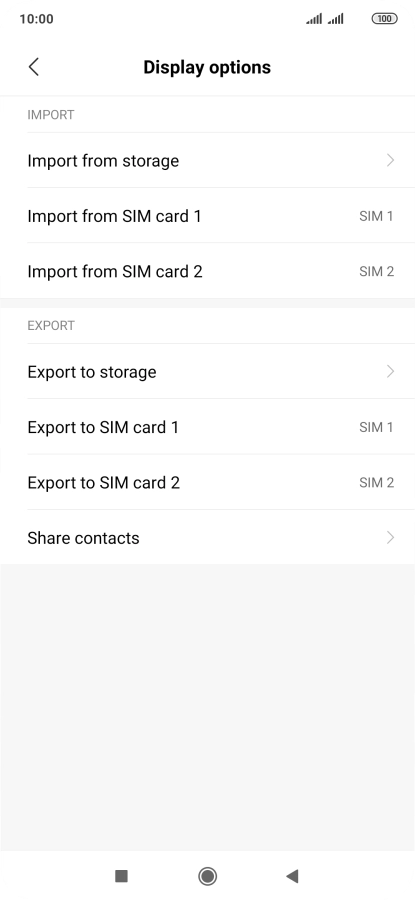
Press Import/Export contacts.

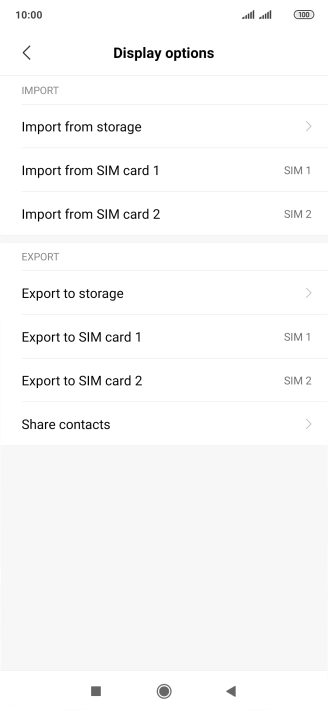
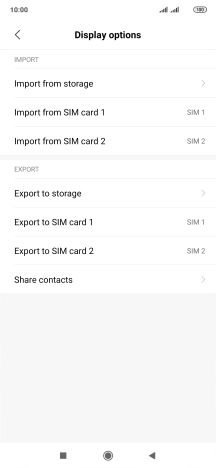
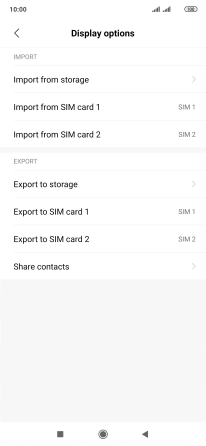
Press Import from ‹SIM card›.
Step 5 of 14

2. Copy contacts from your SIM to your phone

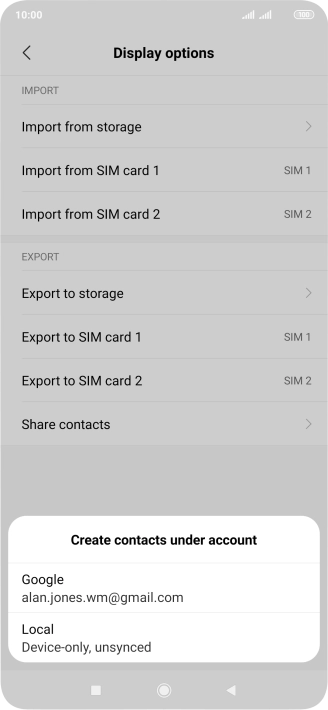
Press Import from ‹SIM card›.

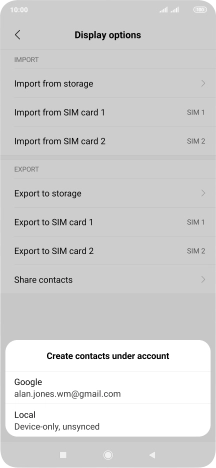
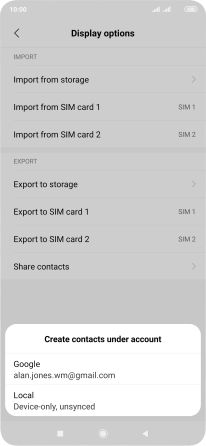
Press Local.
Step 6 of 14

2. Copy contacts from your SIM to your phone

Press Local.

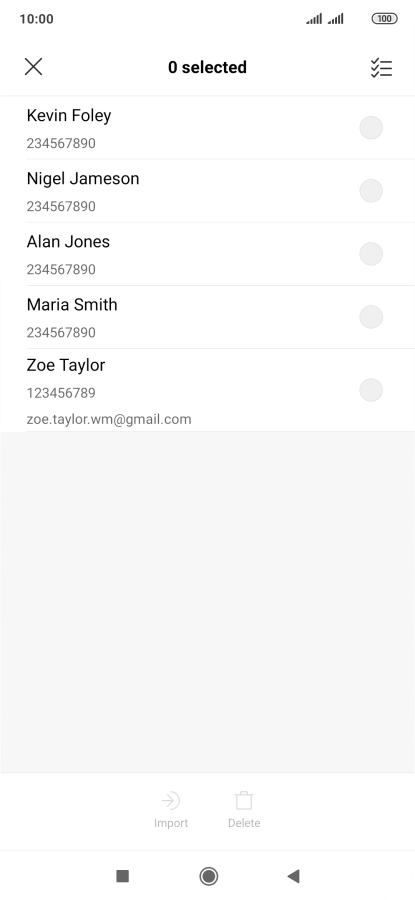
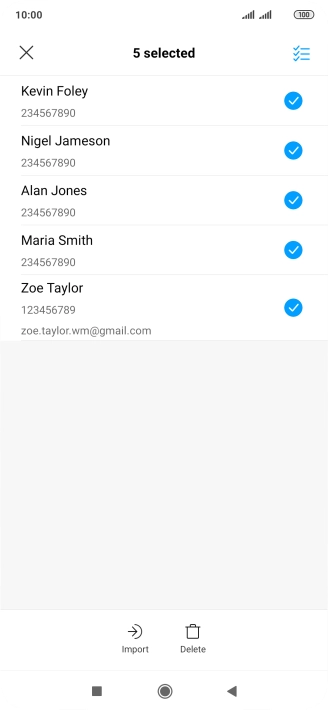
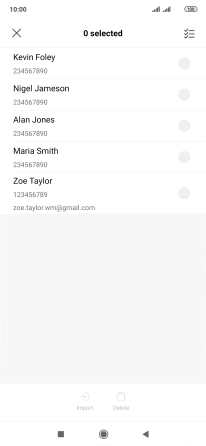
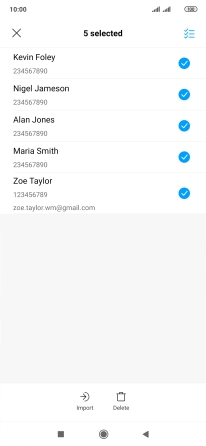
Press the select all icon.
Step 7 of 14

2. Copy contacts from your SIM to your phone

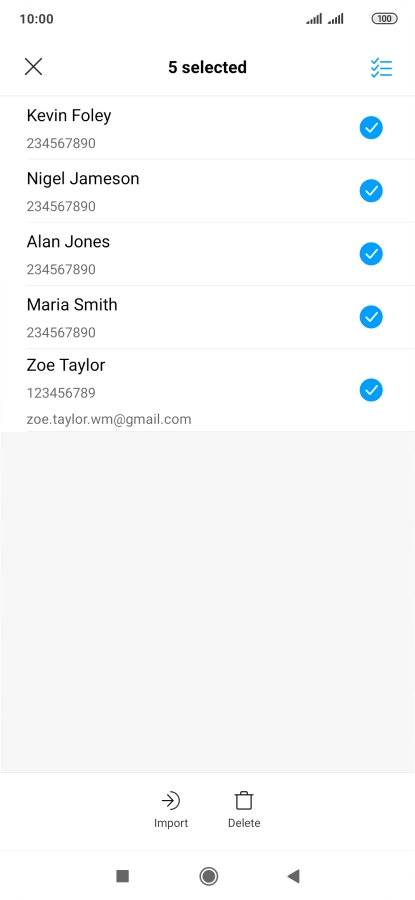
Press the select all icon.

Press Import.
Step 8 of 14

2. Copy contacts from your SIM to your phone

Press Import.

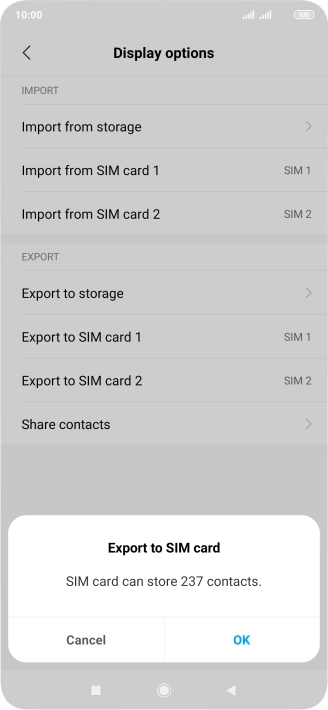
Press Export to ‹SIM card›.
Step 9 of 14

3. Copy contacts from your phone to your SIM

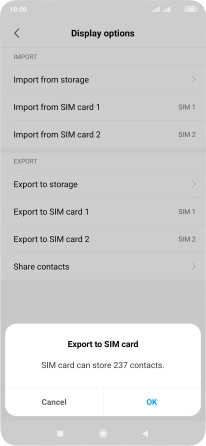
Press Export to ‹SIM card›.

Press OK.
Step 10 of 14

3. Copy contacts from your phone to your SIM

Press OK.

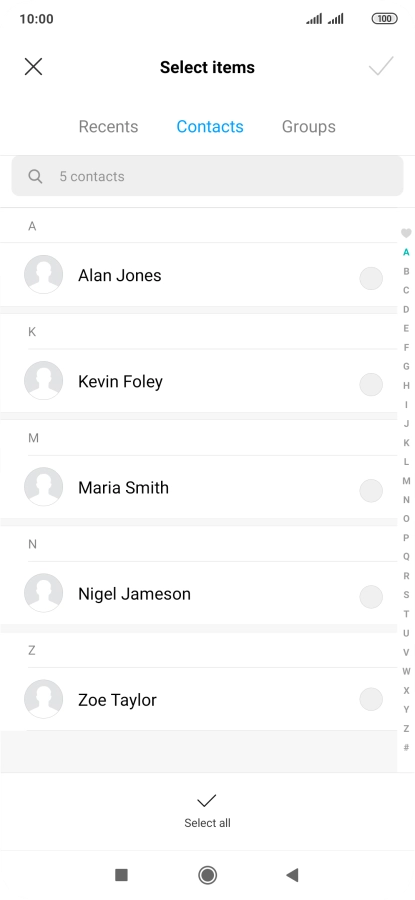
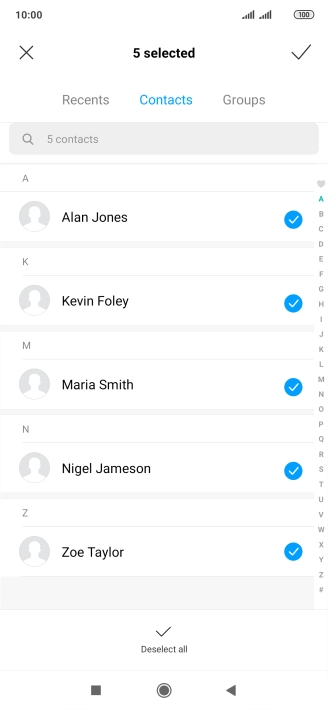
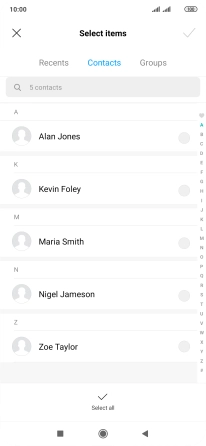
Press Select all.
Step 11 of 14

3. Copy contacts from your phone to your SIM

Press Select all.

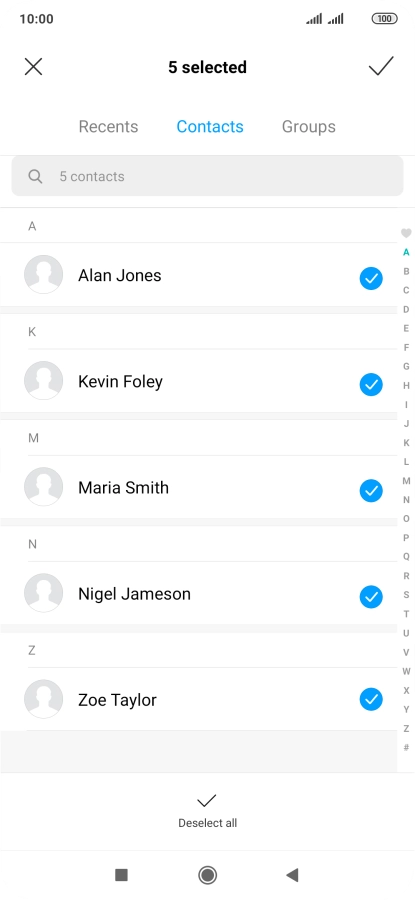
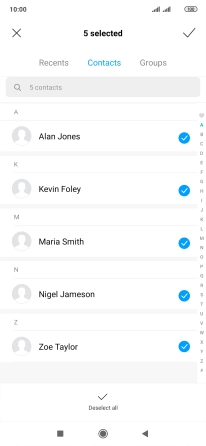
Press the confirm icon.
Step 12 of 14

3. Copy contacts from your phone to your SIM

Press the confirm icon.

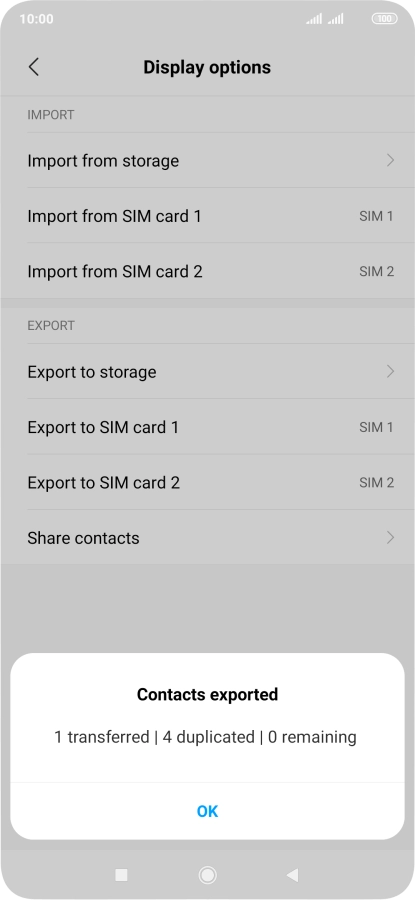
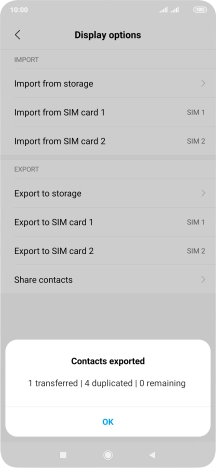
Press OK.
Step 13 of 14

3. Copy contacts from your phone to your SIM

Press OK.

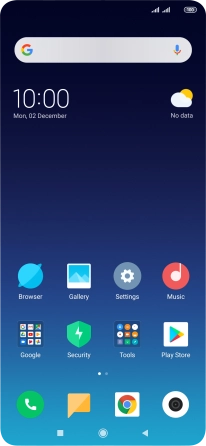
Press the Home key to return to the home screen.
Step 14 of 14

4. Return to the home screen

Press the Home key to return to the home screen.

1. Find "Import/Export contacts"

Press Tools.
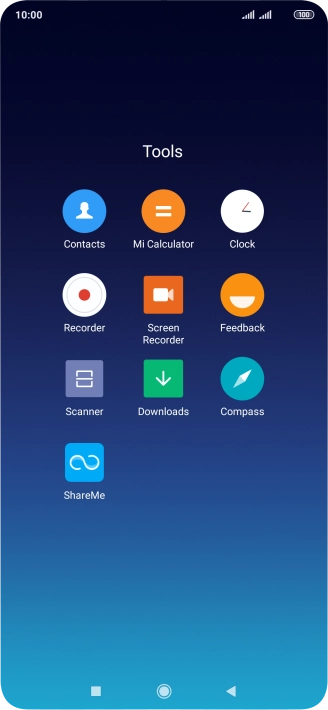
Press Contacts.
Press the menu icon.
Press Import/Export contacts.

2. Copy contacts from your SIM to your phone

Press Import from ‹SIM card›.
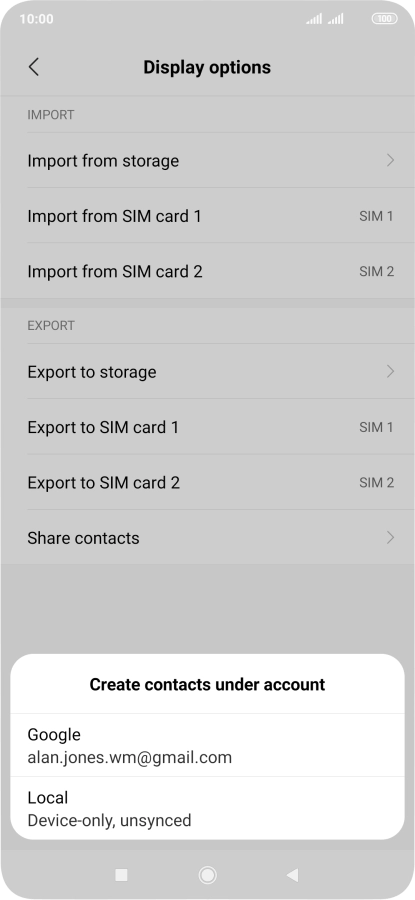
Press Local.
Press the select all icon.
Press Import.

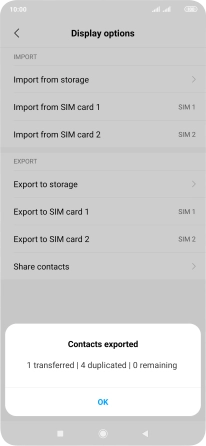
3. Copy contacts from your phone to your SIM

Press Export to ‹SIM card›.
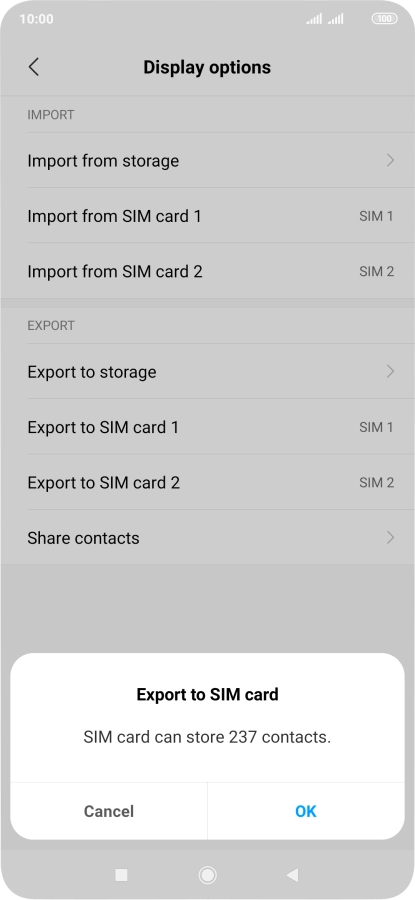
Press OK.
Press Select all.
Press the confirm icon.
Press OK.

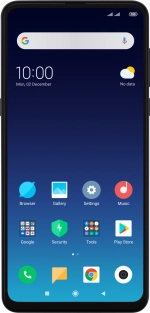
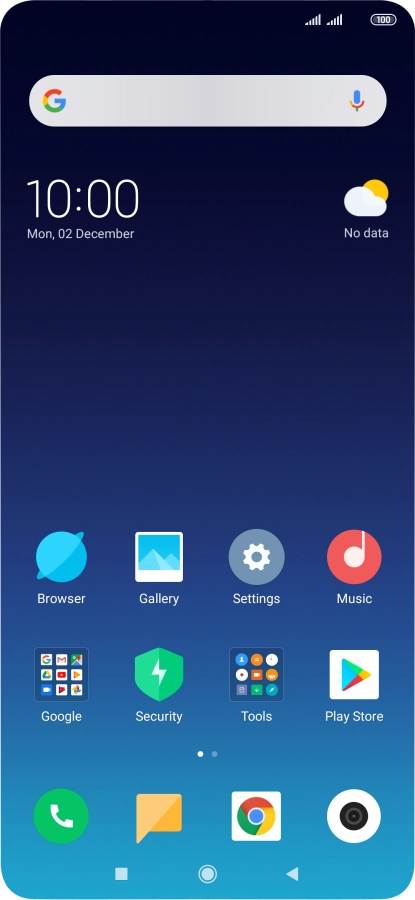
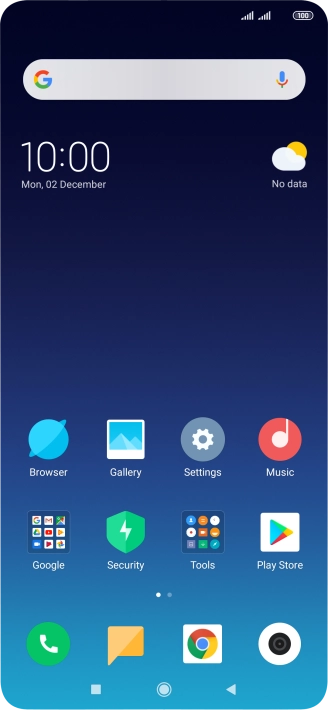
4. Return to the home screen

Press the Home key to return to the home screen.

Get information on...

Or choose...

Another device