Xiaomi Mi Mix 3 5G

Xiaomi Mi Mix 3 5G

Android 9.0

Turn automatic use of mobile data on your Xiaomi Mi Mix 3 5G Android 9.0 on or off

Read help info

You can set your phone to use mobile data automatically when the connection to the Wi-Fi network is weak. To turn automatic use of mobile data on or off, you need to turn on mobile data.

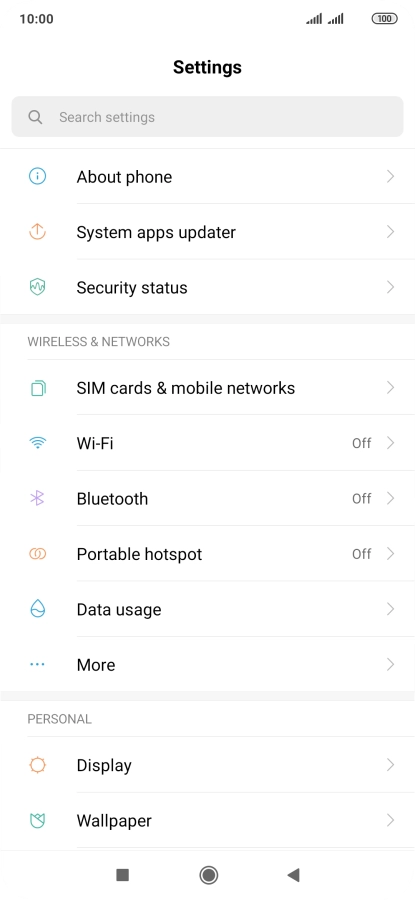
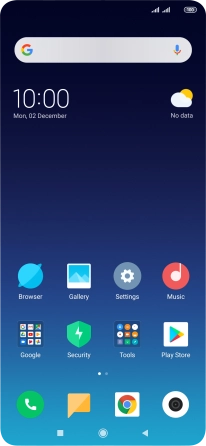
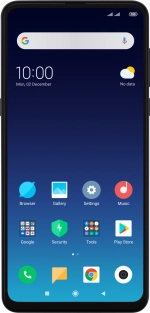
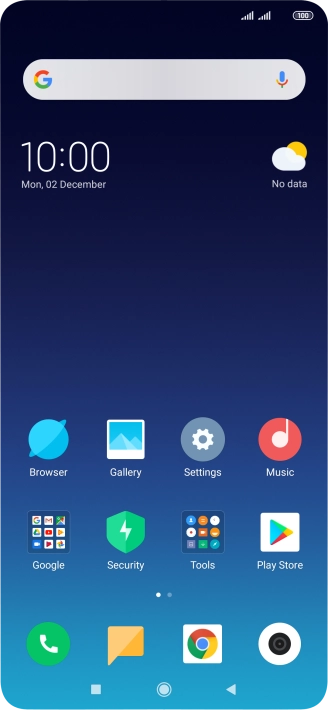
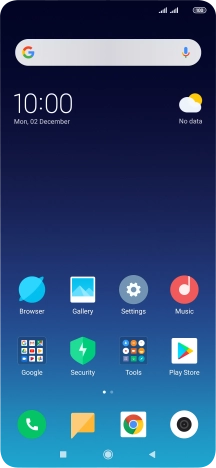
Press Settings.
Step 1 of 7

1. Find "Wi-Fi"

Press Settings.

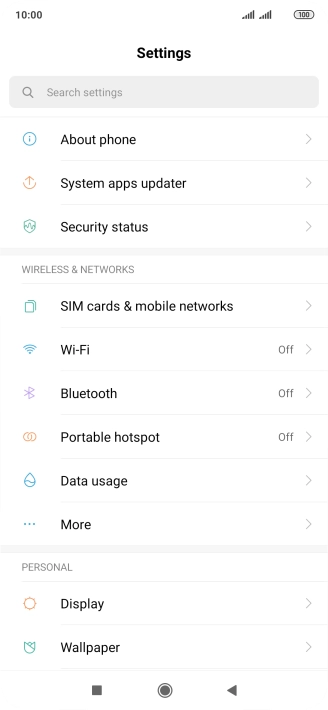
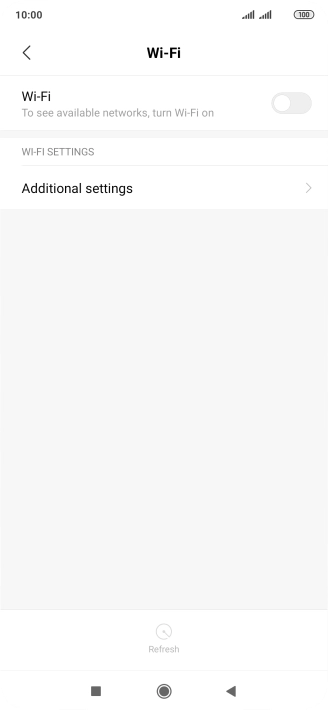
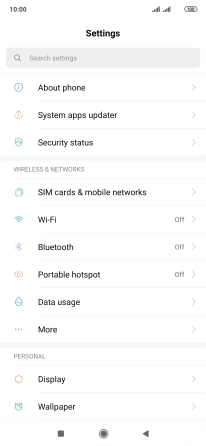
Press Wi-Fi.
Step 2 of 7

1. Find "Wi-Fi"

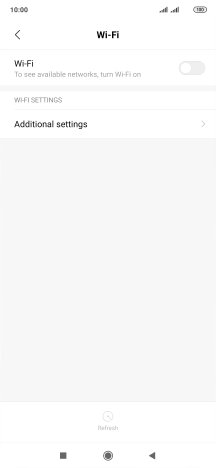
Press Wi-Fi.

Press the indicator next to
Step 3 of 7

2. Turn on Wi-Fi

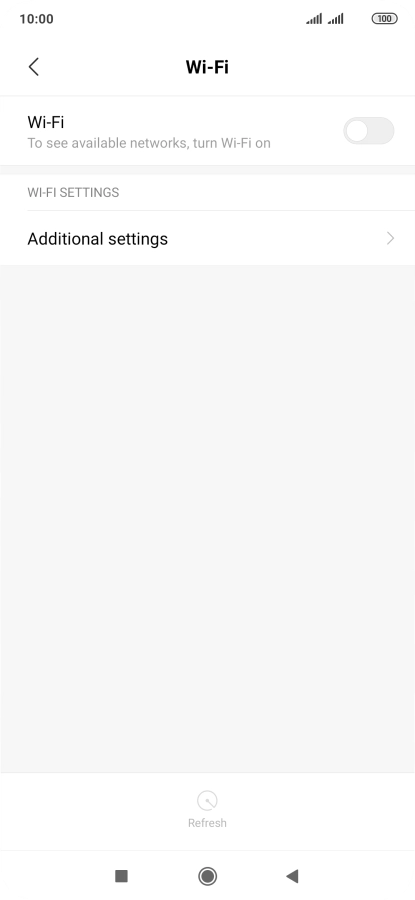
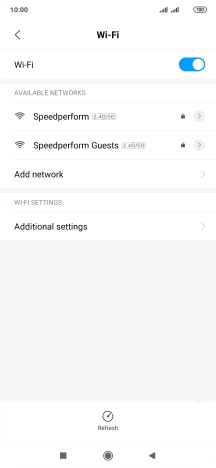
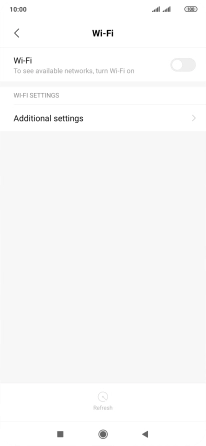
Press the indicator next to "Wi-Fi" to turn on the function.
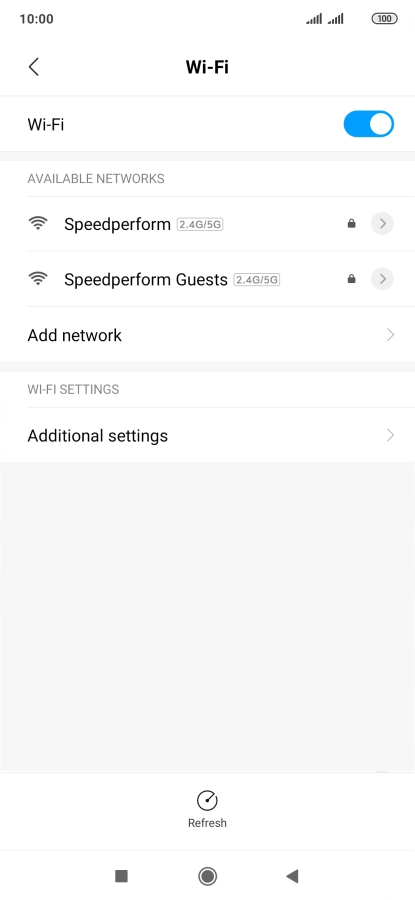
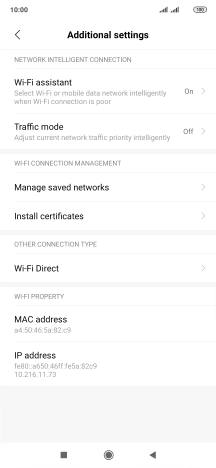
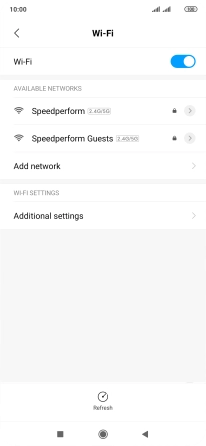
Press Additional settings.
Step 4 of 7

3. Turn automatic use of mobile data on or off

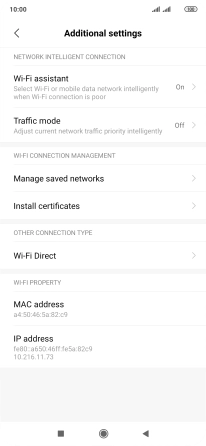
Press Additional settings.

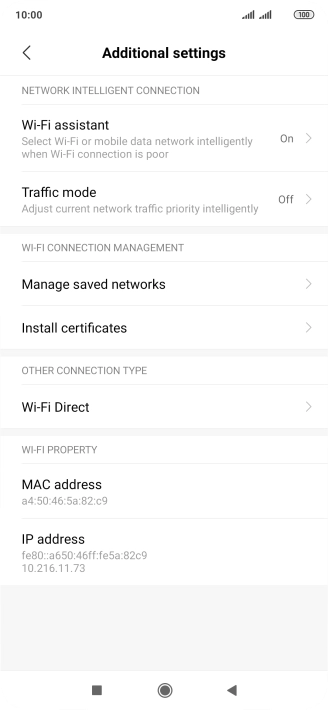
Press Wi-Fi assistant.
Step 5 of 7

3. Turn automatic use of mobile data on or off

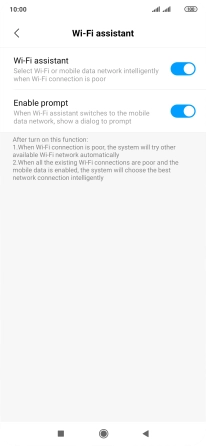
Press Wi-Fi assistant.

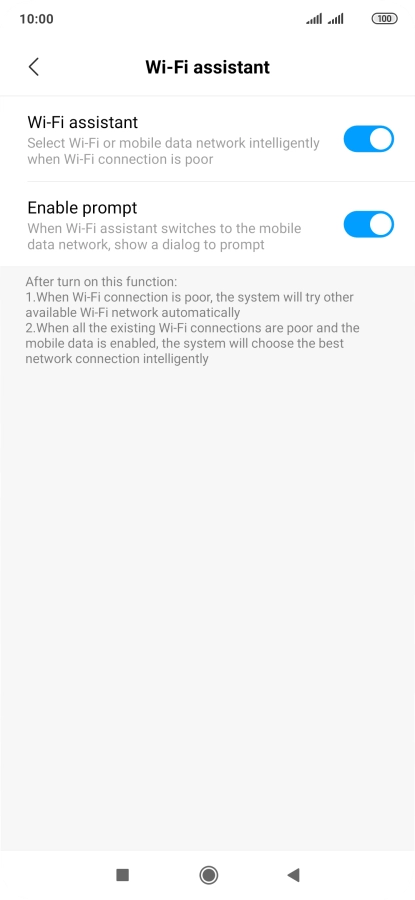
Press the indicator next to
Step 6 of 7

3. Turn automatic use of mobile data on or off

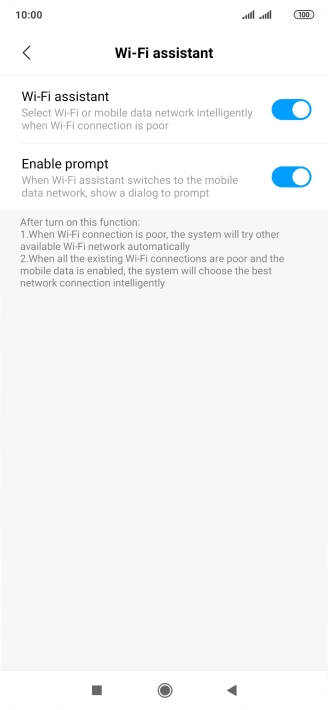
Press the indicator next to "Wi-Fi assistant" to turn the function on or off.

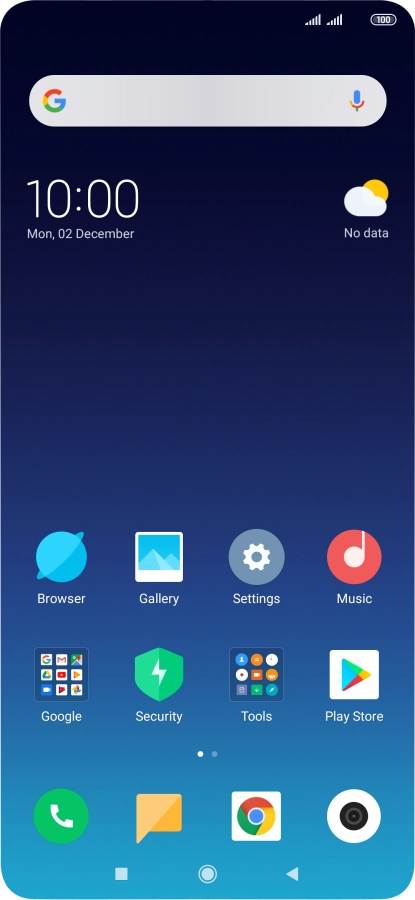
Press the Home key to return to the home screen.
Step 7 of 7

4. Return to the home screen

Press the Home key to return to the home screen.

1. Find "Wi-Fi"

Press Settings.
Press Wi-Fi.

2. Turn on Wi-Fi

Press the indicator next to "Wi-Fi" to turn on the function.
3. Turn automatic use of mobile data on or off

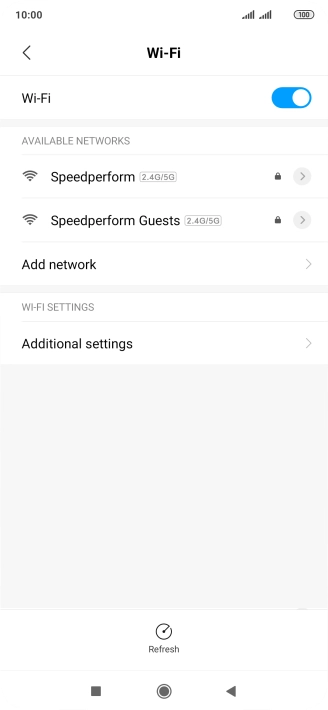
Press Additional settings.
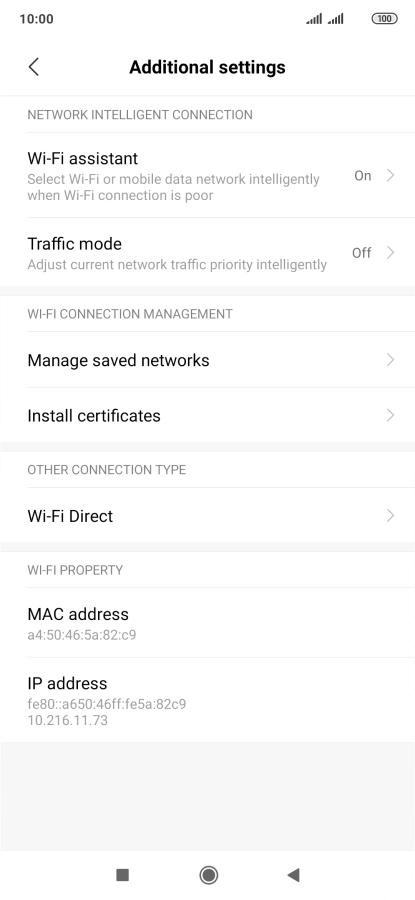
Press Wi-Fi assistant.
Press the indicator next to "Wi-Fi assistant" to turn the function on or off.

4. Return to the home screen

Press the Home key to return to the home screen.

Get information on...

Or choose...

Another device