
Xiaomi Mi Mix 3 5G
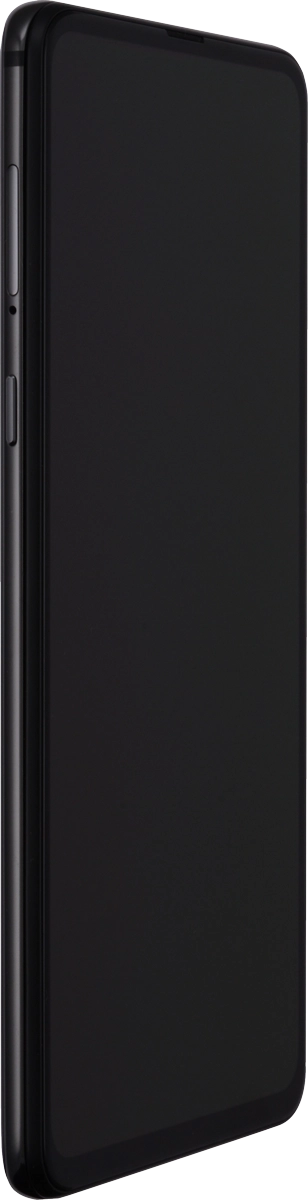
1. Remove SIM holder
Find the opener for the SIM holder. Insert the opener into the small hole in the SIM holder.
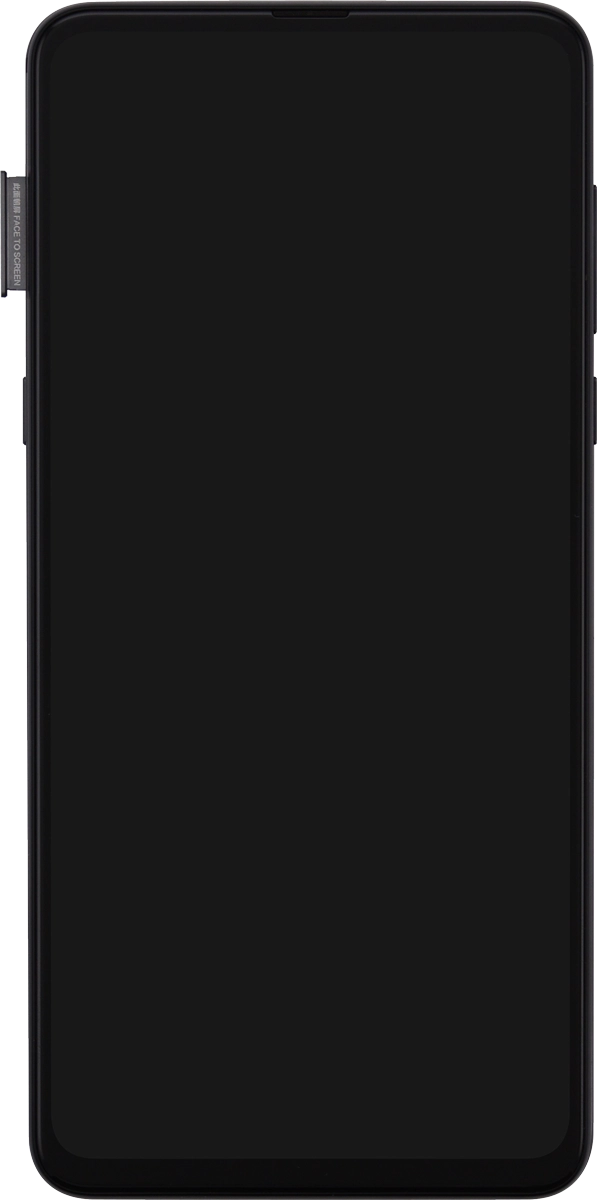
1. Remove SIM holder
Remove the SIM holder from your phone.
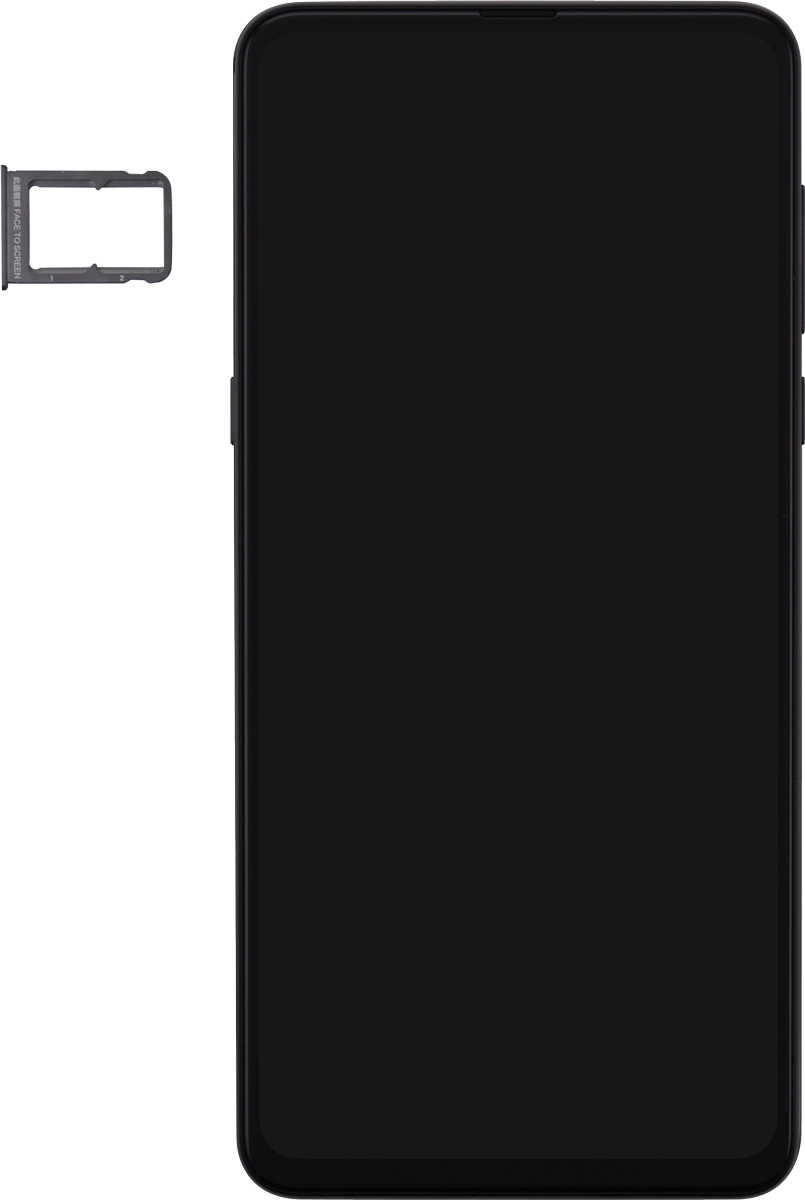
2. Insert first SIM
Turn your SIM so the angled corner of the SIM matches the angled corner of the first SIM holder and place your SIM in the SIM holder.
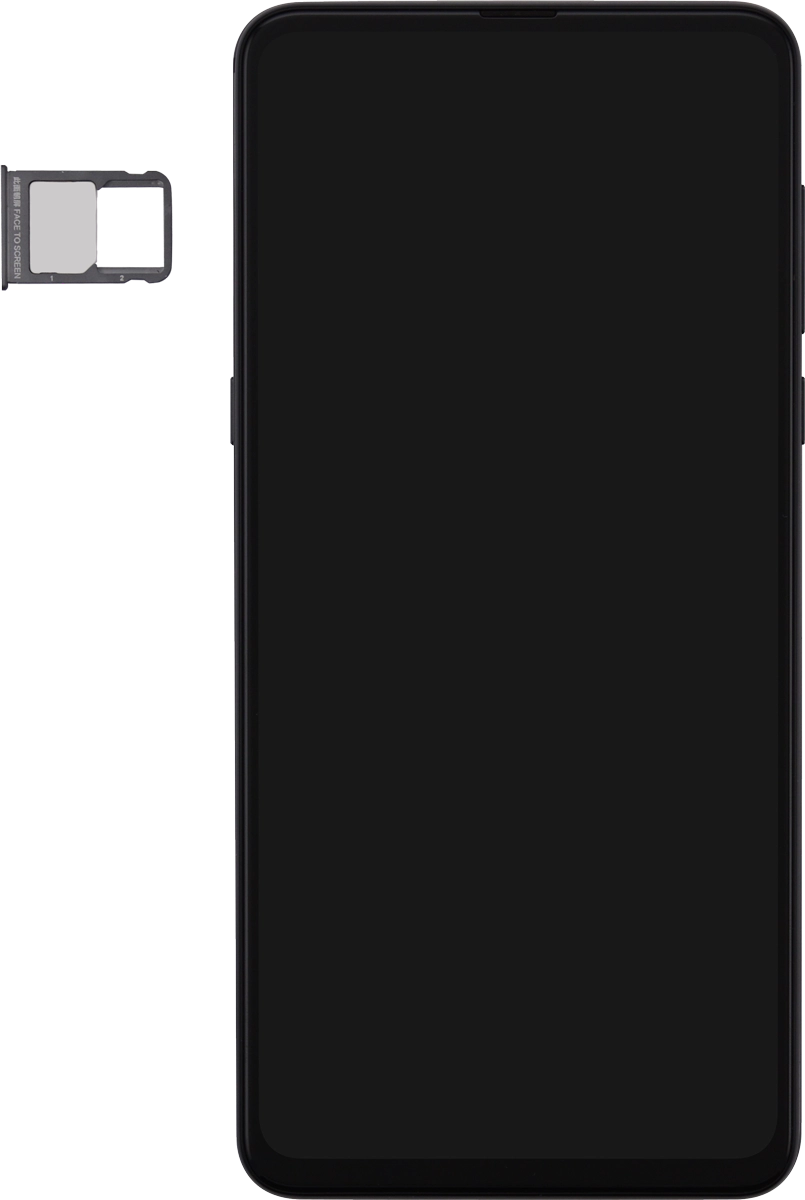
3. Insert second SIM
Turn your SIM so the angled corner of the SIM matches the angled corner of the second SIM holder.
3. Insert second SIM
Place your SIM in the SIM holder and insert the SIM holder into your phone.
1. Remove SIM holder
2. Insert first SIM
3. Insert second SIM