Xiaomi Mi Mix 3 5G

Xiaomi Mi Mix 3 5G

Android 9.0

Short battery life on my Xiaomi Mi Mix 3 5G Android 9.0

Cause 4 of 15: Automatic content synchronisation is turned on

If automatic content synchronisation is turned on, the power consumption may increase.

Solution: Turn off automatic content synchronisation.

Step 1 of 6

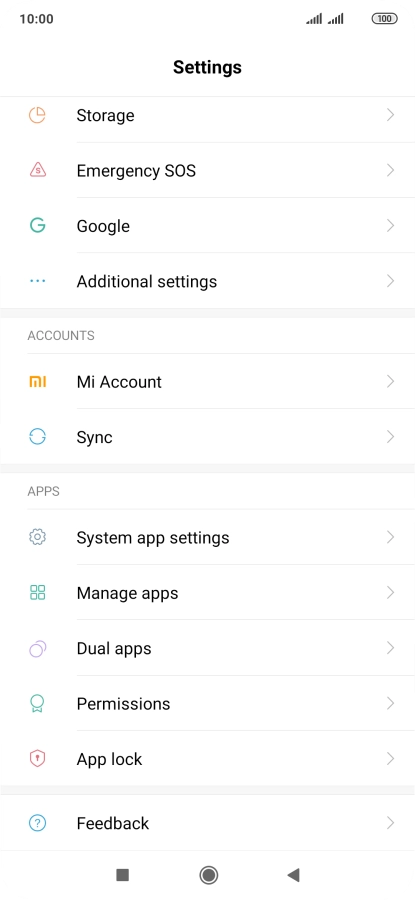
Find "Sync"

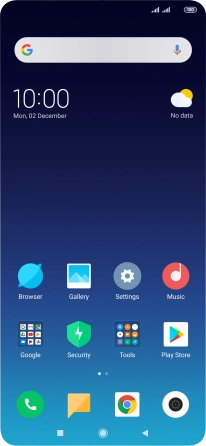
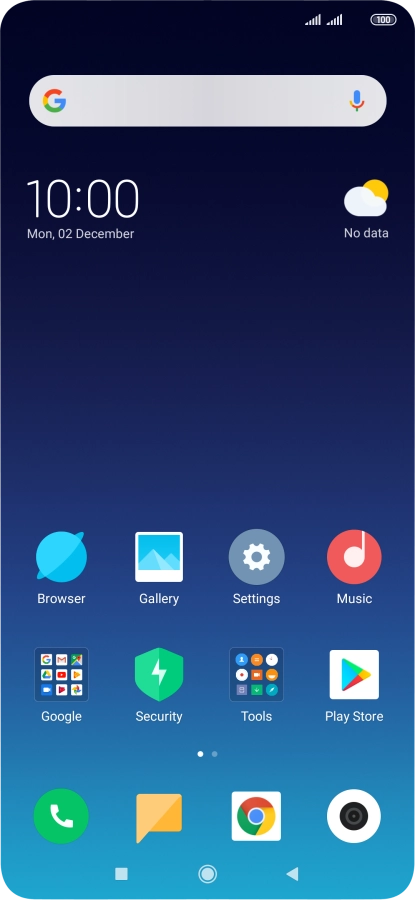
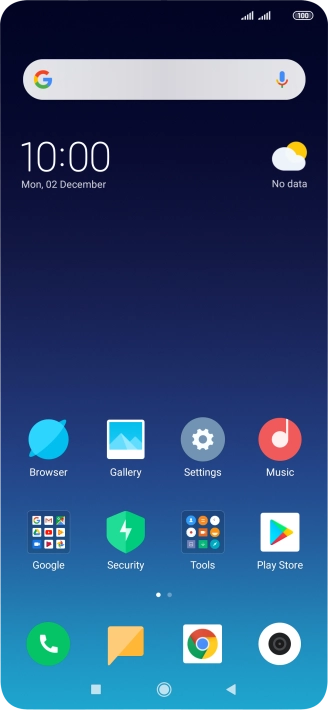
Press Settings.

Step 2 of 6

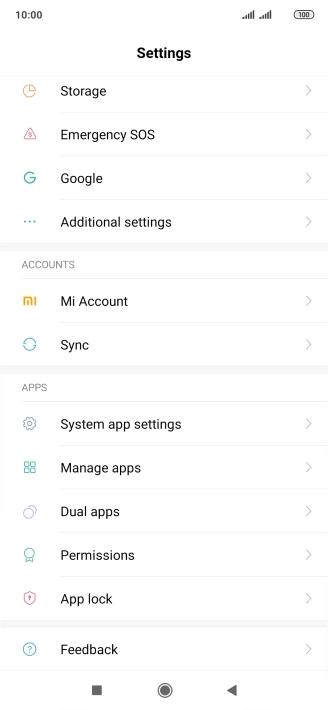
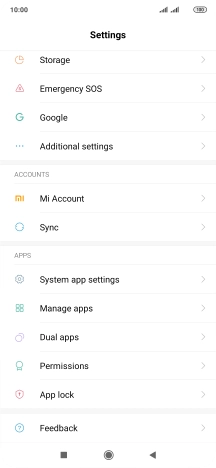
Find "Sync"

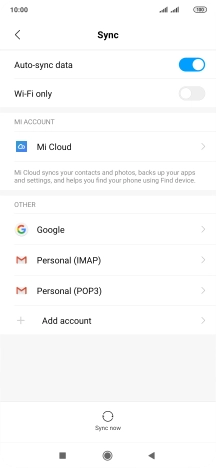
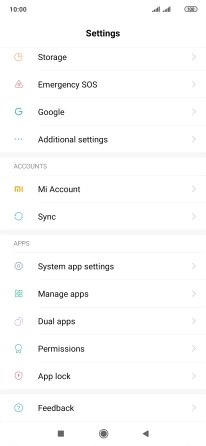
Press Sync.

Step 3 of 6

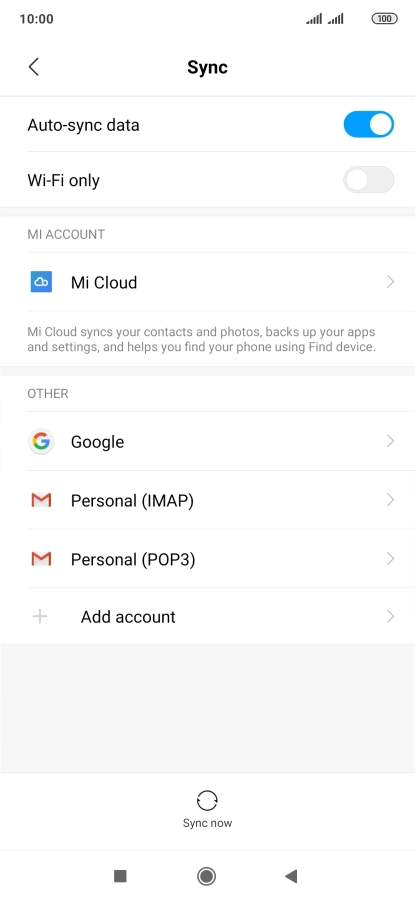
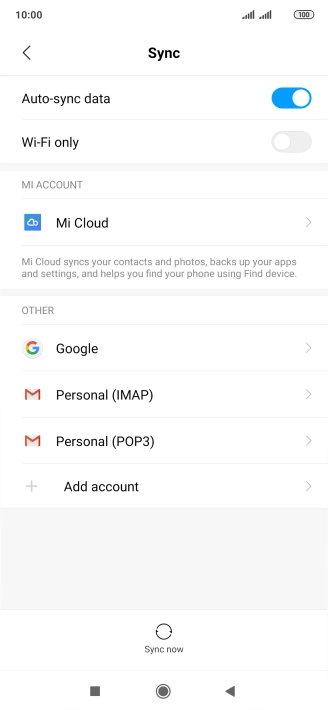
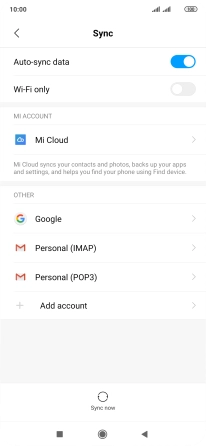
Turn automatic synchronisation of content on or off

Press the indicator next to "Auto-sync data" to turn the function on or off.
Step 4 of 6

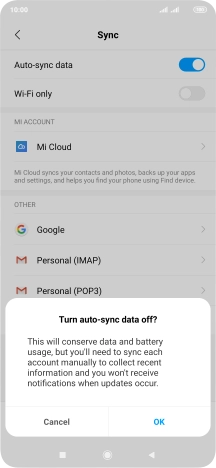
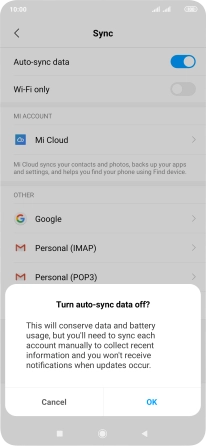
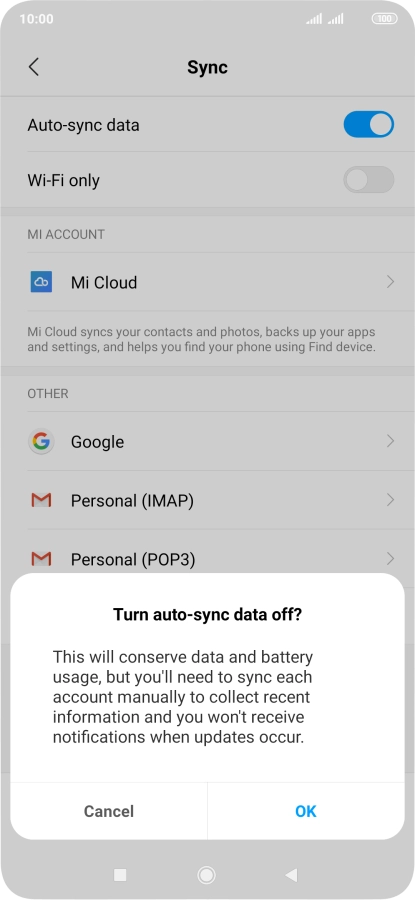
Turn automatic synchronisation of content on or off

Press OK.

Step 5 of 6

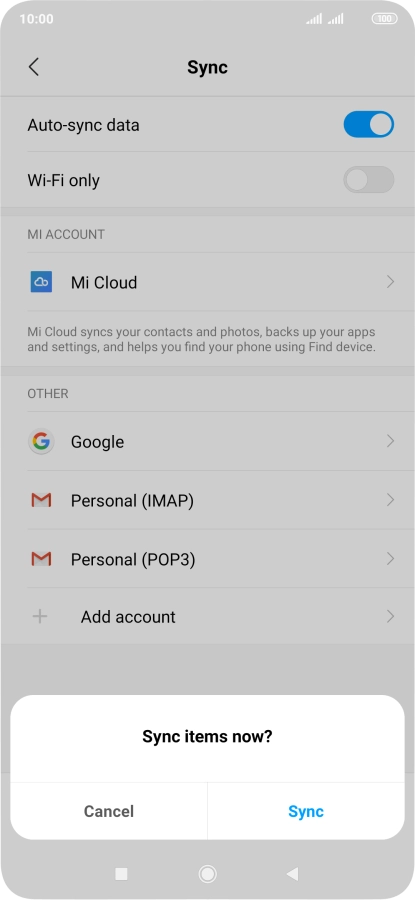
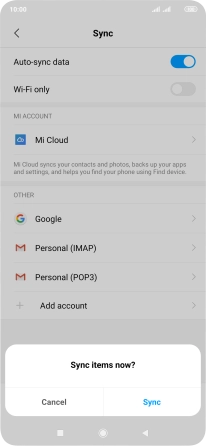
Turn automatic synchronisation of content on or off

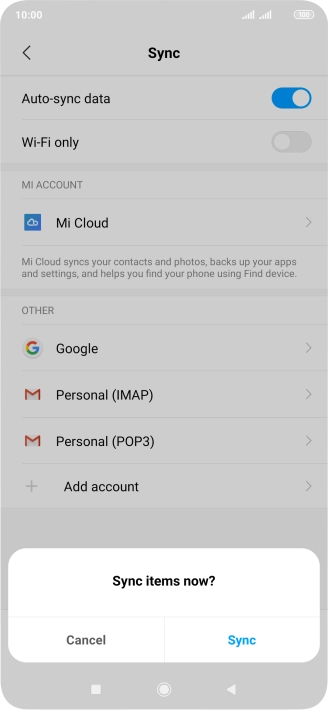
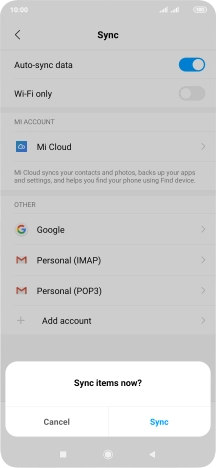
If you turn on the function, press Sync.

Step 6 of 6

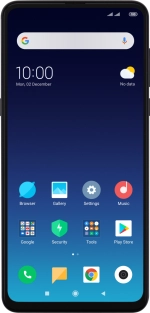
Return to the home screen

Press the Home key to return to the home screen.

1 Find "Sync"

Press Settings.
Press Sync.

2 Turn automatic synchronisation of content on or off

Press the indicator next to "Auto-sync data" to turn the function on or off.
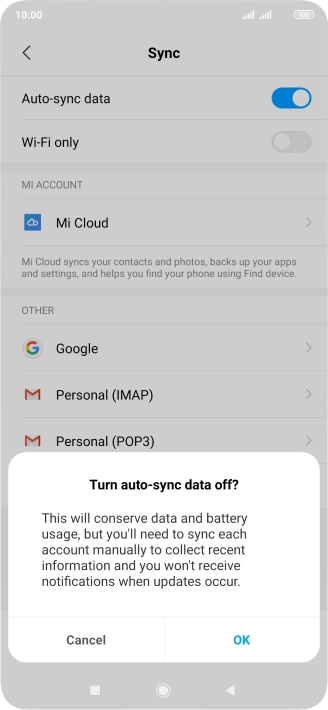
Press OK.
If you turn on the function, press Sync.

3 Return to the home screen

Press the Home key to return to the home screen.

Get information on...

Or choose...

Another device