Xiaomi Mi Mix 3 5G
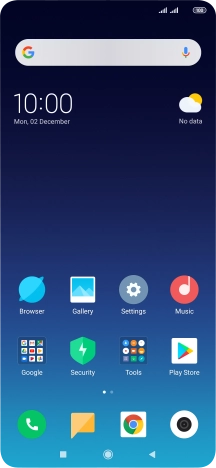
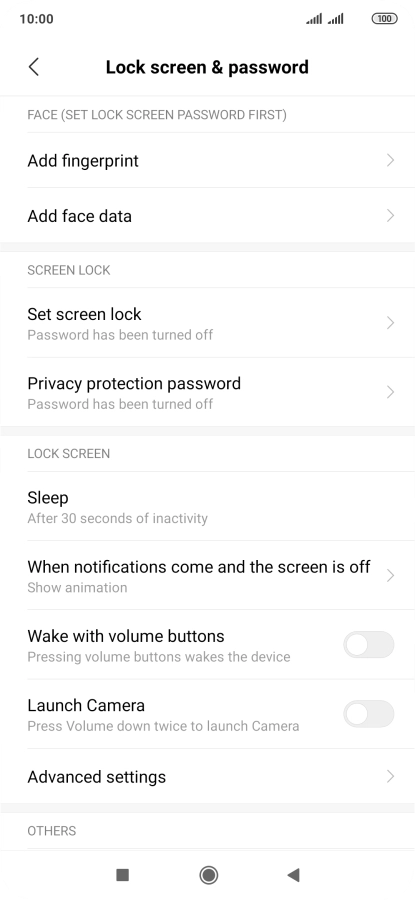
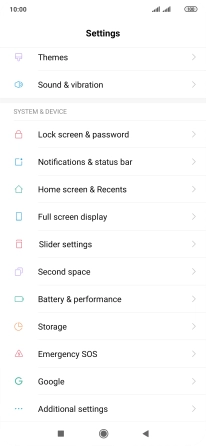
Find "Add fingerprint"
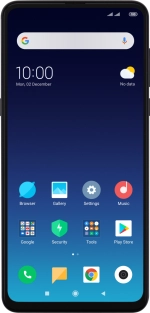
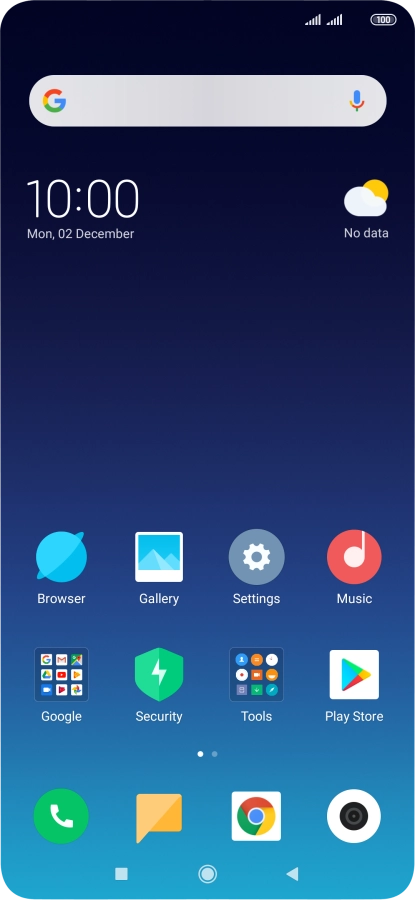
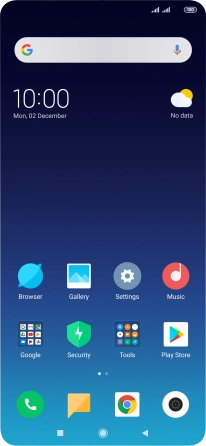
Press Settings.
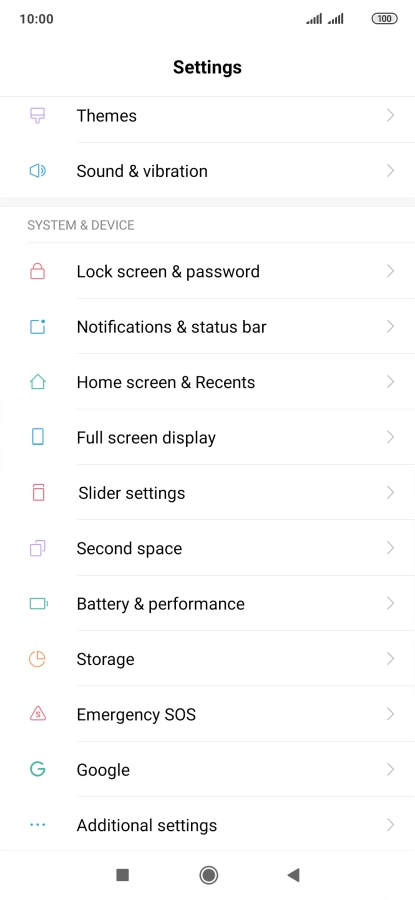
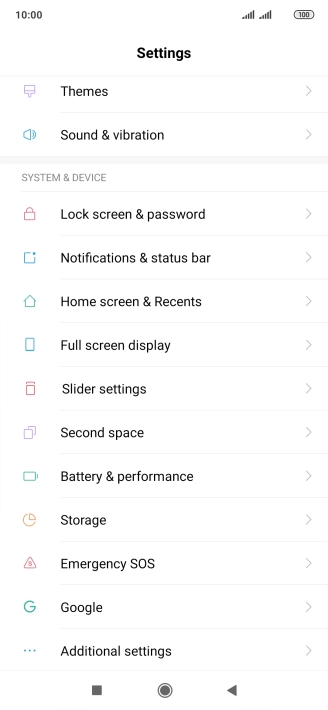
Find "Add fingerprint"
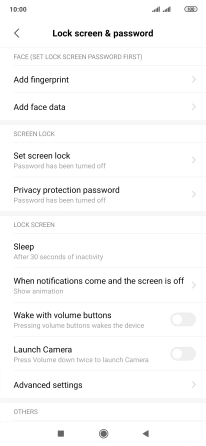
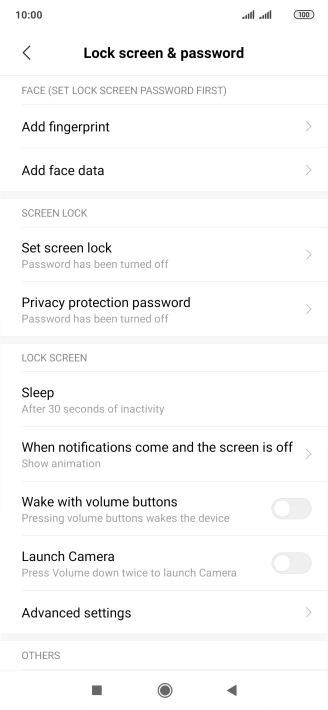
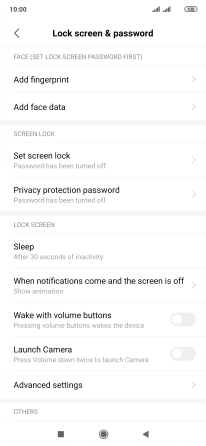
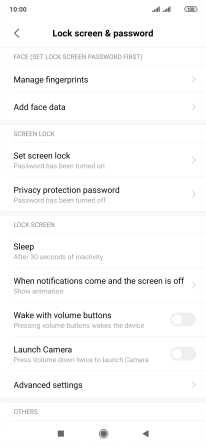
Press Lock screen & password.
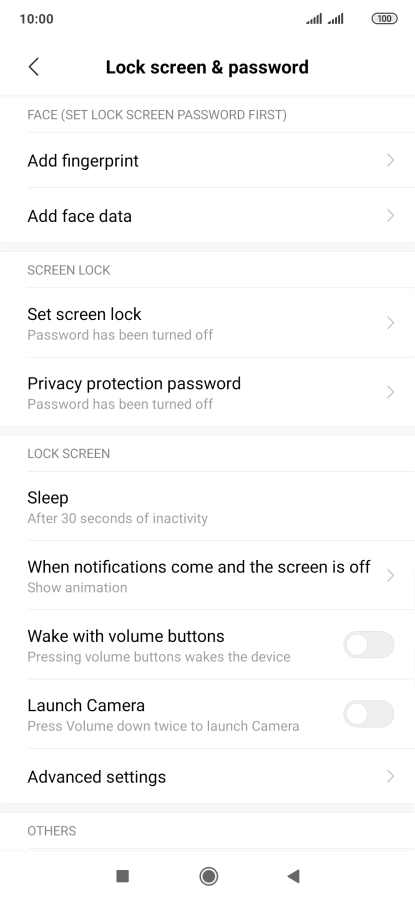
Find "Add fingerprint"
Press Add fingerprint.
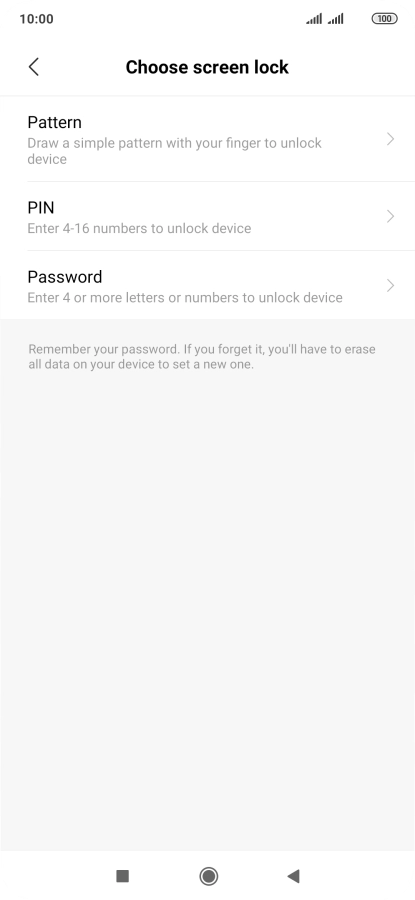
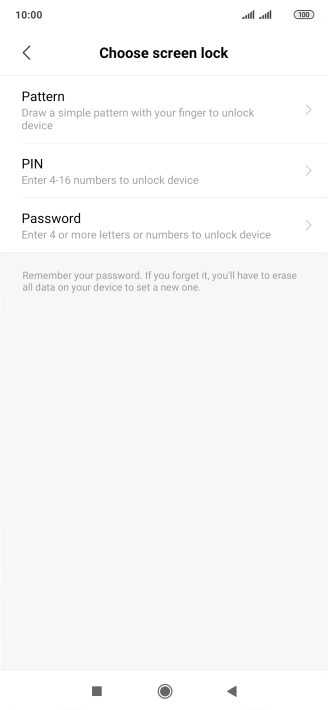
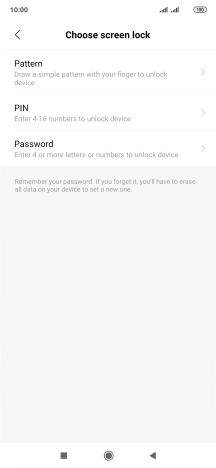
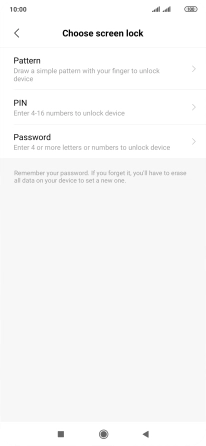
Create phone lock code using a fingerprint
Press the required phone lock code and follow the instructions on the screen to create an additional phone lock code.
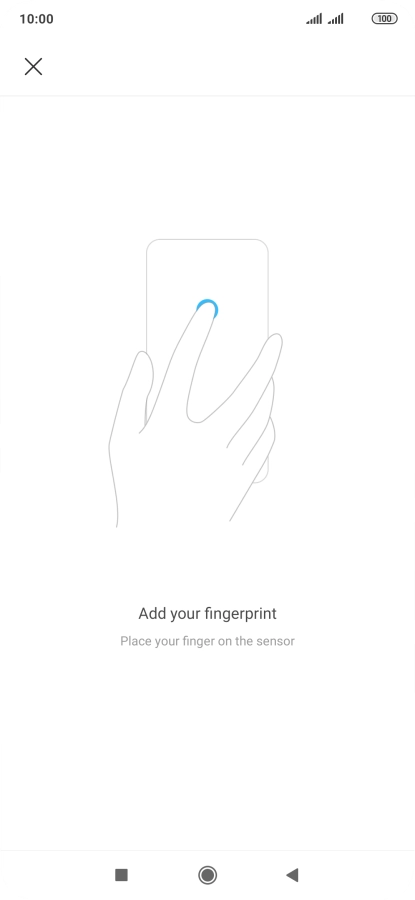
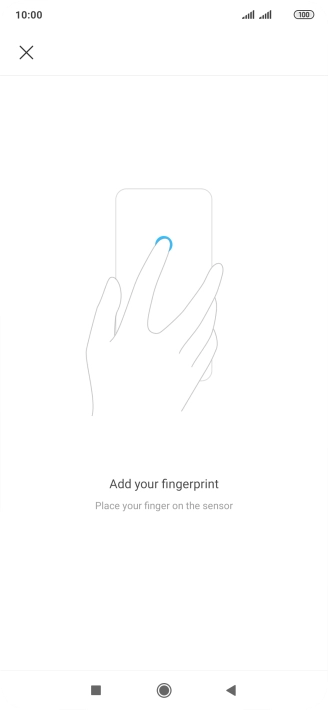
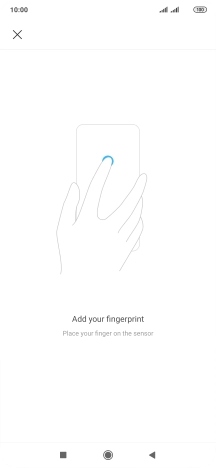
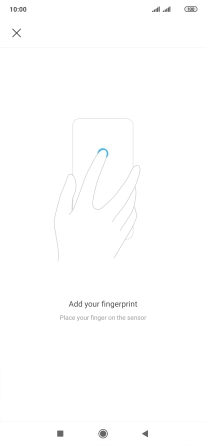
Create phone lock code using a fingerprint
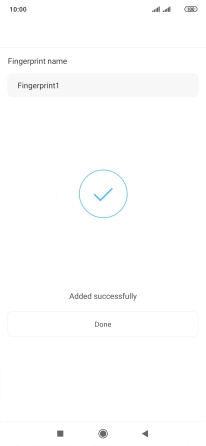
Follow the instructions on the screen to create the phone lock code using your fingerprint.
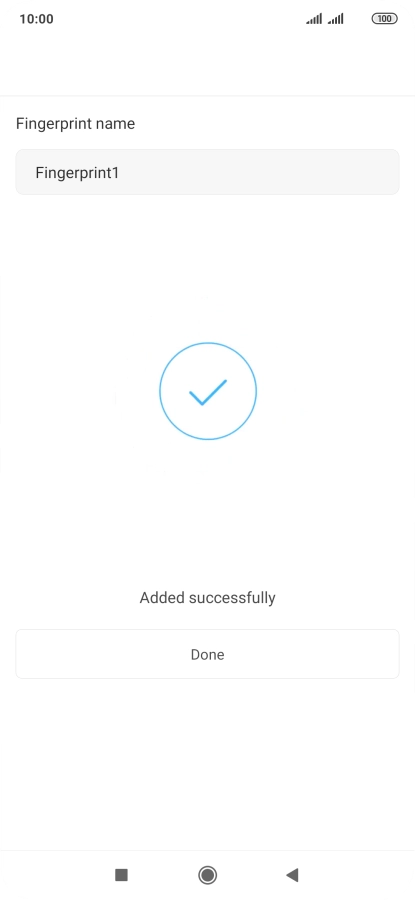
Create phone lock code using a fingerprint
Press Done.
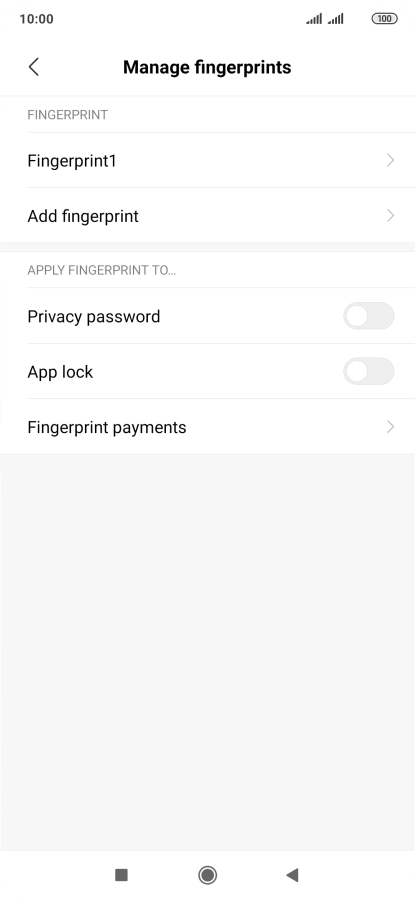
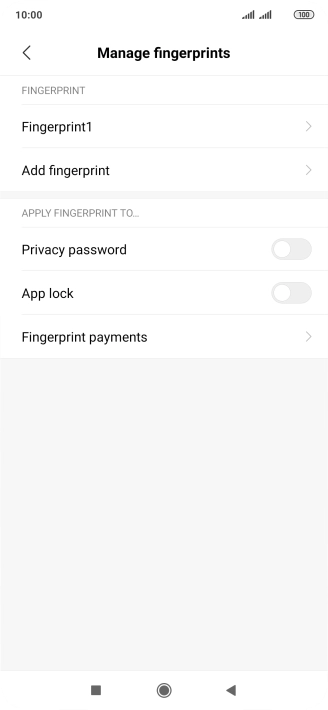
Create phone lock code using a fingerprint
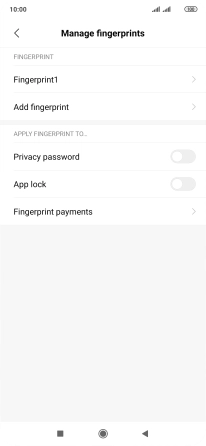
Press the indicators next to the required settings to turn them on or off.
Create phone lock code using a fingerprint
Press the Return key.
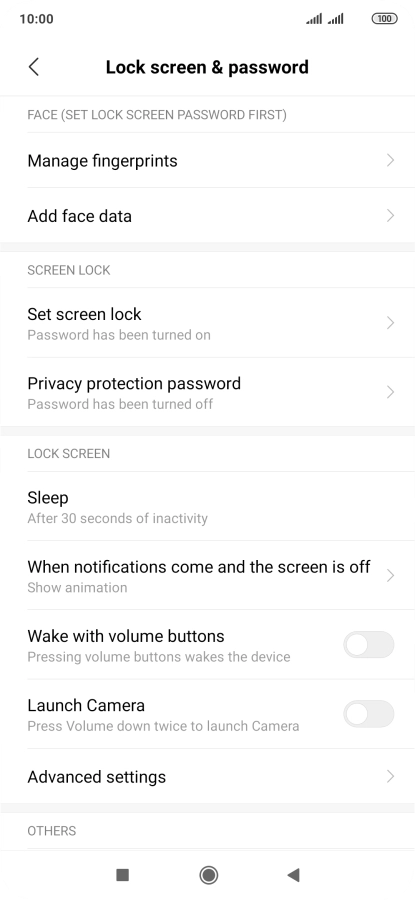
Turn off use of phone lock code
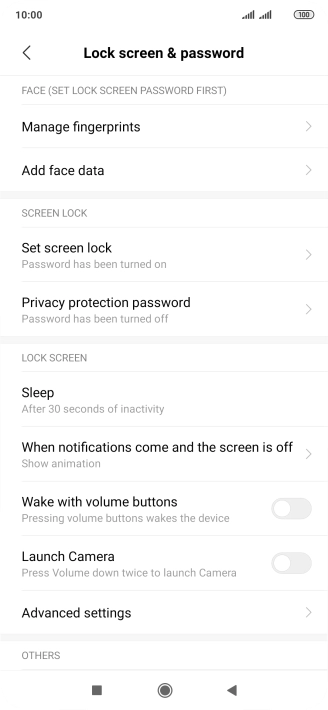
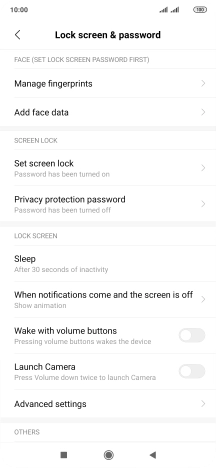
Press Set screen lock.
Turn off use of phone lock code
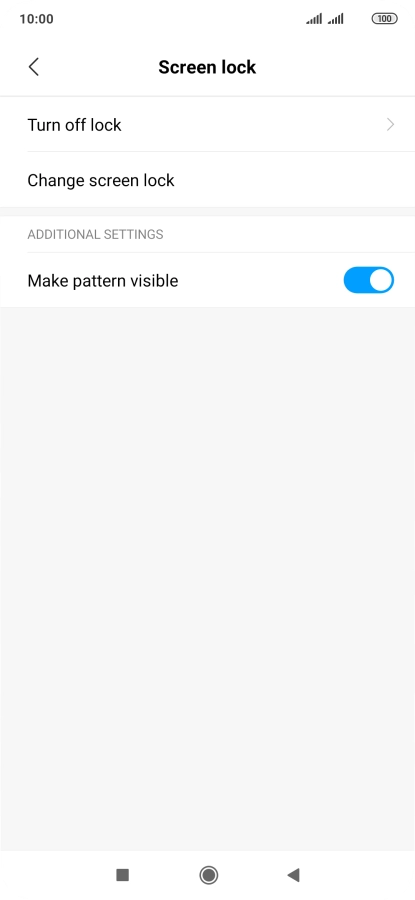
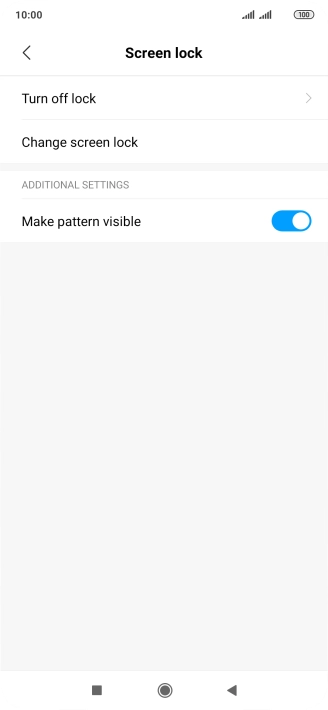
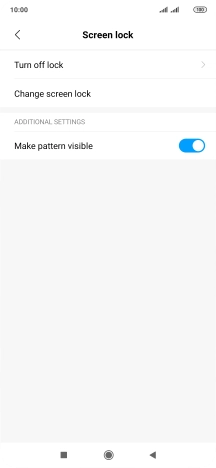
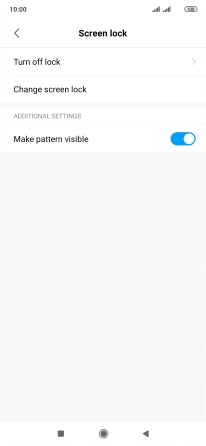
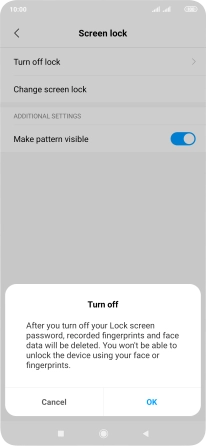
Press Turn off lock and key in the current phone lock code.
Turn off use of phone lock code
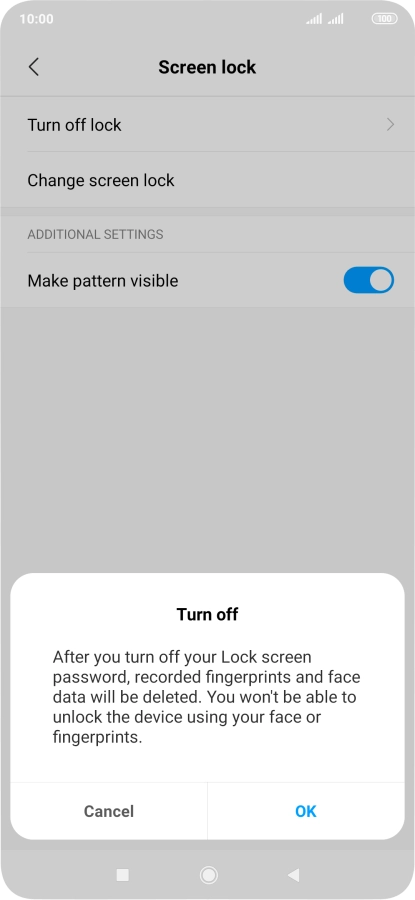
Press OK.
Return to the home screen
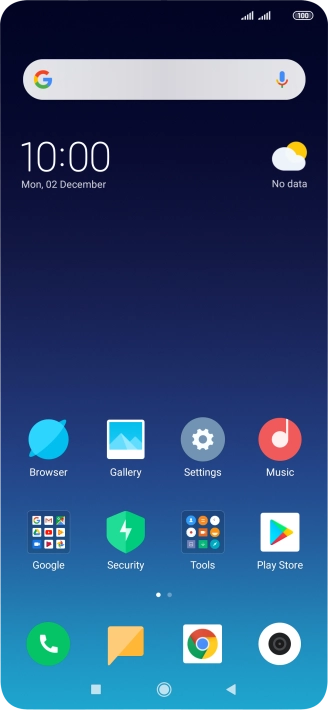
Press the Home key to return to the home screen.
1 Find "Add fingerprint"
2 Create phone lock code using a fingerprint
3 Turn off use of phone lock code
4 Return to the home screen